Create a video

Required photos1
Settings
Mode
Video length15s
Resolution

Car Drift AI Video Generator

Turn one car photo into a Car Drift AI video. Place your vehicle in a snowy drift scene with tire tracks and flying snow.

0:00 / —:—
0:00 / —:—

Car Drift AI video ideas

Explore examples of this effect. Open a video for a closer look.

What is Car Drift AI?

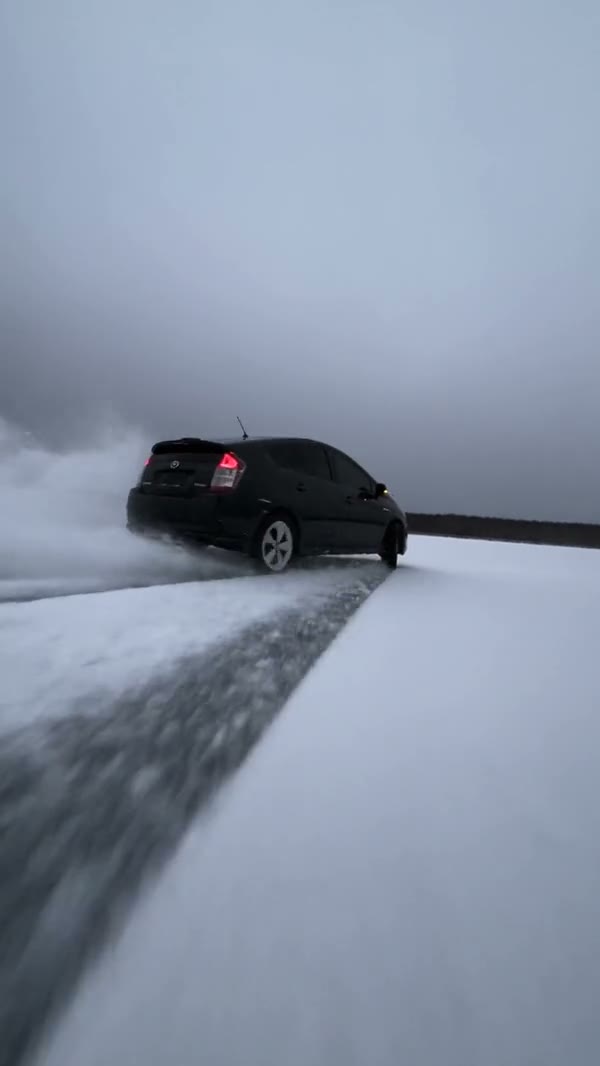
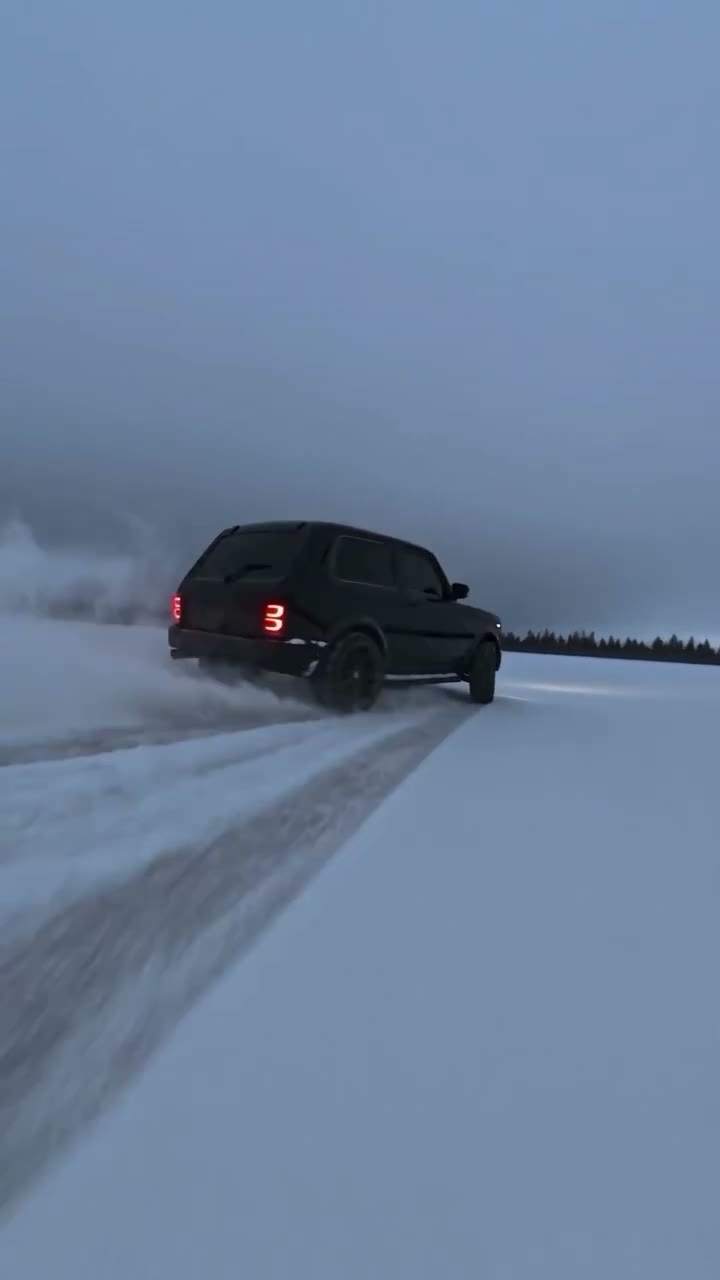
Car Drift AI turns a photo of your car into a short video based on a prepared snow-drift scene. A gloved hand sets down a small vehicle, which drives away across the snow before sliding and throwing up powder. Upload one car photo to guide the vehicle throughout the sequence. The snowfield, hand, camera movement and driving action follow the fixed reference.

A black car drifting across a snow-covered landscape

How to make a Car Drift AI video

Choose a car photo and a mode, then review your result.

  1. STEP 1

    Add a car photo

    Upload one clear photo of the whole car. A view showing the body, paint and wheels gives Car Drift AI useful visual details.

  2. STEP 2

    Choose a mode

    Preview the snow scene and select Economy, Standard or Original. The short modes use a prepared section of the same reference.

  3. STEP 3

    Generate and watch

    Check the credit estimate, sign in and generate. Open My creations to watch your Car Drift AI video and download it when ready.

Explore Car Drift AI ideas

See different cars in the same snowy driving sequence.

Put your own car in the snow

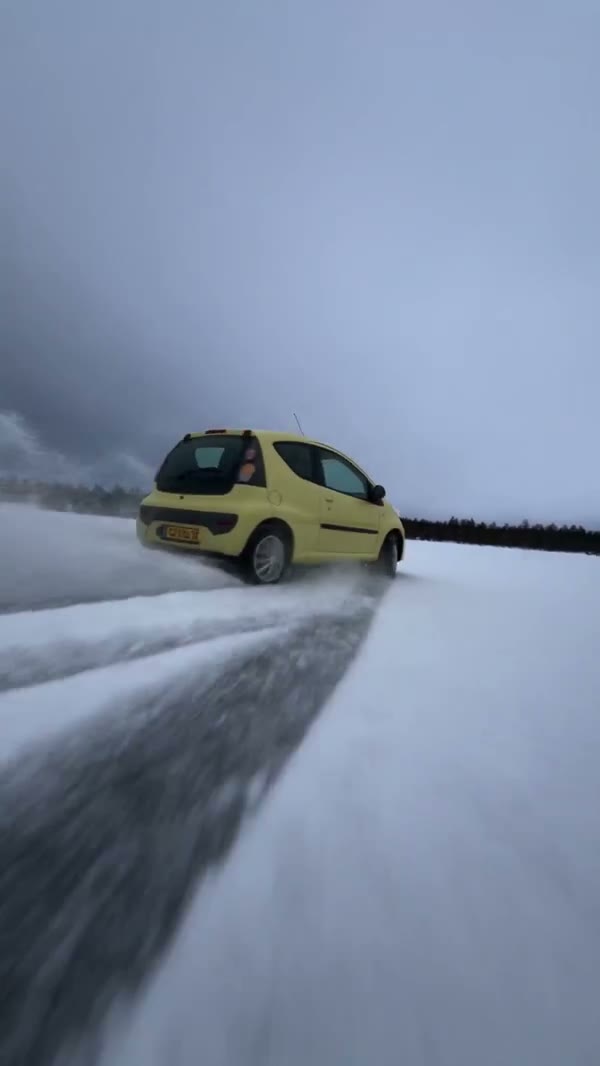
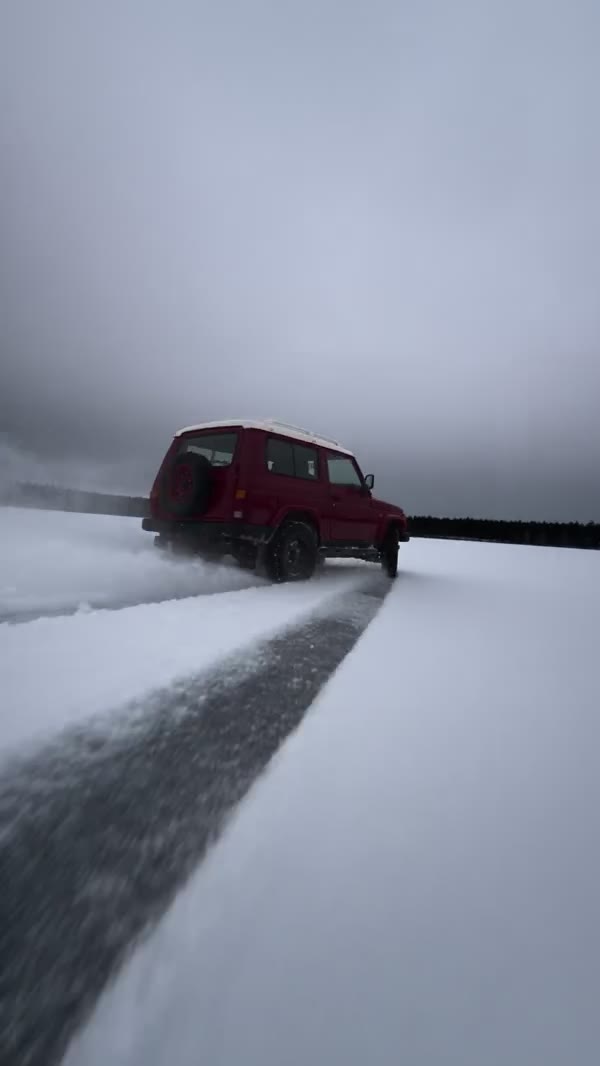
Choose the car you want to feature, whether it is your daily vehicle, a project car or a fictional design. Car Drift AI uses the image to guide the body shape, paint and visible details as the car moves through the shot. The reference includes rear, side and more distant views, so the model has to infer angles that your photo does not show. Small details may change between them.
Put your own car in the snow

Watch the drive become a drift

The scene begins with a hand placing the car on a wide snowfield. It pulls away, leaves tracks and swings sideways through a cloud of snow. Car Drift AI keeps that prepared action and camera sequence, so you can focus on selecting a vehicle without filming the maneuver. The hand and landscape are part of the scene and do not have separate photo inputs.

Watch the drive become a drift

Make a short winter car edit

Use Car Drift AI for a playful car reveal, a winter-themed post or a short visual between other clips. The vertical reference ends with the car farther away and curved tracks in the snow. Preview the full scene before generating, and check the finished video before sharing: vehicle proportions, wheel motion and details can differ from the source photo.

Make a short winter car edit

Ways to use Car Drift AI

Give one vehicle a different setting while keeping the prepared driving action.

Show a favorite car

Make a Car Drift AI clip featuring a car you own or have permission to use. The changing views reveal the car as it moves through the snow.

Try a fictional design

Use a clear image of an imagined vehicle to see how the prepared scene interprets its shape and color during the slide.

Create a winter transition

Place the vertical video between your own shots in a longer edit. The snowy setting and tire tracks come from the fixed scene.

Prepare your Car Drift AI video

A few choices help you select a suitable image and mode.

A clear vehicle image

Use one image with the car large enough to see and little obstruction. A three-quarter view can show both the front or rear and the side; exact details are not guaranteed.

A fixed winter scene

Car Drift AI supplies the hand, snow, tracks, camera movement and drifting action. This page does not offer separate controls for the location or maneuver.

Two reference lengths

Original follows the full reference of about 15 seconds. Economy and Standard share its first 14.9 seconds and use different generation settings.

Check the Car Drift AI sound

The source has an audio track, and the workflow attempts to restore it after generation. Listen to the completed result before using it.

Car Drift AI questions

Learn about the photo, scene and generation settings.

What do I upload for Car Drift AI?

Upload one photo of the vehicle you want to feature. You do not need to provide a motion video; the snow-drift reference is already prepared.

Which car photo works best for Car Drift AI?

Choose a clear image with one whole car visible. Keep the body and wheels unobstructed when possible, and use a photo you have permission to upload.

Can Car Drift AI use a drawing or an imagined car?

You can try an image of a fictional vehicle. The model interprets the visible design in a realistic snow scene, and its shape or details may change.

Does Car Drift AI require a driver photo?

No. The page has one required car slot. It does not provide a separate driver or passenger photo input.

Can I change the Car Drift AI snowfield or drifting action?

The location, camera sequence, gloved hand and drift are supplied by the prepared reference. There are no separate controls for those elements on this page.

How long is a Car Drift AI video?

The complete source is about 15 seconds. Original uses the full reference; Economy and Standard use its first 14.9 seconds. The workspace displays the duration for each mode.

How do the Car Drift AI modes differ?

Economy and Standard use different generation settings with the same shorter selection. Original follows the full reference. Check the available resolution and credit estimate before submitting.

Will my car look identical in every Car Drift AI frame?

The photo guides the vehicle, but the model must infer unseen angles. Body shape, wheels, lights and other details can vary as the car turns or is covered by snow.

Does Car Drift AI include sound?

The reference contains audio. The workflow attempts to restore that track after generation; listen to the completed file to check the result and its suitability for your use.

What if the car is hard to recognize in Car Drift AI?

Try a sharper photo with the entire vehicle in view and a background that does not obscure its outline. Review the side and rear shots, where the model may infer missing details.

How much does Car Drift AI cost?

An account and sufficient credits are needed to generate. The current estimate appears in the workspace for your chosen mode and settings before you submit.

Where is my finished Car Drift AI video?

Open My creations to follow the task. When it is ready, play the result there and use the download control to save it.

Create your Car Drift AI video

Upload one car photo and put your vehicle into the snow-drift scene.

Car Drift AI