
Create a video

Required photos3
Settings
Mode
Video length23s
Resolution

No Scrubs AI Video Generator

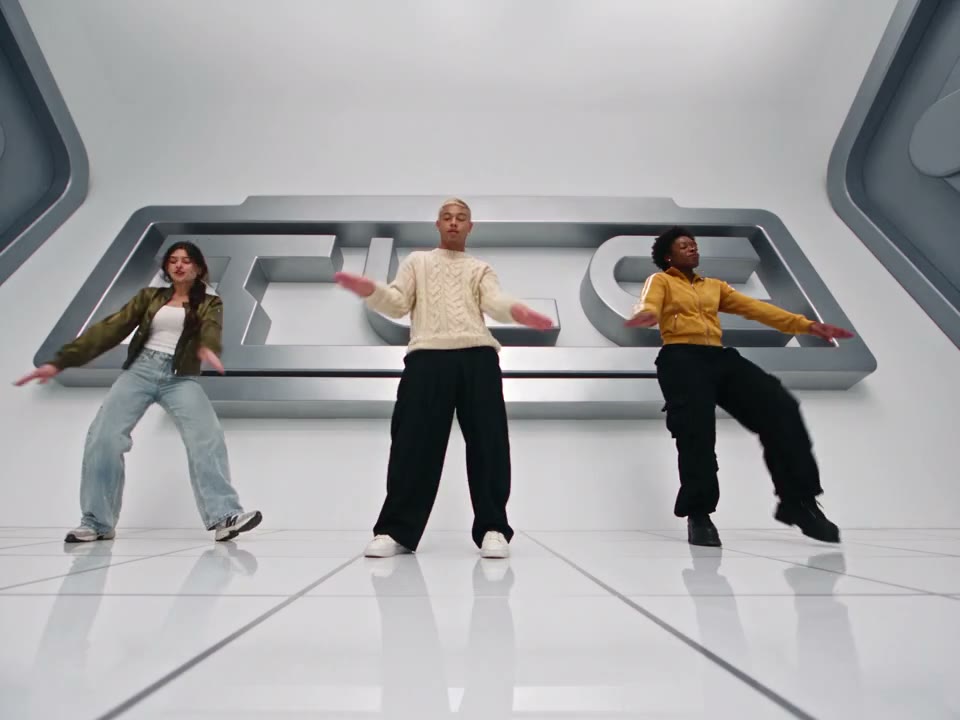
Make a No Scrubs AI video with three photos. Cast the center lead and the dancers on the viewer’s left and right in a futuristic music-video performance.

0:00 / —:—

No Scrubs AI video ideas

The first clip is this template’s reference. The other community examples were created elsewhere and show different performers.

What is No Scrubs AI?

No Scrubs AI is a three-person music-video template with a bright futuristic studio, synchronized choreography and close-up performance shots. Upload three individual photos to cast the performers. The No Scrubs AI reference supplies the camera moves, dance, scene changes and sound; your photos guide the people in those shots. The video moves from an opening close-up into group choreography and elevator shots. The full reference also returns to the left-side performer for a longer close-up before the final shots. The main No Scrubs AI preview shows the community reference used for this template, so it is useful for checking the pacing and composition before you start.

No Scrubs AI

How to make a No Scrubs AI video

Prepare the three roles, select a mode and check your result.

  1. STEP 1

    Add the center performer

    For No Scrubs AI, upload one clear photo as Photo 1 for the center lead and opening close-up.

  2. STEP 2

    Add the left and right performers

    Upload Photo 2 for the viewer’s left and Photo 3 for the viewer’s right. A full-body view helps guide the dance.

  3. STEP 3

    Choose a mode and generate

    Compare the shorter segment with the complete reference, review the credit estimate and check the finished video in My creations.

A trio dance with close-ups and scene changes

The main preview is the No Scrubs AI reference. The other community clips show different performers and were created elsewhere; generated details can vary.

Cast the three No Scrubs AI performers

Use one clear person photo for each slot. Photo 1 casts the center lead, who appears in the opening close-up and the elevator scenes. Photo 2 casts the dancer on the viewer’s left, who also appears in later close-ups. Photo 3 casts the dancer on the viewer’s right. Full-body images with visible faces and clothing help the model interpret both close-ups and dance poses. Keep one person per image and choose the order before generating. No Scrubs AI requests that each performer keep their own appearance, but fast movement, shot changes and overlapping bodies can lead to variations.
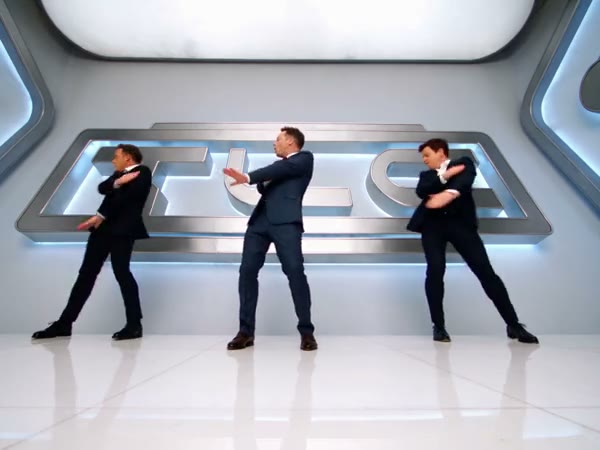
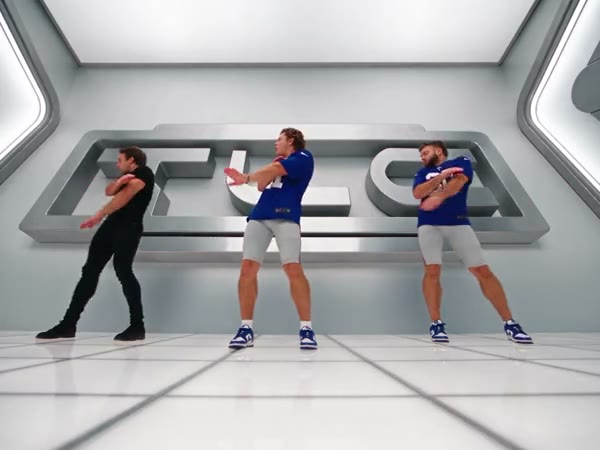
Cast the three No Scrubs AI performers

Follow a futuristic trio performance

The No Scrubs AI video generator follows the reference’s bright studio, coordinated arm movements and steps, with changes between wide choreography and individual shots. The opening performer also appears in a metallic elevator setting. Your photos guide the people and their clothing; the No Scrubs AI reference determines the setting, camera and choreography. The page does not offer a custom dance, location, soundtrack or lyrics field. Use the preview to decide whether this particular sequence fits your idea, and review the finished clip for face, hand and clothing consistency.

Follow a futuristic trio performance

Choose a shorter or complete reference

Economy and Standard use the first 14.9 seconds of the No Scrubs AI reference, including the opening, group dance and an elevator shot. Original uses the full approximately 23-second reference, with the later close-ups and ending. The displayed generation duration is rounded to whole seconds. All three No Scrubs AI modes restore the sound from their respective reference segment; there is no separate song upload on this page. Review the mode, resolution and credit estimate before you generate. You are responsible for having the necessary permission to use the photos and share the resulting video and audio.

Choose a shorter or complete reference

What you control in No Scrubs AI

Choose three performers and a No Scrubs AI generation mode. The reference supplies the music-video sequence.

Three assigned roles

The uploads guide the center, left and right performers in that order.

Prepared choreography

The studio dance, camera cuts and elevator shots follow the selected reference segment.

Two reference lengths

Economy and Standard use the opening 14.9 seconds; Original uses the complete reference.

No Scrubs AI questions

Photo order, reference length, audio and output checks.

How many photos does No Scrubs AI need?

This template requires three person photos. Photo 1 guides the center lead, Photo 2 the performer on the viewer’s left and Photo 3 the performer on the viewer’s right.

Which No Scrubs AI performer appears in the close-ups?

The center lead appears in the opening and elevator shots. The left-side performer appears in later close-ups, including a longer close-up in the full reference.

How long is a No Scrubs AI video?

Economy and Standard use a 14.9-second opening segment with a 15-second generation setting. Original uses the complete reference, which is approximately 23 seconds.

Does No Scrubs AI include audio?

The reference audio is restored after generation for the chosen segment. The page does not provide a song upload or custom lyrics control. Confirm your permission to share the resulting audio.

Can I change the No Scrubs AI studio or dance?

The studio, camera and choreography follow this fixed reference. For another routine or location, try the main workspace with a motion video you have permission to use.

Is the preview a result generated on this page?

The main preview is the community video used as the reference for this template. The other examples are community videos created elsewhere. Faces, clothing, movement and synchronization can vary in your result.

How do I download my No Scrubs AI video?

After the task finishes, open My creations, review the whole result with sound and use its download control.

Create your No Scrubs AI video

Add the center, left and right performers and choose the reference length that fits your video.

No Scrubs AI