
Make your pet the podcast guest
Choose a clear photo of one pet, especially one that shows its eyes, muzzle, ears and markings. The template aims to put those features on the seated speaker in the prepared studio scene.
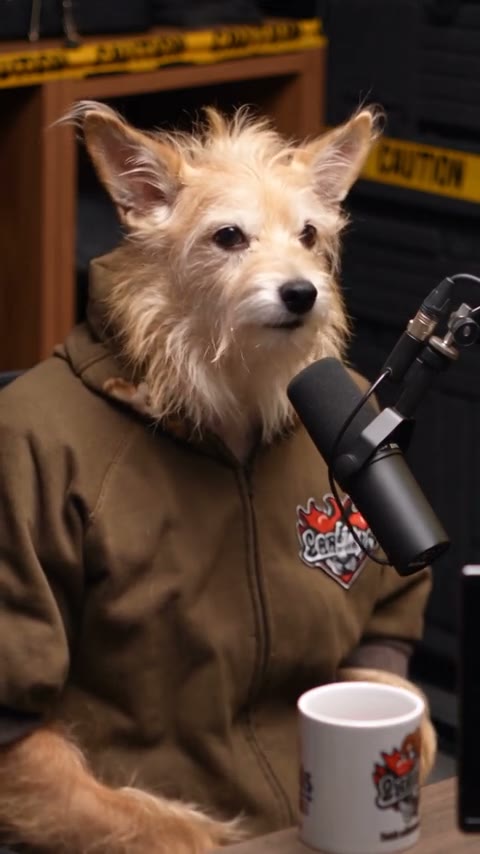
Put your pet behind the microphone with one photo. The example is longer than the 15-second Economy and Standard clip. Source captions may appear in your result.
Pet Podcast AI turns a pet photo into a podcast-style character seated at a microphone. The prepared video supplies the speaker’s seated performance, studio setting and soundtrack; your pet photo guides the face and fur of the character.
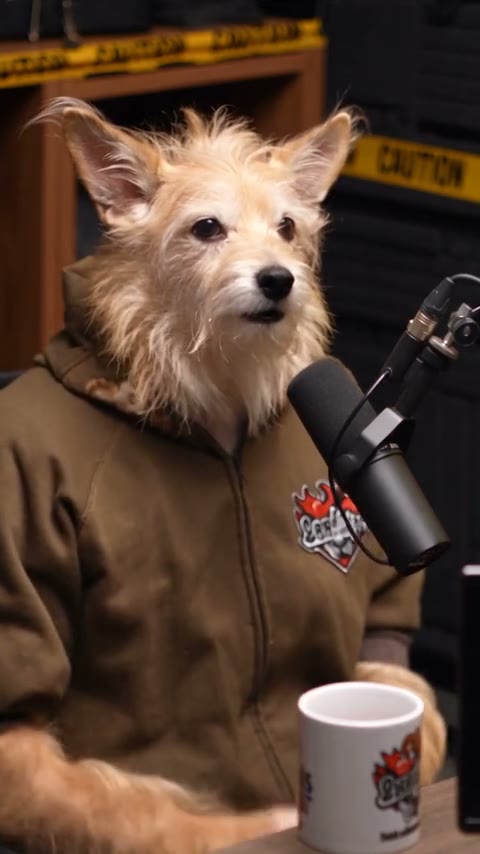
Add one photo, review the prepared scene and generate.
STEP 1
A clear photo of one pet with the face and markings visible.
STEP 2
The preview shows the fixed action and setting. Choose an available mode and review the displayed credit estimate.
STEP 3
Start the generation, then open My creations to watch and download the result.
Explore a community example of this scene. Your result can look different.
Choose a clear photo of one pet, especially one that shows its eyes, muzzle, ears and markings. The template aims to put those features on the seated speaker in the prepared studio scene.
The character remains seated beside a podcast microphone, with the prepared background, mug and camera angles. The body and clothing follow the studio scene while the pet’s face supplies the character’s appearance.
The reference supplies the mouth movement and audio for the scene. There is no field for entering a script or cloning a voice, and the resulting facial animation may vary.
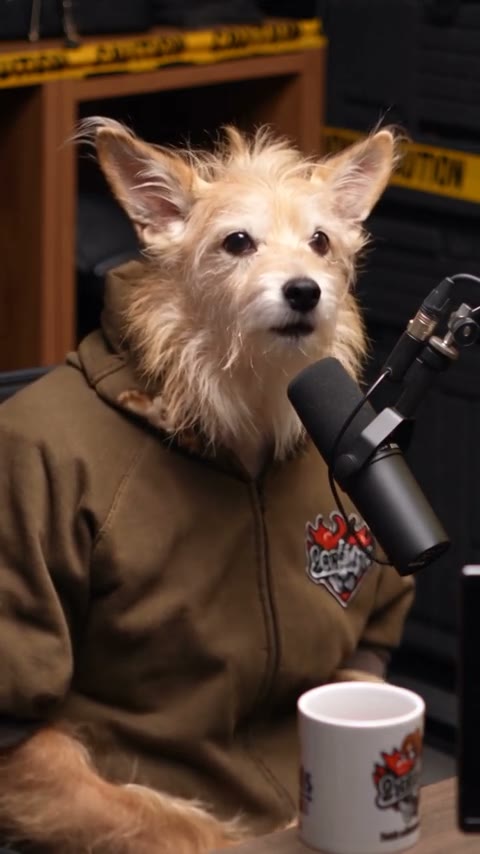
Your photo guides the assigned role; the prepared video supplies the rest of the scene.
A clear photo of one pet with the face and markings visible.
The prepared video supplies the speaker’s seated performance, studio setting and soundtrack; your pet photo guides the face and fur of the character.
Available modes and the estimated credit cost appear in the workspace before generation.
Photo requirements, sound, settings and what to expect.
This template follows the prepared clip and its audio. It does not accept a custom script or voice recording.
The reference is a seated human speaker; the intended edit uses the pet’s face and matching paws with the prepared body and clothes.
One photo is required for the pet.
A clear photo of one pet with the face and markings visible.
The reference includes on-screen captions. The model may preserve or change them, even if the example does not show captions.
The template uses the prepared reference audio when that mode supports restoring it. Check the available settings before generating.
The model uses the photo as an appearance reference. Facial details, clothing and movement can vary between generated results.
The workspace shows the estimated credits for the selected mode and settings before you generate.
Add your photo, review the settings and start creating.