Create a video

Chair performer · required
Settings
Mode
Video length19s
Resolution

Birds of a Feather AI Video Generator

Create the Birds of a Feather AI chair video from one photo. Bring your complete look and outfit into the office performance, with moving camera shots and sound.

0:00 / —:—

Birds of a Feather AI video ideas

Explore examples of this effect. Open a video for a closer look.

What is Birds of a Feather AI?

Birds of a Feather AI turns one person photo into the office-chair performance shown above. Your character reclines in a chair, turns toward the camera and extends their arms as the view moves through overhead and low angles. This Birds of a Feather AI page prepares a nineteen-second sequence, including the office setting and reference sound. One required image defines the performer’s complete appearance, hair, body, clothing and shoes. Choose a full or shorter version through the generation mode.

A solo performer reclines in an office chair as the camera moves overhead

How to make your Birds of a Feather AI video

The reference and instructions are ready. Prepare your photos, choose your settings and review the result.

  1. STEP 1

    Upload your Birds of a Feather AI photo

    Choose one clear person photo with the intended hair, outfit and shoes. Add it to Chair performer. No partner photo or written prompt is needed.

  2. STEP 2

    Choose the version you want

    Select Original for the full reference or Economy or Standard for the prepared shorter version. Check the preview, displayed length, resolution and credit quote. Submit Birds of a Feather AI after signing in when you are ready.

  3. STEP 3

    Review and download

    Open the completed Birds of a Feather AI clip in My creations. Watch the overhead view, hands, chair contact and low-angle cut, then listen with sound. Download it and add any personal caption in your usual editor.

Make the Birds of a Feather AI scene your own

These reference stills illustrate the roles and moments in the prepared sequence.

Put your own look in the chair

Birds of a Feather AI uses your person photo for the whole performer, so choose the clothes and hairstyle you want together. A standing photo works; no chair or office photo is needed. Include shoes because the sequence contains a low-angle view of the feet and chair base. Birds of a Feather AI supplies the seated posture and motion.
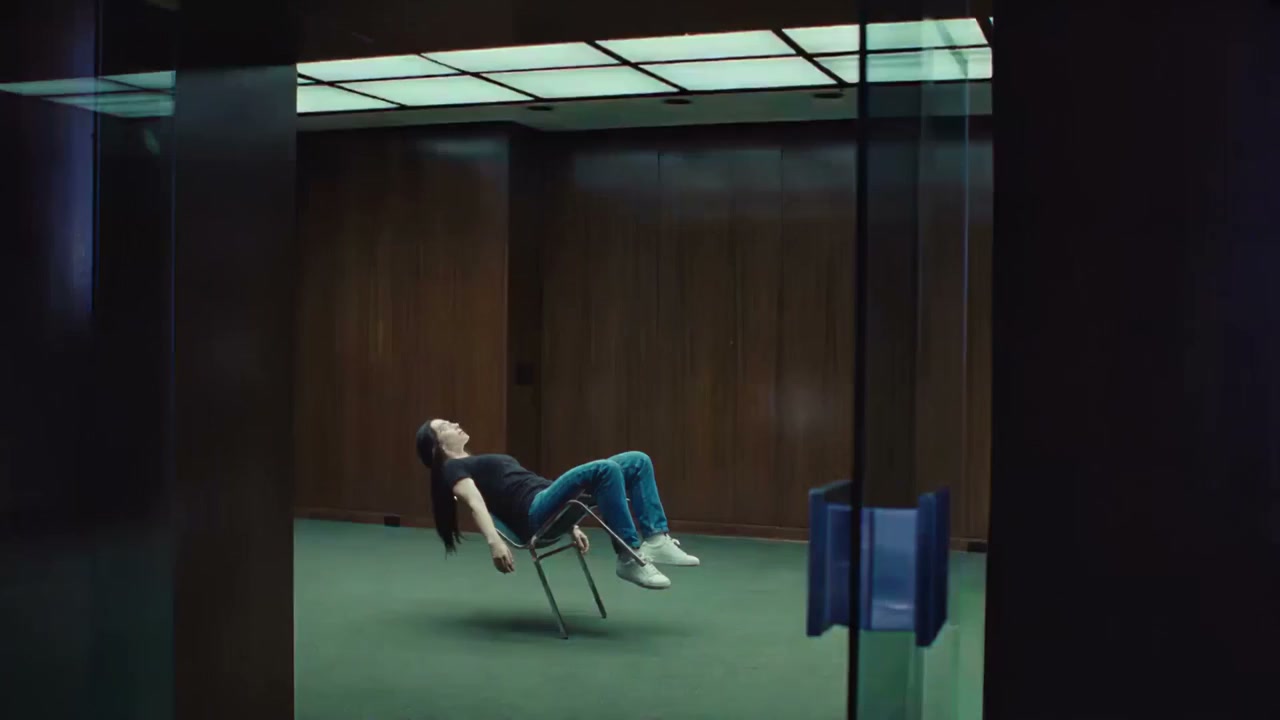
A performer reclines in a chair in the wood-paneled office

Turn a still portrait into a moving performance

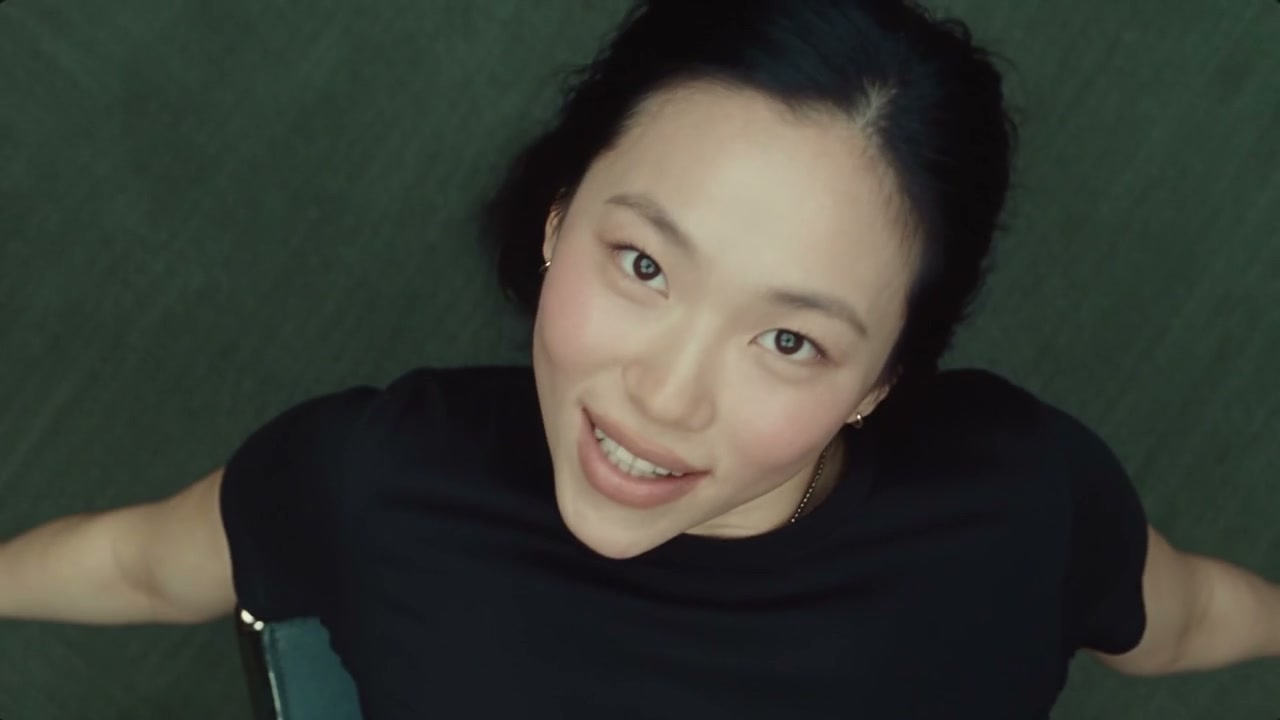
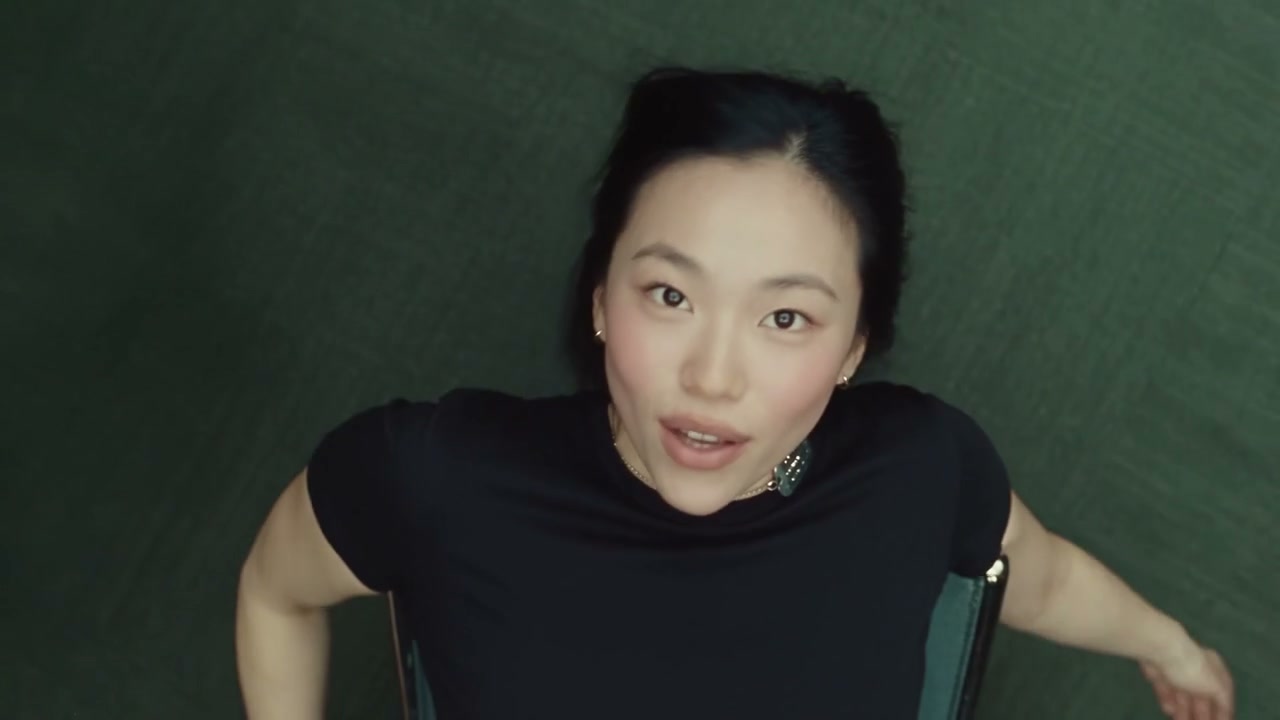
The appeal of Birds of a Feather AI comes from the changing viewpoint as much as the chair. The camera follows the head and shoulders from above, then cuts low. Arm extensions and facial expressions carry the performance between those shots. Birds of a Feather AI follows this prepared sequence while carrying your chosen appearance through it.

The camera looks down at the seated performer with arms extended

Choose a complete take or a shorter edit

Original gives Birds of a Feather AI the full nineteen-second reference. Economy and Standard use a prepared opening highlight of about fifteen seconds from that same clip. The shorter version retains the chair setup, overhead performance and transition to the low angle; it ends earlier. Both versions include their corresponding reference sound. Watch the preview, then check the selected length before spending credits. Birds of a Feather AI sets the length by mode; you choose the resolution.

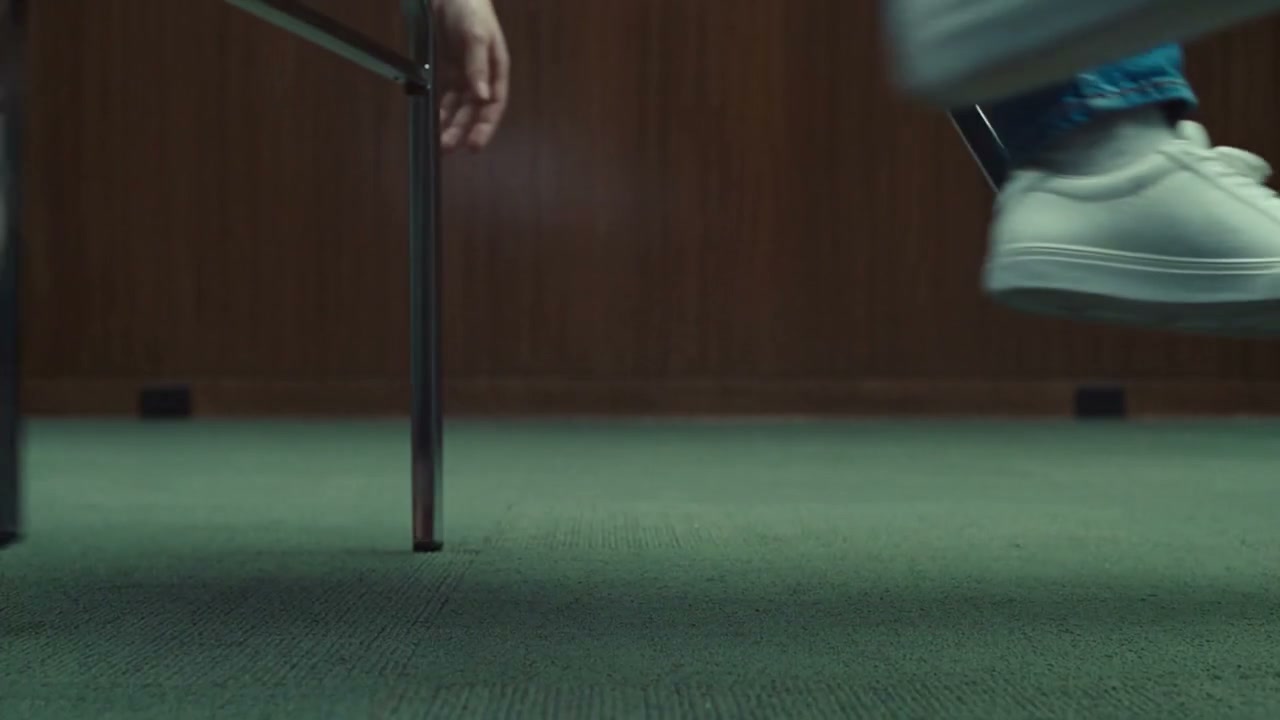
A low-angle reference frame shows the chair base and the performer’s shoes

What you choose in Birds of a Feather AI

Your photos define the cast. The prepared reference supplies the performance and setting.

One required performer photo

Birds of a Feather AI replaces one complete person. The clothes and shoes come from that same image. There are no extra character slots, background uploads or separate wardrobe controls.

One source, two prepared lengths

Original follows the nineteen-second source. Economy and Standard use a roughly fifteen-second highlight from the same Birds of a Feather AI reference, with a fifteen-second output setting.

The office and soundtrack are prepared

The chair, room, camera angles and reference sound are already supplied. Birds of a Feather AI does not ask you to upload a video, select a segment or provide a song. Your photo supplies appearance rather than a recorded voice.

Birds of a Feather AI credits and plans

Check the quote on Generate for your chosen mode and resolution. An account and sufficient credits are required; the general plan examples below may use different models or lengths.

Starter

For your first ideas.

$8.3/month

$100.0 charged yearly

2,400 credits/year

Up to 400 images

GPT Image 2Nano Banana Pro

Up to 133 videos

Seedance 2.5Kling 3.0 Motion Control
  • Up to 4K images and HD videos, depending on the model
  • Image editing, video creation & motion transfer
  • Watermark-free image & video downloads
  • Generation history in your account
Popular40% OFFSave $238.8

Pro

For a steady creative flow.

$30.0/month$49.9/month

$360.0 charged yearly

21,600 credits/year

Up to 3,600 images

GPT Image 2Nano Banana Pro

Up to 1,200 videos

Seedance 2.5Kling 3.0 Motion Control
  • Up to 4K images and HD videos, depending on the model
  • Image editing, video creation & motion transfer
  • Watermark-free image & video downloads
  • Generation history in your account
  • Use credits across image and video models
Best Value50% OFFSave $599.8

Business

For more creations, more often.

$49.9/month$99.9/month

$599.0 charged yearly

48,000 credits/year

Up to 8,000 images

GPT Image 2Nano Banana Pro

Up to 2,666 videos

Seedance 2.5Kling 3.0 Motion Control
  • Up to 4K images and HD videos, depending on the model
  • Image editing, video creation & motion transfer
  • Watermark-free image & video downloads
  • Generation history in your account
  • Use credits across image and video models

Basic

$0

Try before you subscribe

  • 18 one-time signup credits
  • Generation history included
  • Watermarked previews & downloads
  • Up to 3 images or 1 video
  • Watermark-free downloads require payment

Prices in USD; taxes and total shown at checkout. Subscriptions renew automatically; cancel in Billing settings. Subscription credits expire each period; one-time credits never expire.

Refunds: request within 72 hours. Used purchased credits and applicable non-refundable processing costs (up to 6%) are deducted. Terms · Refund Policy

Birds of a Feather AI questions

Photos, roles, settings and what to expect from the finished clip.

How do I make a Birds of a Feather AI video?

Upload one photo to Chair performer, choose your mode and resolution, and review the quote on Generate. Sign in and submit when ready. Birds of a Feather AI supplies the prepared reference, instructions and sound; the finished clip appears in My creations.

What photo works best for Birds of a Feather AI?

Choose a clear head-to-feet image of one person, with their hairstyle, outfit and shoes visible. A simple background helps. You can be standing in the photo: Birds of a Feather AI takes the reclining chair pose and office setting from the reference.

Is this the Birds of a Feather AI chair trend?

This page makes the office-chair version shown in the preview: one person reclines and performs while the camera changes height and angle. Preview this sequence first; other edits can use the same song or phrase.

Can Birds of a Feather AI use my own outfit?

Yes. Put the intended clothes and shoes in the same photo as the performer. The image guides the complete appearance throughout the shots. Fine patterns, lettering and unseen surfaces may vary as the body turns; there is no separate clothing-photo slot.

Do I need a chair photo for Birds of a Feather AI?

No. The chair and office come from the prepared video. Upload only the performer photo. This page has no optional furniture or room slots, so a chair-only picture will not provide the required person.

How long is Birds of a Feather AI?

Original uses the full nineteen-second reference. Economy and Standard use a prepared opening highlight of approximately fifteen seconds from the same video. The mode determines the length, which is displayed in Settings; there is no start-time or duration selector.

Does Birds of a Feather AI include the music?

The sound from the corresponding reference version is added to the generated result. Your photo supplies no singing voice; lip movement can vary. Listen to the preview and check the final result with sound before sharing.

Can two people appear in Birds of a Feather AI?

This version has one performer and one required image slot. A group photo will not create a duet or a second chair. For a scene with two separately assigned characters, use a dedicated two-person template such as Alors on Danse AI.

What should I check in my Birds of a Feather AI result?

Follow the same person through the overhead and low shots. Check fingers near the face, hair around the chair, feet and chair contact, and clothing after a camera cut.

How much does Birds of a Feather AI cost?

The current credit quote is shown on Generate for the selected mode and resolution. An account with sufficient credits is required, and each new attempt uses credits. Download from My creations.

Create your Birds of a Feather AI video

Bring your photos to the prepared scene and preview the current generation quote.

Birds of a Feather AI