Create a video

Pet or person · Photo 1
Settings
Mode
Video length7s
Resolution

Shaking Head Trend AI Video Generator

A smug little shake, then a wide-eyed reaction. Use Shaking Head Trend AI with one pet or person photo to recreate the close-up meme, with the reference sound.

0:00 / —:—

What is Shaking Head Trend AI?

Shaking Head Trend AI is a photo-to-video tool for the calf-style reaction meme: eyes narrow, the head rocks from side to side and the expression opens into a wide-eyed look. Upload one picture of a pet or person to replace the subject’s complete appearance. The prepared reference supplies the close camera, repeated movement and barn setting. Shaking Head Trend AI uses your subject’s own features rather than asking you to photograph a calf. This is a short reaction format, suited to a visual punchline; it is separate from hair-bouncing dances and fast nodding effects.

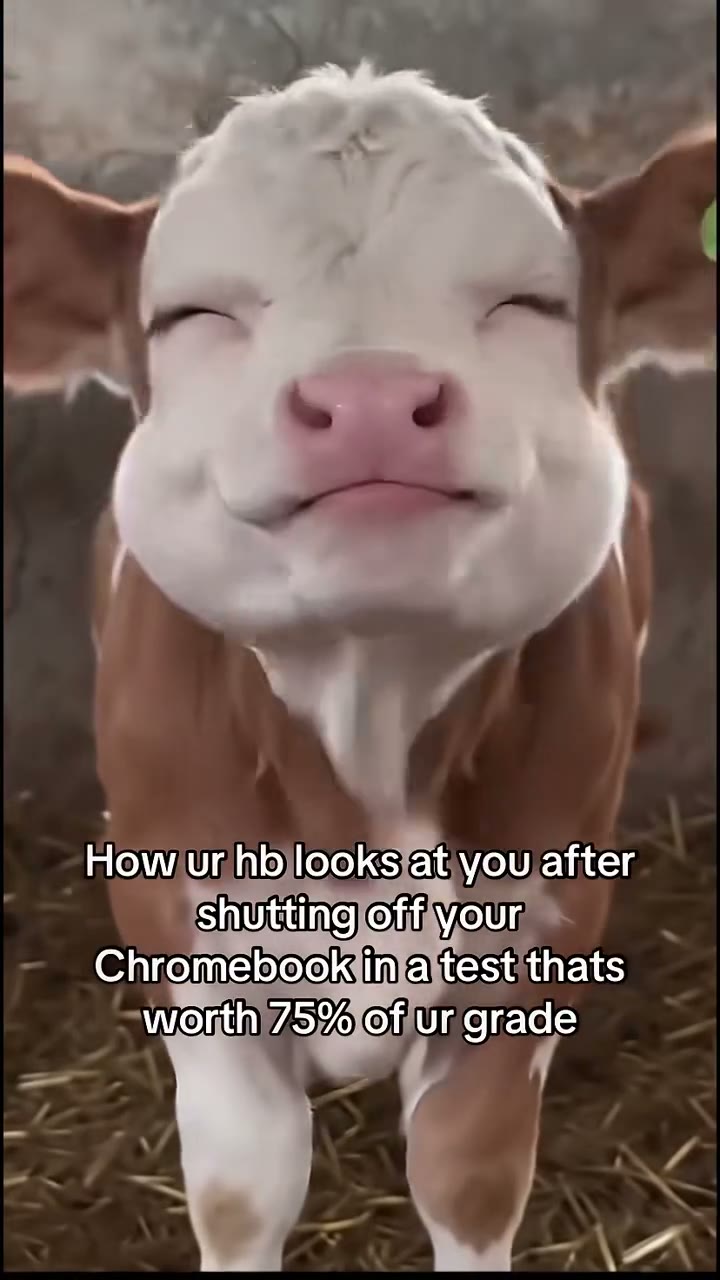
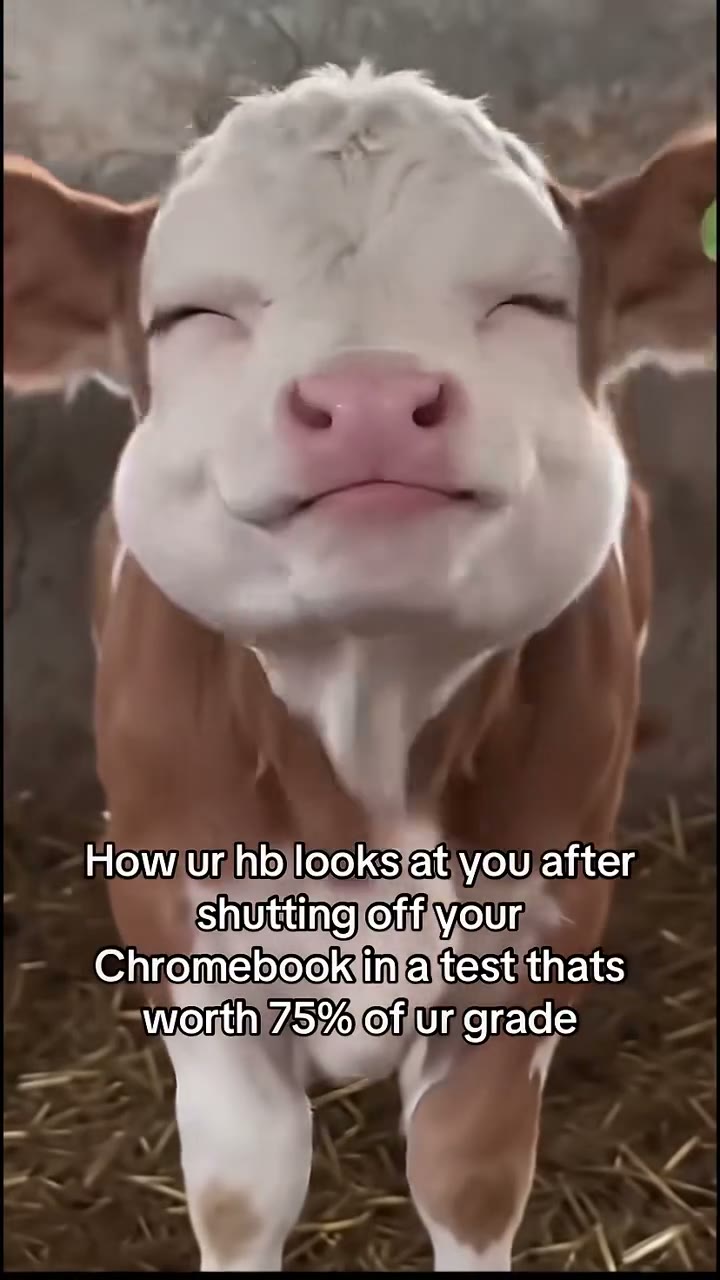
The calf reference holding a narrowed-eye expression

How to create a Shaking Head Trend AI video

The reference is ready. Choose your photos, review the settings and generate.

  1. STEP 1

    Add your Shaking Head Trend AI photo

    Upload one clear subject photo. Show the appearance and clothing or markings you want in the scene. No motion recording or written prompt is required.

  2. STEP 2

    Choose your Shaking Head Trend AI settings

    Select Economy, Standard or Original and an available resolution. The video length is prepared for this scene. Review the credit quote on Generate before submitting.

  3. STEP 3

    Review your Shaking Head Trend AI result

    Open the finished video in My creations. Watch the entire performance with sound, check the subject and movement, then download the result using the available download options.

What you can create with Shaking Head Trend AI

The prepared sequence supplies the movement. Your photos supply the characters.

Give your pet the expressive close-up

Shaking Head Trend AI can use a clear cat, dog or other pet image as the subject reference. Fur colour, markings, ears and muzzle belong to your uploaded animal. The model is asked to carry those features into the movement while retaining the reference’s setting and close framing. A photo at the pet’s eye level is more useful than a distant view from above. Choose this format when the joke depends on a familiar animal looking unusually pleased with itself. The result remains a generated interpretation, particularly around eyes and mouth.
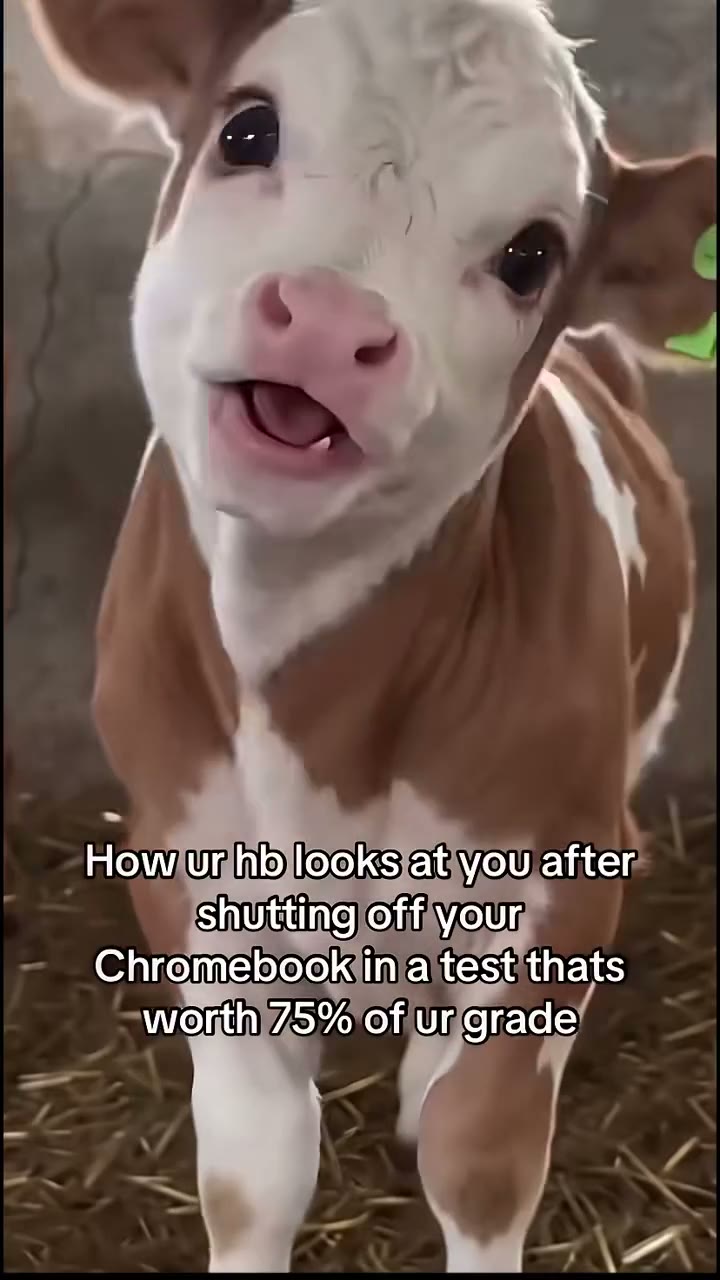
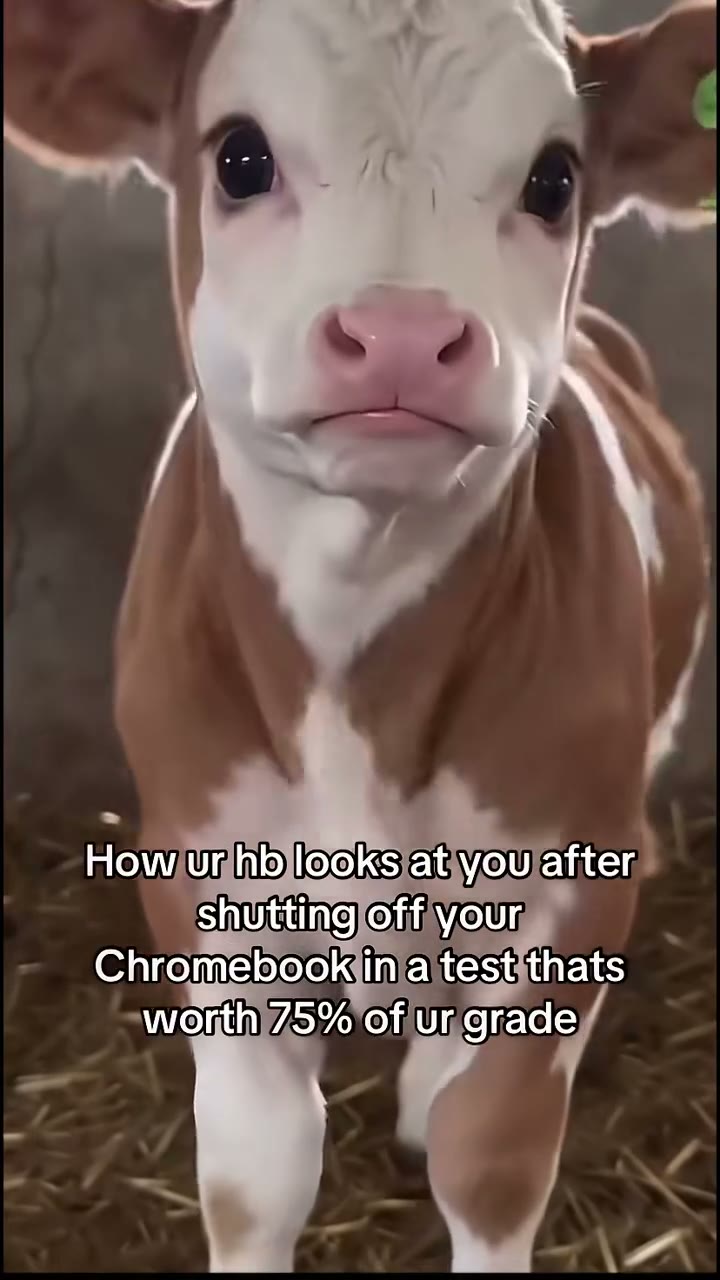
The calf reference with wide eyes and an open mouth

Bring a person into the same reaction

You can also start Shaking Head Trend AI with a person photo. The replacement includes their hair, visible body and clothing, so the intended result is that person performing the reaction in the scene. It does not require an animal costume or a second input. Use a clear chest-up picture with both eyes visible. Because the source movement belongs to an animal, human expressions can become exaggerated. Check that the head shape remains recognizable and that calf features have not carried into the replacement.

The reference subject turning its head in the close framing

Build a punchline around the expression

Shaking Head Trend AI keeps the short cycle of narrowed eyes, side-to-side movement and wider reaction. The reference audio is included, giving the clip a prepared rhythm. Use the result as a reply, a pet joke or a light-hearted reaction to an everyday situation. This tool has no caption editor. Add your own words in your usual editor after download; review any text visible in the result because source overlays can be reproduced imperfectly. The strongest joke comes from the expression and your caption working together.

The reference opening its eyes and mouth for the reaction

Your choices in Shaking Head Trend AI

Choose the appearance and generation settings while the scene stays prepared.

1 required photo

Shaking Head Trend AI has one subject slot. The image guides the full replacement appearance, including visible clothing or fur. There are no optional background or prop uploads.

Three generation modes

Original, Standard and Economy use the same 7.3-second reference. Output timing can vary, and the two reference modes use an output length rounded up to 8 seconds. There is no manual trimming or duration picker.

Resolution and a live quote

Shaking Head Trend AI shows the available resolutions and current credit quote in the tool. Choose what fits your use and balance. Reference sound is included; there is no separate audio-generation setting.

Shaking Head Trend AI credits and plans

Sign in with enough credits to submit. The quote on Generate applies to the selected mode and resolution; plan examples may use different lengths or models.

Starter

For your first ideas.

$8.3/month

$100.0 charged yearly

2,400 credits/year

Up to 400 images

GPT Image 2Nano Banana Pro

Up to 133 videos

Seedance 2.5Kling 3.0 Motion Control
  • Up to 4K images and HD videos, depending on the model
  • Image editing, video creation & motion transfer
  • Watermark-free image & video downloads
  • Generation history in your account
Popular40% OFFSave $238.8

Pro

For a steady creative flow.

$30.0/month$49.9/month

$360.0 charged yearly

21,600 credits/year

Up to 3,600 images

GPT Image 2Nano Banana Pro

Up to 1,200 videos

Seedance 2.5Kling 3.0 Motion Control
  • Up to 4K images and HD videos, depending on the model
  • Image editing, video creation & motion transfer
  • Watermark-free image & video downloads
  • Generation history in your account
  • Use credits across image and video models
Best Value50% OFFSave $599.8

Business

For more creations, more often.

$49.9/month$99.9/month

$599.0 charged yearly

48,000 credits/year

Up to 8,000 images

GPT Image 2Nano Banana Pro

Up to 2,666 videos

Seedance 2.5Kling 3.0 Motion Control
  • Up to 4K images and HD videos, depending on the model
  • Image editing, video creation & motion transfer
  • Watermark-free image & video downloads
  • Generation history in your account
  • Use credits across image and video models

Basic

$0

Try before you subscribe

  • 18 one-time signup credits
  • Generation history included
  • Watermarked previews & downloads
  • Up to 3 images or 1 video
  • Watermark-free downloads require payment

Prices in USD; taxes and total shown at checkout. Subscriptions renew automatically; cancel in Billing settings. Subscription credits expire each period; one-time credits never expire.

Refunds: request within 72 hours. Used purchased credits and applicable non-refundable processing costs (up to 6%) are deducted. Terms · Refund Policy

Shaking Head Trend AI questions

Understand the inputs, scene and result before you begin.

Can Shaking Head Trend AI use my cat or dog?

Yes. Upload one clear pet photo. Its own fur, markings and head shape guide the replacement. The model is asked to replace the calf completely. Results vary with species and the clarity of the image, so inspect the eyes, ears and muzzle before sharing.

Can I use a selfie in Shaking Head Trend AI?

A person photo is supported by the subject instruction. Include the face, hair and some upper-body clothing. The reference supplies an exaggerated reaction, so this is intended for a playful meme rather than a subtle portrait animation.

Does Shaking Head Trend AI keep my photo background?

The prepared barn setting and close camera come from the reference video. Your photo defines the subject. There is no background replacement slot, and uploading a room photo will not select a new scene.

Is Shaking Head Trend AI a fast hair-shaking dance?

No. The reference uses a slower, smug side-to-side head movement followed by a wider expression. It does not include a full-body dance or a hair-bounce routine. Watch the preview before generating if you found the page through a broad head-shaking search.

How can I improve a Shaking Head Trend AI attempt?

Use a sharp, front-facing image with both eyes visible and minimal obstruction. For pets, preserve the whole head rather than cropping the ears. In the result, check whether the expression changes without changing the subject’s basic head shape. A different photo may help, but it cannot guarantee an identical performance.

How do I start using Shaking Head Trend AI?

Add the required photos, choose a mode and resolution, then check the quote. Sign in with enough credits to submit. Shaking Head Trend AI includes the reference and instructions; no video upload or written prompt is needed.

How long is the Shaking Head Trend AI video?

The prepared reference is about 7.3 seconds. Original follows that reference length; Economy and Standard request an output of 8 seconds using the same source. The generated timing can vary. You do not choose a clip or change the duration on this fixed-play page.

Does Shaking Head Trend AI include the reference sound?

Yes. Shaking Head Trend AI adds the matching reference audio to your result. Preview it with sound before starting. The audio does not become your real voice; there is no song picker.

Can I use Shaking Head Trend AI without CapCut?

Yes. Shaking Head Trend AI runs in your browser with the scene already prepared. Use an editor after download if you want captions, different music or a longer montage.

Is Shaking Head Trend AI free to generate?

Shaking Head Trend AI uses credits. Check the displayed quote and your balance before submitting. Previewing the reference and changing settings are free; each new generation has its own charge.

Where do I download my Shaking Head Trend AI video?

Open your finished Shaking Head Trend AI result in My creations and use its download options. Check the whole clip with sound before sharing. Replaying a result does not generate another video.

Create your Shaking Head Trend AI video

Bring your chosen appearance into the prepared scene. Preview it above, then add your photos to begin.

The calf reference holding a narrowed-eye expression