Create a video

Your pet · Photo 1

Daijoubu Dog Dance AI Generator

Make your pet do the paws-to-cheeks dance from one photo. The Daijoubu Dog Dance template supplies the upright routine, pastel clouds and original soundtrack. Your image guides the pet’s complete appearance; no dancing footage or music upload is needed.

0:00 / —:—

Daijoubu Dog Dance video ideas

Explore community remixes of this performance. Open a video for a closer look.

What is the Daijoubu Dog Dance?

Daijoubu Dog Dance is a photo-to-video pet dance featuring paws beside the cheeks, swaying and a full-body turn. This page uses the Otsukare Summer Dog routine in a pastel cloud setting. Your pet photo supplies the performer’s complete appearance, while the prepared clip supplies the dance, camera cuts and original soundtrack.

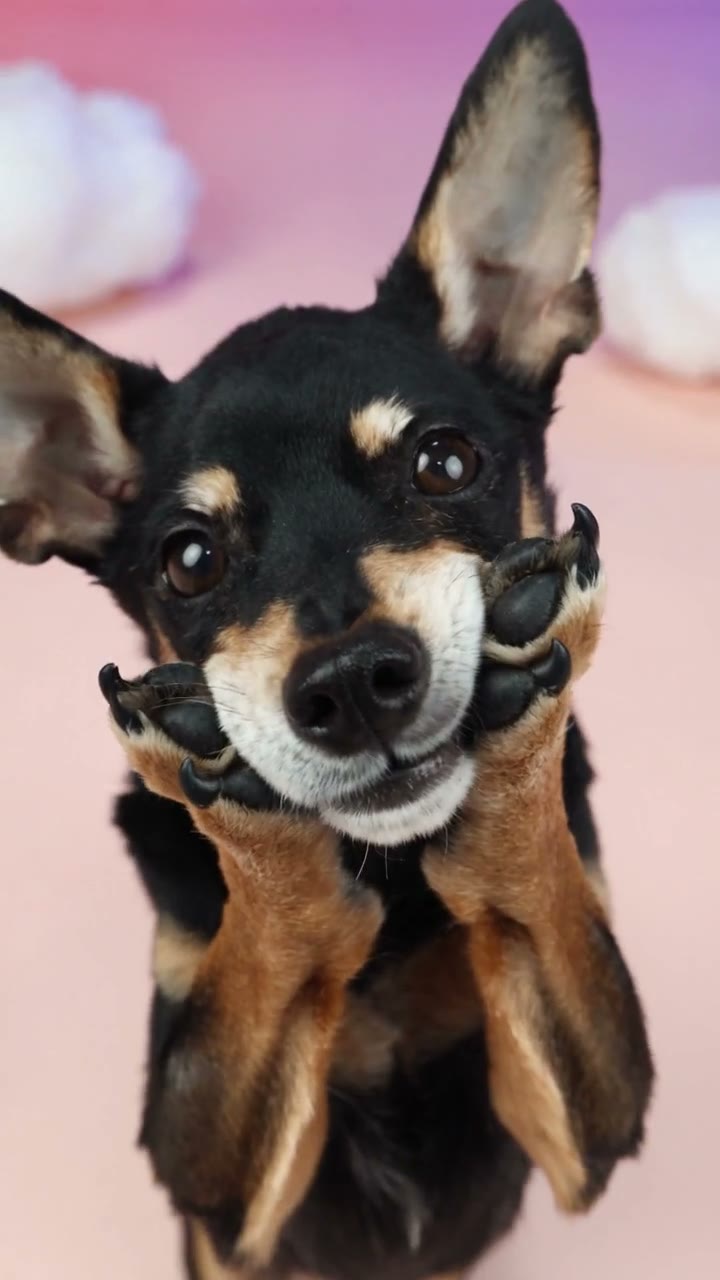
Black-and-tan dog holding its paws beside its face in the cloud studio

Create your Daijoubu dog dance in three steps

One pet photo is all you need to add. The motion reference and replacement instructions are prepared.

  1. STEP 1

    Choose your Daijoubu Dog Dance photo

    Add one image in Your pet · Photo 1. Keep the eyes, muzzle, ears, and front legs clear where possible. Use Replace if you want a different photo before generating.

  2. STEP 2

    Generate your Daijoubu Dog Dance

    Choose an available resolution and select Generate. Sign in when prompted. Review the credit cost on the button before submitting; selecting a photo alone does not start a generation.

  3. STEP 3

    Preview and download

    Open the completed Daijoubu dog dance in My creations. Play it with sound, look through the close-ups and wider shots, then download the version you want to share.

Make Daijoubu Dog Dance your own

Bring your pet’s appearance to the cloud routine without filming a dance.

Choose your Daijoubu Dog Dance star

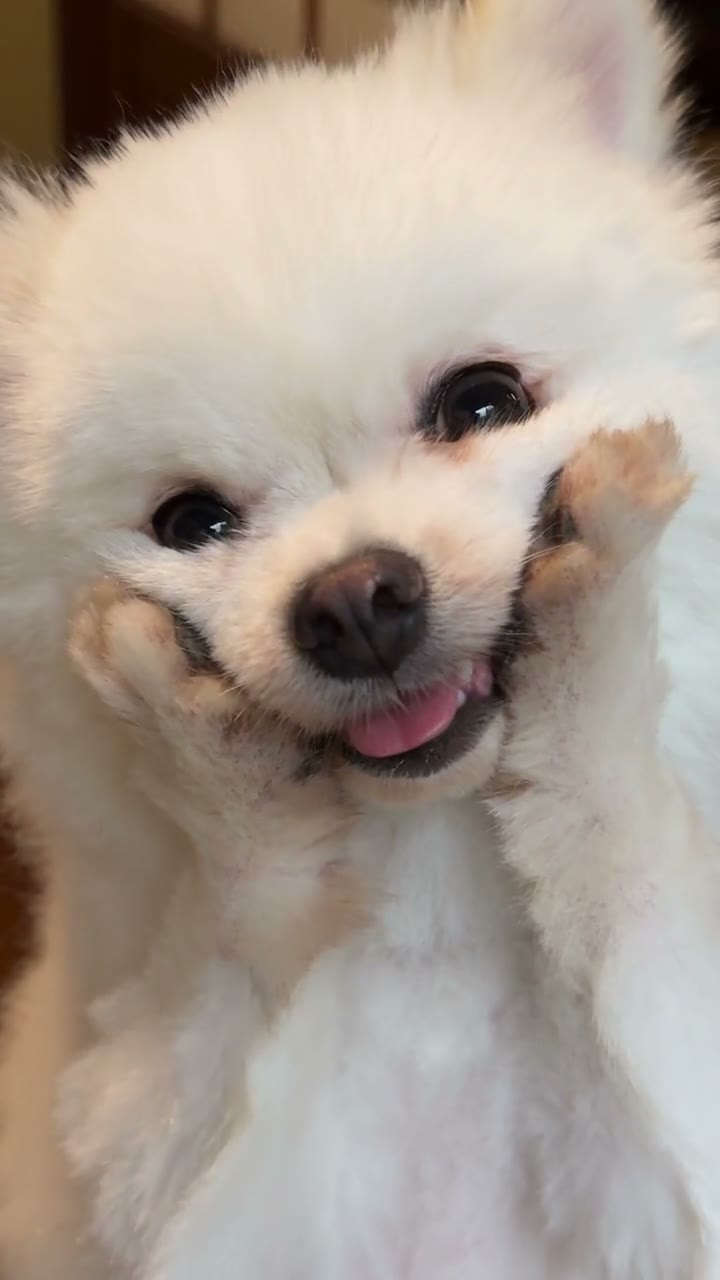
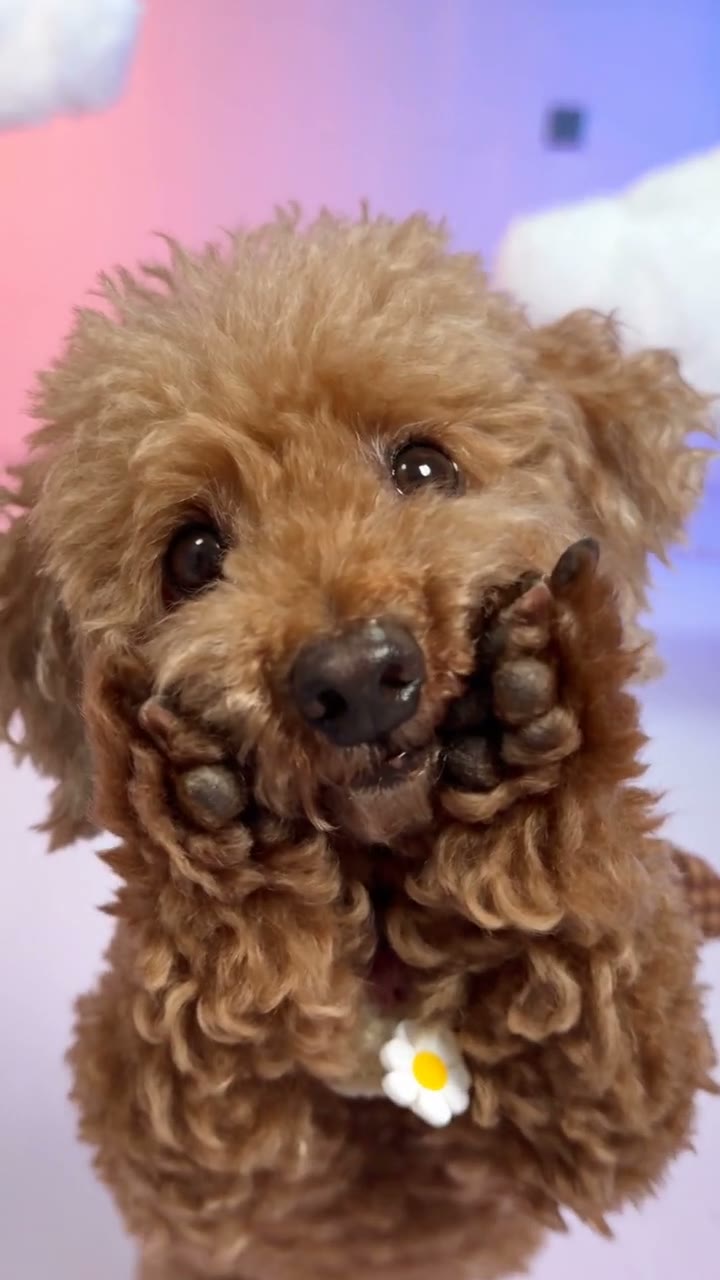
Choose the dog or cat you want to see performing, with its own ears, coat markings and visible accessories. One pet photo is enough; a normal sitting or standing pose works as the appearance reference. Daijoubu Dog Dance supplies the cloud scene, so your pet does not need a matching background.
Choose your Daijoubu Dog Dance star

Get Daijoubu Dog Dance with original sound

Daijoubu Dog Dance connects the close-up gestures, sway and turn in one performance. You can make a lighthearted pet dance without teaching the moves or recording your animal. Preview the finished video with its original soundtrack, check the paws and markings, and download your version.

Get Daijoubu Dog Dance with original sound

Personalize your Daijoubu Dog Dance

The Daijoubu dog dance suits a short, playful post with one clear subject. Choose the photo for the occasion while keeping the same recognizable routine.

Give your pet profile a moving portrait

Use a favorite photo to create something more expressive than a profile picture. The vertical framing keeps the face and paws prominent on a phone screen. Share the Daijoubu dog dance as an AI recreation, without suggesting your pet physically performed the routine.

Send a Daijoubu Dog Dance greeting

Make a lighthearted clip for friends or family using a pet they recognize. The prepared soundtrack accompanies the performance, so you can preview the greeting as a complete video. Add a personal message afterward in your preferred editor; this tool does not place custom text in the scene.

Try a favorite accessory

A clearly visible scarf or simple sweater can give your Daijoubu dog dance a seasonal look. The photo supplies that appearance. You can replace the input and generate another version, but each generation is a separate credit-using request. Small lettering and complex patterns may change during motion.

What comes with the Daijoubu dog dance template

A focused pet-video setup with the performance already chosen. No filming, choreography, or music upload is required.

One photo for one performer

Daijoubu dog dance uses one appearance reference throughout the clip. You do not need separate face and body photos or a second character image. Choose a photograph where the intended pet is unambiguous and its distinctive features are easy to see.

A short vertical performance

The loaded source is approximately eight seconds long in 9:16 portrait framing. Your Daijoubu dog dance follows that sequence rather than a freely chosen length. Resolution options change the output dimensions; they do not turn this preset into a longer routine or a landscape performance.

Original reference sound

Your Daijoubu Dog Dance includes the original reference soundtrack. A longer community example does not extend the fixed routine or choose another song for your video. Listen to your completed result before downloading.

Results you can revisit

Completed Daijoubu dog dance videos appear in My creations and video history. Open a saved result to review the movement or use its download action. Watching an existing clip does not create another generation or spend more generation credits.

Daijoubu dog dance credits and plans

The generation cost depends on the selected resolution and reference length. Use the amount shown on Generate for this specific clip; plan examples may describe other models or durations.

Starter

For your first ideas.

$8.3/month

$100.0 charged yearly

2,400 credits/year

Up to 400 images

GPT Image 2Nano Banana Pro

Up to 133 videos

Seedance 2.5Kling 3.0 Motion Control
  • Up to 4K images and HD videos, depending on the model
  • Image editing, video creation & motion transfer
  • Watermark-free image & video downloads
  • Generation history in your account
Popular40% OFFSave $238.8

Pro

For a steady creative flow.

$30.0/month$49.9/month

$360.0 charged yearly

21,600 credits/year

Up to 3,600 images

GPT Image 2Nano Banana Pro

Up to 1,200 videos

Seedance 2.5Kling 3.0 Motion Control
  • Up to 4K images and HD videos, depending on the model
  • Image editing, video creation & motion transfer
  • Watermark-free image & video downloads
  • Generation history in your account
  • Use credits across image and video models
Best Value50% OFFSave $599.8

Business

For more creations, more often.

$49.9/month$99.9/month

$599.0 charged yearly

48,000 credits/year

Up to 8,000 images

GPT Image 2Nano Banana Pro

Up to 2,666 videos

Seedance 2.5Kling 3.0 Motion Control
  • Up to 4K images and HD videos, depending on the model
  • Image editing, video creation & motion transfer
  • Watermark-free image & video downloads
  • Generation history in your account
  • Use credits across image and video models

Basic

$0

Try before you subscribe

  • 18 one-time signup credits
  • Generation history included
  • Watermarked previews & downloads
  • Up to 3 images or 1 video
  • Watermark-free downloads require payment

Prices in USD; taxes and total shown at checkout. Subscriptions renew automatically; cancel in Billing settings. Subscription credits expire each period; one-time credits never expire.

Refunds: request within 72 hours. Used purchased credits and applicable non-refundable processing costs (up to 6%) are deducted. Terms · Refund Policy

Daijoubu dog dance questions

What to upload, what the template keeps, and where to find your finished video.

Are Daijoubu Dog Dance and Otsukare Summer Dog different here?

Both pages use the same fixed pet-dance template in Motion Transfer. Choose this page for the roughly eight-second vertical routine with paws beside the cheeks, a body turn and pastel clouds. Opening the other page does not select a different dance or soundtrack.

How many photos does Daijoubu Dog Dance need?

Use one photograph containing one pet. Photo 1 guides the entire performer, including its body and outfit, across close-ups and full-body views. A collage or group photo can make the intended animal unclear. If you picked the wrong file, use Replace to change it before generating; there is no second photo slot to complete.

Which photo works best for Daijoubu Dog Dance?

Choose a sharp image with even light and recognizable eyes, muzzle, ears, and coat markings. Include the chest and front legs if possible because those limbs rise beside the face. Avoid a tight face crop, a blanket hiding the body, or a person holding the paws. A simple everyday photograph gives more useful appearance information than a heavily filtered portrait.

Does Daijoubu Dog Dance need an upright pet photo?

No. A comfortable sitting or ordinary standing pose works as an appearance reference. The video supplies the upright dance, and the AI adapts that motion to the uploaded pet. You do not need to train the animal, dress it like the source puppy, or physically hold it in a dancing position.

Can I make a Daijoubu dog dance with a cat?

You can try a cat or another pet image. The source performance is built around a small dog, so a dog is the closest match for its upright stance and raised front limbs. Different proportions can produce different results. Review the paws, body, and contact with the floor carefully; natural anatomy and stable identity are not guaranteed.

Will Daijoubu Dog Dance use my pet’s collar or clothing?

The replacement instructions use the complete appearance in your photo, including visible clothing and accessories. A clear collar or plain bandana is easier to inspect than tiny lettering or a busy pattern. Check the outfit during the turn as well as the opening pose, since fabric shapes and small details can drift between frames.

Does Daijoubu Dog Dance include music?

Yes. The original reference soundtrack is added to the generated video. You don’t need to find or upload a song. Preview examples start muted and may be community variations; enable sound on your completed result in My creations to hear its final track.

Can I customize the Daijoubu Dog Dance routine or scene?

This Daijoubu dog dance page is a fixed performance: the loaded reference determines the movements, pastel setting, cuts, duration, and portrait shape. Your photo changes the pet’s appearance. A garden in your input photo does not select a garden scene. For another performance, use the general Motion Transfer workspace with your own permitted reference and a compatible model.

Does Daijoubu Dog Dance need a prompt?

No. The dance video and appearance instructions are already included. Add one pet photo and choose an available resolution. Check the credit cost before generating.

Is the Daijoubu dog dance generator free?

You can watch the reference before purchasing. Generating a new video requires sign-in and enough credits for the cost shown on Generate. Another attempt with the same photograph is also a new generation. Choose your input and settings first, then use the displayed amount to decide whether to proceed.

What should I check in my Daijoubu Dog Dance result?

Watch the paws as they approach the cheeks, the body when the camera widens, and the ears and outfit during the turn. Confirm that the pet stays recognizable and that no extra limbs appear. Listen through the ending too. A good first frame cannot confirm the whole sequence, and increasing resolution alone cannot guarantee that motion artifacts disappear.

Where do I download my Daijoubu dog dance?

Open the completed result in My creations or video history and use the download action available for your account. Save and watch the full file before sharing it. Use photos you have permission to transform, respect the applicable rights for video and sound, and label the result as AI-generated where appropriate for the destination.

Put your pet in the Daijoubu dog dance

Choose one favorite photo. The paw-to-cheek performance and soundtrack are ready.

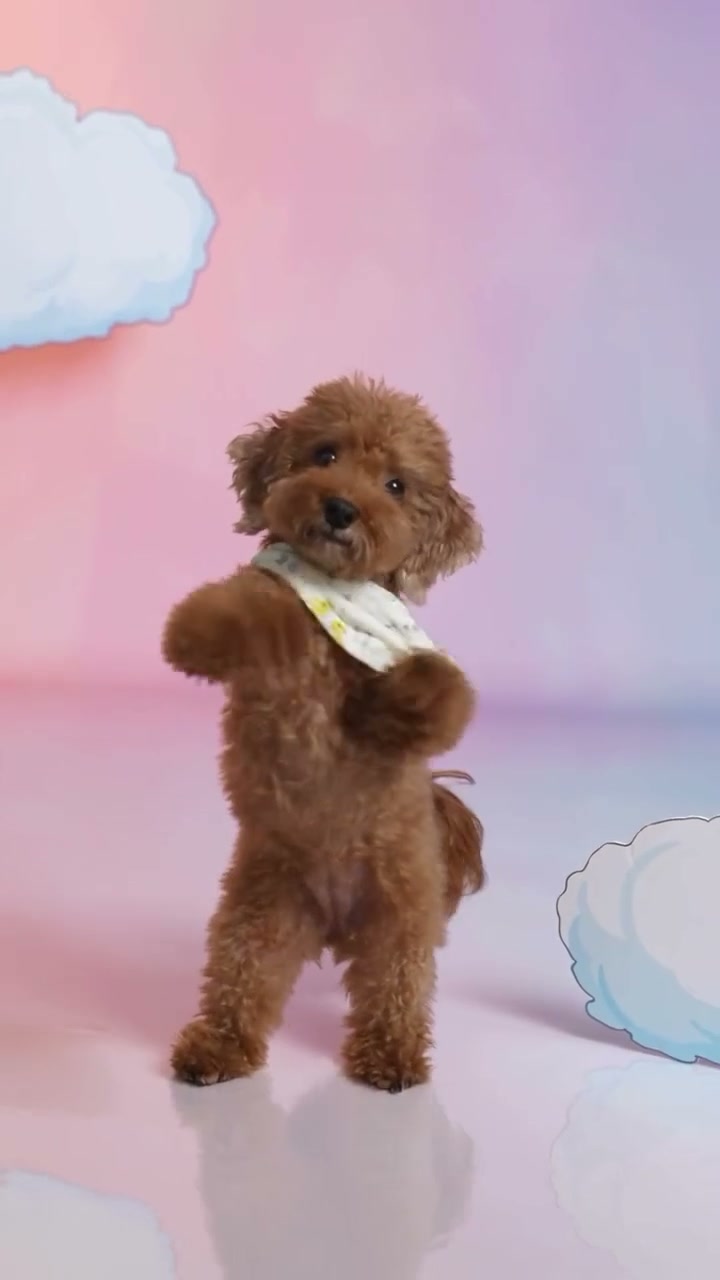
Bandana-wearing puppy lifting its paws in the pastel cloud dance reference