Motion Transfer logoMotion Transfer
LogoMotion Transfer

Turn one portrait photo and one reference clip into creator-ready motion videos.

Product

  • Features
  • How it works
  • FAQ
  • Pricing
  • AI Video Generator
  • AI Image Generator
  • Hotel Lobby AI
  • Higgsfield Genjutsu motion transfer

Resources

  • Pricing

Legal

  • Privacy Policy
  • Terms of Service
  • Acceptable Use Policy
  • Refund Policy
  • Cookie Policy

support@motiontransfer.appMotion Transfer ©️ 2026 All Rights Reserved.

Independent product experience. Not affiliated with or endorsed by any model provider unless explicitly stated.

Home
AI Video GeneratorAI Image GeneratorHiggsfield GenjutsuHotel Lobby AI
Creation mode
Prompt is required
Estimated credits41 credits

AI Video Generator

Turn ideas into moving stories with our AI video generator. Create from text, an image, or references with leading video models in one workspace.

Runner crossing floating platforms above a sunlit landscape

What is an AI Video Generator?

An AI video generator turns text, images, or references into short, moving scenes. Create social clips, product stories, and imagined worlds in one workspace. Choose your model, check the credit estimate, then generate a video to review and download.

A figure swinging between city buildings toward the sunset

How to use the AI Video Generator

Make your first clip with the AI video generator in three steps: add your idea, choose the settings, and review the result.

  1. Prompt

    A runner crosses floating platforms above a sunlit landscape.

    Text to video

    STEP 1

    Describe or upload

    Choose a model and creation mode. Write the scene you want, or add a starting image or references when the selected mode calls for them.

  2. Seedance 2.0
    Resolution480p
    Length10s
    AudioOff
    AspectAuto

    STEP 2

    Choose your settings

    Set the available duration, aspect ratio, and resolution. Add sound when supported, then check the credit estimate for your selected combination.

  3. MP4

    STEP 3

    Generate and download

    Sign in and generate when you are ready. Open My creations to review the finished clip, download it, or return to your video history later.

See what your idea can become

Explore product stories, immersive scenes, and playful characters with the AI video generator.

Product stories that move

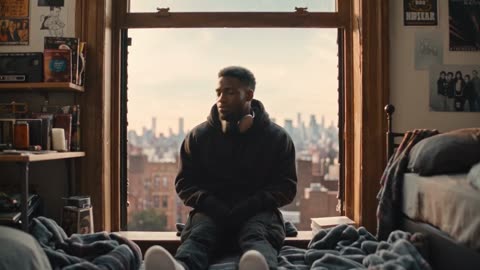
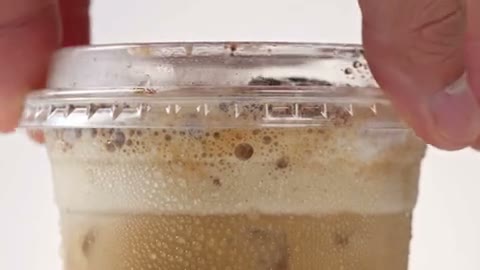
Use the AI video generator to turn a product image or fashion concept into a short social clip. Put a drink, an outfit, or a new release at the center of a moving scene. Create a campaign concept, launch teaser, or product story that gives viewers more than a still photograph.

Product story
Product story

Put the viewer inside the scene

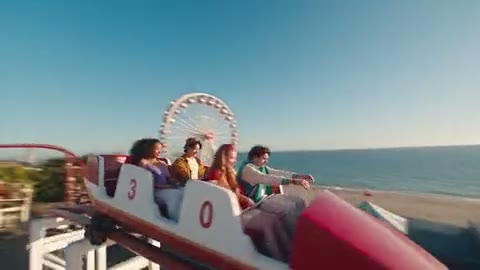
Create travel, sport, and immersive scenes with an AI video generator that accepts text or a starting image. A moving viewpoint can carry the audience through a location, around a subject, or into the action. Explore a destination teaser or an energetic social post before planning a full production.

Traveling viewpoint
Traveling viewpoint

Make the impossible feel cinematic

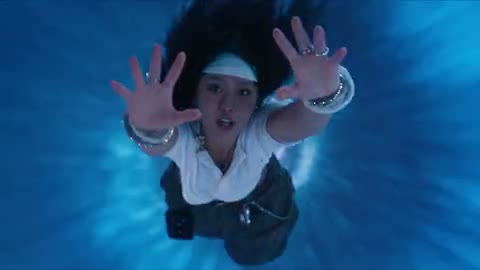
Bring an invented world, an unusual scale, or a dramatic visual transition to life with the AI video generator. Explore scenes that would be difficult to film and give a creative pitch a sense of movement. A short sequence can help communicate the atmosphere of a storyboard, music teaser, or imagined setting.

Creative short
Creative short

Characters in motion

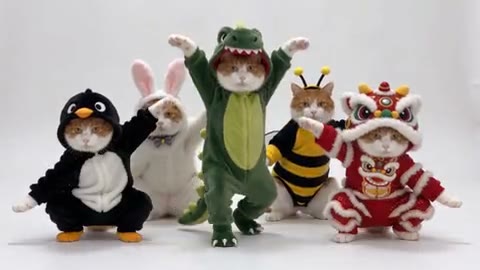
Create a playful pet scene, a mascot moment, or a character-led greeting with the AI video generator. Start with a written idea or an image that establishes the look, then explore a short performance. From costume changes to a lively group scene, these clips suit entertainment concepts and lighthearted social content.

Characters in motion

Why choose our AI Video Generator?

Keep creative choices, costs, and finished clips together, with one place to explore an idea and decide which version is worth keeping.

More creative options in one workspace

Explore Seedance, MiniMax, Kling, Veo, and Grok without learning a different form for each family. Our AI video generator adapts its input modes and settings to your selected model, so you can try another creative direction within the same workflow.

See the estimate before you commit

The AI video generator shows estimated credits beside Generate. Changing the model, duration, resolution, or supported sound setting updates the estimate. You can weigh the next experiment against your available credits before sending a request.

Keep your next step close

Review finished clips in My creations, download a result, or revisit it through account history. You can also bring a finished image into the AI video generator as a draft and choose when to generate the next scene.

Key features of the AI Video Generator

Choose the creative inputs and output settings that fit your idea. Available features follow your selected model.

Text to video

Build a new scene from a written idea. The AI video generator supports text-led creation with models that offer this mode, so you can explore characters, locations, and action without preparing an image first.

Image to video

Give a still image a moving continuation. Add a product shot, portrait, or illustration to the AI video generator, then describe how the subject or camera should move beyond that starting frame.

Frames and visual references

Models with Start and end frames accept an opening and closing image. References mode lets supported models draw on additional media. The AI video generator shows the available input types and limits for each model.

A format for your next screen

Choose the available aspect ratio, duration, and resolution in Settings. Prepare a vertical social clip or a wider scene with the AI video generator; the exact choices depend on the model and input mode.

Optional generated sound

Bring audio into the scene when your selected model supports it. The AI video generator displays a Sound switch for compatible models and includes any price change in the estimate before you submit.

Image history to video draft

Open a finished image in your history and choose Image to Video. It arrives in the AI video generator as a starting-image draft, ready for your prompt and settings. Generation starts only when you submit.

AI Video Generator pricing

Choose a Motion Transfer plan for your creative workload. The AI video generator estimates each request separately, so the clips you can make depend on the model and settings you use.

Pro yearly: 40% OFF · Save $238.80

Starter

For your first ideas.

$8.33/month

$100.00 billed yearly

2,400 credits/year

Up to 240 videos

Grok Imagine Video · 6s output · 480p

Seedance 2.5Kling 3.0 Motion Control

What you get

  • 2,400 credits upfront (valid 1 year)
  • Up to 1080p, depending on the model
  • Kling, Wan, Seedance & MiniMax video models
  • One character photo and one motion video
  • Generation history in your account
Recommended40% OFF

Pro

For a steady creative flow.

$30.00/month$49.90/month

$360.00 billed yearly · Save $238.80

21,600 credits/year

Up to 2,160 videos

Grok Imagine Video · 6s output · 480p

Seedance 2.5Kling 3.0 Motion Control

What you get

  • 21,600 credits upfront (valid 1 year)
  • Up to 1080p, depending on the model
  • Kling, Wan, Seedance & MiniMax video models
  • One character photo and one motion video
  • Generation history in your account
  • Download completed videos
Best Value

Business

For more videos, more often.

$49.92/month

$599.00 billed yearly

36,000 credits/year

Up to 3,600 videos

Grok Imagine Video · 6s output · 480p

Seedance 2.5Kling 3.0 Motion Control

What you get

  • 36,000 credits upfront (valid 1 year)
  • Up to 1080p, depending on the model
  • Kling, Wan, Seedance & MiniMax video models
  • One character photo and one motion video
  • Generation history in your account
  • Download completed videos

Basic

Explore the workflow before upgrading

$0

  • One-time signup gift credits
  • Upload one portrait and one reference video
  • Adjust settings before signing in

Prices in USD; taxes and total shown at checkout. Subscriptions renew automatically; cancel in Billing settings. Subscription credits expire each period; one-time credits never expire. Terms · Refund Policy.

AI Video Generator FAQ

Answers about using the AI video generator, from supported inputs and credit costs to sound and finished clips.

Which models does the AI video generator offer?

Choose from Seedance 2.0 Mini, Fast, 2.0 and 2.5; MiniMax H3; Grok Imagine Video; Kling 3.0 and Turbo; and Veo 3.1 Fast, Pro and Lite. The default is Seedance 2.0 Mini. Dedicated Kling and Wan motion-control models remain in the homepage studio.

What can I upload to the AI video generator?

Text to video starts from the prompt. Image to video adds one starting picture and is the right input mode when that picture already defines the subject. References are for several stills or clips with distinct roles. Start and end frames exist on models that list that input mode. You do not need every mode for every clip.

How much does the AI video generator cost?

The estimate beside Generate is the price of the current model, length, resolution, sound, and references. Change any of those and read it again. Your account balance shows the credits available for your next creation. Sign in before starting a generation, and credits are spent when the job is accepted. Compare the plans above for account credits; the estimate in the AI video generator applies to your specific request.

Which video formats can I choose?

The AI video generator lists formats in Settings for your selected model. Available aspect ratios, durations, and resolutions vary by model and input mode. The credit estimate updates with your chosen combination.

Can the AI video generator include sound?

Only models that support generated audio show the Sound switch. Turn it on before submitting if you want that model to create audio with the clip; the estimate updates when sound changes the price. A model without the switch will return video without generated sound from this control.

Were these examples made with this AI video generator?

No. They are community and official examples. They show the kind of social, place, and story footage the page is for. They are not captures from this form, and choosing a model here does not guarantee the same frames.

Where can I find my generated videos?

Open My creations in the AI video generator to review and download finished clips. Saved results are also available in your account video history, so you can return to a completed creation after leaving this page.

Can I send an image from my history to the AI video generator?

Yes. Choose Image to Video on a finished image to carry it into a starting-image draft. Review the prompt, settings, and estimate before submitting. This handoff does not spend credits or start generation. You can also select Image to video here and upload your own picture.

Can I use AI video generator outputs commercially?

That depends on the terms of service, your rights in the prompt and any references, and a review of the finished clip. This page does not grant a separate commercial license. Acceptable use still forbids pornography and real face swaps, including swaps where everyone pictured would agree.

Keep your next idea moving

  • Green coupe in a sunlit architectural settingAI Image GeneratorMake the still first when the subject does not exist yet.
  • Clay-style character illustrationImage to VideoOpen directly on one starting picture and Seedance 2.0 Mini.
  • A fashion scene with movementMotion Transfer studioUse a character photo plus an action clip when the motion is already filmed.

Create your next story with the AI Video Generator

A product story, a playful character, a world you imagined. Bring your next idea to the AI video generator and give it a first scene.

Create a video
A figure holding a butterfly while falling through a bright tunnel of light