
01
Try the lead role for yourself
Choose a performance that matches your mood and bring your own character into it. Your photo supplies the appearance and outfit, so you can explore a stage persona without filming a performance.
Give yourself the lead, put friends in the band, or send someone an unexpected stage debut. Explore AI music video templates, add your character photos, and step into a band session, studio scene, or stage routine.
Creations from this workspace appear here.
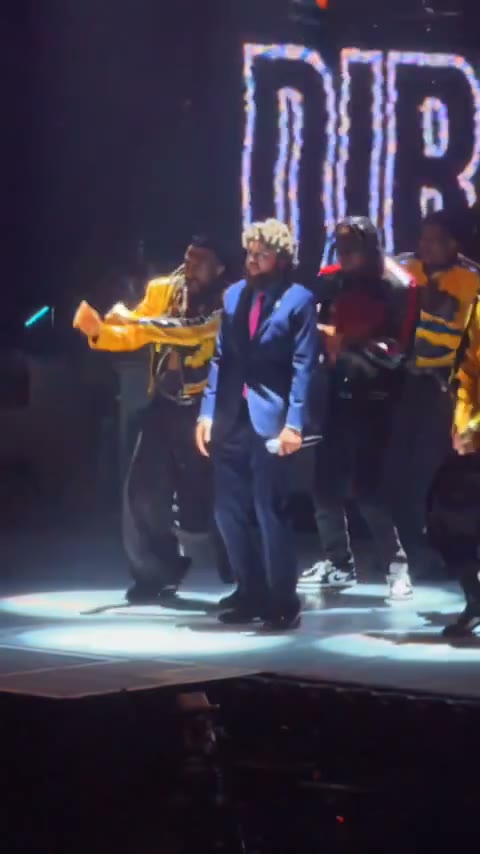
Imagine your friends as the band, your partner taking the lead, or your own character owning the stage. These AI music video templates use motion transfer to bring the characters in your photos into a prepared performance. Your photos guide the cast’s appearance and outfits; the template supplies the movement, camera, setting, and existing soundtrack. Choose a scene you want to be part of and create your version here. The videos shown are community examples; likeness and fine details can vary. Explore AI motion transfer with a performance you filmed.
Choose a performance template, upload your photos, and generate a video. Previewing and loading a template does not spend generation credits.
Step 1
Watch a band session, studio scene, or stage routine. Choose the mood and soundtrack you like, then select Regenerate to load the template on this page.
Step 2
Add a separate photo for each required role. The form labels the lead and supporting performers. Where roles are optional, you can keep the original bandmates or bring friends into the scene.
Step 3
Select Generate once your photos are ready. Sign in if prompted. Your performance will appear in My creations, where you can play and download it.
Use AI music video templates for the moment you want to see, even when you have no band, stage, or camera crew.
01
Choose a performance that matches your mood and bring your own character into it. Your photo supplies the appearance and outfit, so you can explore a stage persona without filming a performance.
02
For a shared joke or birthday message, cast friends in the roles a band template supports. A familiar group in an unexpected performance gives the recipient something personal to recognize.
03
Try a bold character look in a studio scene or an energetic stage routine. Preview the choreography, framing, and sound first, then choose the version of the moment you would want to share.
These community examples span intimate band sessions, playful studio scenes, and full stage choreography. Choose the setting that fits your cast.
01
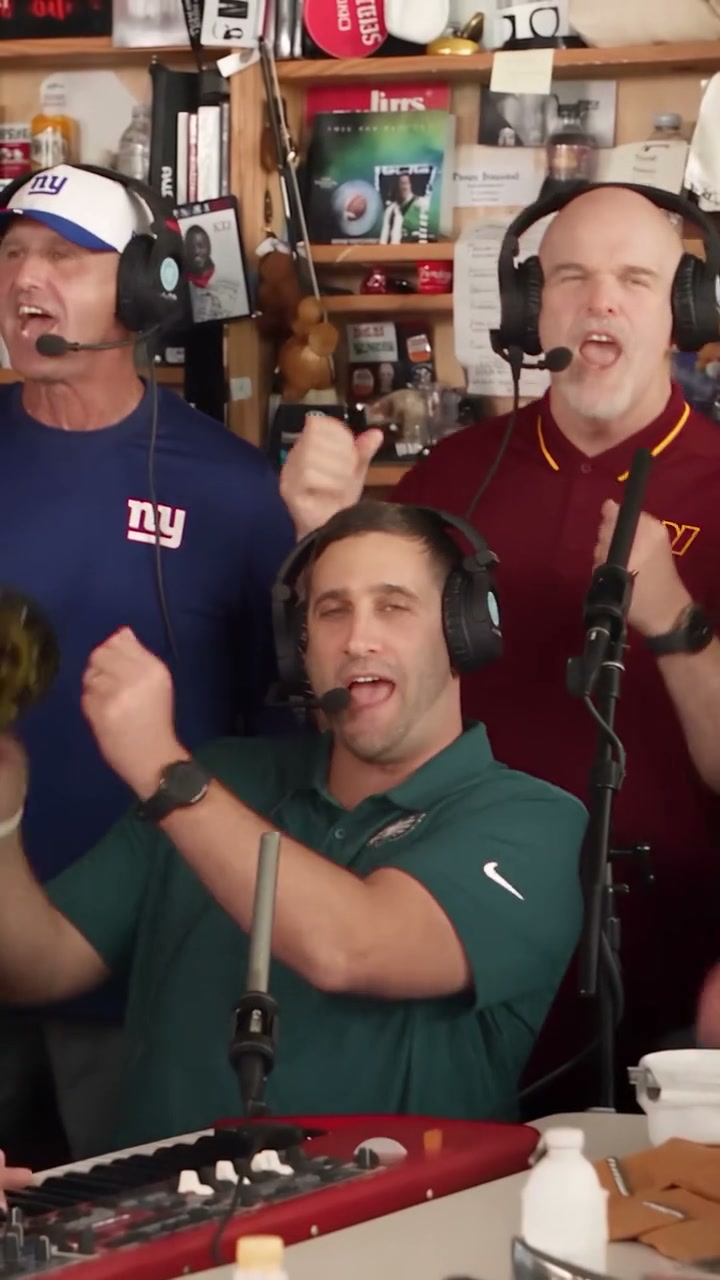
Tiny Desk gives your lead a place in an intimate band session. Supporting players can be optional: keep the original musicians or add friends to the available roles for your own band lineup.
02
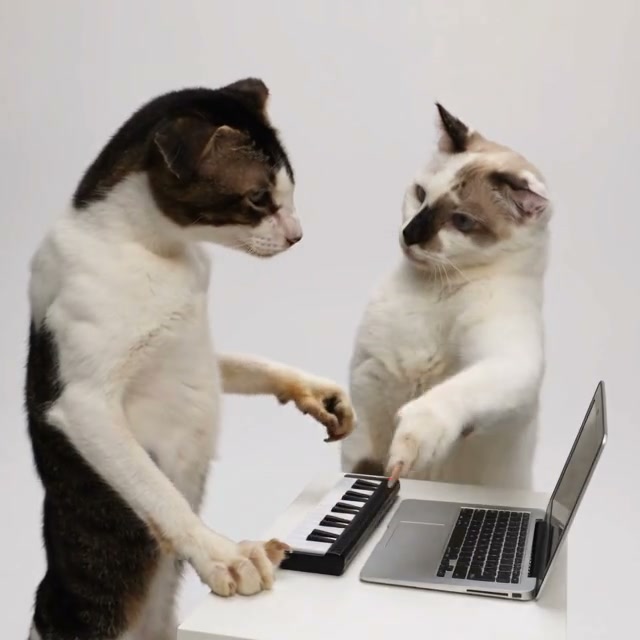
Alors on Danse pairs a keyboard player with a partner before moving into a dance. Cast the pair with your photos for a scene that starts with the music and ends with a shared joke.
03
Talk Dirty puts one character in the central performer’s role while the backup dancers, lights, and camera remain part of the prepared scene. Bring your own look to the big entrance.
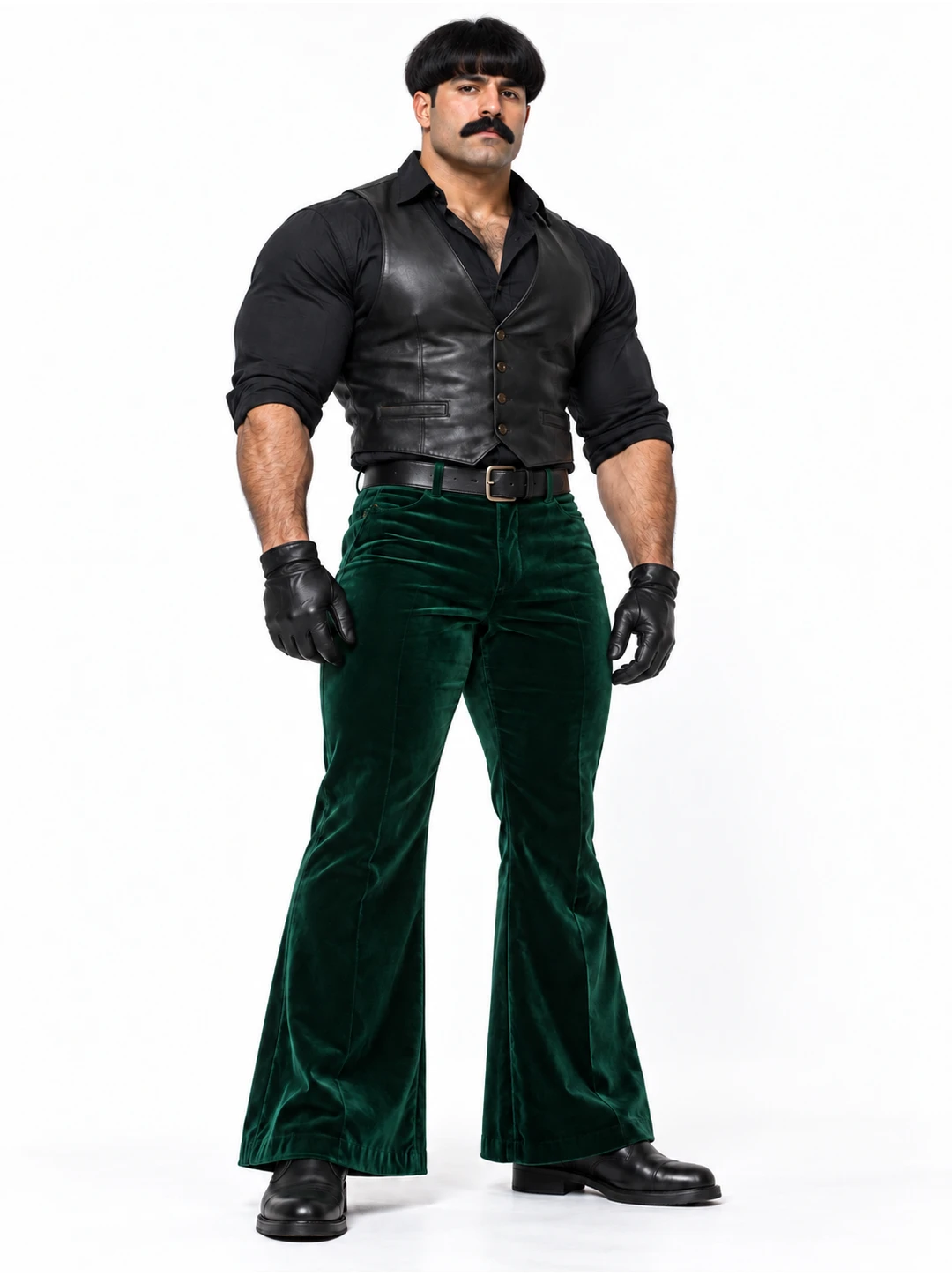
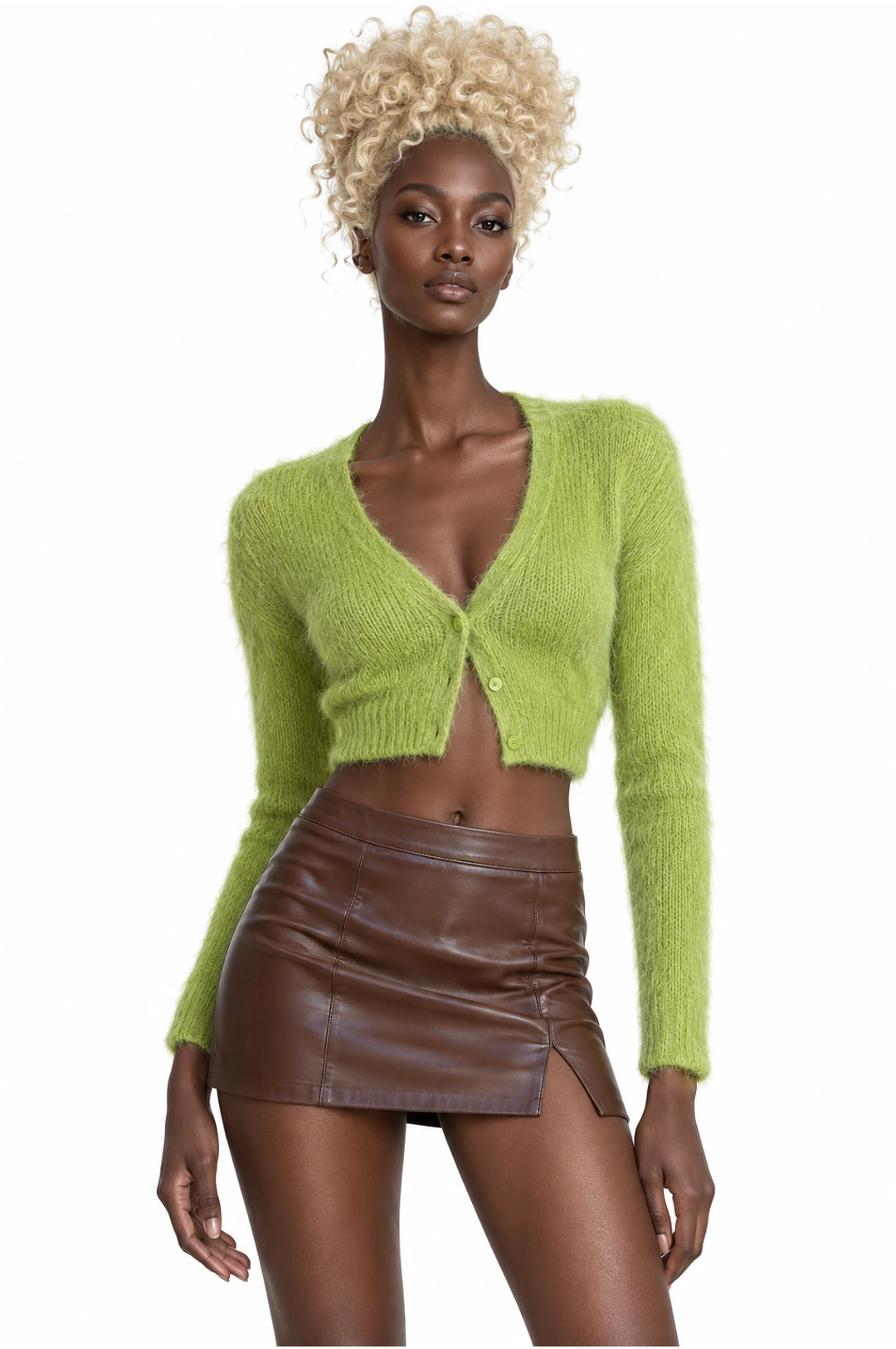
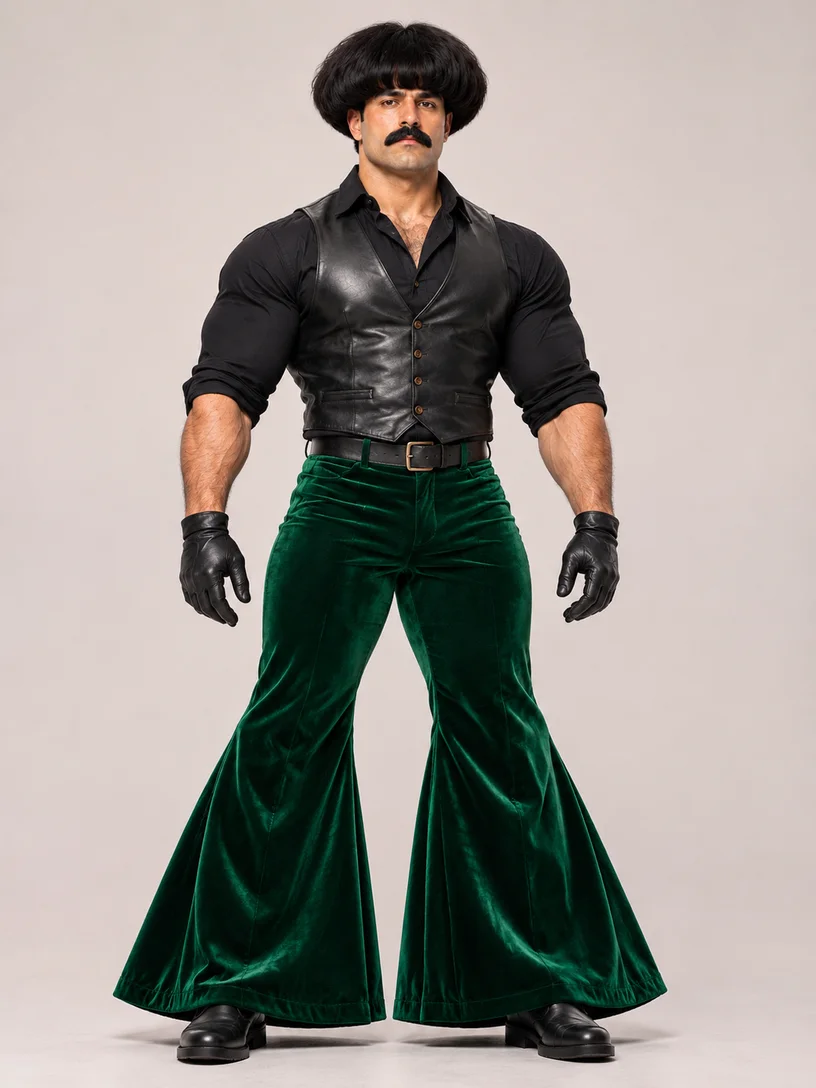
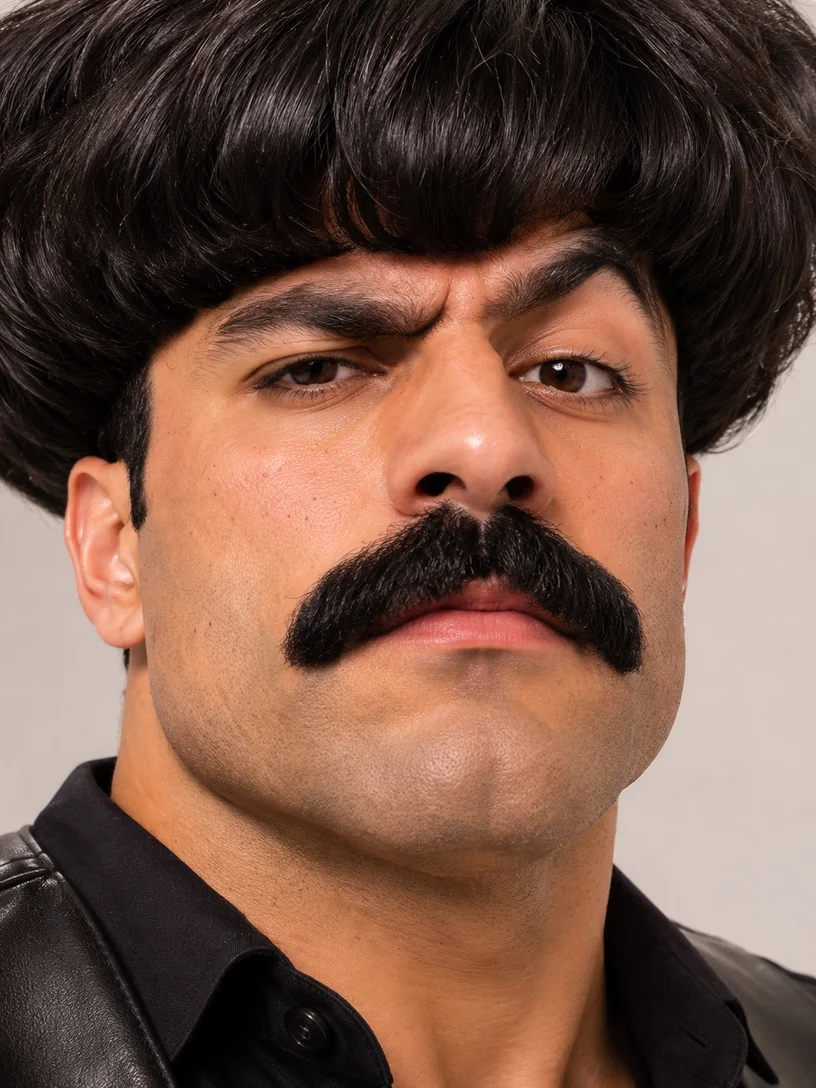
Choose a photo that shows the appearance and outfit you want in the performance. These AI-created photo illustrations show framing and separate role uploads; the community videos are independent examples.
For a stage routine, show the hairstyle, outfit, arms, and shoes. A closer portrait can suit a performance framed around the shoulders. Match your photo to the shots in the selected template.
Better fit
Harder to use
Use a separate photo for every performer you want to change. Keep the two portraits shown here as separate uploads. The template labels required and optional roles, so you can decide who joins the scene.
Better fit
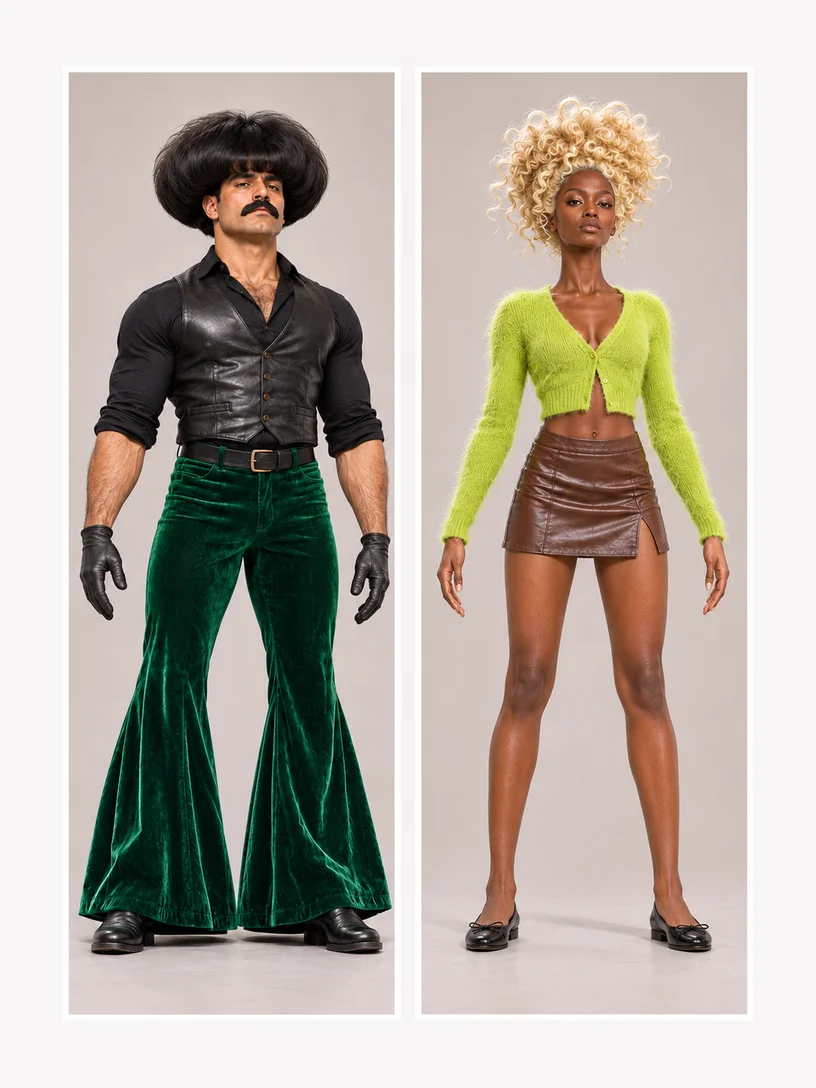
Harder to use
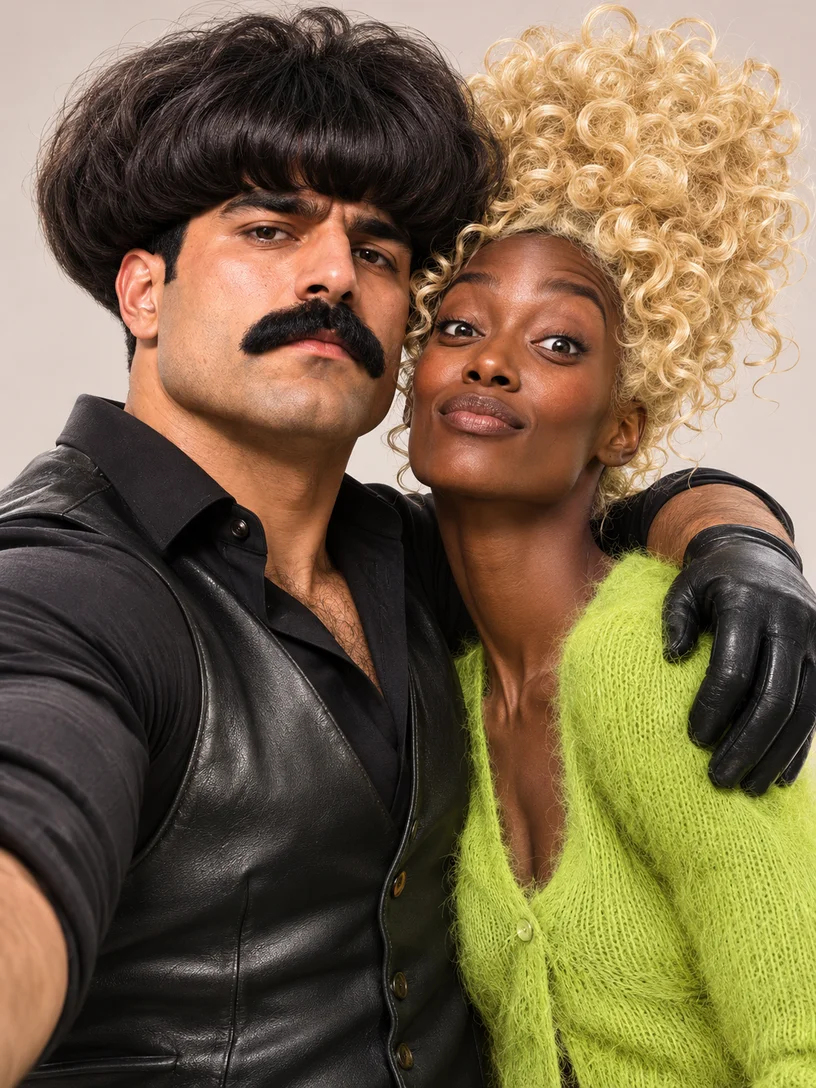
Our AI Influencer characters illustrate bold stage looks. Use photos you have permission to animate, and keep key features visible even when the styling is exaggerated.
AI music video templates range from intimate band sessions to full stage routines, with different roles for your cast.
An intimate band session puts the focus on the musicians; a stage dance adds choreography and a bigger entrance. Choose the setting you want for your performance.
Start with the required lead. Add friends in optional supporting roles when the template offers them, or leave those performers unchanged. A single-photo lead template does not open extra roles for the rest of your group.
Character photos, supported roles, sound, and downloads.
Band sessions, music-video scenes, rap performances, and stage routines featuring the characters in your photos. Each template supplies an existing performance and soundtrack; your photos guide the appearance and clothing of the roles it supports.
Choose a performance with several supported roles and add a separate photo for each required one. Optional players can stay as the original performers. Use photos of people who agree to take part, and follow the labels shown after selecting the template.
A character image can guide a compatible role’s appearance. Choose a clear image that shows the face, hairstyle, and outfit you want in the scene. Highly exaggerated proportions and small details can vary in the result.
Prepared performances keep the soundtrack you hear in the preview and do not accept a replacement song. For a performance you recorded, use the reference-video upload before selecting a template. Audio support for a custom reference depends on the chosen model.
Download the finished video to share or post on your own account. Use photos, music, and source media you have permission to share. Generation does not grant music rights.
Browsing, previewing, and loading templates do not spend generation credits. Creating a video requires sign-in and credits. The form shows an estimate for the template and settings before you submit.
One clip can be a stage performance and a dance or rap at the same time. It uses the same template in each collection. Regenerate loads it here; the template name opens its details if you want to learn more.
Yourself, your friends, or a character with an unforgettable look. Find your scene in AI music video templates and create your own performance.