Create a video

Dancer · required
Settings
Mode
Video length11s
Resolution

Pick It Up Dance AI Video Generator

Bring your own outfit to the night-plaza routine. Pick It Up Dance AI uses one photo for the solo dancer, with the arm raise, turn, low move and reference sound prepared.

0:00 / —:—

Pick It Up Dance AI video ideas

Explore examples of this effect. Open a video for a closer look.

What is Pick It Up Dance AI?

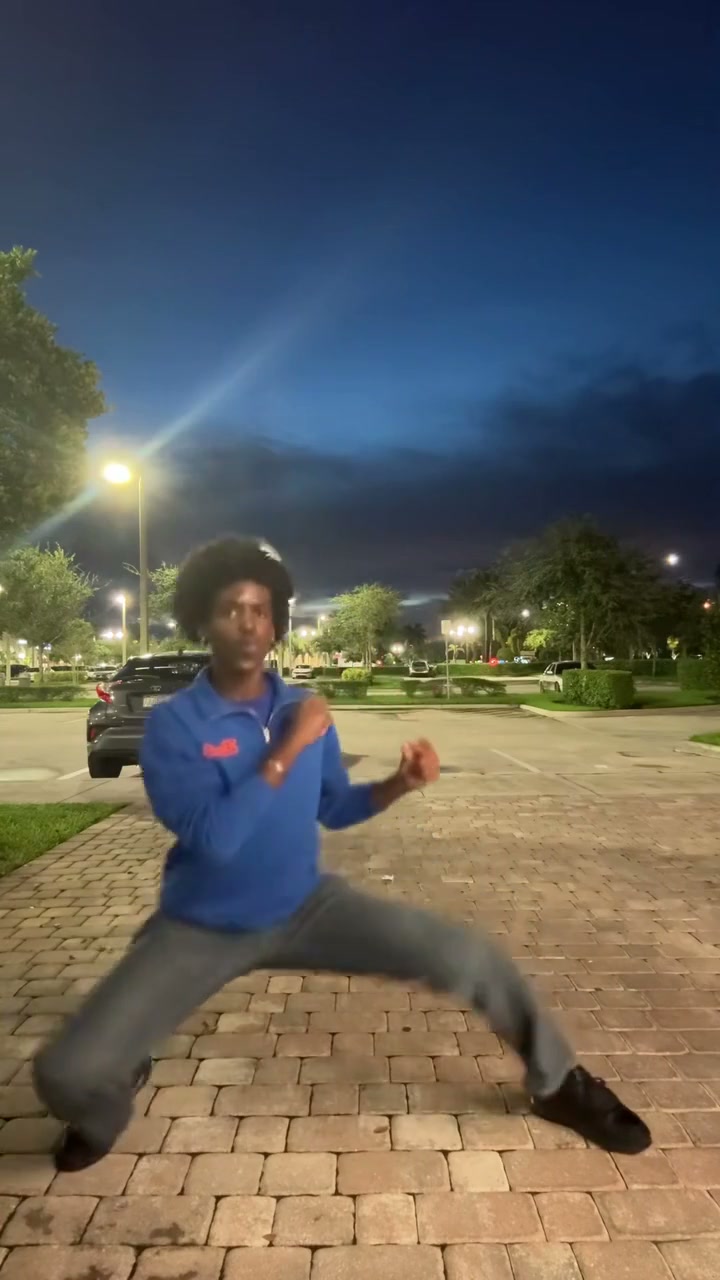
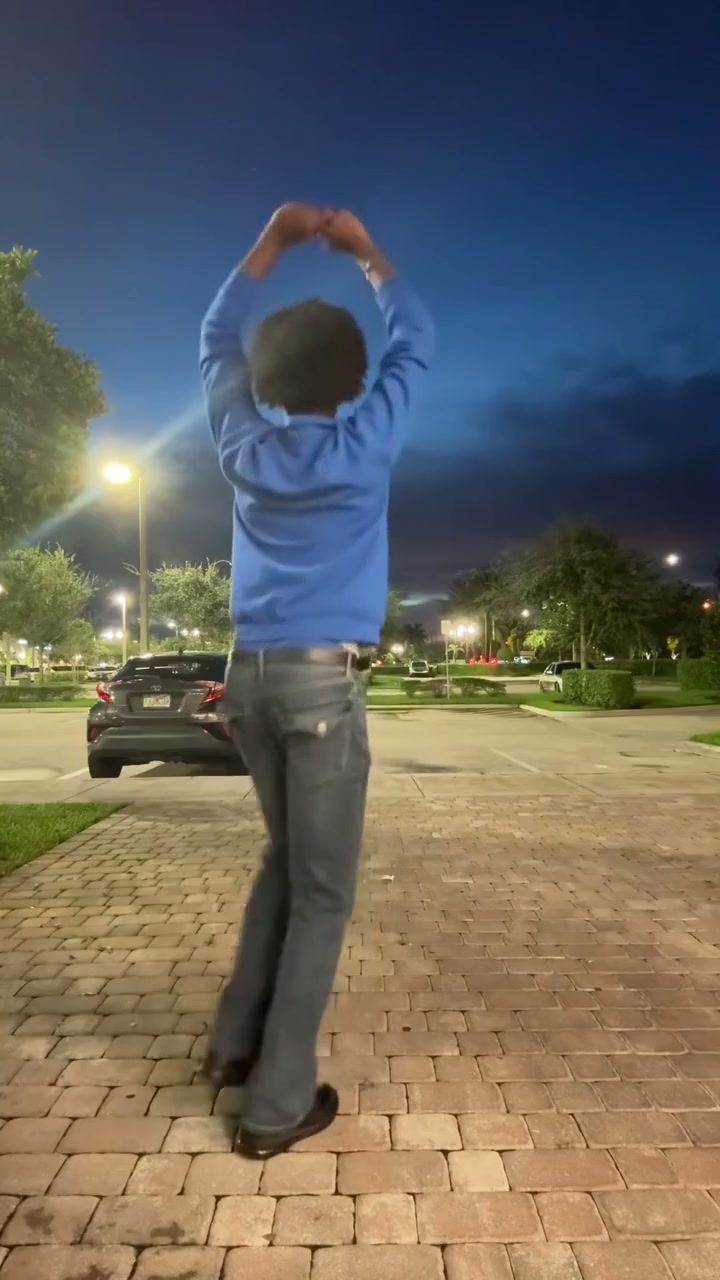
Pick It Up Dance AI makes the solo night-plaza dance shown above from one person photo. The routine moves through raised arms, a turn, hip and shoulder rhythm and a low squat before rising. Your uploaded image defines the dancer’s full appearance, hair, clothes and shoes. The plaza and its background people stay with the reference. This Pick It Up Dance AI page uses an eleven-second version in all three modes. It prepares the movement and sound, so you can join the visual idea without recording a dance cover or writing choreography instructions.

A dancer raises their arms, turns and drops into a low pose in a lit night plaza

How to create with Pick It Up Dance AI

The action is prepared. Choose the cast and review your settings.

  1. STEP 1

    Prepare your Pick It Up Dance AI photo

    Upload a clear standing image showing one person from head to feet. Keep arms away from the torso when possible, and include the shoes and the clothes you want through the turn.

  2. STEP 2

    Choose your Pick It Up Dance AI settings

    Select Economy, Standard or Original, then an available resolution. All modes follow this same short reference, with an 11-second output setting. Review the credit quote on Generate and sign in before submitting.

  3. STEP 3

    Review and download your Pick It Up Dance AI video

    Open the finished clip in My creations. Check the rear turn, the bent knees in the low pose, hands above the head and the return to standing. Watch for outfit changes between front and back, then listen to the finished clip.

Pick It Up Dance AI in motion

Reference frames show key moments in the prepared performance.

Bring your everyday look to the routine

Pick It Up Dance AI uses the outfit in your dancer photo. A simple top with clear trousers and shoes works well for a routine that changes between front and rear views. You can use a normal standing picture rather than matching a dance pose. The reference supplies the arm positions and movement. Pick It Up Dance AI does not have a separate clothing slot: choose the hairstyle, body and clothes together in one clear image.
A dancer raises their arms, turns and drops into a low pose in a lit night plaza — reference frame 1

Keep the turn and low move in one take

The sequence in Pick It Up Dance AI includes more than an arm gesture. The turn reveals the back of the dancer, and the low move changes the body silhouette before the rise. Those moments make a full-body image useful. The prepared camera stays with the performance, so the action remains easy to follow. Pick It Up Dance AI asks the model to maintain one dancer through the sequence; unseen clothing surfaces and bending limbs may need interpretation.

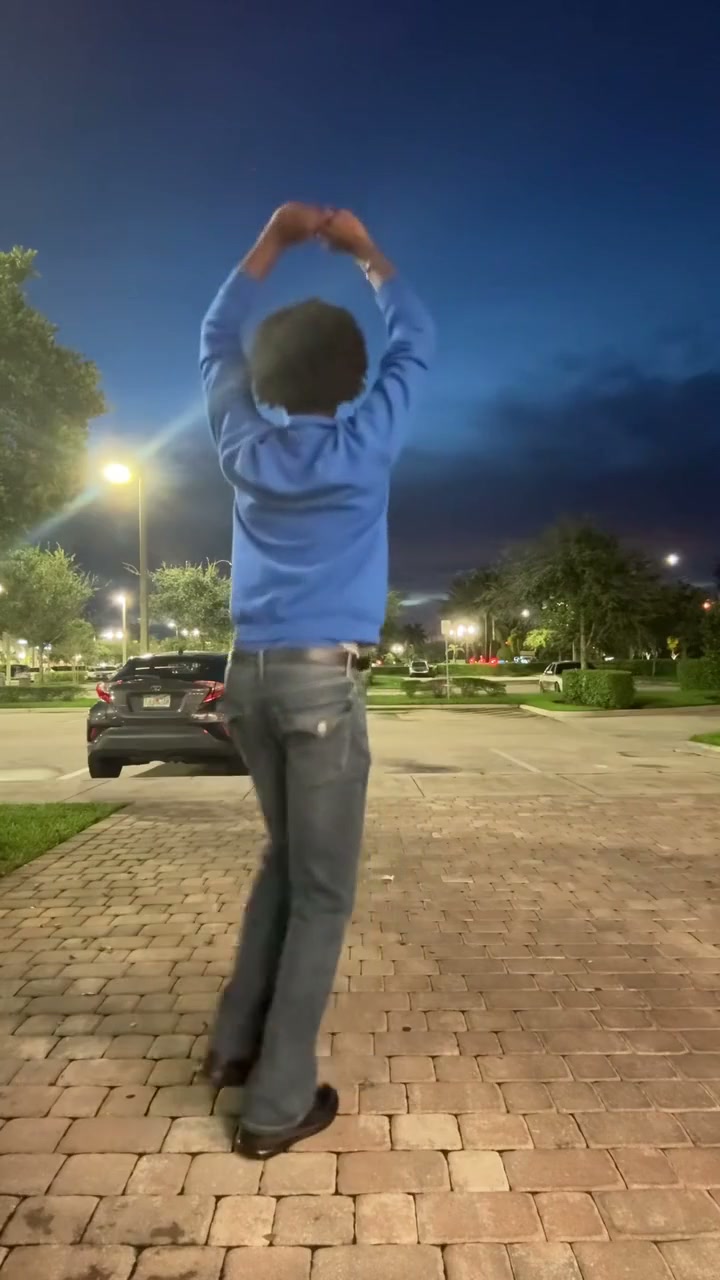
A dancer raises their arms, turns and drops into a low pose in a lit night plaza — reference frame 2

Make a ready-set night performance

Pick It Up Dance AI supplies the illuminated plaza and nearby people as part of the scene. You do not need a night photograph, a matching venue or a second dancer. The result can work as a personal dance post or an outfit-led short clip. Listen to the reference before generating, then check the completed version with sound. Pick It Up Dance AI adds the reference audio to the result; it does not record your own singing voice or offer a replacement song selector.

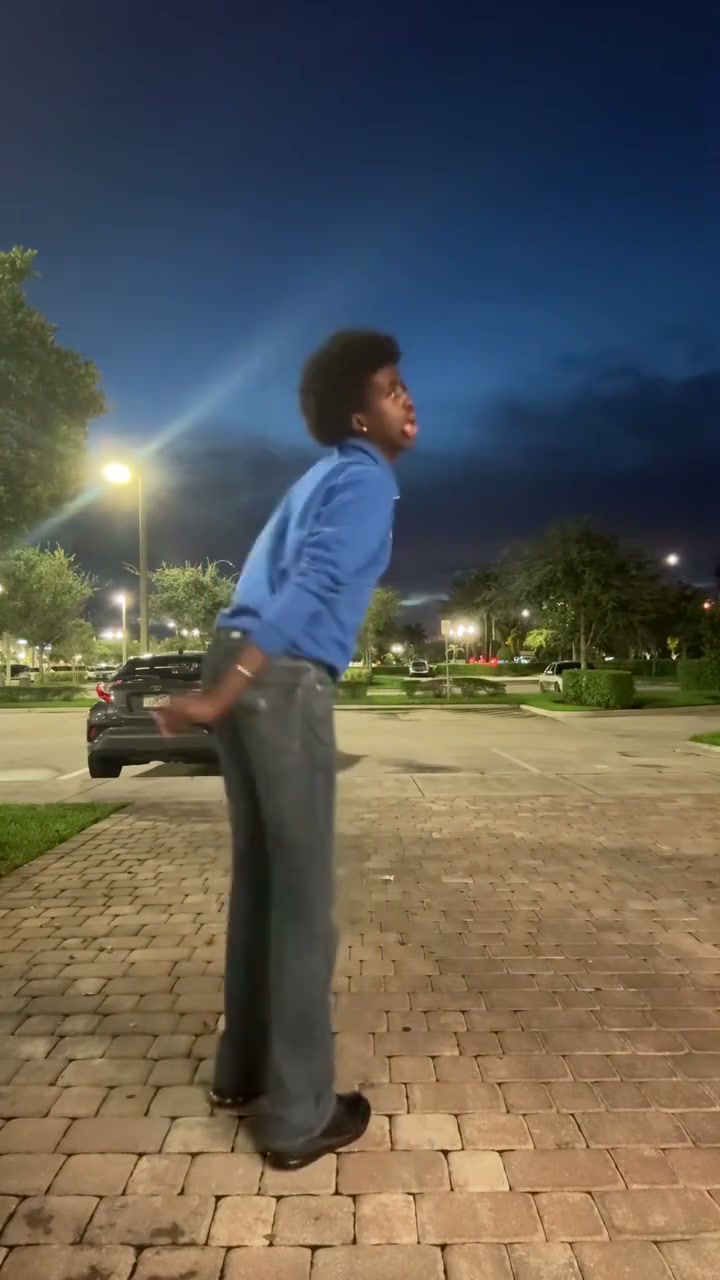
A dancer raises their arms, turns and drops into a low pose in a lit night plaza — reference frame 3

What you control in Pick It Up Dance AI

Your images define the cast; the reference supplies the movement and scene.

One required subject photo

Pick It Up Dance AI needs one person photo. There are no optional partner or background slots. The complete visible appearance comes from the assigned image.

A prepared short performance

Pick It Up Dance AI keeps the reference and sequence ready. There is no motion-video upload, timeline or duration selector on this page. Choose the mode and resolution, then check the displayed length and quote before generating.

Reference sound included

The sound from the prepared reference is added to the generated result. Your photo supplies appearance, not a new voice. There is no separate song or dialogue selector; listen to the preview and then check the finished clip with sound.

Pick It Up Dance AI credits and plans

Use the quote on Generate for your current mode and resolution. General plan examples below may use different models or lengths.

Starter

For your first ideas.

$8.3/month

$100.0 charged yearly

2,400 credits/year

Up to 400 images

GPT Image 2Nano Banana Pro

Up to 133 videos

Seedance 2.5Kling 3.0 Motion Control
  • Up to 4K images and HD videos, depending on the model
  • Image editing, video creation & motion transfer
  • Watermark-free image & video downloads
  • Generation history in your account
Popular40% OFFSave $238.8

Pro

For a steady creative flow.

$30.0/month$49.9/month

$360.0 charged yearly

21,600 credits/year

Up to 3,600 images

GPT Image 2Nano Banana Pro

Up to 1,200 videos

Seedance 2.5Kling 3.0 Motion Control
  • Up to 4K images and HD videos, depending on the model
  • Image editing, video creation & motion transfer
  • Watermark-free image & video downloads
  • Generation history in your account
  • Use credits across image and video models
Best Value50% OFFSave $599.8

Business

For more creations, more often.

$49.9/month$99.9/month

$599.0 charged yearly

48,000 credits/year

Up to 8,000 images

GPT Image 2Nano Banana Pro

Up to 2,666 videos

Seedance 2.5Kling 3.0 Motion Control
  • Up to 4K images and HD videos, depending on the model
  • Image editing, video creation & motion transfer
  • Watermark-free image & video downloads
  • Generation history in your account
  • Use credits across image and video models

Basic

$0

Try before you subscribe

  • 18 one-time signup credits
  • Generation history included
  • Watermarked previews & downloads
  • Up to 3 images or 1 video
  • Watermark-free downloads require payment

Prices in USD; taxes and total shown at checkout. Subscriptions renew automatically; cancel in Billing settings. Subscription credits expire each period; one-time credits never expire.

Refunds: request within 72 hours. Used purchased credits and applicable non-refundable processing costs (up to 6%) are deducted. Terms · Refund Policy

Pick It Up Dance AI questions

Inputs, roles, settings and the finished video.

How do I make a Pick It Up Dance AI video?

Upload one person photo to the labeled slot, select a mode and resolution, and check the quote on Generate. Sign in and submit when ready. Pick It Up Dance AI supplies the reference and instructions. Your finished video appears in My creations for playback and download.

Do I have to dance for Pick It Up Dance AI?

No. Upload one still image; the prepared video supplies the night setting and movement. No dance recording, matching pose or written prompt is needed.

How many dancers can I replace in Pick It Up Dance AI?

This version replaces one solo lead. Background people stay with the plaza scene. There are no optional partner slots, so a picture of two friends will not create a separately assigned duet.

Can Pick It Up Dance AI use a different outfit?

Yes, if that outfit appears in the same person photo. The tool uses the whole appearance, including hairstyle and shoes. It does not combine a portrait with a separate clothing photo. Unseen details on the back may be interpreted during the turn.

Can I choose only the low move in Pick It Up Dance AI?

The whole eleven-second sequence is prepared. There is no trim control on this fixed page, and changing generation mode does not select a different part of the dance. Trim the downloaded result afterward if you only want one moment.

What distinguishes this Pick It Up Dance AI version?

It is the night-plaza solo with the raised-arm opening, turn and low movement shown in the preview. Several social clips can use similar dance names. The preview defines the action this tool follows, so watch it before uploading.

How do the Pick It Up Dance AI modes differ?

All three modes use this same short performance with different generation approaches. The output setting is 11 seconds; actual motion timing can vary. Compare the quote on Generate.

Does Pick It Up Dance AI include sound?

The sound from the prepared reference is added to the generated result. Your photo supplies appearance, not a new voice. There is no separate song or dialogue selector; listen to the preview and then check the finished clip with sound.

How much does Pick It Up Dance AI cost?

Generate shows the quote for your mode and resolution. You need an account with sufficient credits; previewing is free. Download your completed Pick It Up Dance AI video from My creations and add captions in your usual editor if needed.

Create your Pick It Up Dance AI video

Bring your chosen photos to the prepared performance and review your quote.

Pick It Up Dance AI