
AI Influencer Generator
Create your AI influencer. Choose a video trend. Make a clip for your next social post.
Birds of a Feather AI
Tiny Desk AI
Talk Dirty Dance AI
Thriller AI
Bby Wow AI
Burning Bridges AI
Alors on Danse AI
Michael Jackson Dangerous AI Dance
Missed Train Dance AI
Meet your AI influencer. Face, outfit, and all.
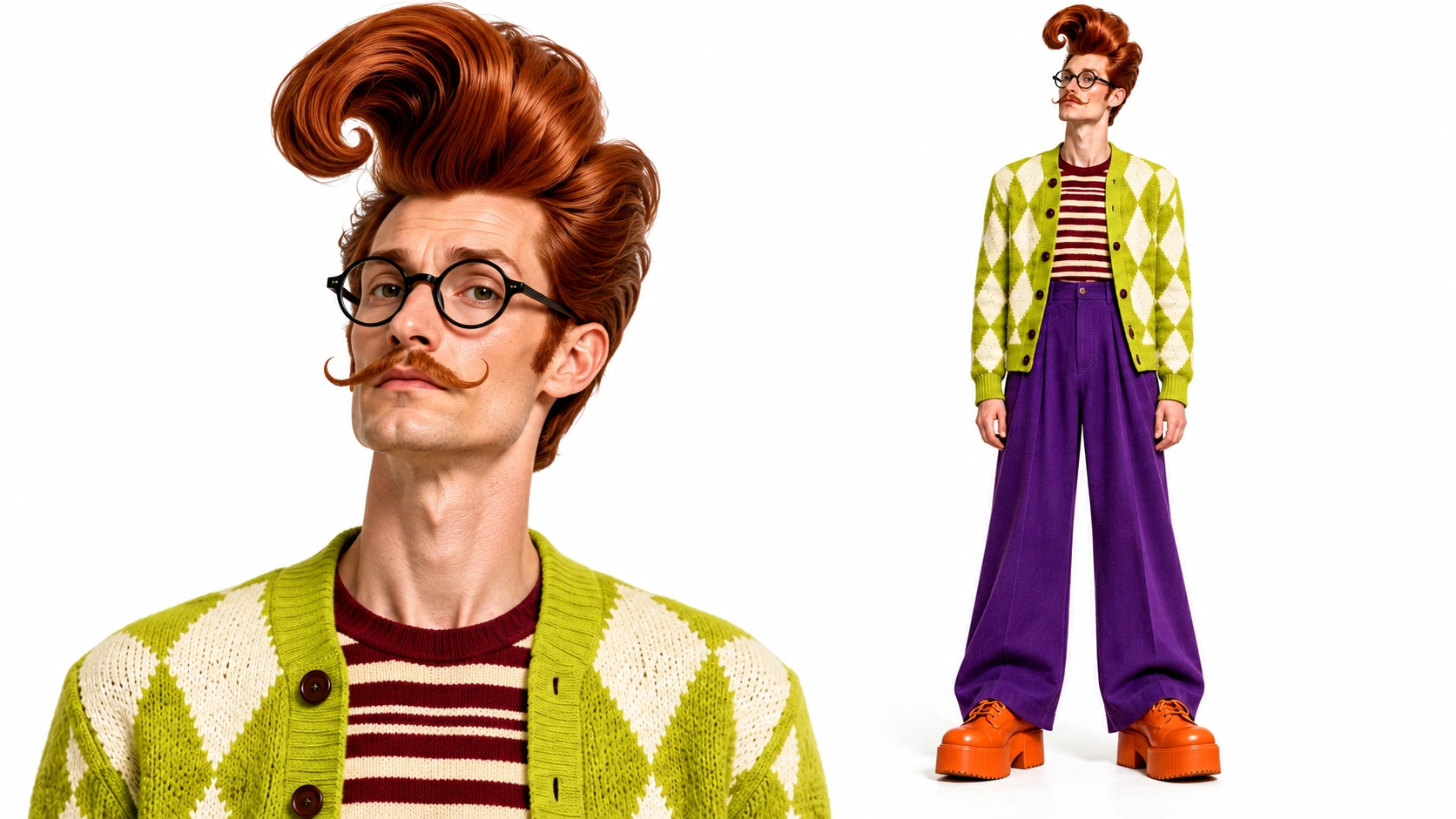
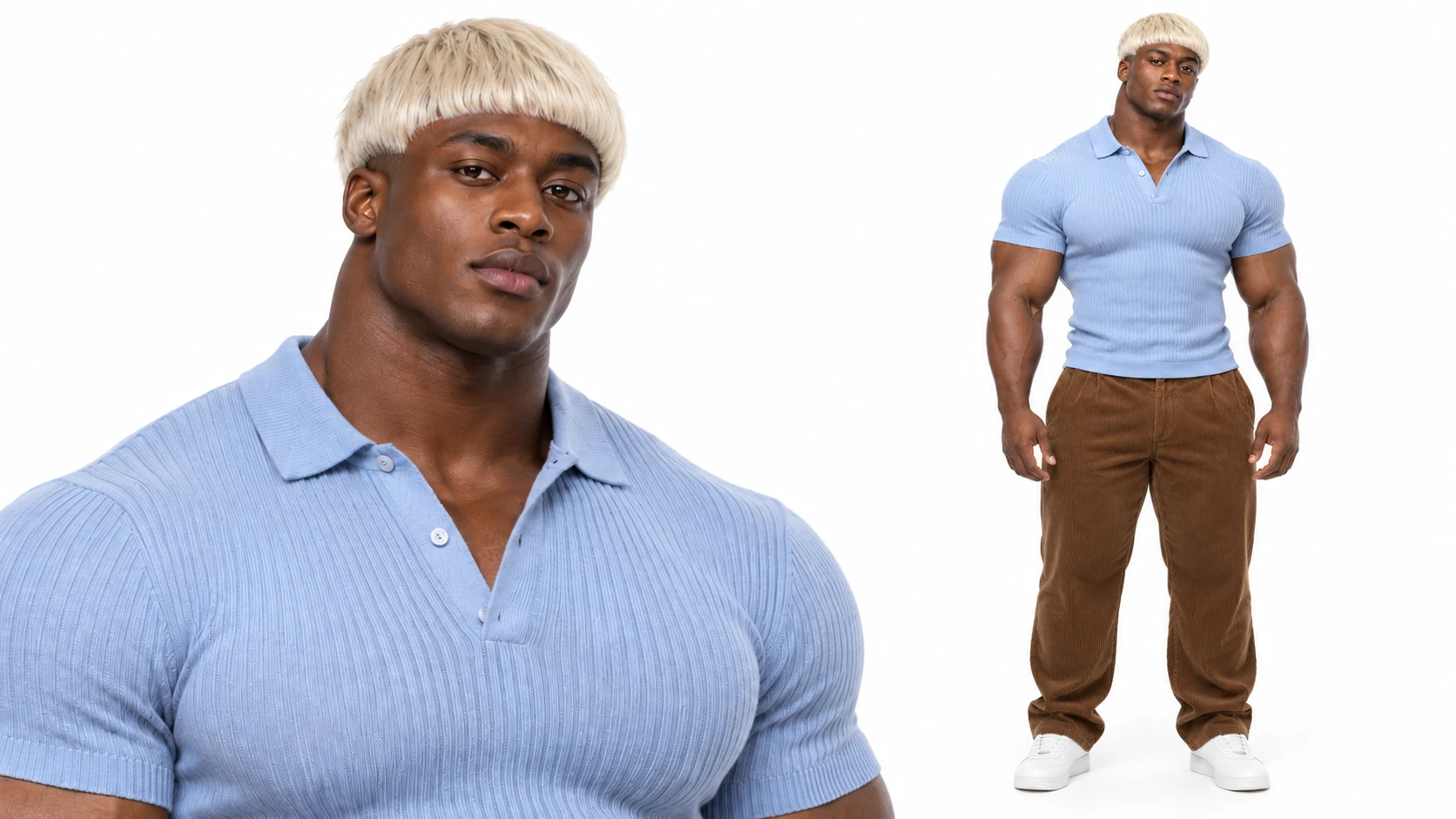
Build an AI influencer from a look you imagine or a photo you choose. Get one 16:9 character sheet with a close-up portrait and a matching full-body view. Keep it in My characters, refine the look, or bring it into a video trend.
From AI influencer to video in three steps
Create a look, find a scene, and make it yours.
- Start with a photo Optional
 Average
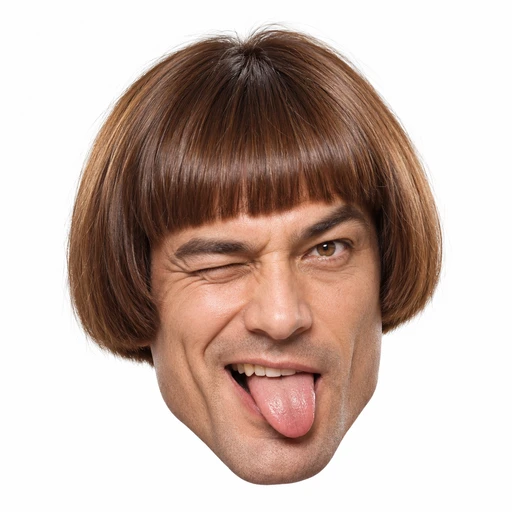 Bold
Bold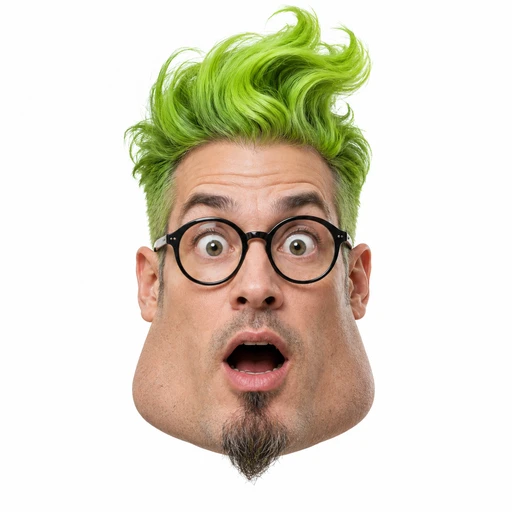 Extreme
STEP 1
Create your AI influencer
Pick a starting look or add your photo. Choose the details you want, then generate your AI influencer sheet.
- Video trends
 Bottle Kick AI
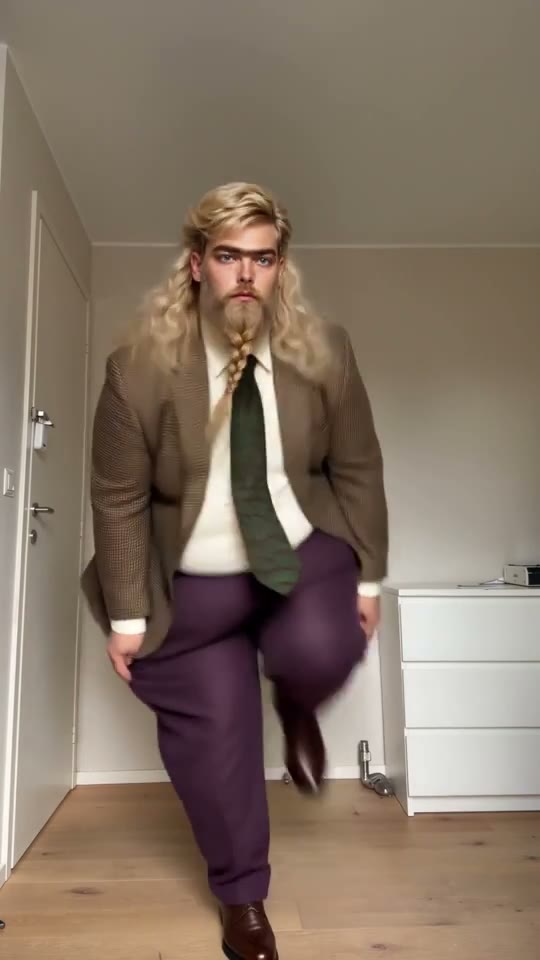 Jean Phil Dance AI
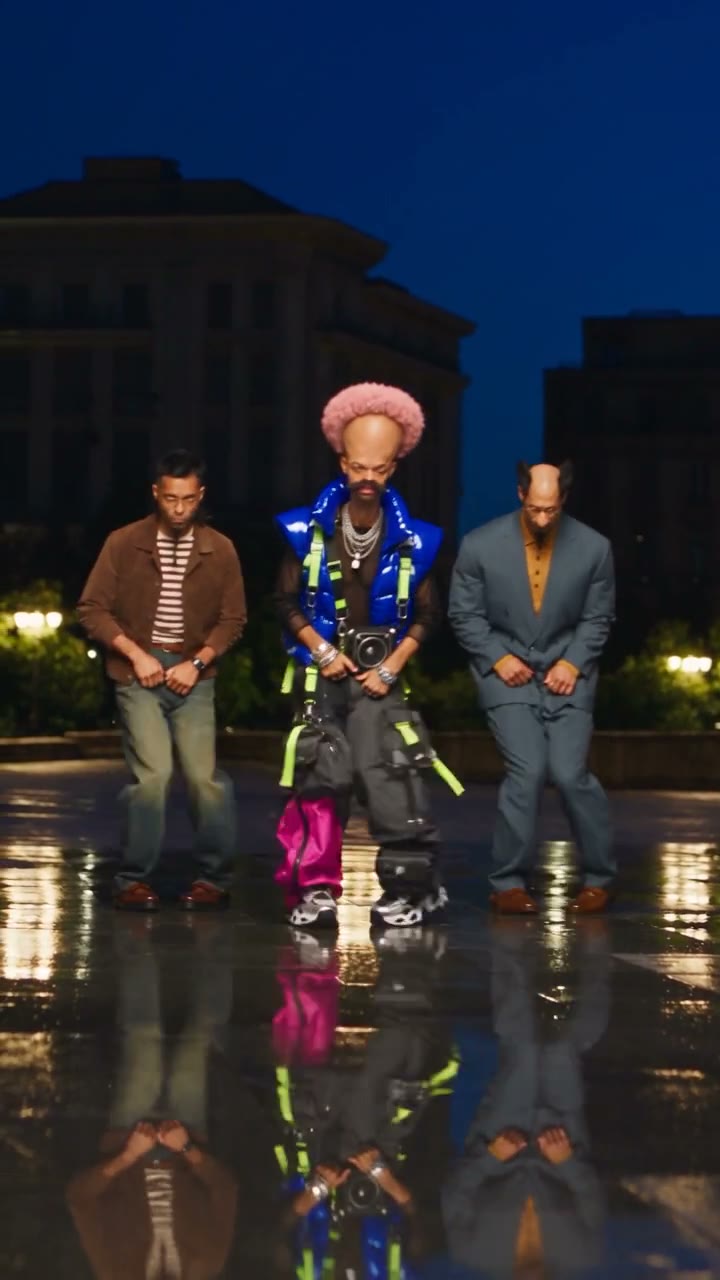 Trio Shuffle AI
STEP 2
Preview a video trend
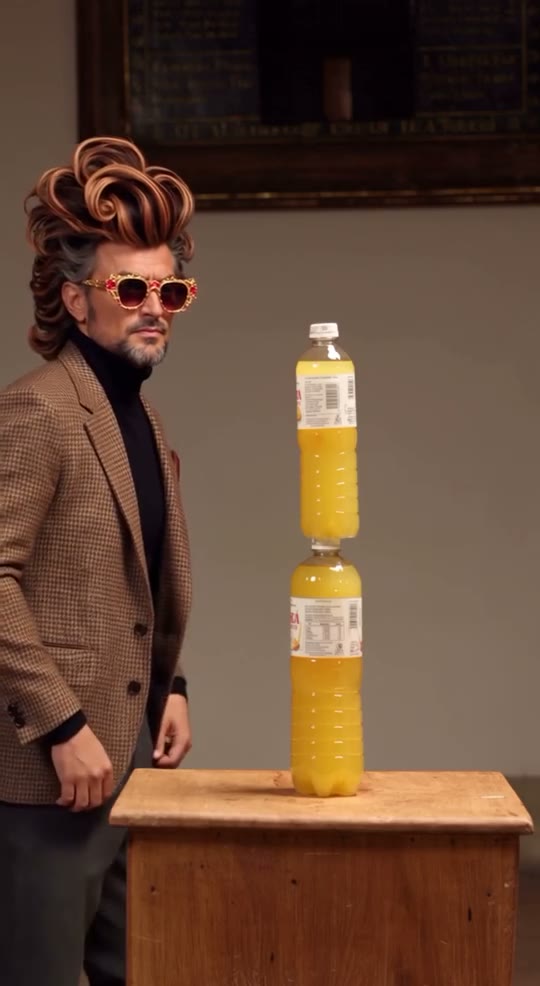
Choose Make a video on your AI influencer. Explore the published trends, check the required photos, and open a matching trend with your character carried over.
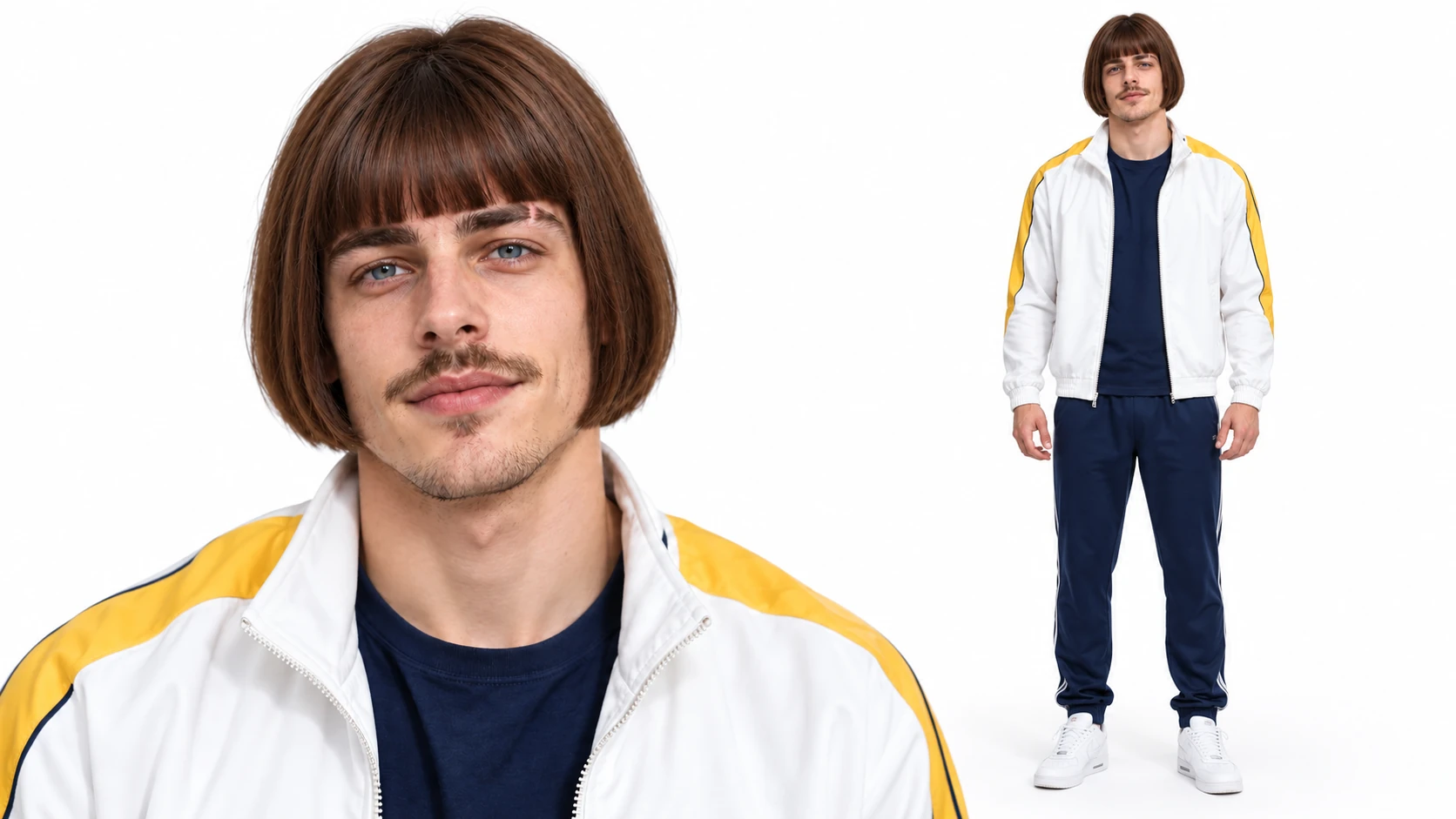 Character selectedGenerate
STEP 3
Generate your video
Check the required photos, settings and credit estimate. Generate your AI influencer video, review it, and download it for your next social post.
Design the look. Choose the moment.
From an original AI influencer to a reusable image and your next video.
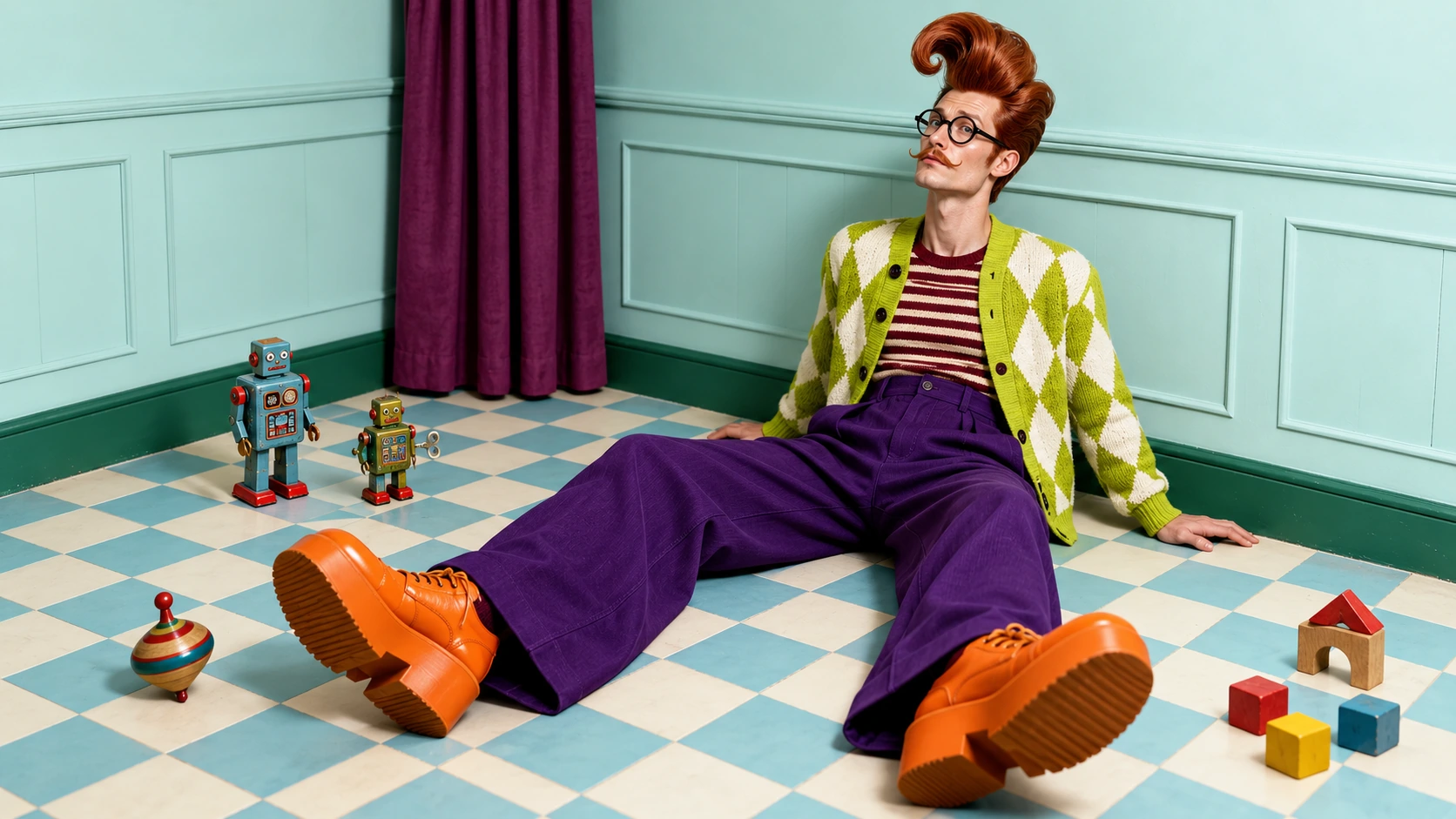
A look with a little more character
Start with an everyday face, a bold silhouette, or an unexpected animal character. Choose hair, build, clothing and the details that make your AI influencer recognizable. Use Edit to refine the outfit and appearance on your sheet. For a scene like this, take the sheet into AI Image Generator as a reference.
Your character. Their next starring role.
Give your AI influencer a dance, a group performance, or a cinematic moment. Preview a ready-made video trend, then bring your character into its page. Add any other photos the trend needs, review the settings, and generate a clip to download and share on social media.
AI character remixes
Bottle Kick AI
Jean Phil Dance AI
Trio Shuffle AI
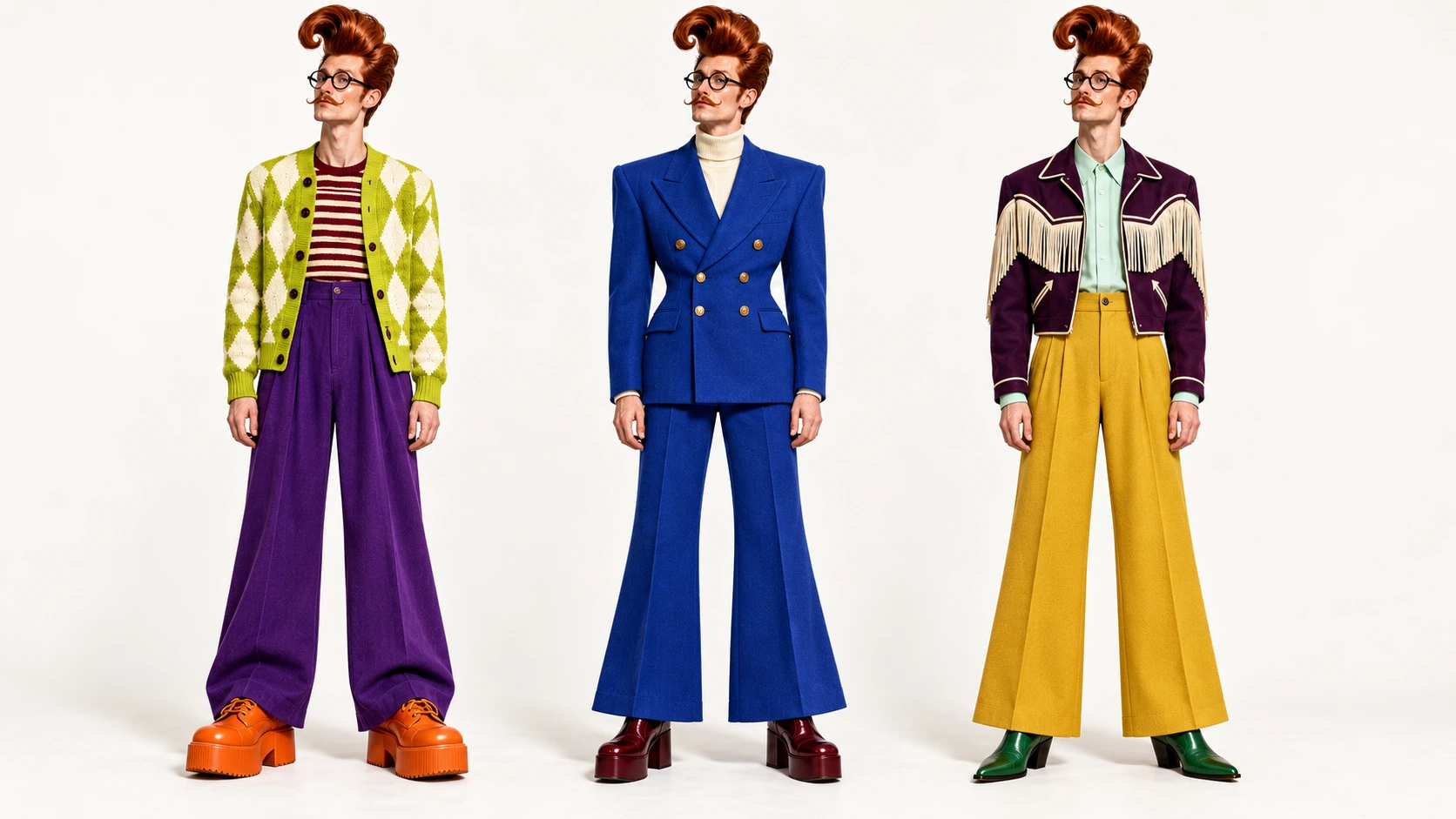
One character. A whole new wardrobe.
Try a bold knit, a sharp suit, or a Western-inspired look on your AI influencer. Open a finished character and use Edit to describe a new outfit. Each edit creates a new portrait and full-body sheet on white. Compare your looks, choose a favorite, and take it into a video trend.
Your images, ready for the next idea
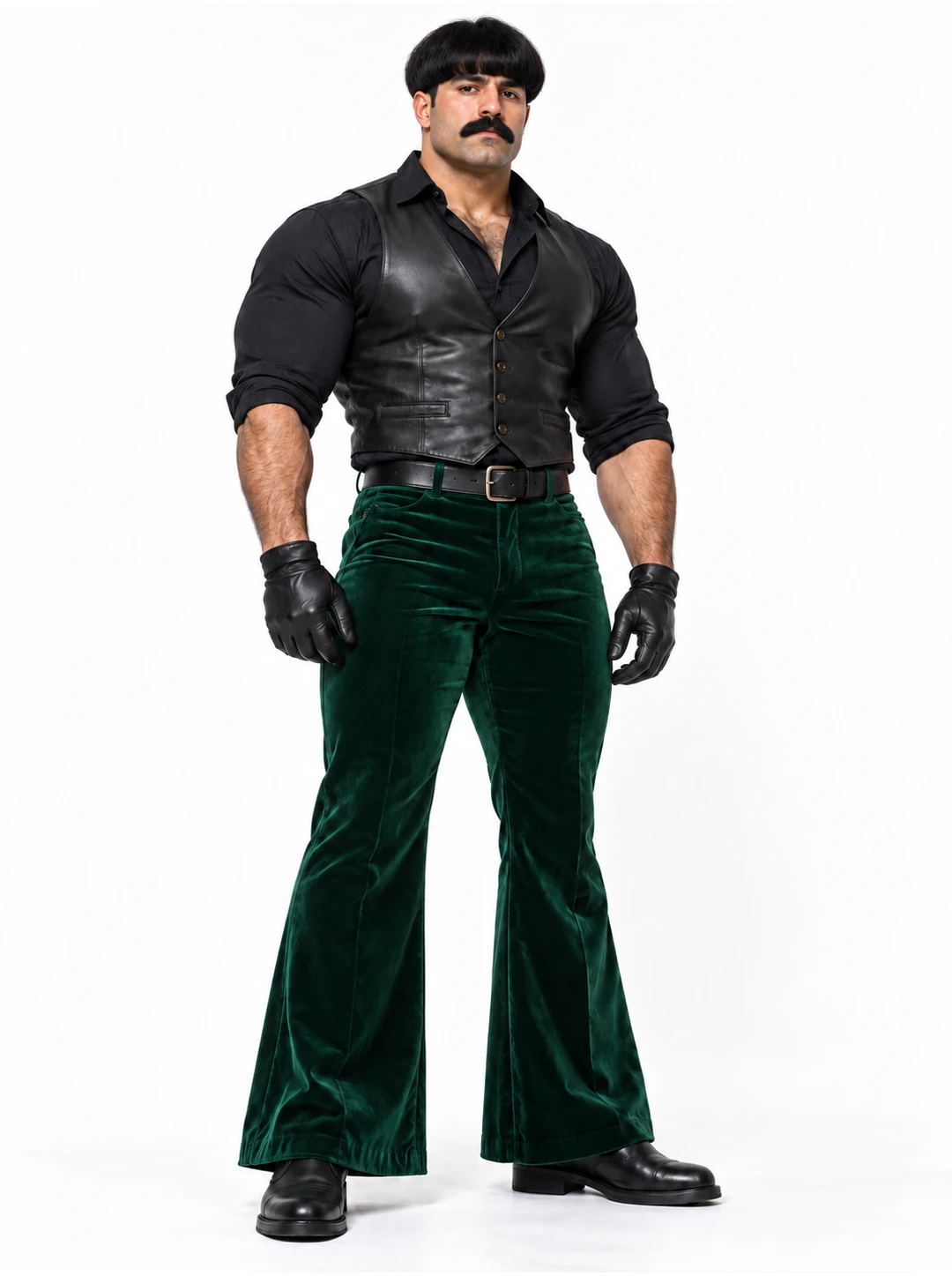
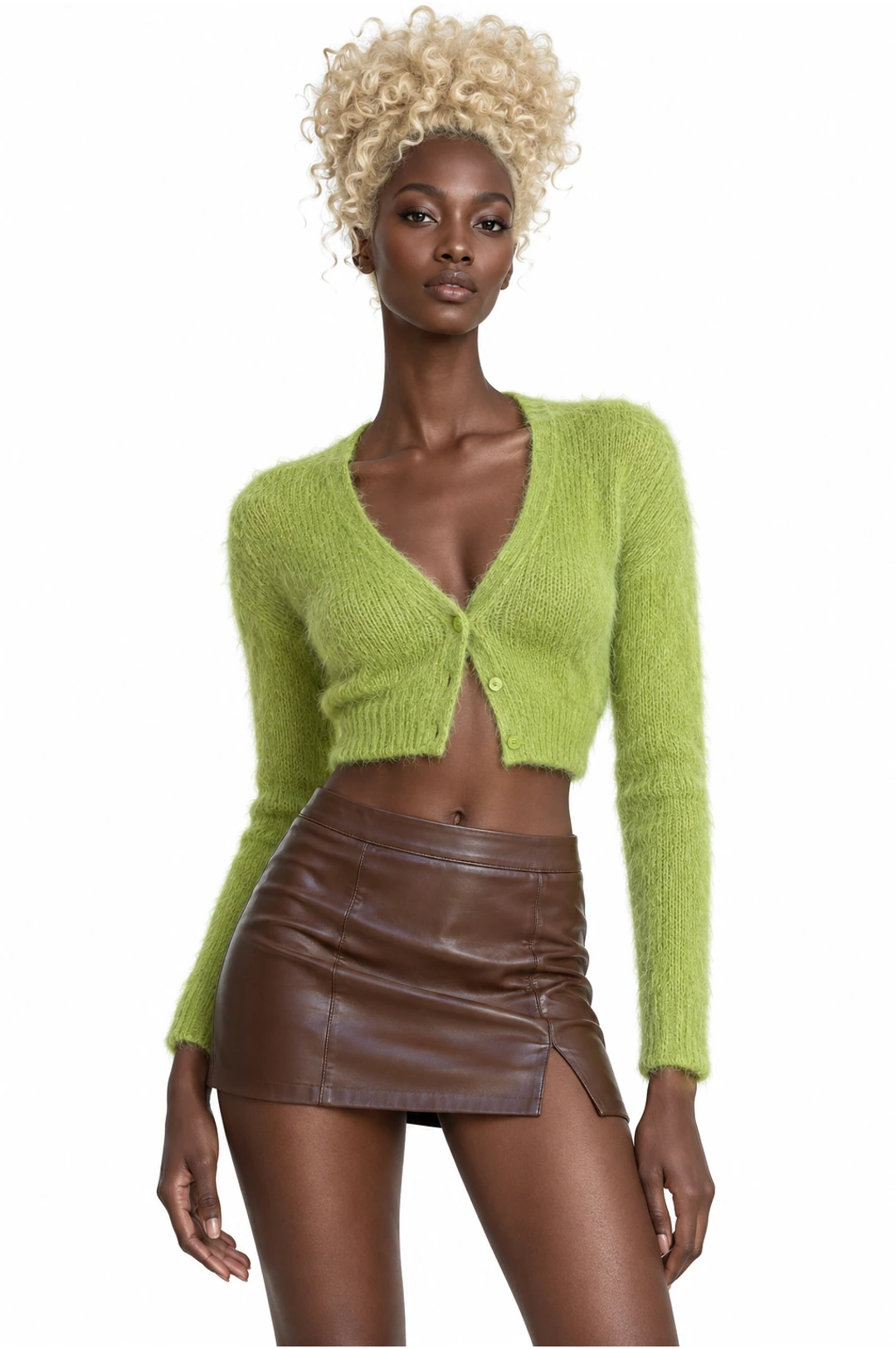
Open My images beside a photo input to choose an upload or a finished generation. Your AI influencer sheet can travel between character creation and video trends without another download and upload. Make a video carries the selected character into the next step; you can still change it before generating.
My images
All imagesUploadsGenerated
 UploadsGenerated
 Uploads
 Generated
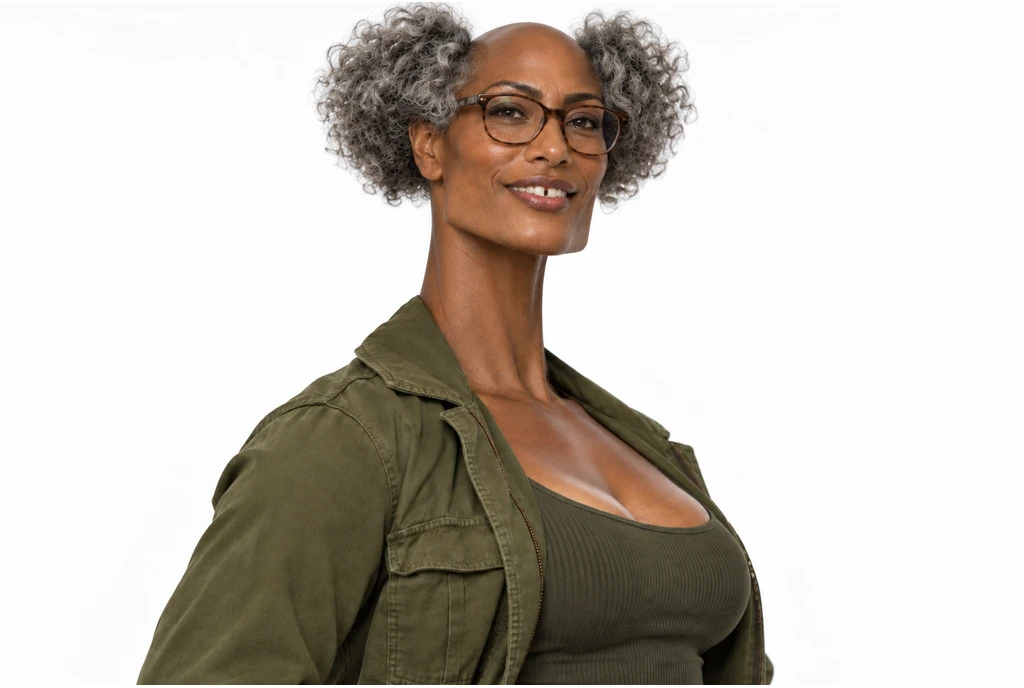 Uploads
 Generated
AI Influencer pricing
Use your credits for AI influencer images and videos. Each generation shows its own estimate before you submit; plan allowances below cover the wider set of image and video tools.
Starter
For your first ideas.
$8.3/month
$100.0 charged yearly
2,400 credits/year
Up to 400 images
GPT Image 2Nano Banana Pro
Up to 133 videos
Seedance 2.5Kling 3.0 Motion Control
- Up to 4K images and HD videos, depending on the model
- Image editing, video creation & motion transfer
- Watermark-free image & video downloads
- Generation history in your account
Popular40% OFFSave $238.8
Pro
For a steady creative flow.
$30.0/month$49.9/month
$360.0 charged yearly
21,600 credits/year
Up to 3,600 images
GPT Image 2Nano Banana Pro
Up to 1,200 videos
Seedance 2.5Kling 3.0 Motion Control
- Up to 4K images and HD videos, depending on the model
- Image editing, video creation & motion transfer
- Watermark-free image & video downloads
- Generation history in your account
- Use credits across image and video models
Best Value50% OFFSave $599.8
Business
For more creations, more often.
$49.9/month$99.9/month
$599.0 charged yearly
48,000 credits/year
Up to 8,000 images
GPT Image 2Nano Banana Pro
Up to 2,666 videos
Seedance 2.5Kling 3.0 Motion Control
- Up to 4K images and HD videos, depending on the model
- Image editing, video creation & motion transfer
- Watermark-free image & video downloads
- Generation history in your account
- Use credits across image and video models
Basic
$0Try before you subscribe
- 18 one-time signup credits
- Generation history included
- Watermarked previews & downloads
- Up to 3 images or 1 video
- Watermark-free downloads require payment
Prices in USD; taxes and total shown at checkout. Subscriptions renew automatically; cancel in Billing settings. Subscription credits expire each period; one-time credits never expire.
Refunds: request within 72 hours. Used purchased credits and applicable non-refundable processing costs (up to 6%) are deducted. Terms · Refund Policy
AI Influencer questions
A few things to know before creating your AI influencer.
Can I create an AI influencer without a photo?
Yes. Choose a character type and appearance options to create an original AI influencer. A photo is optional and helps guide a real adult’s likeness. Separate style references guide clothing and styling. Leave unspecified traits open or use Randomize for a starting point.
Can my AI influencer use my own face?
Yes. Add a photo of yourself or an adult who has agreed to appear. The photo guides identity and locks the appearance options it controls. Only use images you have permission to use, and follow the site’s acceptable use rules. Uploads do not receive a separate age verification.
What does the AI influencer generator create?
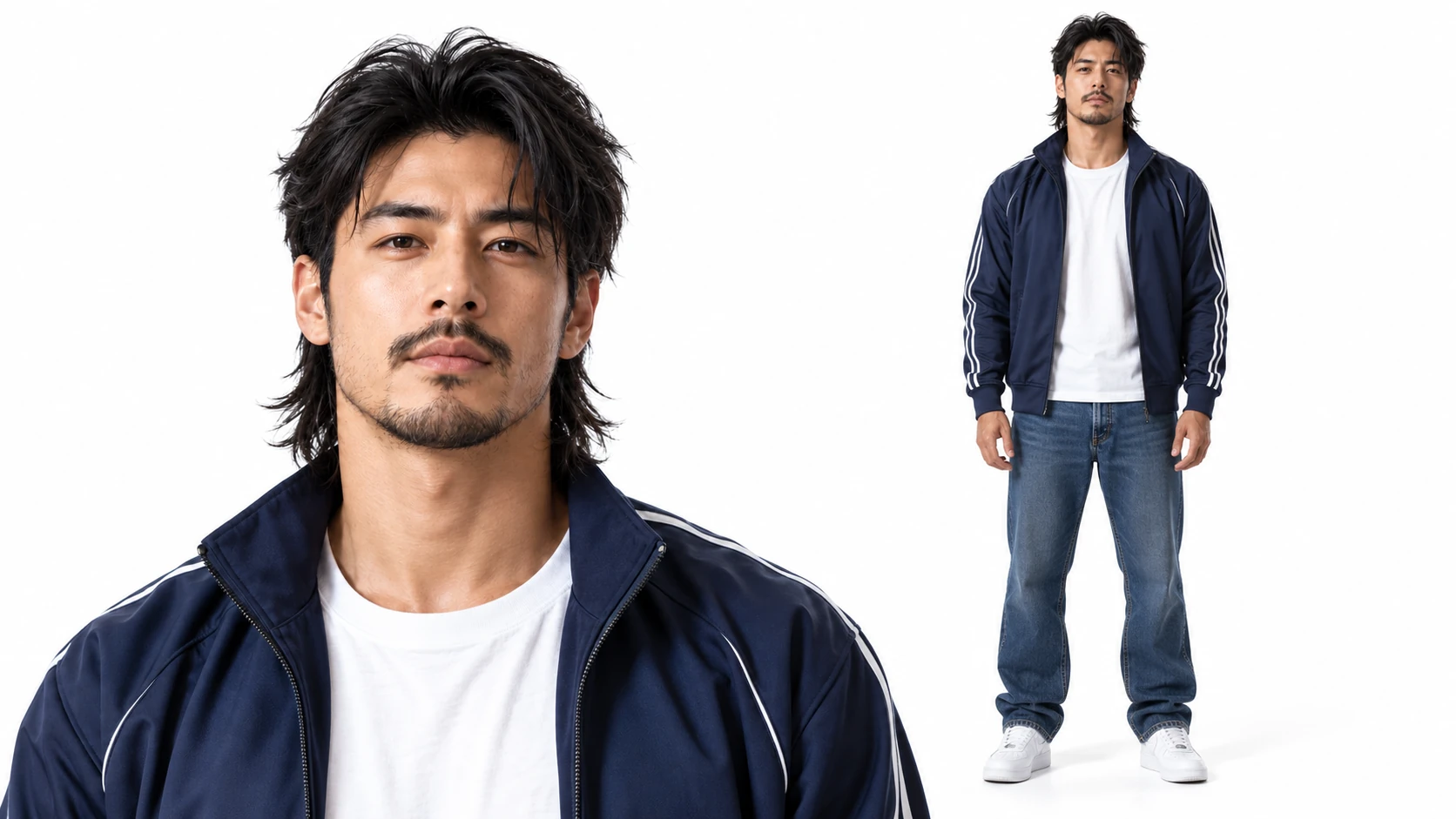
Each AI influencer result is one 16:9 image at 2K, with a close-up portrait and a full-body view of the same character on white. You can request one to four sheets per generation. My characters displays the actual generated image; the inspiration gallery uses separate covers for browsing.
How much does an AI influencer cost?
Browsing AI influencer examples, setting options and previewing trends costs no credits. Creating or editing an image and generating a video are separate submissions. Each requires an account and enough credits for the estimate shown before you generate.
Which videos can I make with my AI influencer?
Explore all published Video trends, including dance, group performances, pets and cinematic effects. Each trend keeps its own required photos, duration and output options. Carry your AI influencer into the page, then fill any additional roles before submitting. Check the finished video for appearance and movement; details can vary.
Can I edit or recreate my AI influencer?
Yes. Edit uses the finished AI influencer image and a written change, such as a different outfit or hairstyle, while keeping the white-background portrait and full-body layout. Recreate restores the saved settings to the builder. Regenerate on an inspiration example also fills the builder. These actions let you review the inputs before submitting a new generation.
Where can I reuse my AI influencer images?
Your AI influencer sheets appear in My characters. My images brings together saved uploads and completed images beside supported photo inputs, including video trend pages. Choose a different image there whenever you need one. Finished videos remain in your video history.
Can I download my AI influencer and video?
Yes. Download your AI influencer image or finished video from its result. Review the clip, then upload it to your preferred social platform, such as TikTok, Instagram or YouTube. Posting is up to you; the tool does not publish to your accounts or guarantee views or followers.
Create your character. Make your first video.
Give your AI influencer a look of their own, then choose a video trend for their first appearance. Create a clip you can download and share.