
01
Take the lead without filming a performance
Try a confident entrance or expressive delivery using a photo. The AI rap video generator follows the performance you preview, so you can join the scene without recording yourself rapping on camera.
Put yourself in the lead—or bring a friend into a rap duo. Choose a performance in the AI rap video generator, add your photos, and make your own version of the performance. The template brings the delivery and soundtrack.
Creations from this workspace appear here.
Picture your usual crew in a studio duet, street performance, or music-video scene. This AI rap video generator uses motion transfer to bring the characters in your photos into a prepared rap or music-video performance. Photos guide their appearance and outfits; the template supplies the gestures, camera cuts, and existing vocals. Choose a performance you want to be part of, then create your version here. The videos are community examples; likeness and fine details can vary. Use AI motion transfer for a performance you recorded.
Choose a rap template, upload your photos, and generate a video. Previewing and loading a template does not spend generation credits.
Step 1
Preview a solo, duet, or group performance. Select Regenerate to load it in the AI rap video generator on this page.
Step 2
Add a separate photo for each required role. The AI rap video generator labels the lead, supporting cast, studio side, or car seat so you can put each friend in the intended place.
Step 3
Select Generate once your photos are ready. Sign in if prompted. Your rap video will appear in My creations, where you can play and download it.
Take the lead, perform with a friend, or fill the car with your own cast. The AI rap video generator brings your photos into the performance without a studio or camera crew.
01
Try a confident entrance or expressive delivery using a photo. The AI rap video generator follows the performance you preview, so you can join the scene without recording yourself rapping on camera.
02
Choose a two-person template in the AI rap video generator and give each performer their own photo. Put yourself and a friend in the studio together, even if you have never recorded a verse.
03
Use a character photo with the hairstyle and outfit you want on screen. The AI rap video generator brings that look into the chosen rap, giving you a personal take to share on your feed.
A solo entrance, a studio duo, or a whole car’s worth of personality. These community examples show the performances you can join.
01
Bulin 47 puts one photo in the main rapper’s role while the supporting cast stays in place. Try it in the AI rap video generator for a solo reveal that makes your character the focus of the scene.
02
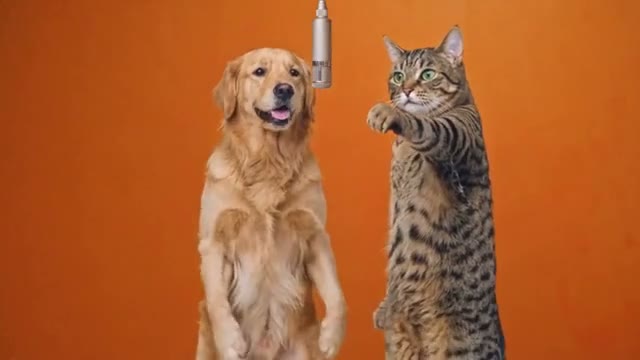
Hotel Lobby gives two performers separate roles in the orange studio. The AI rap video generator labels the left and right parts, so each friend gets their own look in the duet you share.
03
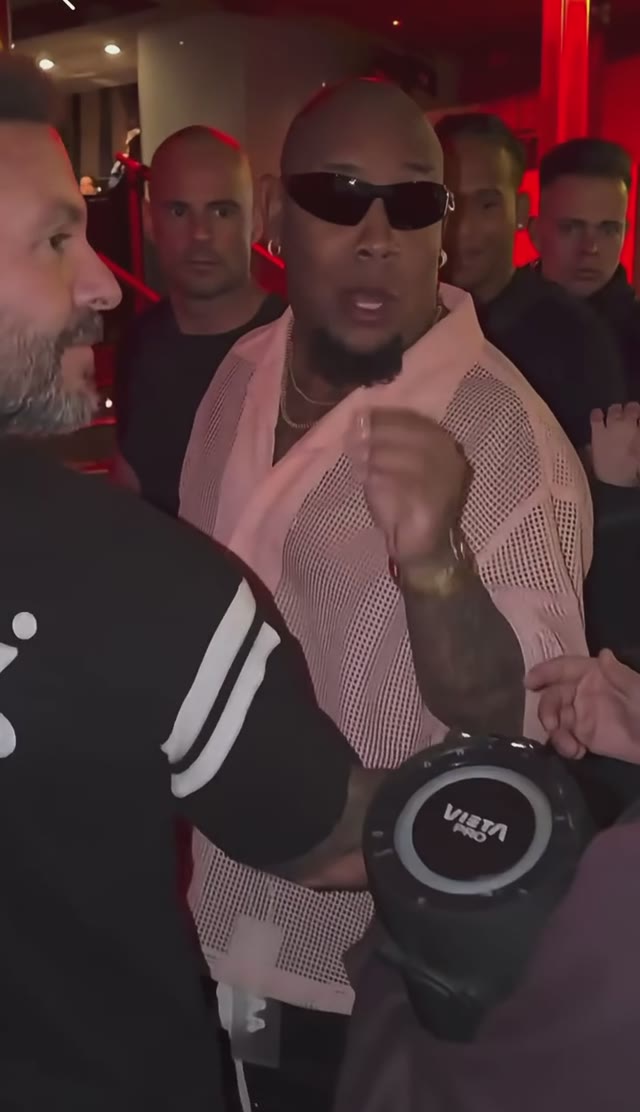
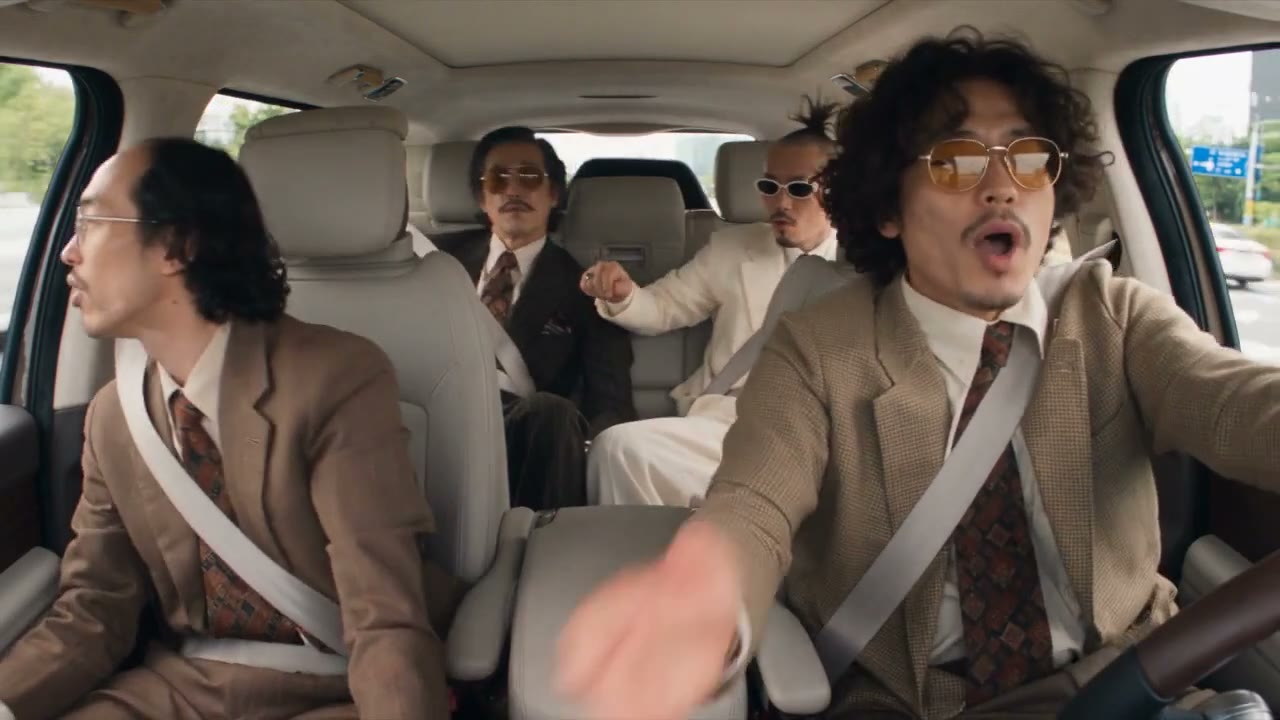
Migos Carpool opens separate photo roles for the people in the car. Cast the seats in the AI rap video generator to make a group performance with everyone in their own seat.
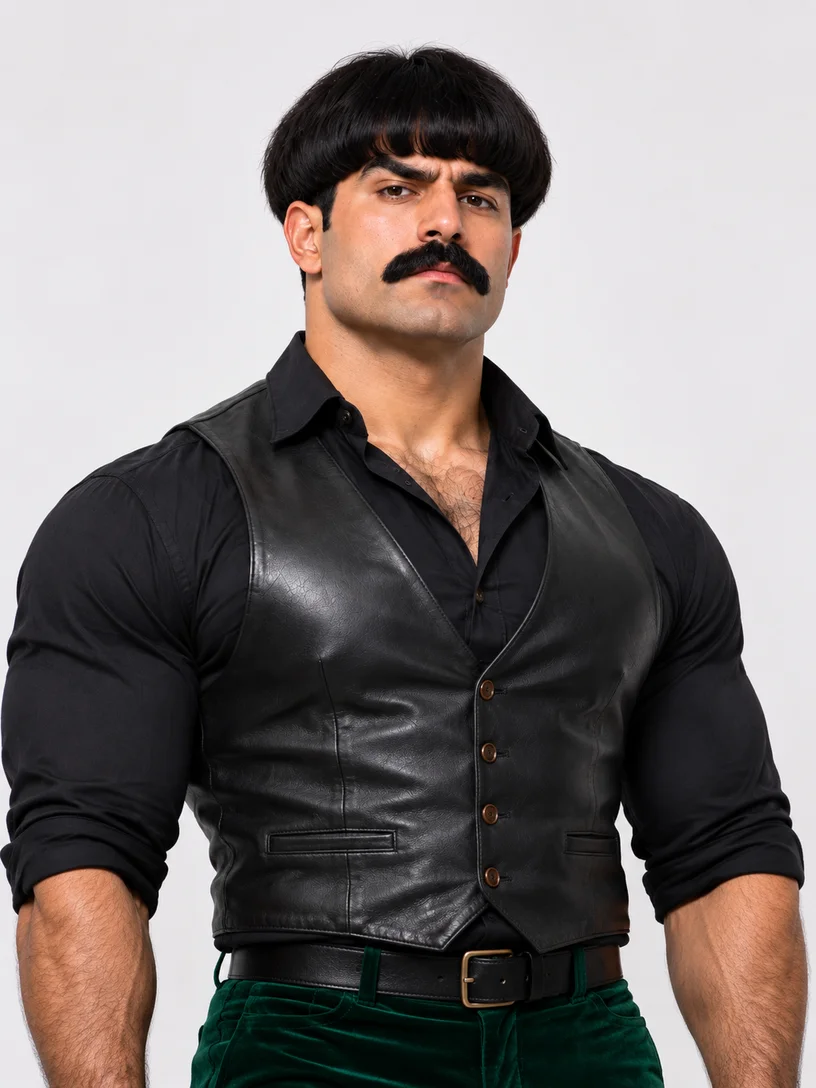
Show the character you want on camera. These AI-created photo illustrations demonstrate a clear portrait and separate role uploads; they are independent of the community videos.
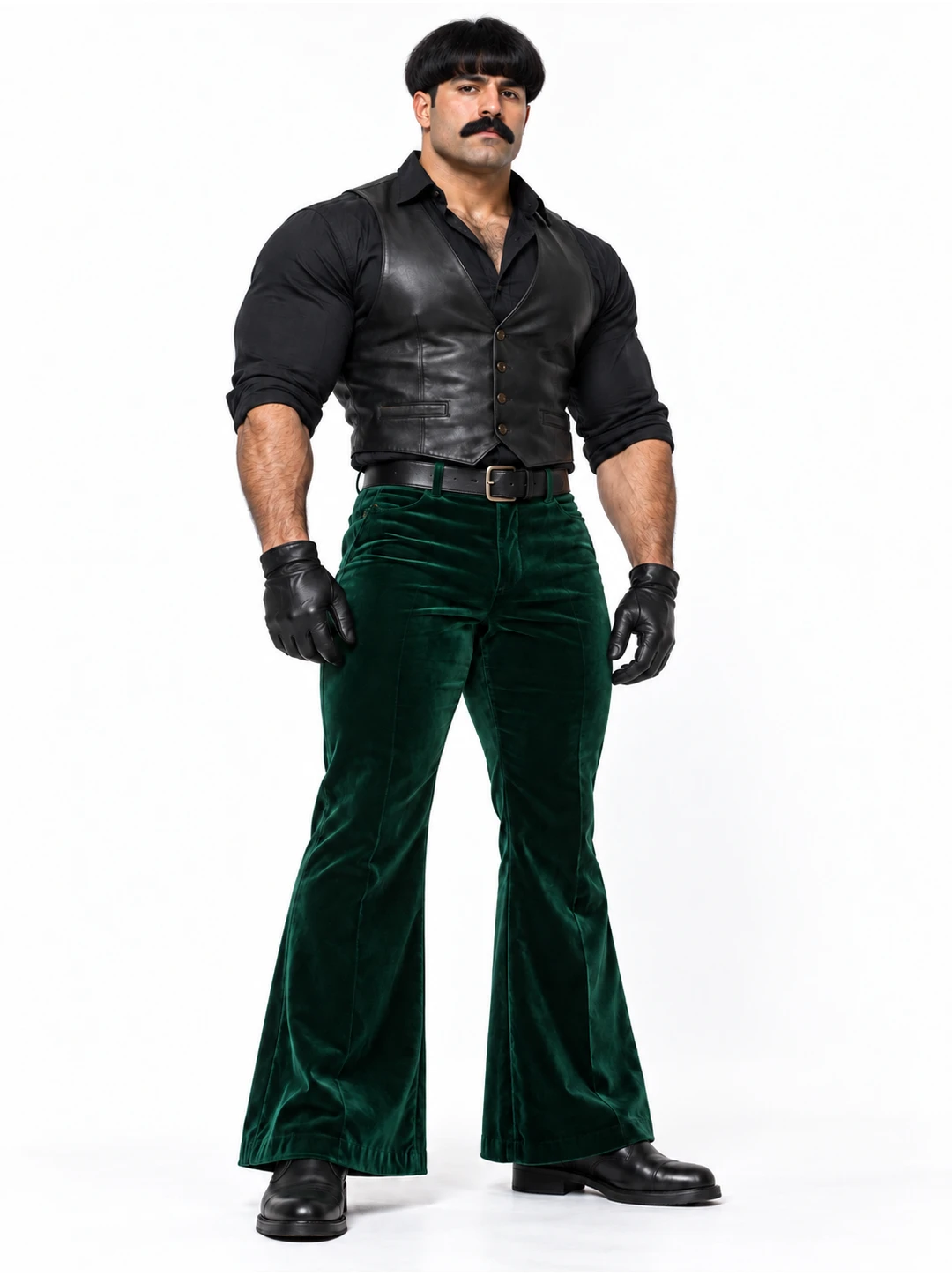
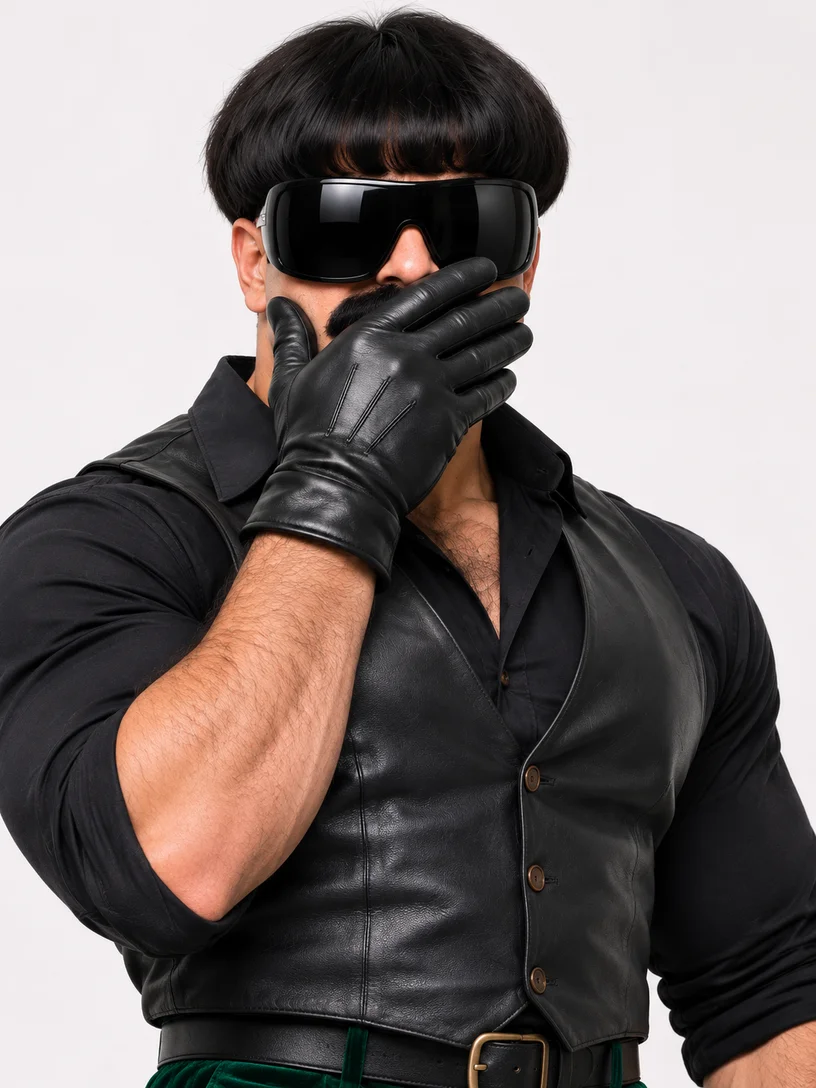
Use an unobstructed photo with visible hair, shoulders, and clothing for a close rap scene. For a wider shot, show more of the body. Give the AI rap video generator the look you want the character to wear.
Better fit
Harder to use
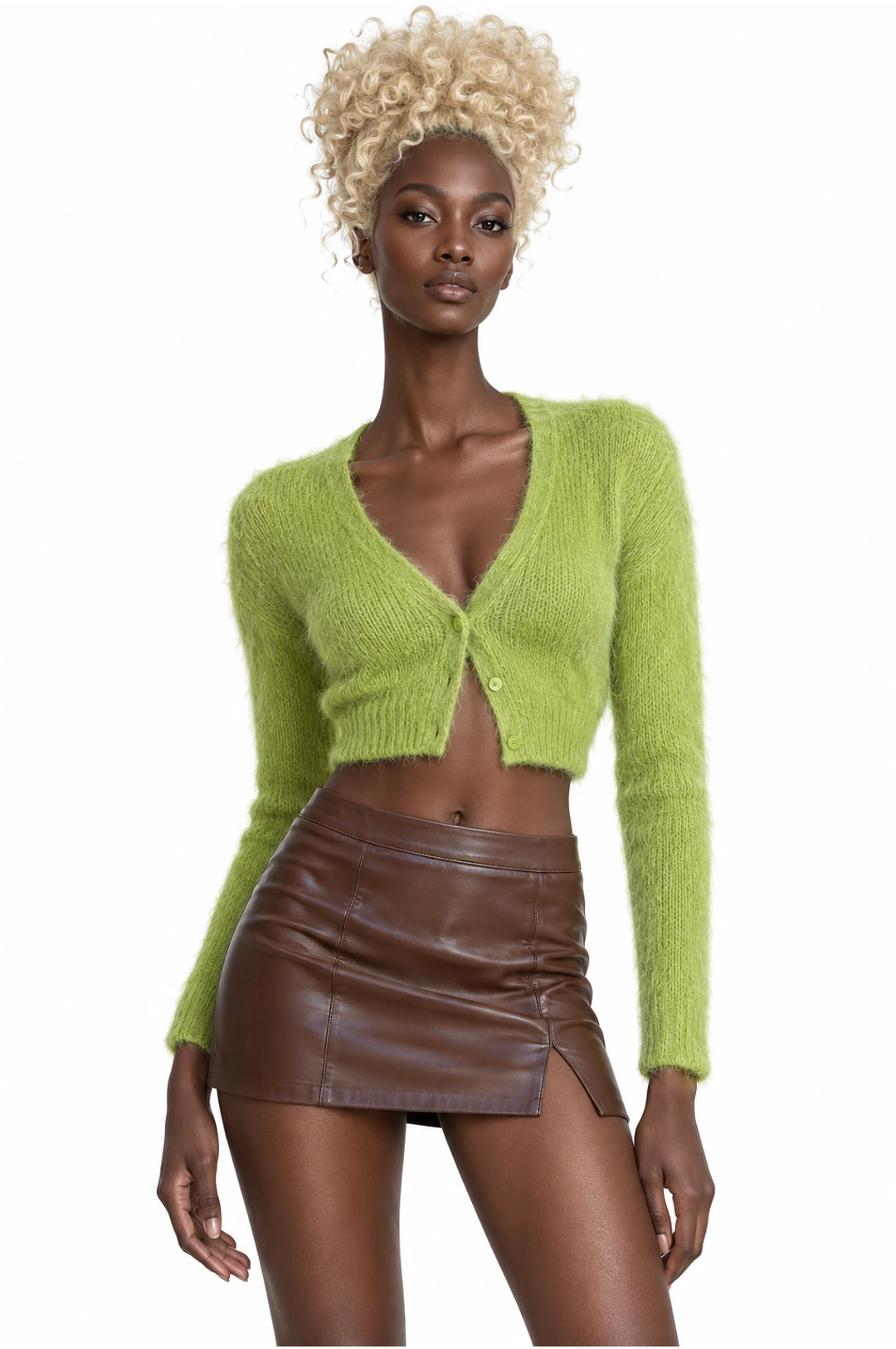
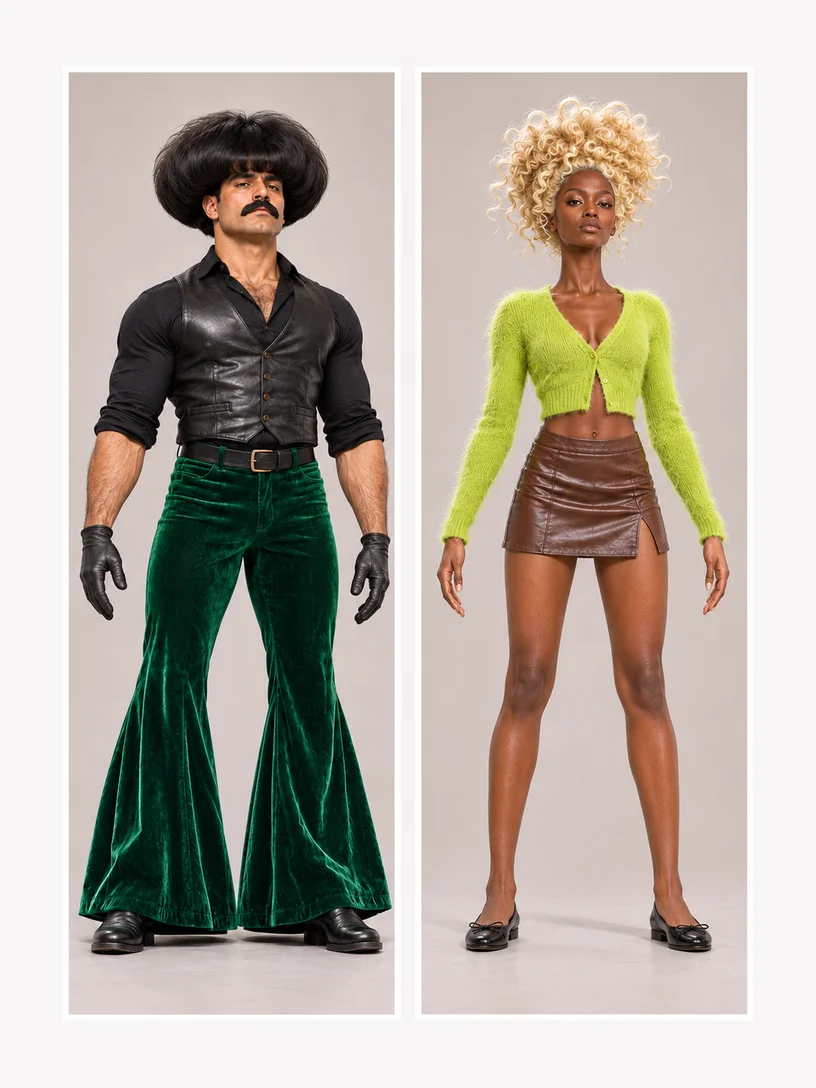
Give each required performer their own photo in the AI rap video generator. Use the left, right, or seat labels to assign them. These two portraits represent separate uploads, not a combined input.
Better fit
Harder to use
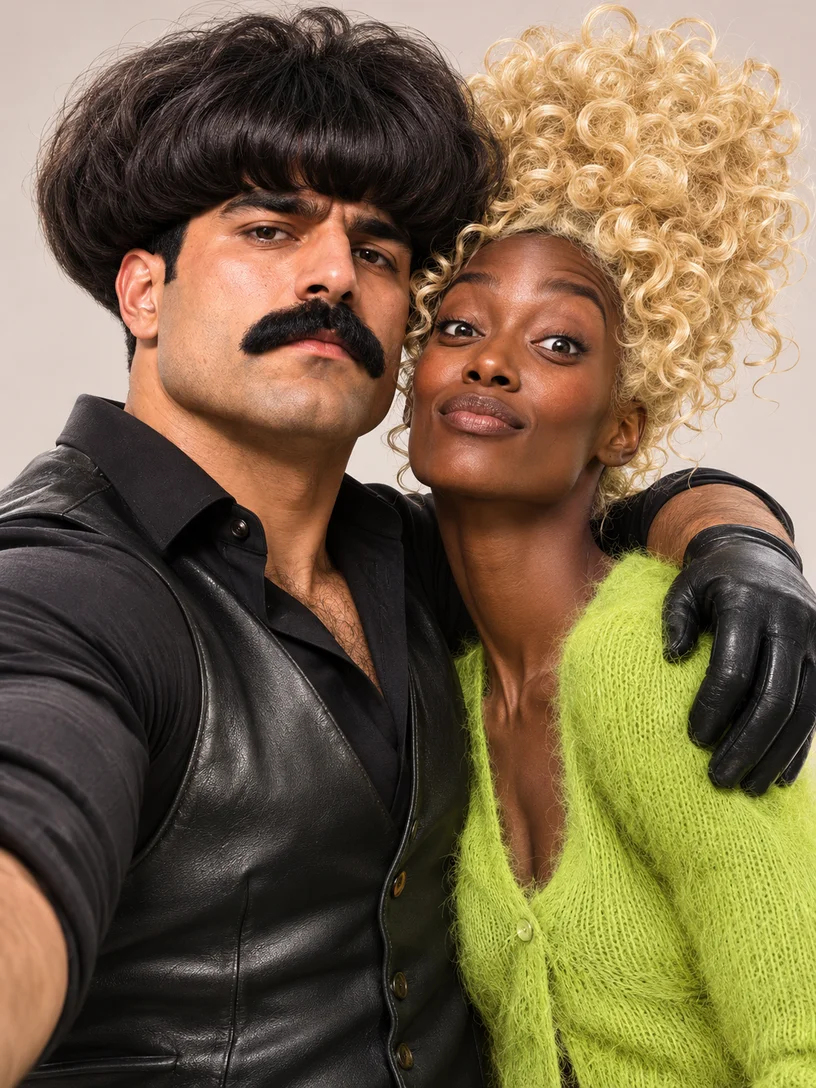
Use photos you have permission to animate. A recognizable look depends on more than the face: include the hairstyle and clothing you want in the scene.
Choose the performance and assign the roles for your AI rap video generator clip.
Listen to the lyrics and beat before you select a template. The AI rap video generator keeps the existing performance and soundtrack. Choose the delivery and energy you want in your video.
Read the labels beside the uploads. The AI rap video generator assigns photos to the roles the template opens; supporting performers stay as filmed when they have no photo slot. Optional roles can remain unchanged where allowed.
Your crew, the existing soundtrack, and making your version.
A short rap performance featuring the characters in your photos. The AI rap video generator follows the selected scene’s gestures, camera cuts, and soundtrack while your photos guide the appearance and clothing of its supported roles.
Yes. Choose a studio duo, street duet, or carpool scene in the AI rap video generator, then add a separate photo for each required performer. Use the role labels to place each person correctly, and include friends who agree to have their photos animated.
These templates use the lyrics, vocals, and beat already in the preview. The AI rap video generator does not compose music, write a new verse, clone voices, or accept a separate audio track.
Download the finished video to share or post on your own account. Use photos and source media you have permission to share. Creating a clip does not grant rights to its music.
Those names refer to the same orange-studio duet. Migos Carpool is a separate scene with roles in a car. The AI rap video generator shows the photos required for each when you select it.
Browsing, previewing, and loading a template do not spend generation credits. Creating a video requires sign-in and credits. Read the estimate in the AI rap video generator before you submit; it depends on the chosen template and settings.
Yourself, a friend, or a character with a bigger stage personality. Choose a performance in the AI rap video generator and make a clip for your crew.