
01
Join the routine without learning it
You know the clip. You just have not learned the steps. The AI dance generator gives your photo a role in that choreography, without asking you to film yourself dancing.
Put yourself in a dance you keep replaying—or bring a friend into a duet. Turn your photos into solo, duet, or pet dance videos with the AI dance generator. No choreography to learn or performance to film.
Creations from this workspace appear here.
Bring the character in your photo into a dance you love. Your photo guides the character’s appearance and outfit, while this AI dance generator uses motion transfer to follow the template’s choreography, camera movement, and scene. Try a solo for your social feed, bring a friend into a duet, or cast your pet in a playful performance. The videos shown are community examples; your result will vary in likeness and fine details. Explore AI motion transfer with your own dance reference.
Choose a dance template, upload your photos, and generate a video. Previewing and loading a template does not submit a generation or spend credits.
Step 1
Choose a routine you would love to see yourself in. Preview it, then select Regenerate to load it in the AI dance generator. The template stays on this page.
Step 2
Add a separate photo for each required dancer. The AI dance generator labels the roles, so you can put yourself and a friend in the right places. Use a pet photo for a pet template.
Step 3
Select Generate once your photos are ready. Sign in if prompted. Your dance video will appear in My creations, where you can play and download it.
Try a routine yourself, make a duet with a friend, or give your pet a turn. The AI dance generator lets you join the choreography with photos instead of a filmed performance.
01
You know the clip. You just have not learned the steps. The AI dance generator gives your photo a role in that choreography, without asking you to film yourself dancing.
02
Choose a duet or group template for a shared joke, a birthday message, or a playful reply. The AI dance generator gives each supported dancer a separate photo slot; invite people who are happy to join in.
03
Try the routine with yourself, a friend, or your pet. The AI dance generator starts from a performance you can preview, so you can choose the mood before making a clip for your story or feed.
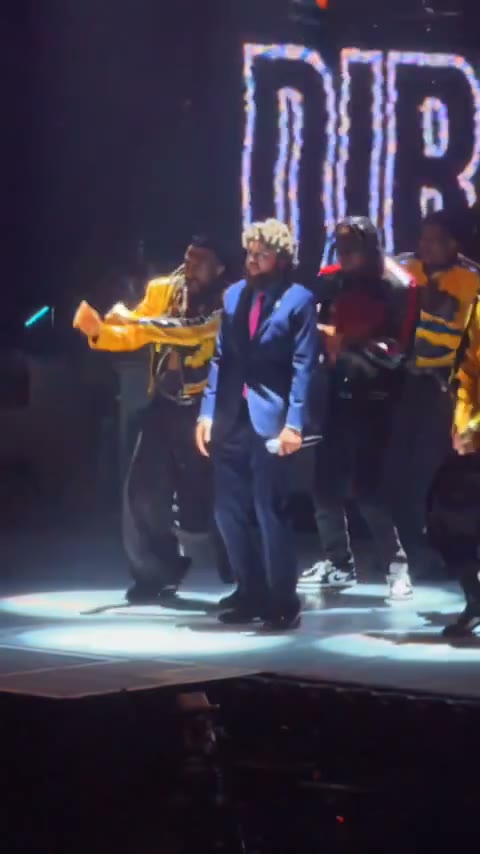
Choose a solo routine, a group performance, or a pet dance. These community videos show examples of the dances available.
01
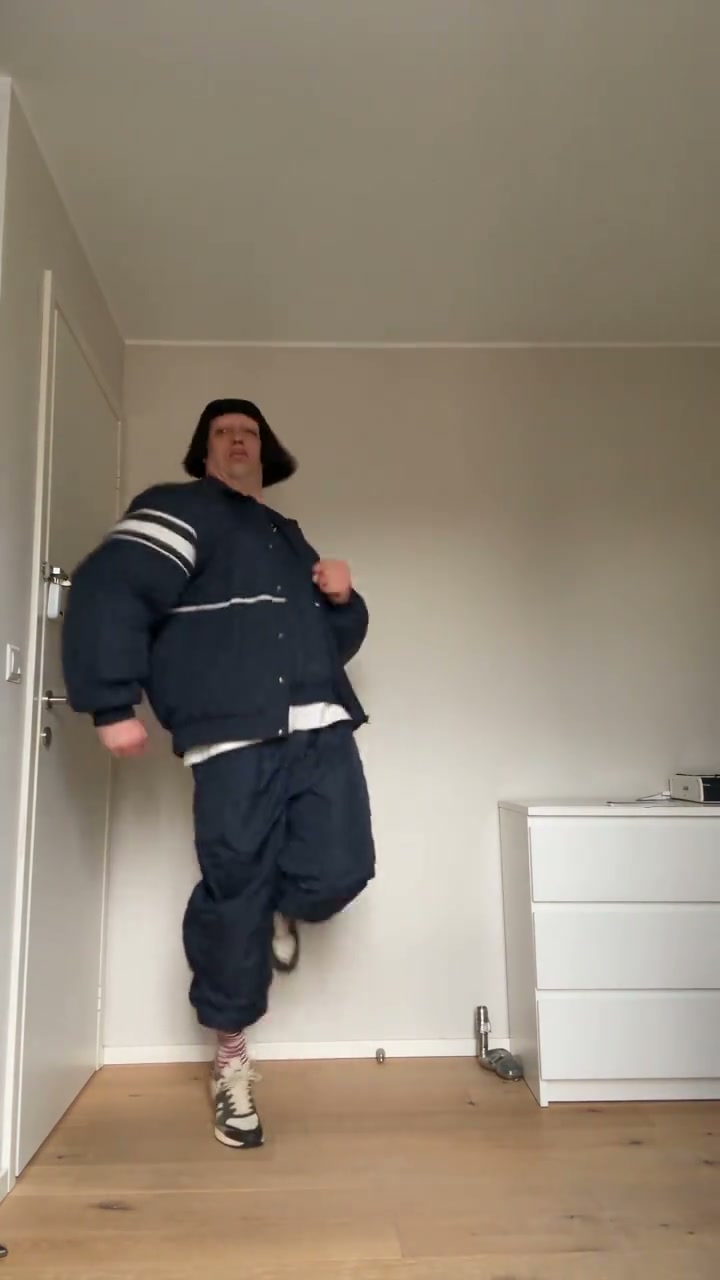
Make the routine about you. A solo template such as Jean Phil lets you bring your own look into the dance, ready for a playful profile post or a message to someone who knows you. The AI dance generator uses your photo to guide the character’s face, hair, and clothes.
02
Give a familiar group an unexpected entrance. Hallway Dance has separate roles for the cast, so you can prepare a photo for each friend or family member who wants to take part. The AI dance generator shows the required slots after you select the template.
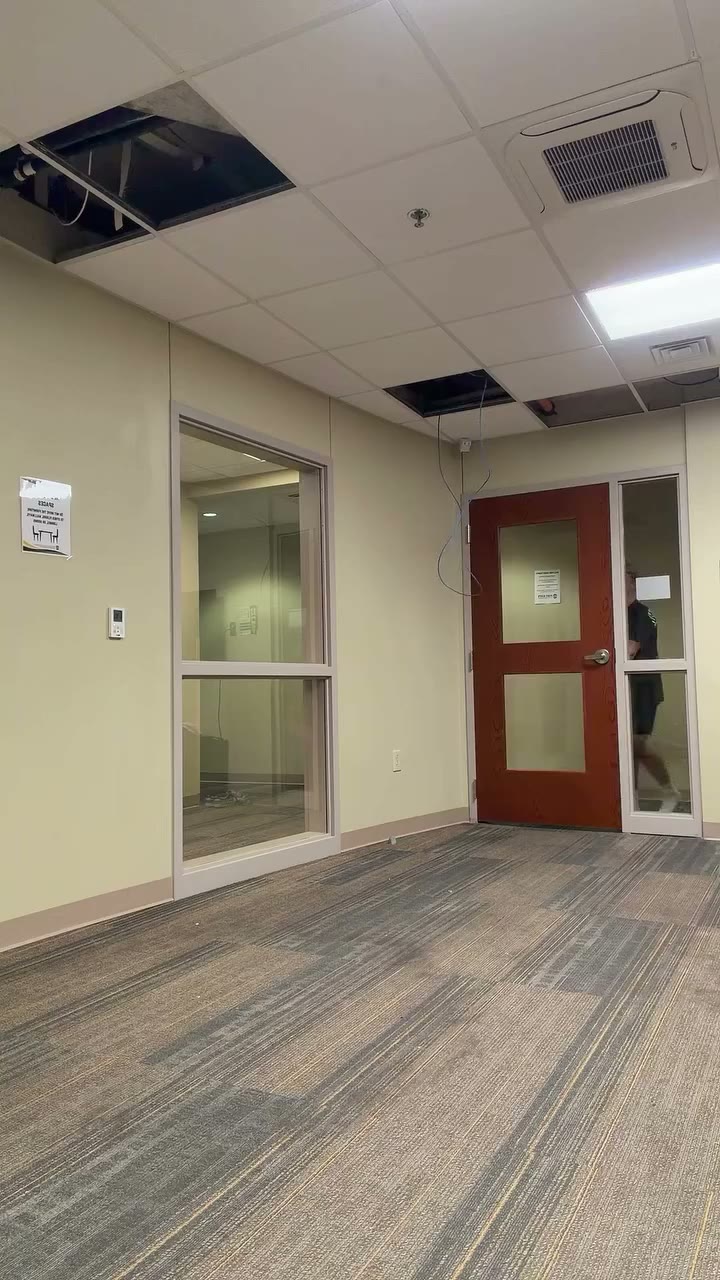
03
Your pet already gives you plenty to share. Put A Ring On It Dog adds a dance to the mix. Choose a pet-compatible routine in the AI dance generator, then make a clip for the people who know your pet best.
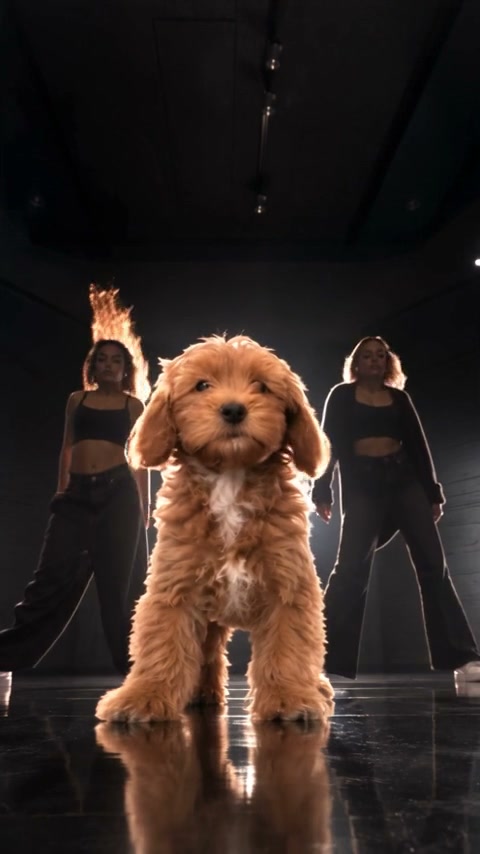
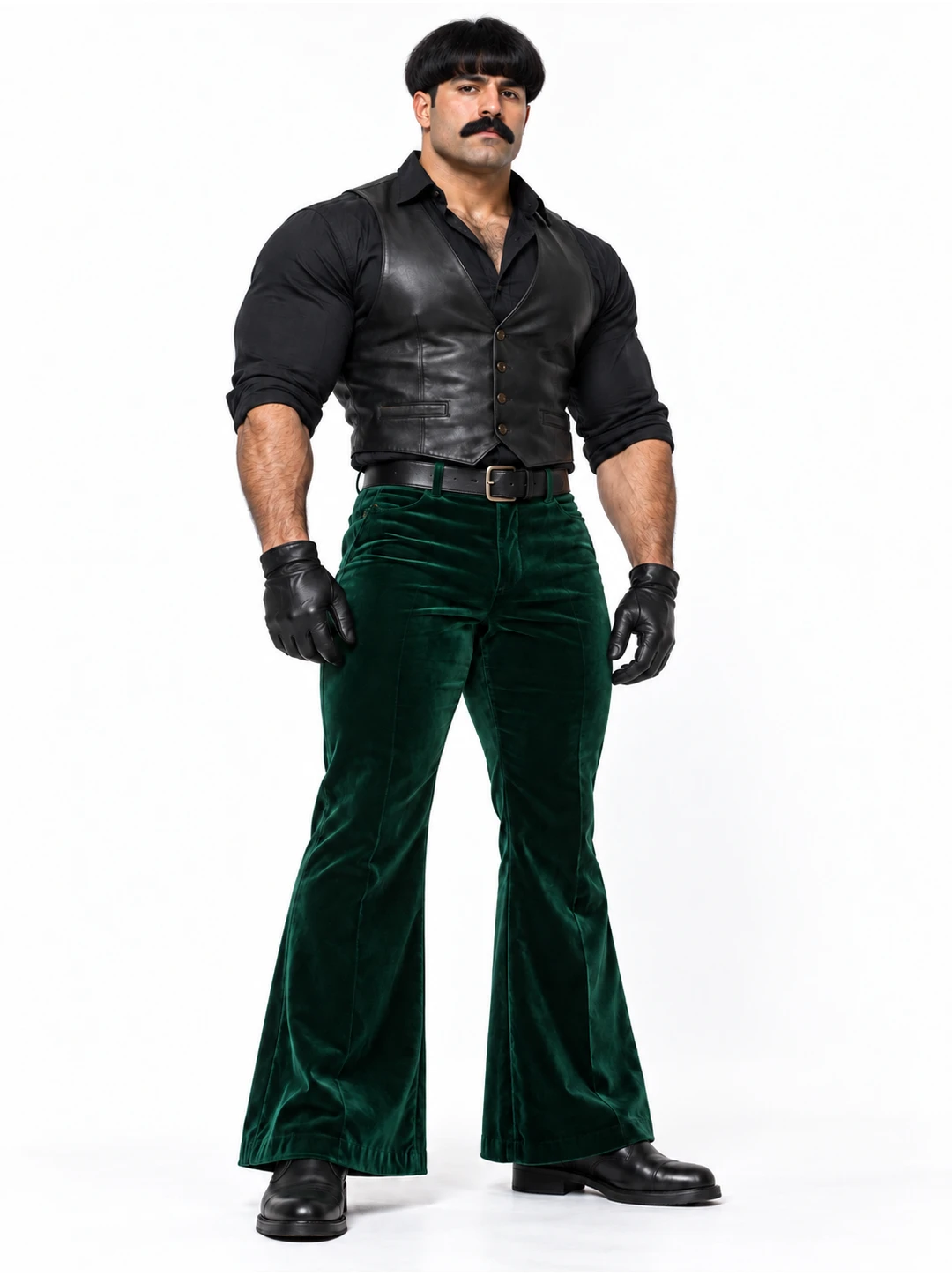
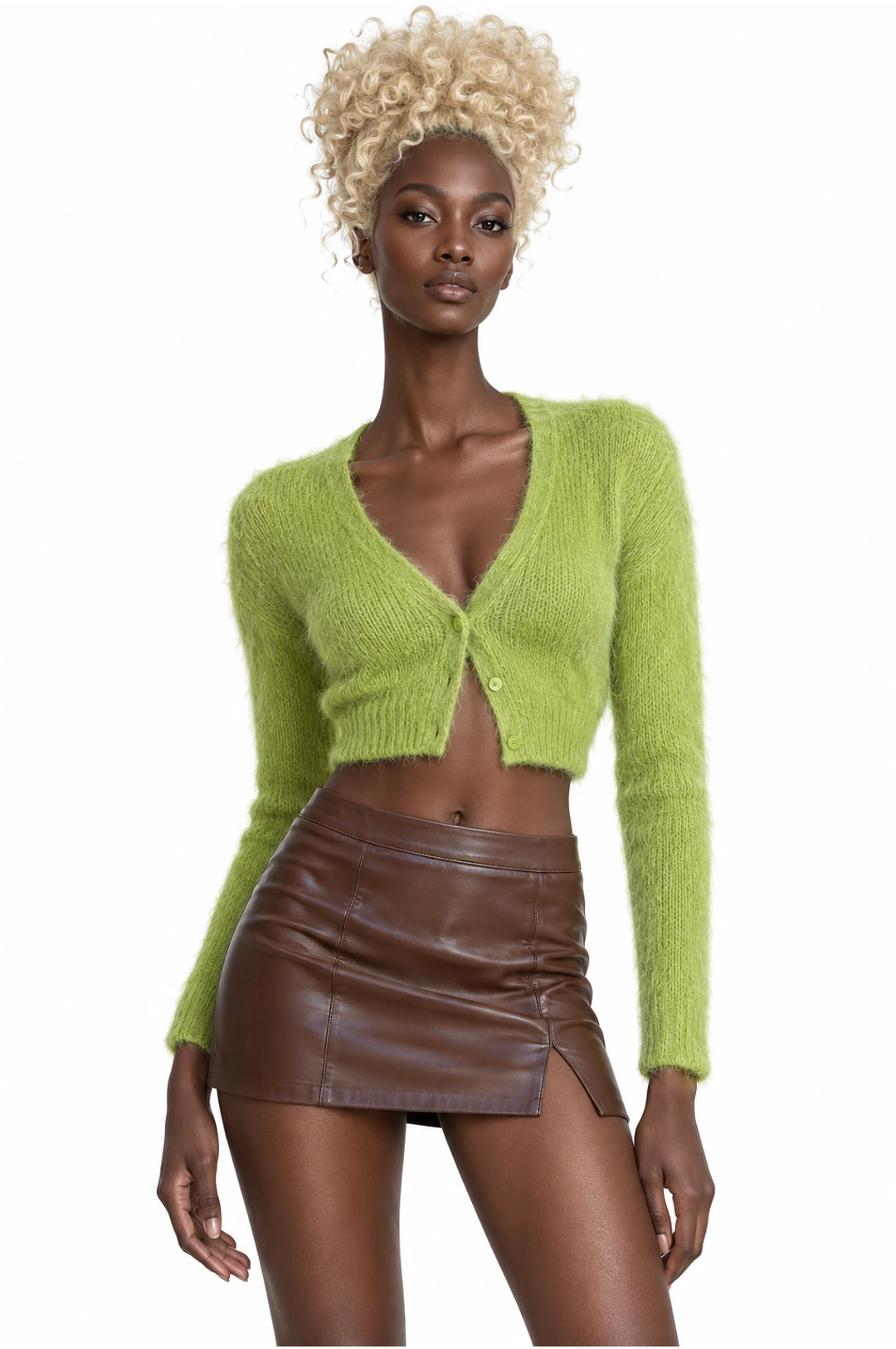
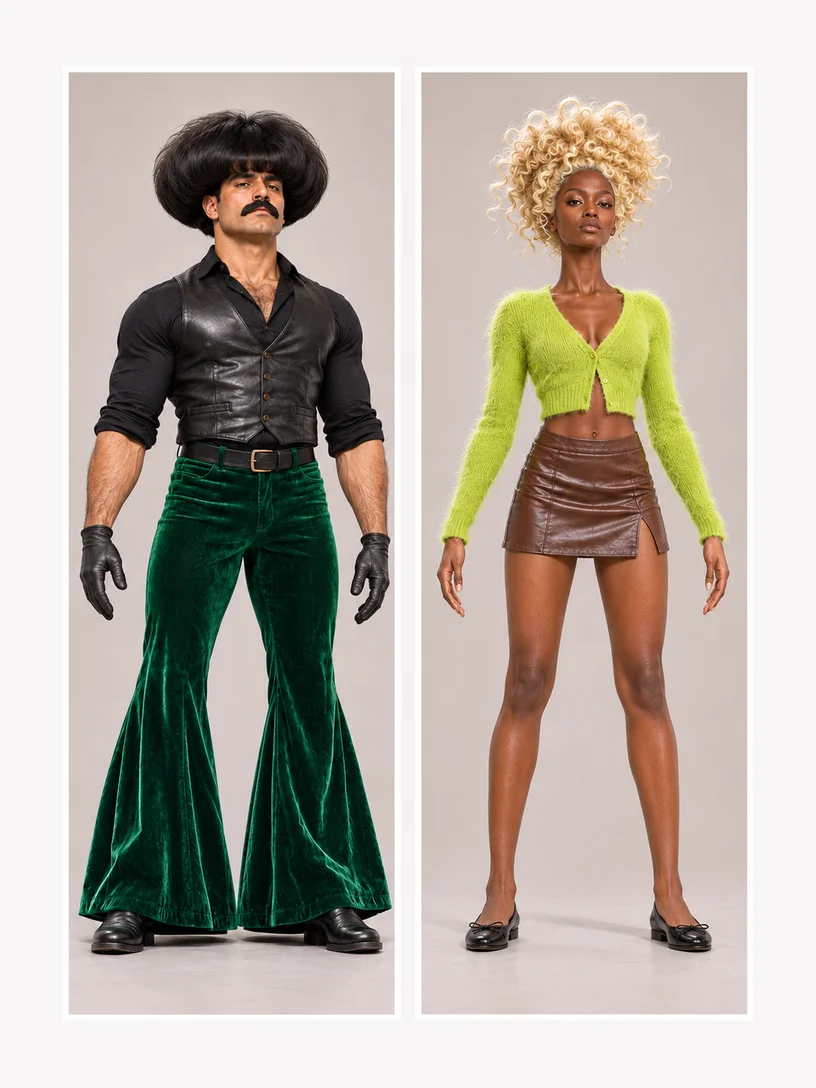
Give the AI dance generator a clear view of each dancer. These AI-created photo illustrations show framing and separate uploads; the community videos are independent examples.
For a full-body routine, show the face, arms, legs, and shoes. That gives the AI dance generator more of your look to work with. Match the crop to the chosen dance; an upper-body performance can use a closer photo.
Better fit
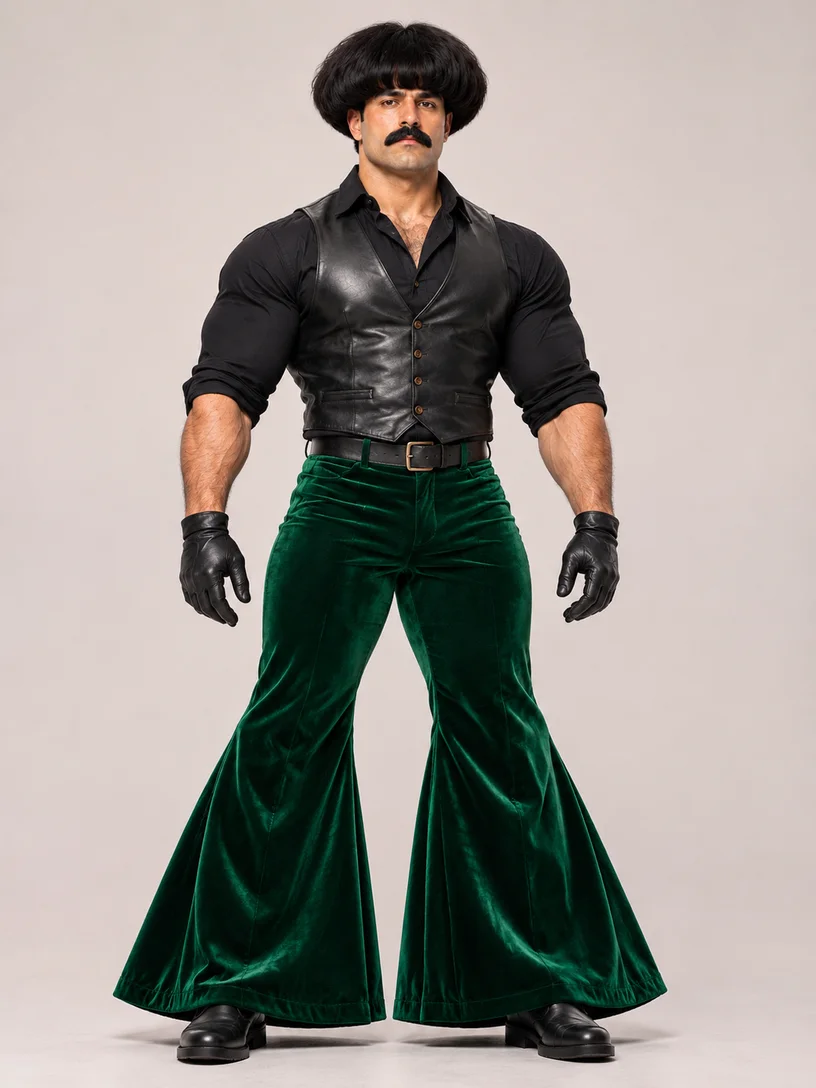
Harder to use
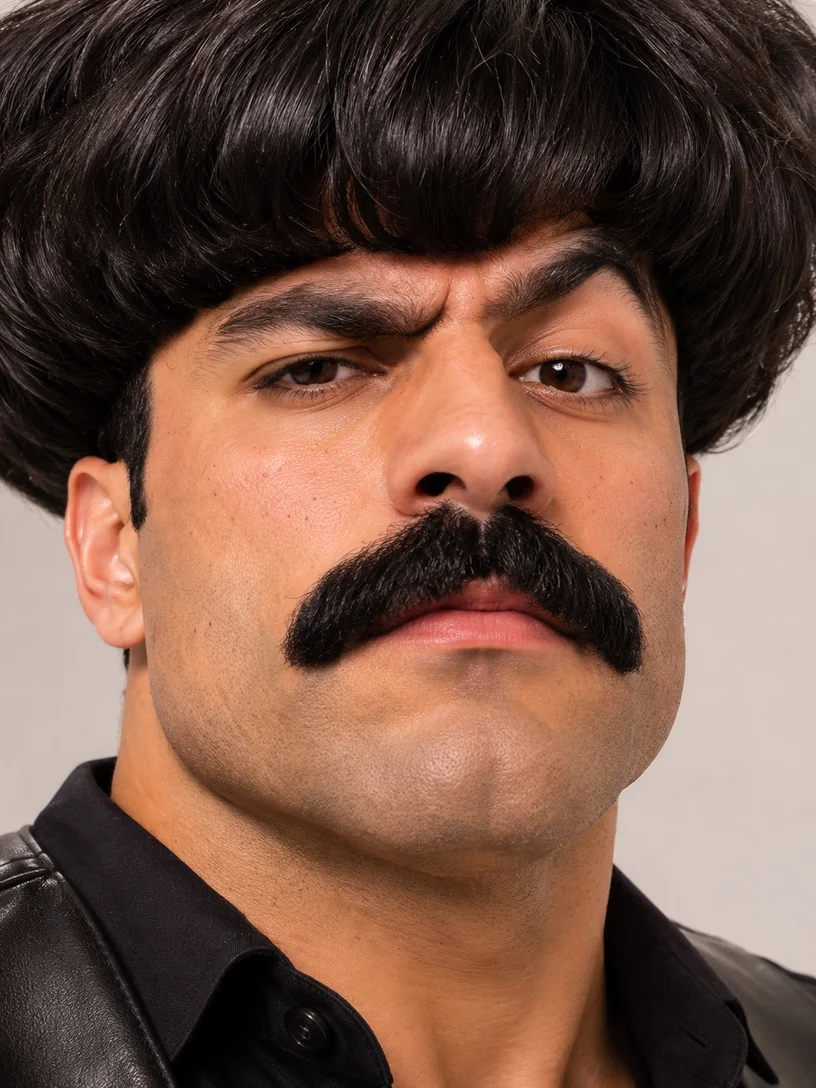
For a duet or group, give each person a separate labeled upload in the AI dance generator. The two portraits below represent two uploads; keep them separate.
Better fit
Harder to use
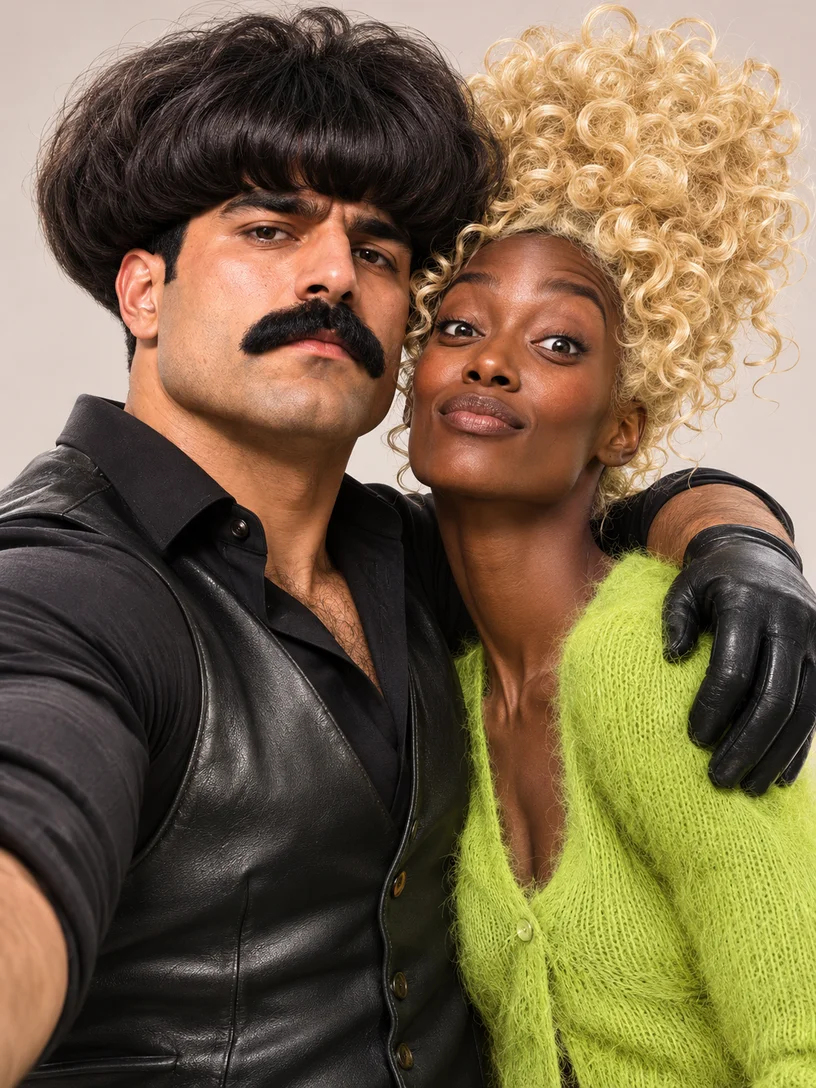
Use photos you have permission to animate. For a pet dance, show the pet’s face and the body parts involved in the movement. The selected template tells you which subjects and photo slots it supports.
Choose the choreography, soundtrack, and cast for your AI dance generator video.
Watch the dance and listen to its soundtrack. Pick the clip that fits your joke, greeting, or post. The AI dance generator follows the selected template’s audio settings; some routines are silent. Separate song uploads are not supported for these templates.
Solo, partner, and group templates open different roles. Fill the required ones; optional dancers can stay as the original performers where allowed. The AI dance generator follows those labels, so you do not need to guess how many photos to prepare.
Making it personal, choosing photos, and sharing your version.
Make a short dance video featuring yourself, friends, family members, or a pet, using a compatible template. Your photos guide the supported characters’ appearance. The AI dance generator uses the prepared routine and scene; it does not require you to perform the dance on camera.
Yes. Choose a partner or group routine in the AI dance generator and add a separate photo for each required role. Optional roles may stay unchanged. Use the labels beside the uploads, and include people who have agreed to have their photos animated.
Browsing, previewing, and loading templates do not spend generation credits. Creating a video requires sign-in and credits. The AI dance generator shows the estimate before you submit; the cost depends on your chosen template and settings.
Download the finished video to send through messaging or post on your own social accounts. Use photos and source media you have permission to share; creating a video does not grant music rights.
Prepared templates keep their existing soundtrack or silent setting and do not accept a separate song upload. If you filmed your own dance, use the reference-video input before selecting a template. Audio support for a custom reference depends on the chosen model.
Yes, with a template that supports pets. Those routines also appear in the pet collection. The AI dance generator shows the subject required for each role. Choose a photo with visible features and enough of the body for the dance.
Yes. Preview several routines in the AI dance generator and load the one you like. Switching with uploaded photos asks for confirmation. Once a video is submitted, it continues while you browse; find its result in My creations.
Yourself, a friend, or the pet everyone asks about. Find a routine in the AI dance generator and make a version with someone familiar in the frame.