
01
Bring out their personality
Give a curious cat a nosy window scene or a bold dog a dramatic entrance. Choose a template in the AI pet video generator that plays up the personality you know.
Turn your pet’s photo into a dance, a dramatic reaction, or an unexpected adventure. Pick a template in the AI pet video generator and let your pet take the starring role—no training or filming needed.
Creations from this workspace appear here.
Imagine your dog making a grand entrance or your cat delivering the perfect reaction. The AI pet video generator uses motion transfer to animate your pet in a prepared scene. Your photo guides their fur, markings, and appearance; the template supplies the action and setting. Choose a curious stare, a bold entrance, or a dance you could never get them to perform on camera. The videos shown are community examples; likeness and fine details can vary. Explore AI motion transfer with your own reference clip.
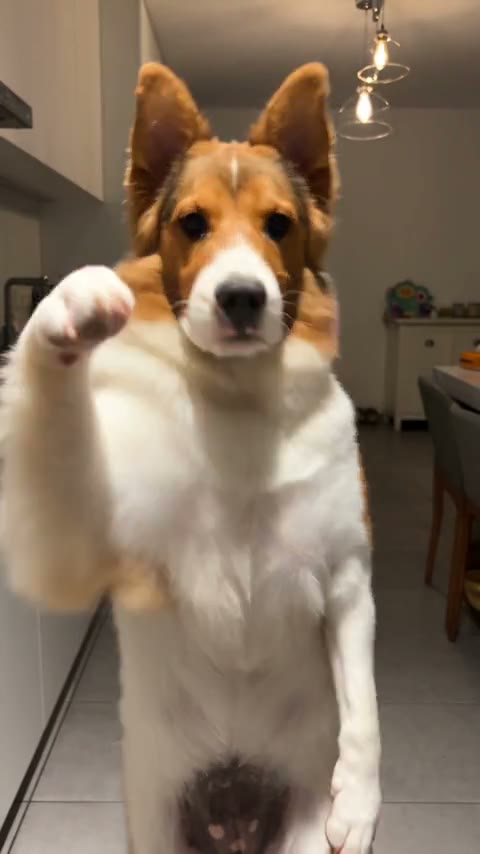
Choose a template, upload your pet’s photo, and generate a video. Previewing and loading a template does not spend generation credits.
Step 1
Preview a dance, reaction, or character scene. Select Regenerate to load the template in the AI pet video generator on this page.
Step 2
Use a clear photo that shows the features the scene needs. The AI pet video generator labels each role, including whether it takes a pet, a person, or either. Add separate photos when several roles are required.
Step 3
Select Generate once your photos are ready. Sign in if prompted. Your video will appear in My creations, where you can play and download it.
A dance you could never teach them. A reaction that fits their personality. The AI pet video generator turns an everyday photo into something fun to watch.
01
Give a curious cat a nosy window scene or a bold dog a dramatic entrance. Choose a template in the AI pet video generator that plays up the personality you know.
02
Turn a pet photo into a dance or a silly entrance. The AI pet video generator supplies the action, so you do not have to train your pet or catch the right moment on camera.
03
Mix everyday pet photos with a playful character scene or dance. Preview the action in the AI pet video generator first, then choose a clip that fits your pet’s personality.
Explore curious reactions, unlikely adventures, and pet dances. These community examples show scenes available in the AI pet video generator.
01
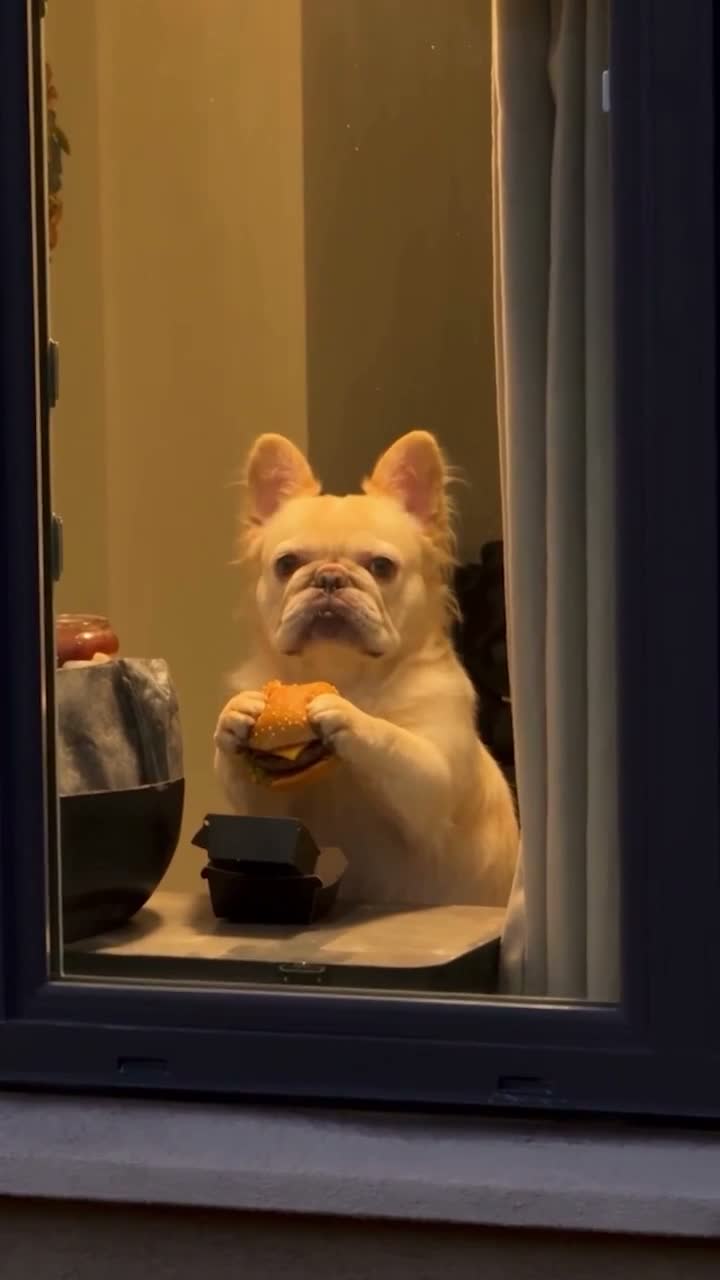
Window Peeper turns a pet or character photo into a curious reaction at the window. Give your pet the starring role in this nosy window scene with the AI pet video generator.
02
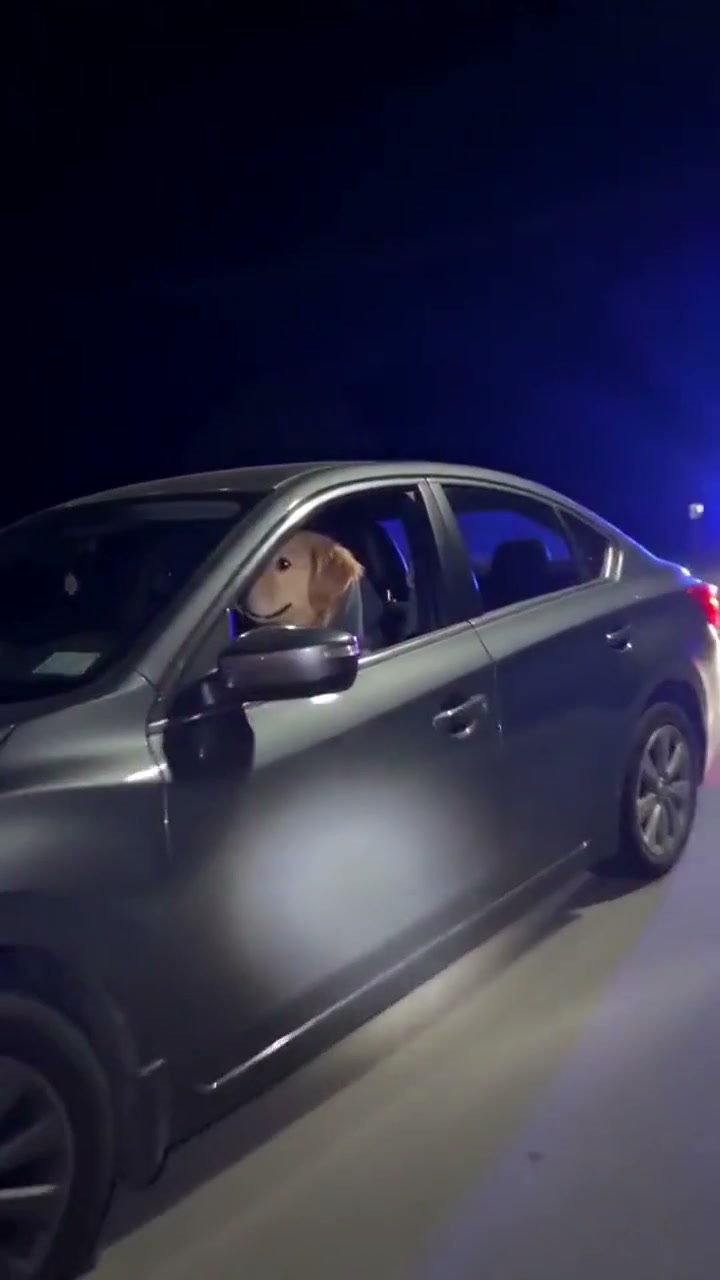
What Stop Sign puts your pet behind the wheel for an unexpected traffic-stop gag. The AI pet video generator turns an ordinary photo into a scene you would never film in real life.
03
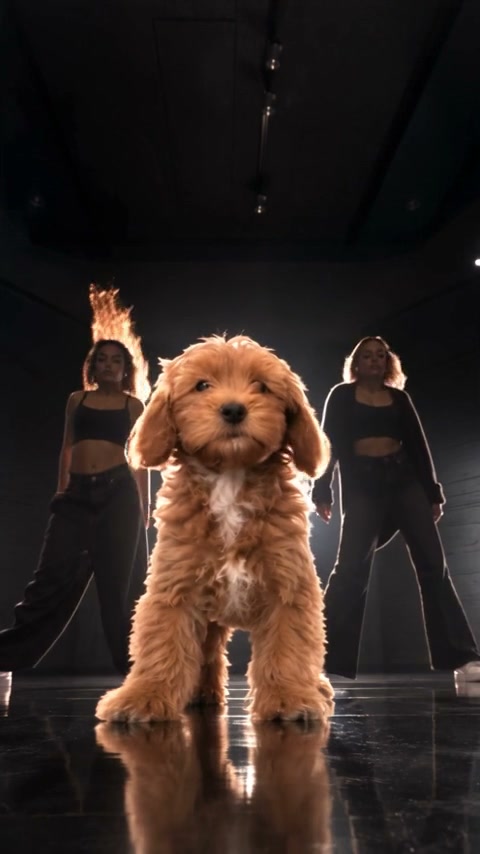
Put A Ring On It Dog gives a pet the spotlight in a prepared dance. The AI pet video generator lets you use a pet photo for the role, bringing your pet into an unexpected performance.
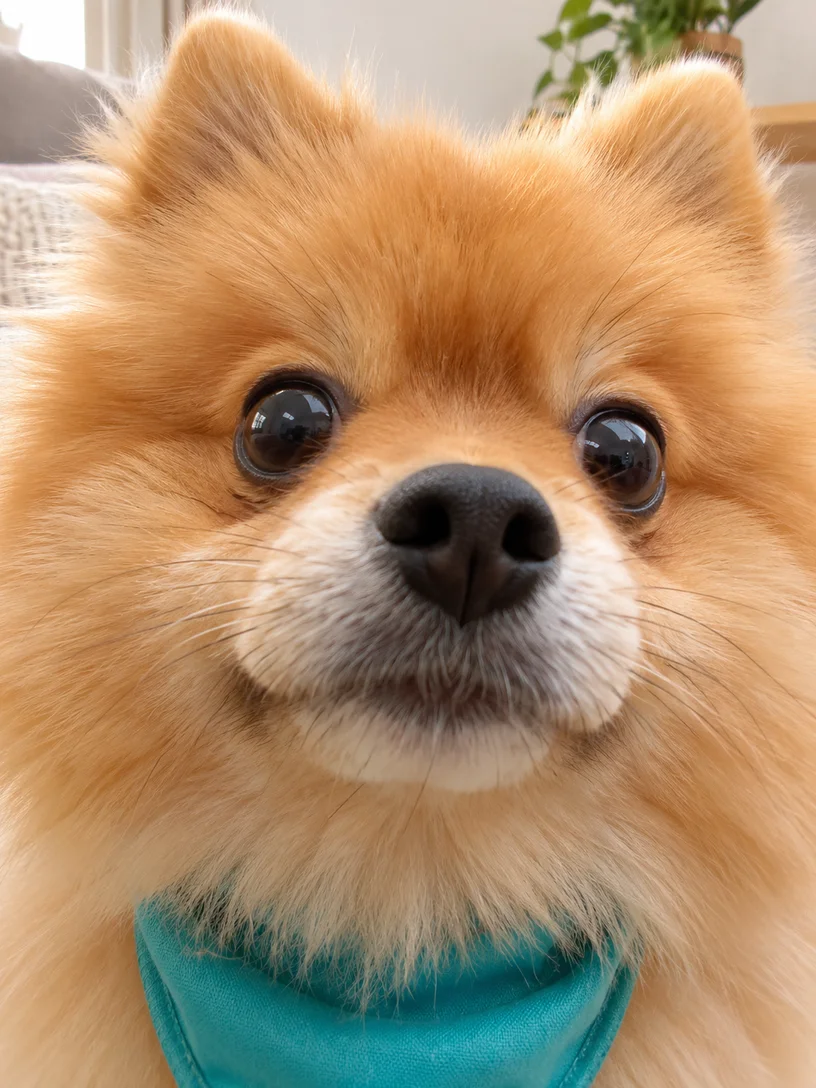
Give the AI pet video generator a clear view of your pet. These AI-created photo illustrations show body framing and separate uploads; the community videos are independent examples.
For a full-body routine, include the ears, body, paws, and tail where visible. A closer photo can suit a face reaction. Match the photo to the movement you picked in the AI pet video generator.
Better fit
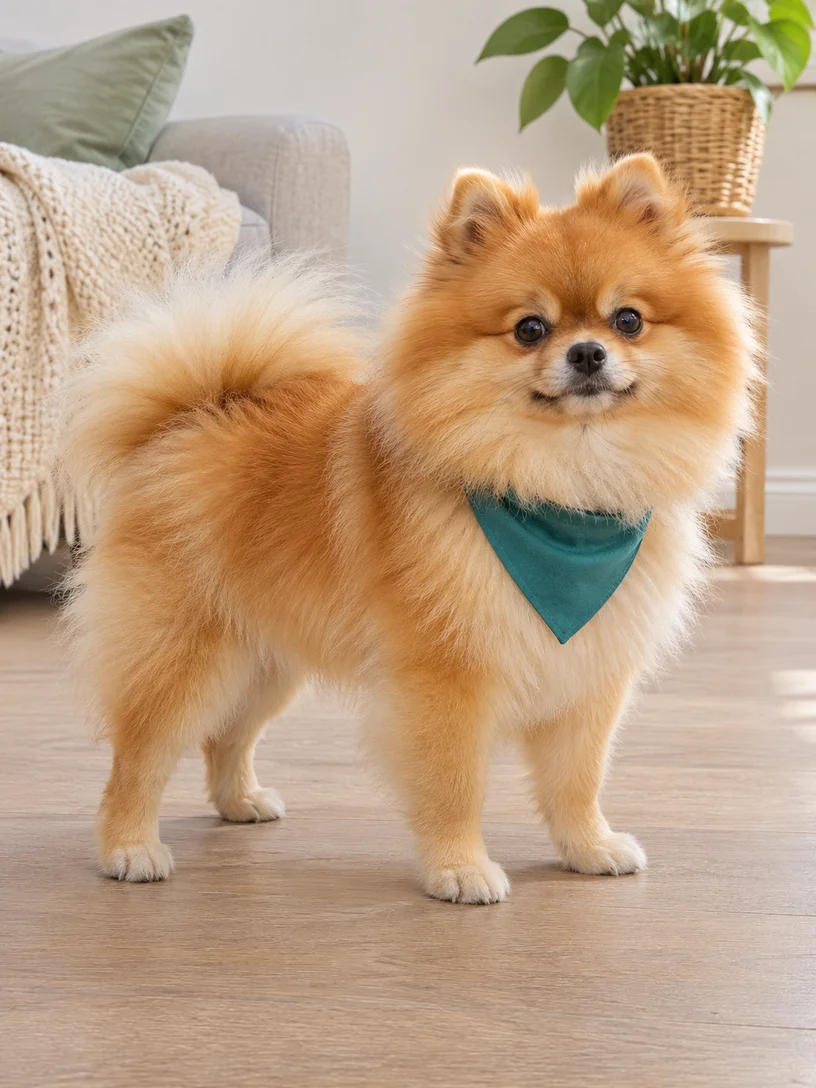
Harder to use
For a scene with multiple roles, use a separate photo for each pet. The AI pet video generator shows which slots are required. The two portraits below represent two uploads; keep them separate.
Better fit
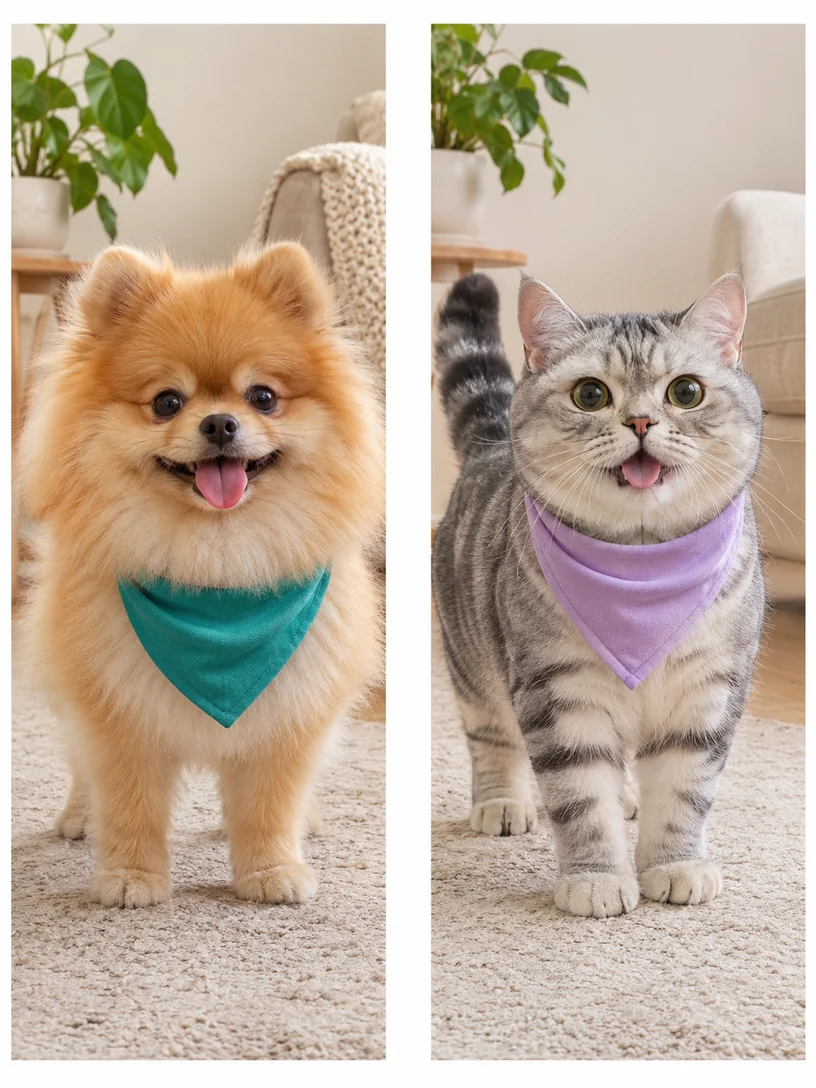
Harder to use
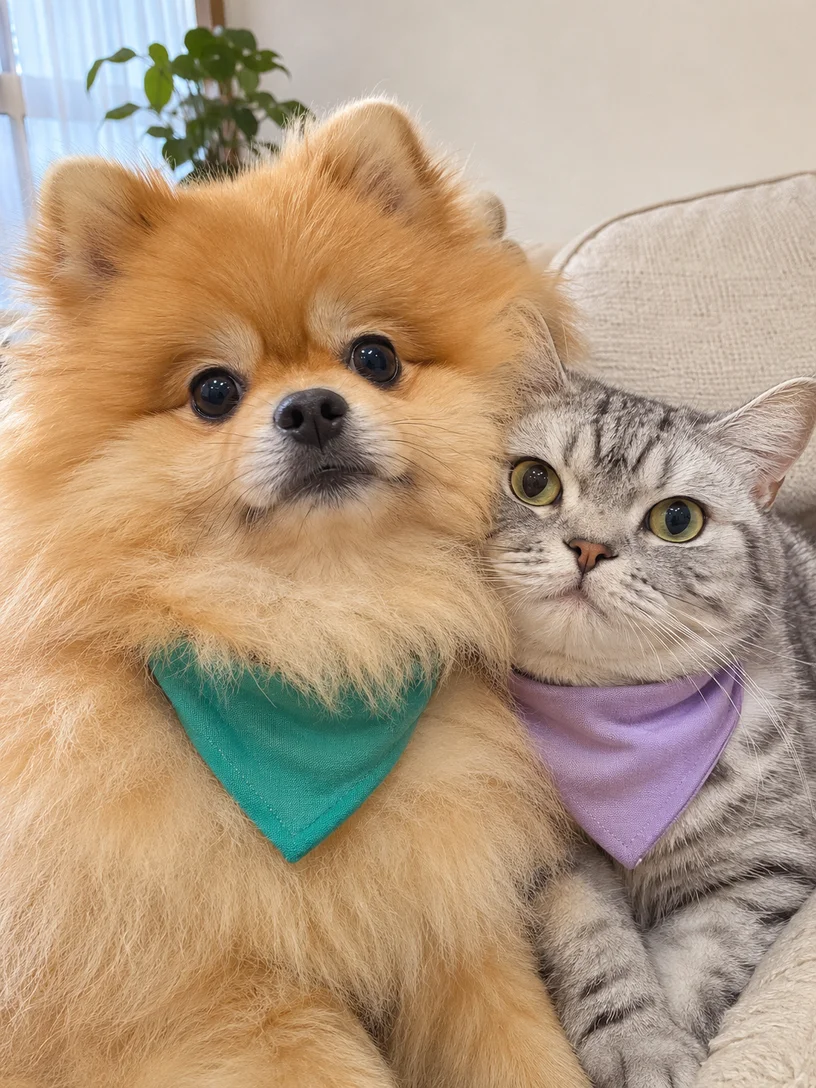
Use a photo with visible fur and markings. Avoid covering the eyes or muzzle with accessories. Follow the selected template’s subject labels; each scene supports its own roles.
Compare the action and sound in the AI pet video generator before choosing a template.
A window scene centers on an expressive face; a dance uses the whole body. Preview both in the AI pet video generator to find the kind of video you want to make.
Templates keep their existing soundtrack and any words in the clip. The AI pet video generator does not accept a separate song or write custom dialogue for these scenes. The preview lets you hear the scene’s audio.
Pet photos, supported roles, sound, and downloads.
Make a pet dance, reaction, or short character scene from a photo and a compatible template. Your photo guides appearance, including fur and markings. The AI pet video generator follows the prepared movement and setting; results can vary in likeness.
Download your finished video to send to friends and family or post on your own social account. Creating a clip does not grant rights to music or other source media.
Choose a template with multiple pet roles and add a separate photo for each required slot. The AI pet video generator lists the supported subjects after you load a clip; a single-role template does not add a second pet.
Browsing, previewing, and loading templates do not spend generation credits. Creating a video requires sign-in and credits. The AI pet video generator shows the estimate before you submit, based on the selected template and settings.
These templates use the dialogue and soundtrack already in the preview. The AI pet video generator does not write new dialogue or accept a separate song for them. Choose a template with the dialogue or sound you want.
A pet dance belongs in both collections. It is the same template with the same photo roles. You can load it directly in the AI pet video generator, without opening the other category.
A dance, a dramatic reaction, or an unexpected cameo. Pick a moment in the AI pet video generator and make it their own.