
Otsukare Summer Dog AI Trend: Make the Dance with Your Pet
The Otsukare Summer Dog AI trend puts your pet into a short dance with raised paws, side-to-side movement, and playful close-ups. You need one photo, not a recording of your dog dancing. Open the Otsukare Summer Dog AI tool, or follow this guide to choose a useful photo and review the moments where a cute opening frame can turn into an uneven result.
Make an Otsukare Summer Dog AI video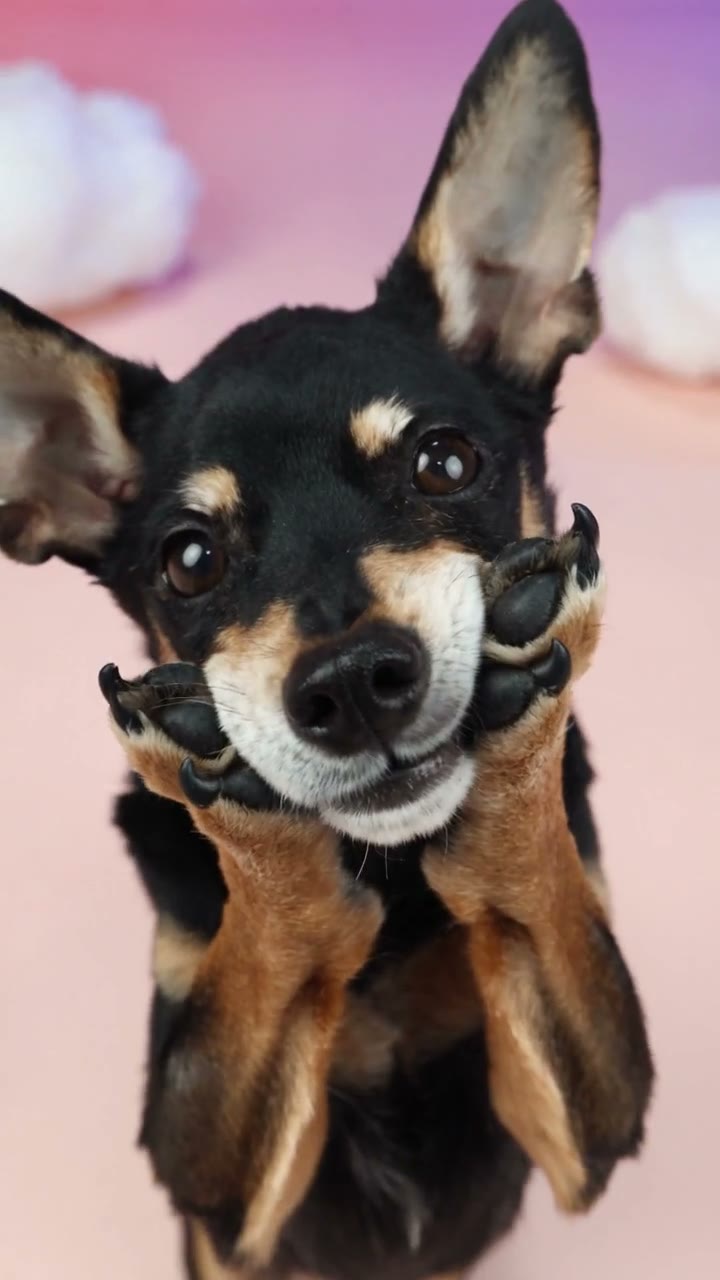
What happens in the Otsukare Summer Dog AI dance?
The loaded reference lasts about eight seconds. A small curly-coated dog brings its front paws beside its cheeks, sways, and turns in a pastel studio with cloud decorations. The framing moves between the face and the whole body. Those changes matter: the same ears, muzzle, coat, and proportions must remain recognizable when the view widens.
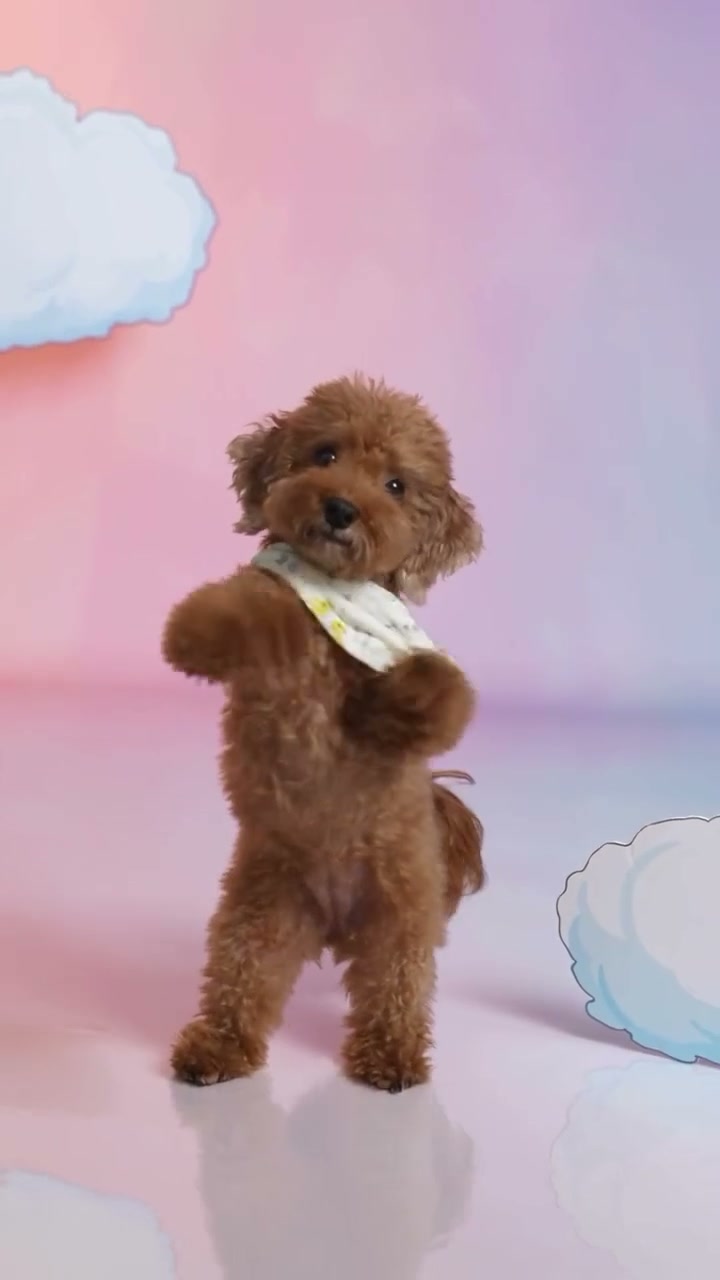
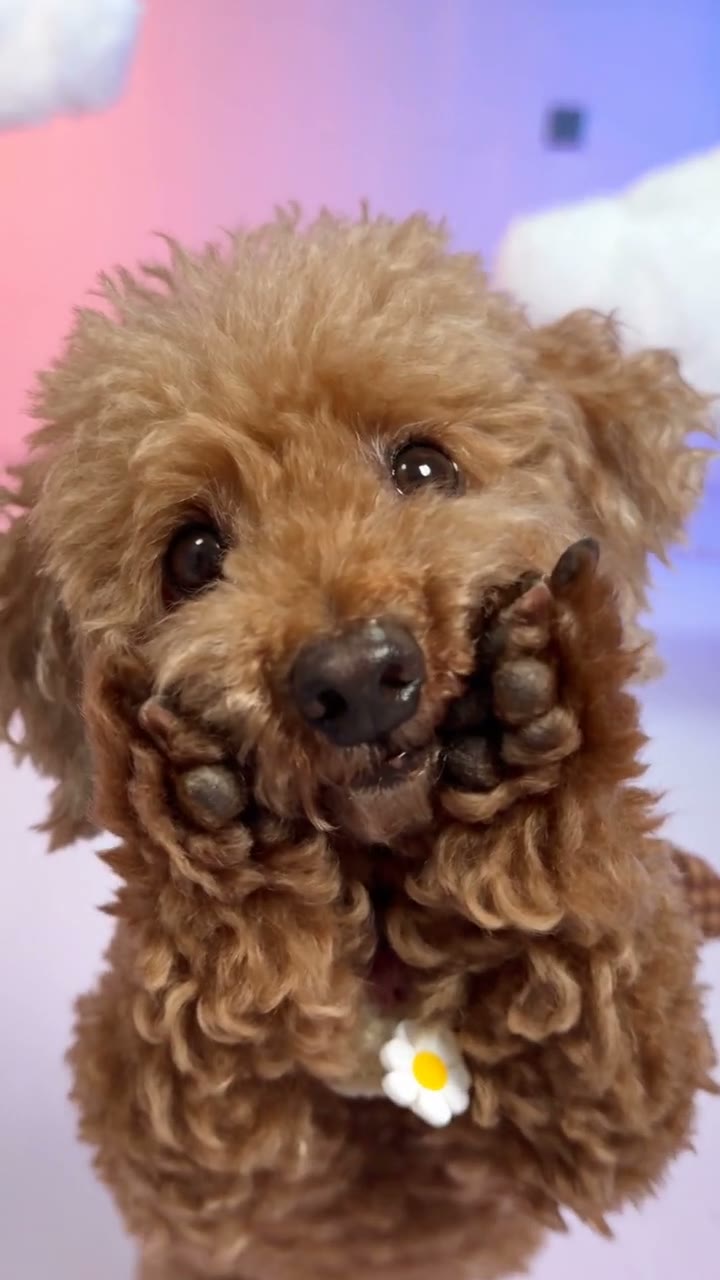
Your photo supplies the replacement pet’s complete appearance. The prepared instructions ask to keep its face, fur, body shape, clothing, and accessories consistent while following the reference movement. You do not need the original puppy’s bandana or its pose. Choose the look you actually want in the finished clip.
The original reference defines the performance and scene. Community variations illustrate different interpretations, and some run longer or include a social-media ending. They are useful comparisons, but their duration and extra details do not change the reference already loaded in the tool.
Choose one photo for both close-ups and full-body views
Use the single Your pet · Photo 1 slot. A natural sitting or standing photo is enough; do not make an animal balance upright or hold a dance pose. The most helpful reference shows a readable face together with the chest, front legs, and body outline.
Keep the face large enough to recognize
Choose a sharp front or gentle three-quarter view. Include the ear tips, muzzle, and any distinctive eye or cheek markings. A distant full-body photo can leave the face too small, while a tight nose-to-eyes crop gives very little information for the wider dance shots.
Separate paws from the body
Look for visible front legs rather than paws hidden under a blanket, buried in long grass, or held by someone. When the dance raises them beside the cheeks, unclear limb boundaries can become stretched paws or extra joints. Even lighting helps distinguish dark fur from a dark background.
Show one pet and one consistent look
Avoid group photos, collages, heavy filters, and motion blur. If your pet should wear a collar, sweater, or bandana, show it clearly in the same image. Fine lettering and dangling charms can change as the body turns; a simpler accessory is easier to assess throughout the clip.
Use an image you own or have permission to transform. Crop away another animal or a person overlapping the pet before uploading. Leave some space around the ears and paws so the reference describes their shape instead of cutting them at the frame edge.
How to make an Otsukare Summer Dog AI video
The fixed template already contains the source clip and instructions. There is no prompt to copy and no separate music upload. You can concentrate on the photo and then review the completed dance.
1Open the prepared dance
Visit the Otsukare Summer Dog AI generator. Play the loaded reference to see the paw gestures and changes in framing. This is the performance your image will follow.
2Upload your pet photo
Add one image to Your pet · Photo 1. Check that the thumbnail shows the intended pet and outfit. Use Replace if you chose the wrong image; selecting a photo alone does not submit a generation.
3Generate
Choose 480p, 720p, or 1080p in Settings, then click Generate and sign in if prompted. The credit cost is shown before submission. The output follows the loaded reference, so you do not need to choose a dance length or switch on generated audio.
4Preview and download
Open the finished clip in My creations. Watch it with sound, then compare the close-ups and full-body moments with your input photo. Download the result you want to keep after reviewing the whole clip.
The template is configured to include the original reference soundtrack in the delivered video. These article examples play muted. Use the reference player or the completed video to check sound, rather than looking for an audio switch on a silent example.
Compare the pet, the movement, and the setting separately
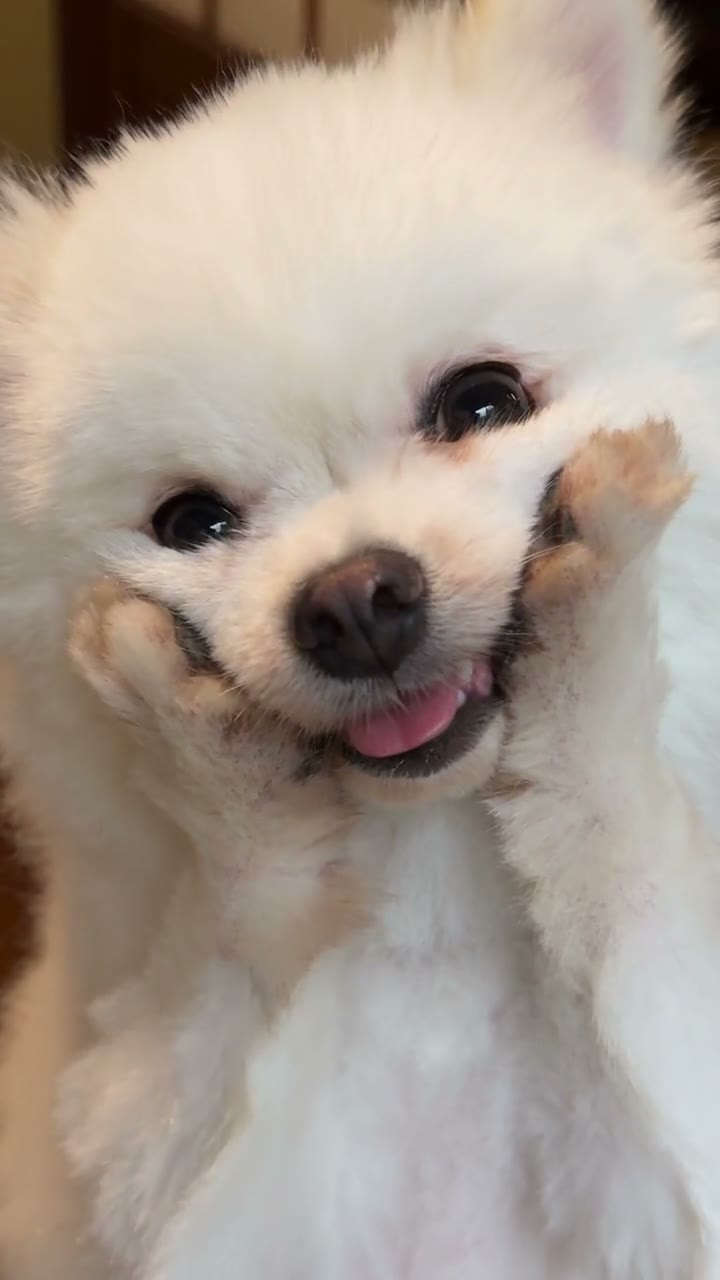
The cream-colored dog variation makes the cheek gestures easy to compare with the curly brown and black-and-tan examples. Watch how a round face, long ears, or a thick coat changes the visual effect of the same movement. A distinct silhouette can carry the joke without copying the original puppy’s accessories.
This example also uses a home and garden setting. The Otsukare Summer Dog AI tool on this page keeps its own loaded cloud-studio reference. A garden in your uploaded photo does not ask the fixed template to replace the studio. Treat the example as a visual variation, not as a background selector.
Other pets can be tried, but the reference movement is built around a small dog. A very different body shape may need a less natural reinterpretation of the upright stance and raised front limbs. Review the anatomy carefully, and avoid assuming that an attractive still guarantees a convincing moving result.
Check these moments before sharing the dance
Watch the full Otsukare Summer Dog AI result at normal speed first. Then pause around each change of framing. AI results vary; the goal of these checks is to identify a specific problem, not to promise that another attempt will always fix it.
Paws beside the cheeks
Follow each front leg up to its paw. Check that the muzzle remains visible and that fur, paws, and cheeks do not merge. Human-looking fingers, an extra paw, or a limb that disappears are reasons to inspect adjacent frames. A reference with visible front legs gives clearer information for this movement.
The view widens to the whole body
Compare ear shape, chest markings, body length, and clothing with the earlier close-up. The pet should remain recognizable through the change. If the body appears unrelated to the face, use a photo that shows both clearly rather than relying on a face-only crop.
The pet turns or sways
Look for sliding feet, changing body width, or accessories that vanish when the torso rotates. Also watch the tail and the boundary between fur and the floor. A busy or heavily cropped input can make those boundaries harder to interpret; check the original photo before deciding what to change.
The clip reaches its ending
Listen to the completed video and check that the soundtrack is present. Review the ending as carefully as the opening, including the final pose and any visible artifacts. The community examples’ social-media endings are separate from the loaded generation reference.
Want a different pet performance?
For a two-character dance, read the Smalltown Boy AI guide. It explains how two photos map to the foreground and background characters. For a pet taking the central role with human backup dancers, try the Single Ladies Dog AI guide.
If you want a different camera sequence or location, start in the general motion workspace with a suitable reference clip you have permission to use. That is a separate setup from this prepared dance; follow the inputs and settings shown for the model you select.
Otsukare Summer Dog AI questions
Do I need to record my dog dancing?
No. Upload one clear pet photo. The loaded reference supplies the dance; your pet does not need to perform or pose upright for the input.
Can I put two pets into this dance?
This fixed template replaces one pet and accepts one photo. Use a single-subject image. Smalltown Boy is a separate two-character template if you want to cast two roles.
Should I paste an Otsukare Summer Dog AI prompt?
No prompt is needed in the dedicated tool. The reference and replacement instructions are already prepared. Upload the photo that shows the appearance you want.
Will the background in my photo appear in the video?
The fixed template is intended to preserve its loaded reference scene. The photo supplies your pet’s appearance, including visible clothing and accessories; it is not a background-change control.
Why are the examples silent?
Article examples play muted. The template is configured to restore the reference soundtrack to the generated clip. Open the completed video in My creations to check its sound before downloading.
Will my pet look exactly the same in every frame?
Consistency is the goal, but it is not guaranteed. Compare the face, coat markings, paws, and proportions across close-ups, full-body views, and turns. Clear references help describe the pet, while the finished movement still needs review.
Give your pet the Otsukare Summer dance
Choose one clear photo, use the prepared performance, and review the finished clip.
Make an Otsukare Summer Dog AI video