Create a video

Your pet · Photo 1

Otsukare Summer Dog AI Video Generator

Give your pet the spotlight in Otsukare Summer Dog AI. Upload one photo to recreate the playful paw dance, pastel clouds, and close-ups with the original soundtrack.

What is Otsukare Summer Dog AI?

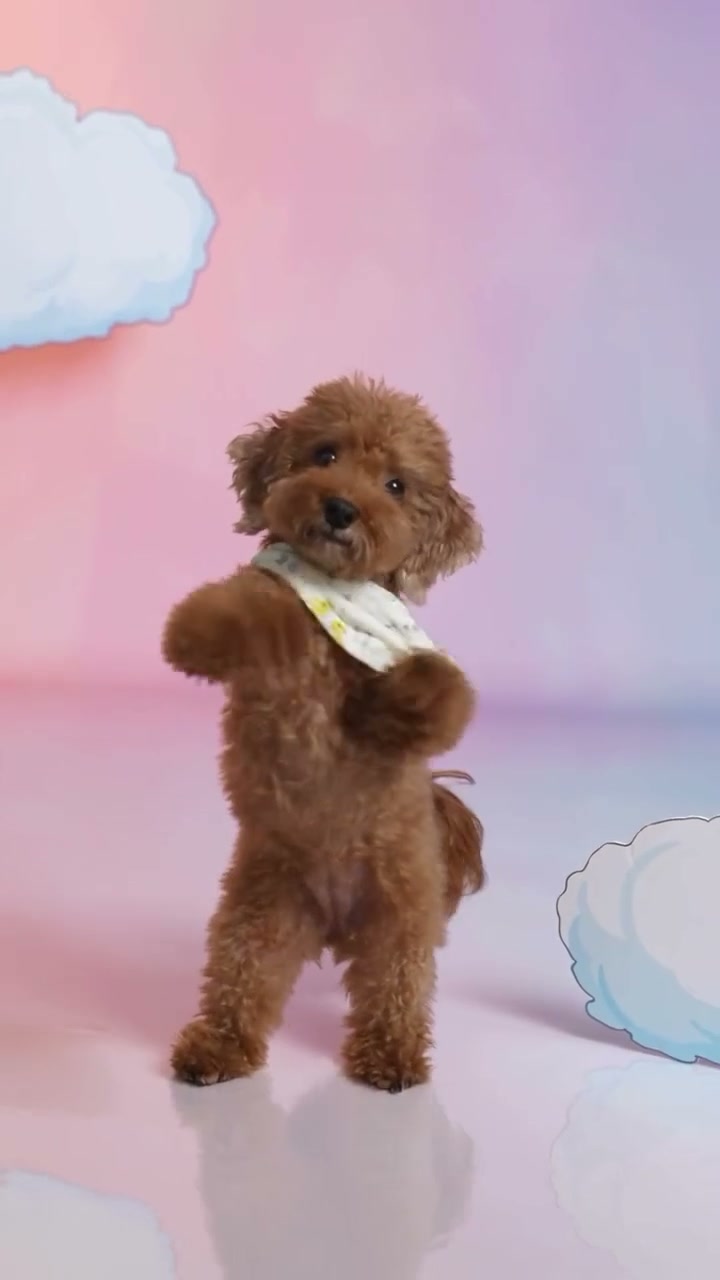
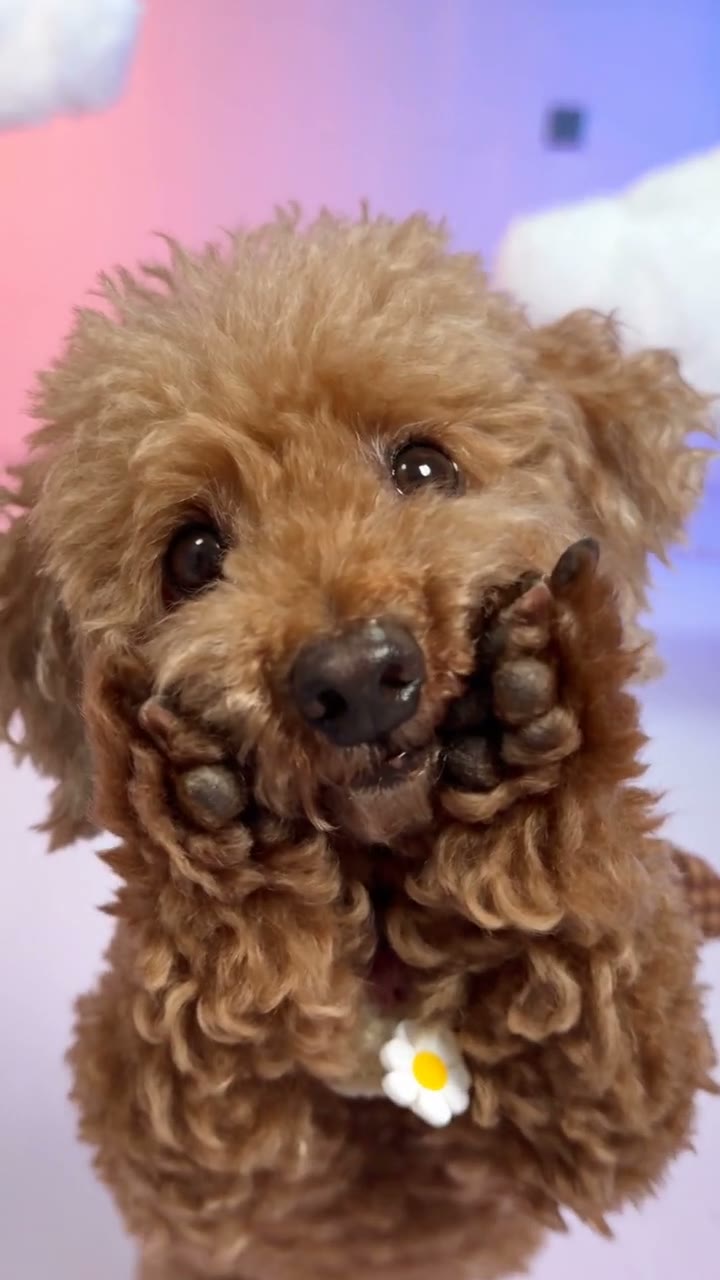
Otsukare Summer Dog AI turns one pet photo into the performer in a ready-made dance. The reference moves between expressive close-ups and full-body views, with raised paws, side-to-side gestures, and a soft cloud backdrop. Your photo supplies the pet; the loaded video supplies the performance. Preview the eight-second routine above before choosing your photo.

A pet performing the paw dance against a pastel cloud background

Make an Otsukare Summer Dog AI video in three steps

The dance and soundtrack are ready. Start with one pet photo.

  1. STEP 1

    Upload your pet photo

    Add one clear image in Photo 1. Include the face and body where possible. Use Replace if you want to choose a different picture before generating.

  2. STEP 2

    Generate your pet dance

    Choose a resolution, sign in when asked, and select Generate. The button shows the current credit cost; adding a photo alone does not start a paid request.

  3. STEP 3

    Preview and download

    Open your Otsukare Summer Dog AI result in My creations. Watch the complete dance with sound, then use the download action to save your video.

See the Otsukare Summer Dog AI look

Explore pet-dance adaptations, then make your own with the reference loaded above.

Bring your pet’s whole look into the dance

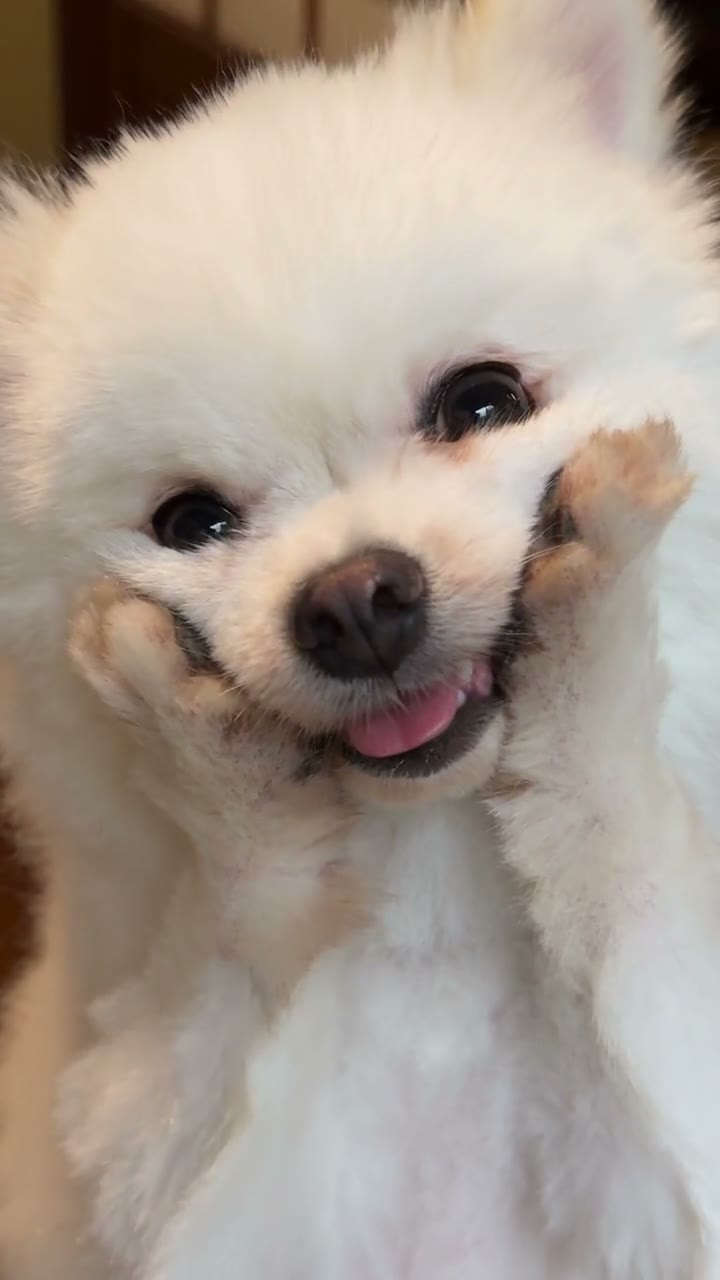
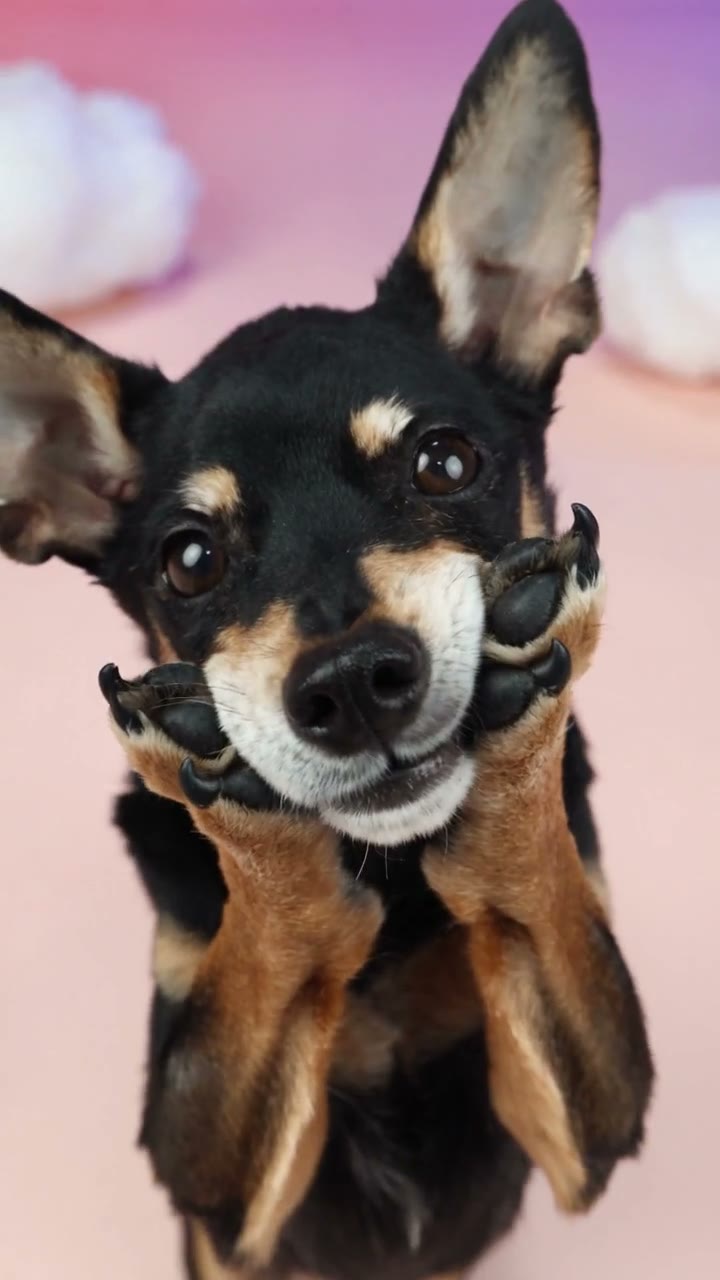
Otsukare Summer Dog AI uses Photo 1 for the whole pet: fur color, ears, body proportions, and visible clothing or accessories. A bandana or sweater in your photo also guides the appearance. Choose a clear single-pet image; you do not need to match the brown puppy or light scarf in the original video.
Bring your pet’s whole look into the dance

Keep the paw moves, close-ups, and pastel setting

The charm of Otsukare Summer Dog AI comes from the whole performance: paws rise beside the face, the body turns, and the camera switches between near and full-body views. The template follows those movements and cuts while asking for natural adaptation to your pet’s anatomy. The pink-and-blue setting stays part of the scene. Different pets can look different in motion, so preview the completed clip through every cut before choosing the version to share.

Keep the paw moves, close-ups, and pastel setting

A small dance for your pet’s big personality

Use Otsukare Summer Dog AI for a pet-profile post or a cheerful greeting. The solo routine keeps attention on your pet.

A playful pet-profile post

Turn a favorite photo into a moving portrait for your pet’s feed. Label it as an AI pet dance when sharing.

A cheerful greeting

Share an Otsukare Summer Dog AI greeting with family or friends. Add any message text afterward in your preferred editor.

A different outfit or seasonal look

Choose a photo showing the accessory you want. Use Replace to try another look; each new generation uses credits.

Otsukare Summer Dog AI at a glance

One photo, a fixed solo dance, and a finished video to watch with sound.

One pet, one upload

Otsukare Summer Dog AI needs one pet photo. The dance reference is already loaded.

An eight-second vertical routine

Your video follows the approximately eight-second, 9:16 reference. Framing, close-ups, cuts, and length come from that clip. This page does not offer a longer dance or a landscape version.

The reference soundtrack

The model creates the edited video without generating new audio; the original reference soundtrack is added afterward. Page examples play muted. Use the reference player or a completed result to listen.

Saved results to revisit

Revisit completed Otsukare Summer Dog AI clips in My creations or video history. Replaying a saved video does not use generation credits.

Otsukare Summer Dog AI credits and plans

Generation uses credits for the selected resolution and reference length. Check the cost shown on Generate; general plan examples can use different models or durations.

Starter

For your first ideas.

$8.3/month

$100.0 charged yearly

2,400 credits/year

Up to 400 images

GPT Image 2Nano Banana Pro

Up to 133 videos

Seedance 2.5Kling 3.0 Motion Control
  • Up to 4K images and HD videos, depending on the model
  • Image editing, video creation & motion transfer
  • Watermark-free image & video downloads
  • Generation history in your account
Popular40% OFFSave $238.8

Pro

For a steady creative flow.

$30.0/month$49.9/month

$360.0 charged yearly

21,600 credits/year

Up to 3,600 images

GPT Image 2Nano Banana Pro

Up to 1,200 videos

Seedance 2.5Kling 3.0 Motion Control
  • Up to 4K images and HD videos, depending on the model
  • Image editing, video creation & motion transfer
  • Watermark-free image & video downloads
  • Generation history in your account
  • Use credits across image and video models
Best Value50% OFFSave $599.8

Business

For more creations, more often.

$49.9/month$99.9/month

$599.0 charged yearly

48,000 credits/year

Up to 8,000 images

GPT Image 2Nano Banana Pro

Up to 2,666 videos

Seedance 2.5Kling 3.0 Motion Control
  • Up to 4K images and HD videos, depending on the model
  • Image editing, video creation & motion transfer
  • Watermark-free image & video downloads
  • Generation history in your account
  • Use credits across image and video models

Basic

$0

Try before you subscribe

  • 18 one-time signup credits
  • Generation history included
  • Watermarked previews & downloads
  • Up to 3 images or 1 video
  • Watermark-free downloads require payment

Prices in USD; taxes and total shown at checkout. Subscriptions renew automatically; cancel in Billing settings. Subscription credits expire each period; one-time credits never expire.

Refunds: request within 72 hours. Used purchased credits and applicable non-refundable processing costs (up to 6%) are deducted. Terms · Refund Policy

Otsukare Summer Dog AI questions

Choosing a photo, keeping the dance, listening to the result, and saving your clip.

How many photos does Otsukare Summer Dog AI need?

Upload one photo of one pet. Photo 1 replaces the sole performer throughout the video, including the close-up and full-body shots. The reference dance is already supplied. Group photos can make the intended subject ambiguous, so choose a picture with only the pet you want to animate.

What photo works best for Otsukare Summer Dog AI?

Choose a sharp, well-lit picture with clear eyes, muzzle, ears, and fur. A full-body or three-quarter view helps guide proportions and paws. An ordinary background is fine. Avoid motion blur, tightly cropped faces, and objects covering your pet.

Can I use a cat in Otsukare Summer Dog AI?

You can try another pet, including a cat. The source movement is built around a dog standing upright, so a dog is the closest anatomical match. Different body shapes may change how the paws, posture, and turns look. Cat or other pet results are not guaranteed; inspect the full dance rather than judging only the opening image.

Does the photo need to show my pet standing up?

No. A natural standing or sitting pet photo works as the appearance reference. Keep the body visible; the video supplies the upright dance. You do not need to train your pet to perform it.

Will Otsukare Summer Dog AI keep my pet’s accessories?

The instructions use the complete appearance in Photo 1, including any visible clothing and accessories. Small patterns, collar tags, lettering, or fur markings can change during motion. If a particular accessory matters, make sure it is clearly visible in the image and check it in the finished close-ups and wider shots.

Can I change the background or dance?

This page follows the loaded Otsukare Summer Dog AI performance and pastel cloud background. It is designed for changing the pet, with the original movements and cuts retained as the guide. For a different dance or setting, use the main Motion Transfer workspace with your own permitted motion reference and a compatible model.

Does Otsukare Summer Dog AI include the original audio?

Yes. Otsukare Summer Dog AI generates the edited picture without new model audio, then adds the reference soundtrack to the result. No music upload is needed. The page’s showcase clips stay muted; listen through the original reference player or your completed video in My creations. If a result reports an audio-processing problem, review its available recovery action before sharing.

Can I change the length or format of Otsukare Summer Dog AI?

The output follows the approximately eight-second portrait reference. There is no duration or aspect-ratio picker for this fixed performance. You can choose an available output resolution. A different resolution changes pixel dimensions, while the same vertical framing and source sequence still guide the video.

Do I need to write an Otsukare Summer Dog AI prompt?

No. The page supplies the pet-replacement instructions and selects Seedance 2.5 Edit for this template. Add your photo and choose a resolution to begin. You do not need to type image tags or describe each paw movement. If you return through a saved draft, its existing inputs are retained for you to review.

Is Otsukare Summer Dog AI free to use?

You can watch the reference without paying. Creating a video requires sign-in and enough credits for the amount shown on Generate. Each new generation is a separate request, including another attempt with the same photo. Preview your input first and use the displayed cost for your selected settings, rather than a general plan example.

What should I check before downloading?

Play the whole result and look at the face, fur markings, paws, tail, and accessories across each camera cut. Fast gestures can produce extra or distorted limbs, and close-ups may reveal appearance drift. Confirm that the soundtrack is present as well. Otsukare Summer Dog AI is an AI recreation; consistent anatomy and exact frame-by-frame matching are not guaranteed.

Where can I save or share my video?

Find the completed Otsukare Summer Dog AI clip in My creations or video history, then use the download action available for your account. Use photos you have permission to edit and check the rights for the reference and soundtrack before public or commercial use. Label the clip as AI-generated where appropriate and follow the destination platform’s rules.

Make your Otsukare Summer Dog AI video

Choose a favorite pet photo and bring its personality to the paw dance.

A brown puppy with a light bandana dancing in a pink and blue cloud studio