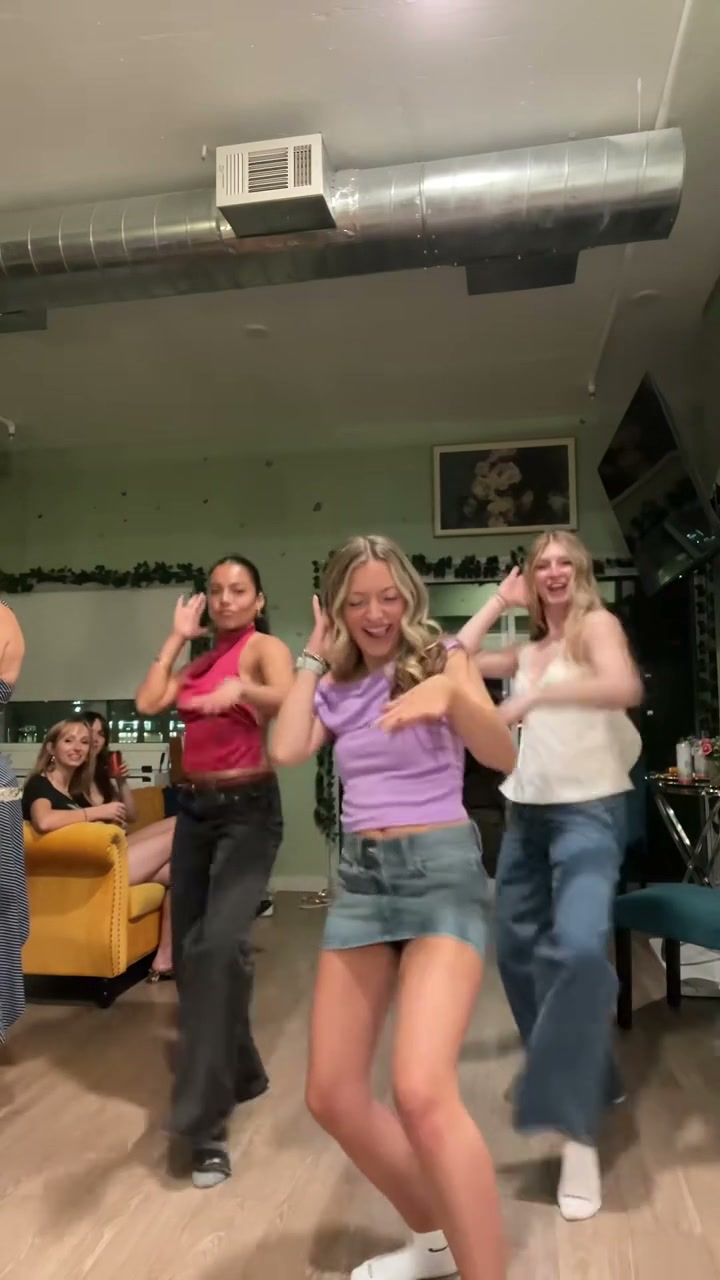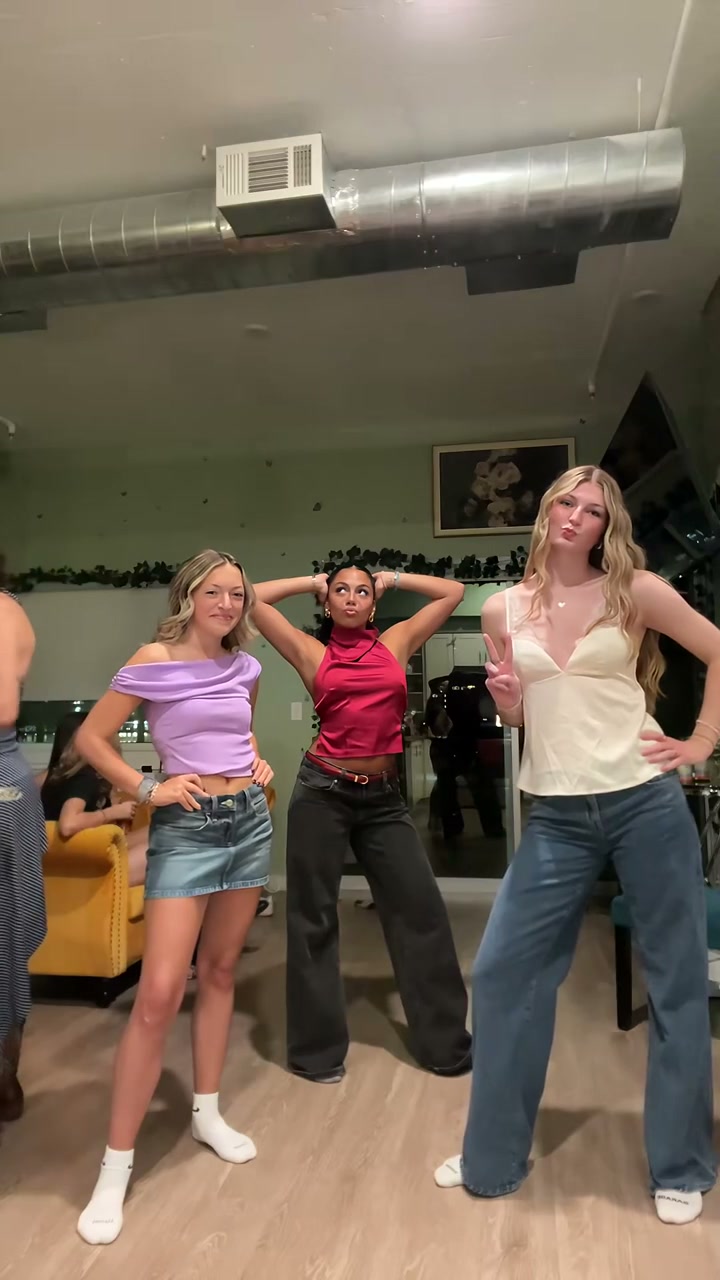
Create a video

Required photos3
Settings
Mode
Video length26s
Resolution

Chipmunks Dance Video Generator

Make a Chipmunks Dance AI video with three photos. Assign every dancer, keep the rotating solos and group choreography, and download the vertical trio with sound.

0:00 / —:—

Chipmunks Dance video ideas

Explore examples of this effect. Open a video for a closer look.

What is Chipmunks Dance?

Chipmunks Dance is a three-person routine built around turns, arm movements and quick changes of who takes the front. This Chipmunks Dance AI template uses three separate photos to cast the three active dancers in the living-room performance. The pictures define complete appearances and outfits; the prepared video supplies the choreography, position changes, room and reference sound. It creates a human-style trio performance, without turning your characters into cartoon chipmunks.

Three dancers trade the front position in a living room while keeping the same group routine

How to create your Chipmunks Dance video

Choose the cast, select the output settings and make the prepared scene.

  1. STEP 1

    Choose your Chipmunks Dance cast

    Prepare three separate full-body photos, with one person, a readable face, the intended outfit and shoes in each. Use the opening left, middle and right positions to assign the slots. Keep those assignments even when the dancers later exchange places.

  2. STEP 2

    Select the mode and generate

    Review the Chipmunks Dance mode, displayed duration, available resolution and credit quote. The reference video and instructions are already prepared. Sign in and submit when your photos are ready.

  3. STEP 3

    Download your Chipmunks Dance video

    Open the result in My creations and play it with sound. Download the completed video, then add your own text or trim it in an editor if needed.

Chipmunks Dance: the prepared performance

One reference performance, with stills highlighting the editable roles and action.

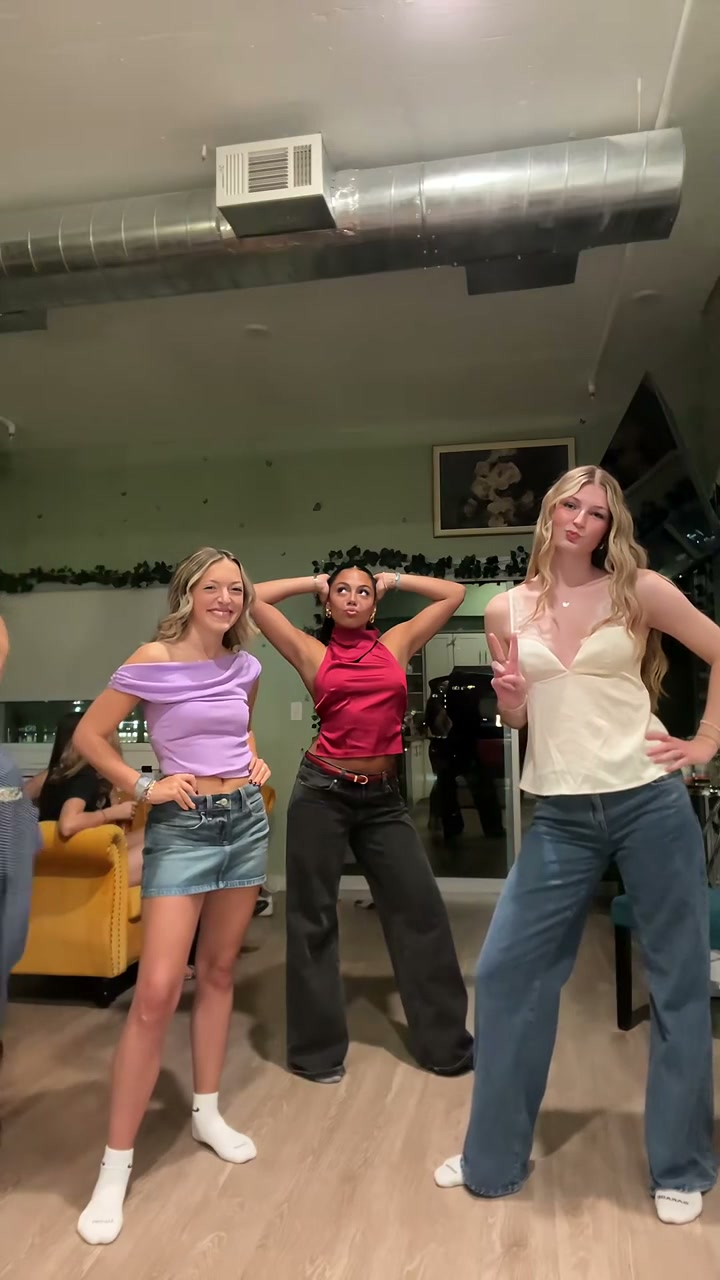
Give every dancer a separate identity

Each person gets a moment near the camera. Chipmunks Dance maps Photo 1 to the opening left dancer, Photo 2 to the opening middle dancer and Photo 3 to the opening right dancer. Those identities follow the people as they rotate positions. This makes Chipmunks Dance useful for a recognizable trio of friends or original characters with distinct outfits. The people sitting in the background are outside the three editable roles.
Chipmunks Dance reference frame: give every dancer a separate identity

Carry one outfit through turns and solos

A front-facing selfie gives little guidance for a back turn or the lower body. For Chipmunks Dance, choose full-body photos with visible shoes and uncomplicated silhouettes. Hair and outfit differences can help you keep track of the trio as one person passes in front of another. The reference supplies the dance, so the photos can use relaxed standing poses. You do not need to copy a dance move or arrange three people in one picture.

Chipmunks Dance reference frame: carry one outfit through turns and solos

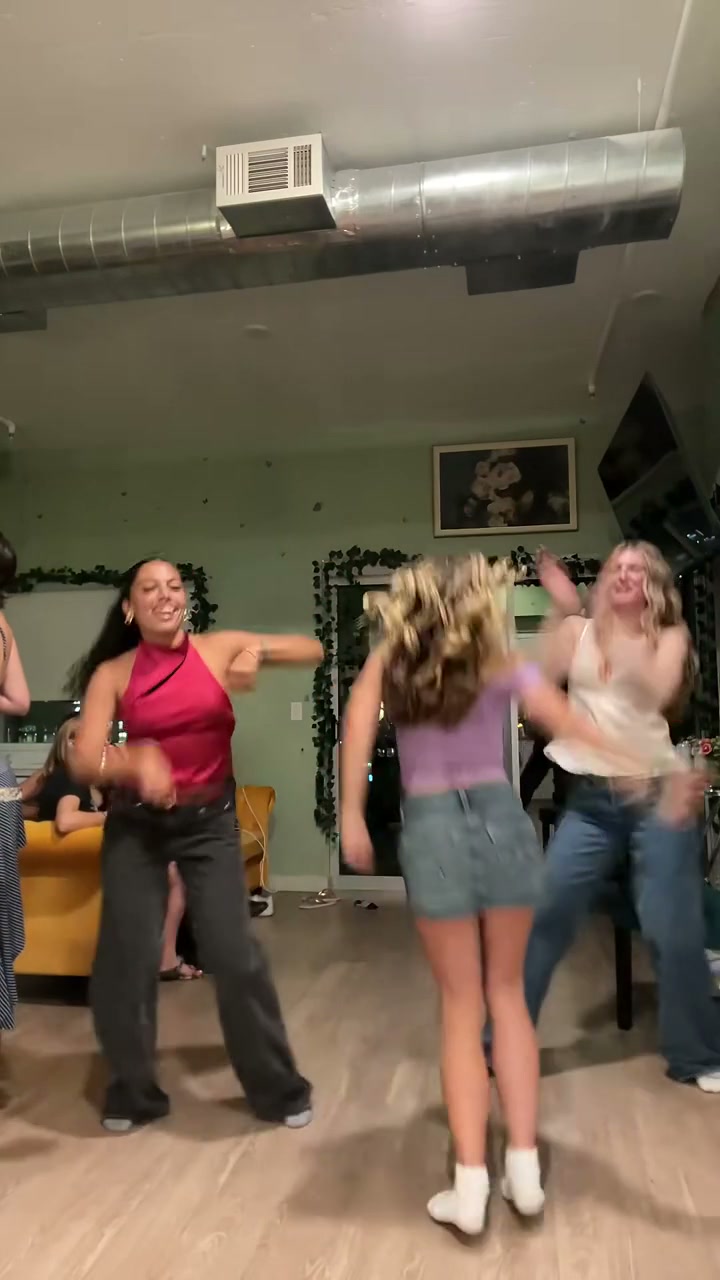
Choose the full rotation or the first round

Original uses the complete performance of about 25.6 seconds, including the later group sequence and final approach to the camera. Economy and Standard use the opening 14.9 seconds, which includes the first rotation through the dancers. Chipmunks Dance sets these lengths by mode. If the final close approach is the moment you want, choose Original; the shorter modes finish before the complete ending.

Chipmunks Dance reference frame: choose the full rotation or the first round

What you control in Chipmunks Dance

Your pictures define the people. The template keeps the prepared scene and sequence.

3 separate character photos

Chipmunks Dance requires one photo per role. The same images supply faces, hairstyles, bodies and clothing; there is no separate wardrobe slot. The numbered labels describe the opening roles and stay attached to those people.

Prepared action and soundtrack

Chipmunks Dance supplies the source video and role instructions automatically. The fixed page has no video upload or prompt editor. Read the linked tutorial if you want to select another reference, rewrite the instructions or generate new audio.

Mode and output resolution

Select Economy, Standard or Original and an available resolution. The chosen mode owns the prepared duration and current quote. Resolution changes output size; it does not add missing detail to a blurred character photo.

Chipmunks Dance credits and plans

Use the current quote for your selected settings. An account and sufficient credits are required; plan examples below may use other models and lengths.

Starter

For your first ideas.

$8.3/month

$100.0 charged yearly

2,400 credits/year

Up to 400 images

GPT Image 2Nano Banana Pro

Up to 133 videos

Seedance 2.5Kling 3.0 Motion Control
  • Up to 4K images and HD videos, depending on the model
  • Image editing, video creation & motion transfer
  • Watermark-free image & video downloads
  • Generation history in your account
Popular40% OFFSave $238.8

Pro

For a steady creative flow.

$30.0/month$49.9/month

$360.0 charged yearly

21,600 credits/year

Up to 3,600 images

GPT Image 2Nano Banana Pro

Up to 1,200 videos

Seedance 2.5Kling 3.0 Motion Control
  • Up to 4K images and HD videos, depending on the model
  • Image editing, video creation & motion transfer
  • Watermark-free image & video downloads
  • Generation history in your account
  • Use credits across image and video models
Best Value50% OFFSave $599.8

Business

For more creations, more often.

$49.9/month$99.9/month

$599.0 charged yearly

48,000 credits/year

Up to 8,000 images

GPT Image 2Nano Banana Pro

Up to 2,666 videos

Seedance 2.5Kling 3.0 Motion Control
  • Up to 4K images and HD videos, depending on the model
  • Image editing, video creation & motion transfer
  • Watermark-free image & video downloads
  • Generation history in your account
  • Use credits across image and video models

Basic

$0

Try before you subscribe

  • 18 one-time signup credits
  • Generation history included
  • Watermarked previews & downloads
  • Up to 3 images or 1 video
  • Watermark-free downloads require payment

Prices in USD; taxes and total shown at checkout. Subscriptions renew automatically; cancel in Billing settings. Subscription credits expire each period; one-time credits never expire.

Refunds: request within 72 hours. Used purchased credits and applicable non-refundable processing costs (up to 6%) are deducted. Terms · Refund Policy

Chipmunks Dance questions

Choosing photos, assigning roles and using the prepared result.

Does Chipmunks Dance turn people into cartoon animals?

This version recreates the human trio routine shown in the preview. Your three photos provide the characters’ appearances and clothes. It does not have a cartoon conversion setting or supply licensed character costumes.

Can I use one group photo for Chipmunks Dance?

This template requires three separate uploads. A group photo does not fill all three roles, and the model may not know which person belongs to each dancer. Crop or prepare a separate, clear photo for each person before starting.

Which dancer uses each photo?

Photo 1 starts on the left in the example, Photo 2 starts in the middle behind the others, and Photo 3 starts on the right. The assignments follow the individuals during Chipmunks Dance, even when their screen positions change.

Can Chipmunks Dance use the same person three times?

You can supply a photo for every slot, including different outfits of the same character. Similar faces and clothes make the three roles harder to distinguish, so contrasting outfits are a useful choice for a deliberate three-version edit.

Will the people in the background change too?

The fixed Chipmunks Dance instructions target the three active dancers and preserve the seated spectators and room. There are no extra slots for the spectators. The template is designed for the foreground trio.

Can I upload my own choreography?

The Chipmunks Dance template keeps its prepared routine. It does not accept a replacement video or editable prompt. For another routine, use the general video workflow or follow the tutorial with a compatible video editor.

Does Chipmunks Dance include sound?

Chipmunks Dance restores the prepared reference audio to the generated picture. You do not record a voice or upload a song in this template. A character photo supplies appearance, not a cloned voice. For new ambience or different music, use the tutorial’s audio options or edit the downloaded clip.

How much does Chipmunks Dance cost?

The Generate button shows the current credit quote for the selected mode and resolution. Sign in with enough credits before submitting Chipmunks Dance. Each new generation is a separate attempt. Available plans and credit packs are linked below; the general plan examples can use different models and durations.

Where do I download my Chipmunks Dance video?

Your finished Chipmunks Dance result appears in My creations. Open the result to play it with sound and use its download control. You can then add your own caption, trim the ending or fit the video into a different canvas in your usual editor. Keep the original vertical frame when you want the full scene.

Make your Chipmunks Dance video

Bring 3 separate photos and choose your cast for the prepared scene.

Chipmunks Dance