Create a video

Required photos2
Settings
Mode
Video length10s
Resolution

Closing Door Prank Video Generator

Create a Closing Door Prank AI video from two photos. Cast both turns of the doorway fake-out, preserve the reactions and download the vertical clip with sound.

0:00 / —:—

Closing Door Prank video ideas

Explore examples of this effect. Open a video for a closer look.

What is Closing Door Prank?

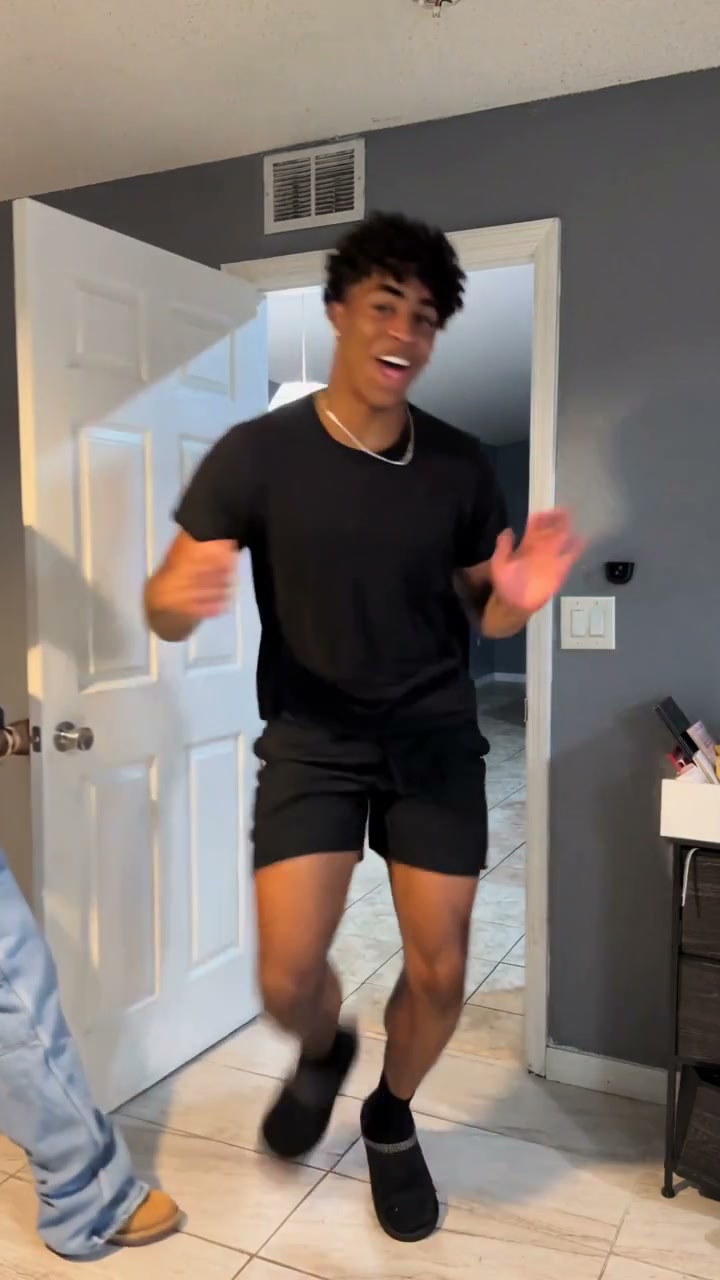
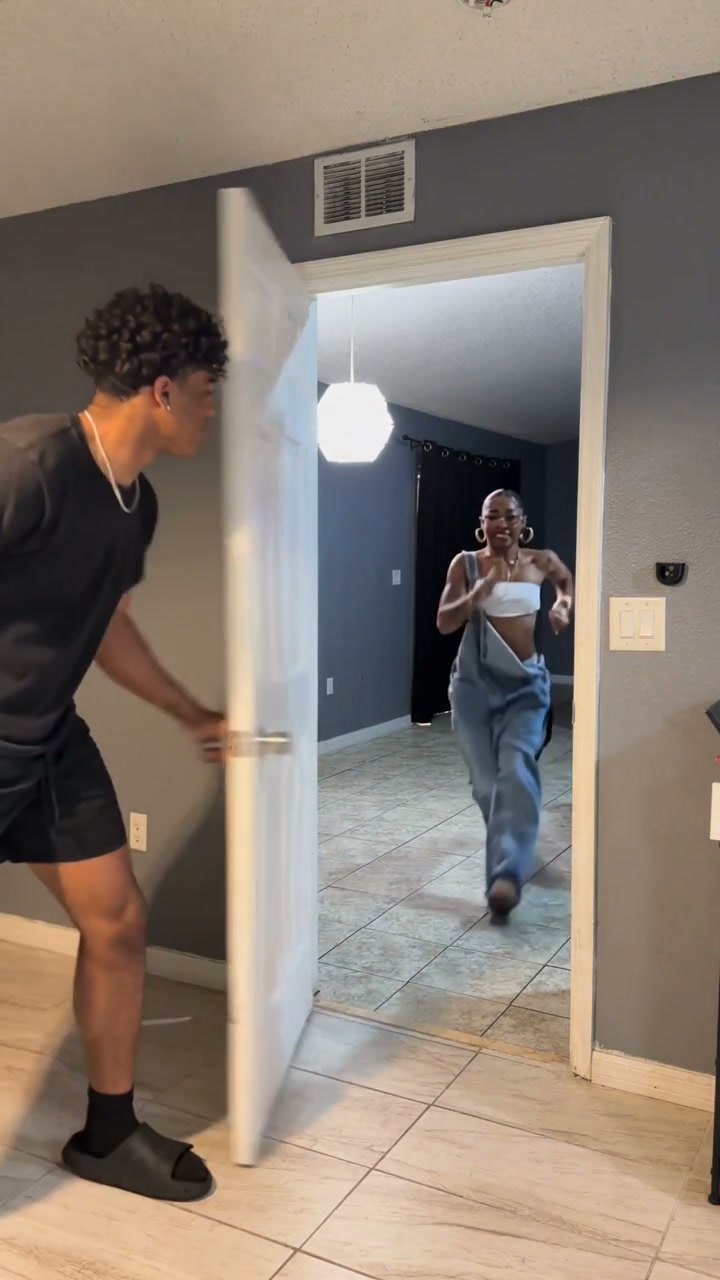
Closing Door Prank is a doorway fake-out: one person runs toward an open door while the other pretends to close it, prompting a quick flinch. In this Closing Door Prank AI template, the two people then exchange jobs for a second turn. Upload two separate photos to define their complete appearances and outfits. The prepared ten-second scene supplies the doorway, running approaches, door movement, reactions and reference soundtrack, so the clip can be made without staging a physical prank.

Two people take turns running toward a doorway while the other briefly swings the door and reopens it

How to create your Closing Door Prank video

Choose the cast, select the output settings and make the prepared scene.

  1. STEP 1

    Choose your Closing Door Prank cast

    Use two separate full-body photos with clear faces, visible shoes and the outfits you want. Photo 1 is the first door holder and second runner; Photo 2 is the first runner and second door holder. Avoid group photos or pictures with a door covering the body.

  2. STEP 2

    Select the mode and generate

    Review the Closing Door Prank mode, displayed duration, available resolution and credit quote. The reference video and instructions are already prepared. Sign in and submit when your photos are ready.

  3. STEP 3

    Download your Closing Door Prank video

    Open the result in My creations and play it with sound. Download the completed video, then add your own text or trim it in an editor if needed.

Closing Door Prank: the prepared performance

One reference performance, with stills highlighting the editable roles and action.

Play both sides of the fake-out

Photo 1 starts as the door holder on the left, then becomes the runner. Photo 2 runs first and later holds the door. Closing Door Prank keeps the characters attached to those identities through the exchange. Two friends or two original characters can take the roles; you do not need separate photos for each turn. The fun comes from seeing the confident prankster become the surprised runner next.
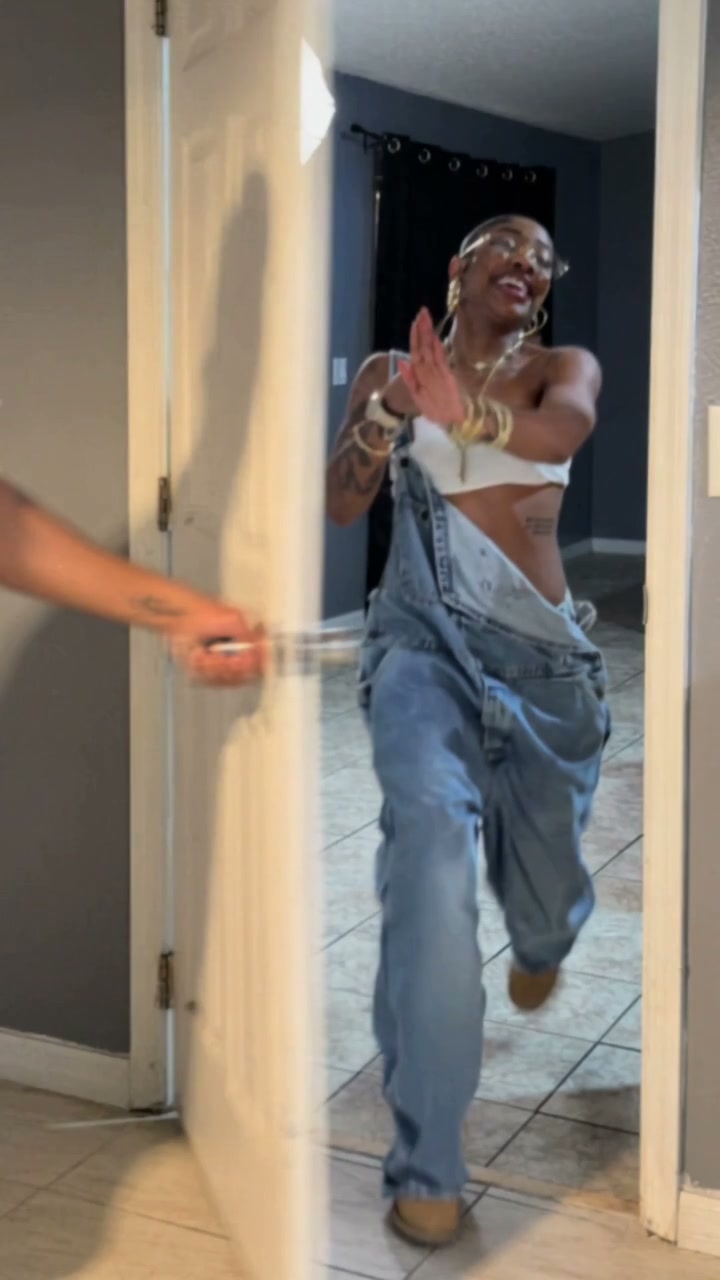
Closing Door Prank reference frame: play both sides of the fake-out

Keep the doorway as the visual anchor

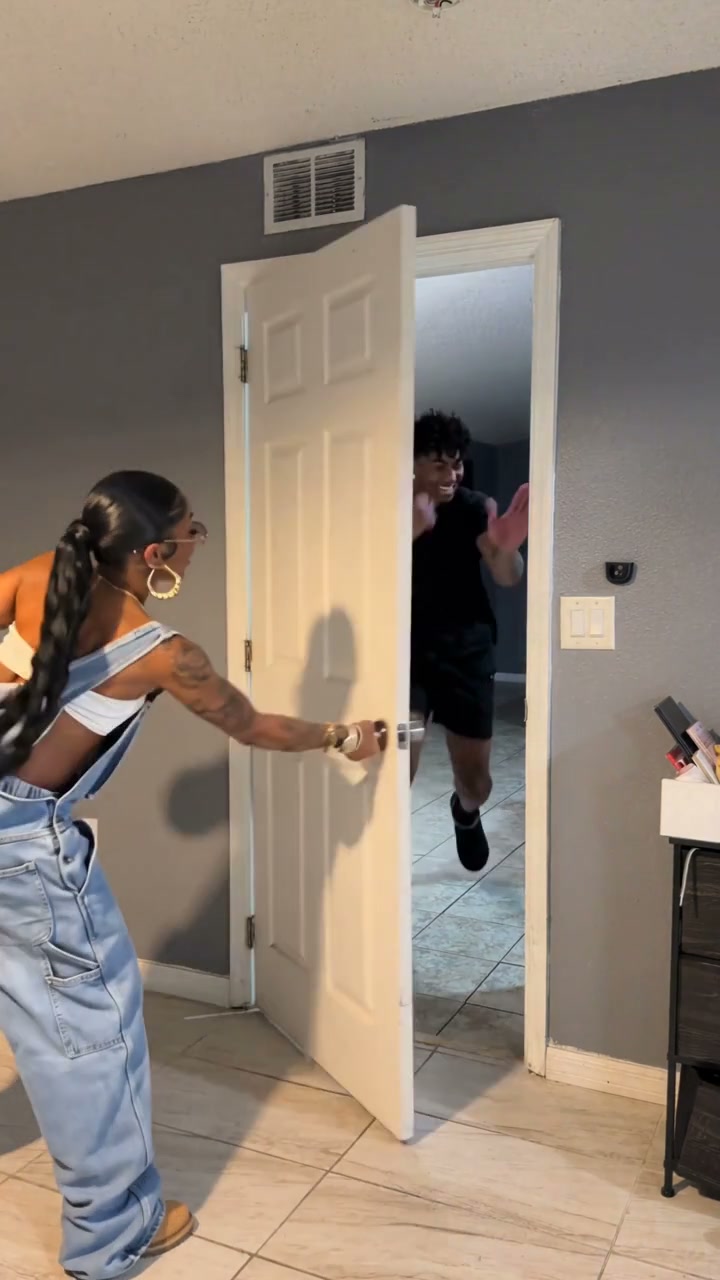
The hinge, handle and open gap explain why each runner reacts. Closing Door Prank follows the original swing and reopening, with the people passing through the doorway as shown. The template preserves the rooms, tiled floor, camera and lighting. You choose the cast without having to photograph a matching hallway. The intended result is a playful near-miss, with no door impact or injury added to the source action.

Closing Door Prank reference frame: keep the doorway as the visual anchor

A short clip that keeps both turns

The reference is about ten seconds long, so Closing Door Prank uses the full sequence in Original, Economy and Standard. Unlike longer templates, it needs no prepared fifteen-second excerpt. Modes can still differ in model, cost and available output settings. Read the duration and credit quote before generating; an integer output setting may allow a little room beyond the exact source ending.

Closing Door Prank reference frame: a short clip that keeps both turns

What you control in Closing Door Prank

Your pictures define the people. The template keeps the prepared scene and sequence.

2 separate character photos

Closing Door Prank requires one photo per role. The same images supply faces, hairstyles, bodies and clothing; there is no separate wardrobe slot. The numbered labels describe the opening roles and stay attached to those people.

Prepared action and soundtrack

Closing Door Prank supplies the source video and role instructions automatically. The fixed page has no video upload or prompt editor. Read the linked tutorial if you want to select another reference, rewrite the instructions or generate new audio.

Mode and output resolution

Select Economy, Standard or Original and an available resolution. The chosen mode owns the prepared duration and current quote. Resolution changes output size; it does not add missing detail to a blurred character photo.

Closing Door Prank credits and plans

Use the current quote for your selected settings. An account and sufficient credits are required; plan examples below may use other models and lengths.

Starter

For your first ideas.

$8.3/month

$100.0 charged yearly

2,400 credits/year

Up to 400 images

GPT Image 2Nano Banana Pro

Up to 133 videos

Seedance 2.5Kling 3.0 Motion Control
  • Up to 4K images and HD videos, depending on the model
  • Image editing, video creation & motion transfer
  • Watermark-free image & video downloads
  • Generation history in your account
Popular40% OFFSave $238.8

Pro

For a steady creative flow.

$30.0/month$49.9/month

$360.0 charged yearly

21,600 credits/year

Up to 3,600 images

GPT Image 2Nano Banana Pro

Up to 1,200 videos

Seedance 2.5Kling 3.0 Motion Control
  • Up to 4K images and HD videos, depending on the model
  • Image editing, video creation & motion transfer
  • Watermark-free image & video downloads
  • Generation history in your account
  • Use credits across image and video models
Best Value50% OFFSave $599.8

Business

For more creations, more often.

$49.9/month$99.9/month

$599.0 charged yearly

48,000 credits/year

Up to 8,000 images

GPT Image 2Nano Banana Pro

Up to 2,666 videos

Seedance 2.5Kling 3.0 Motion Control
  • Up to 4K images and HD videos, depending on the model
  • Image editing, video creation & motion transfer
  • Watermark-free image & video downloads
  • Generation history in your account
  • Use credits across image and video models

Basic

$0

Try before you subscribe

  • 18 one-time signup credits
  • Generation history included
  • Watermarked previews & downloads
  • Up to 3 images or 1 video
  • Watermark-free downloads require payment

Prices in USD; taxes and total shown at checkout. Subscriptions renew automatically; cancel in Billing settings. Subscription credits expire each period; one-time credits never expire.

Refunds: request within 72 hours. Used purchased credits and applicable non-refundable processing costs (up to 6%) are deducted. Terms · Refund Policy

Closing Door Prank questions

Choosing photos, assigning roles and using the prepared result.

How many photos does Closing Door Prank need?

Two. Each photo defines one person across both turns. You do not need four photos when the roles switch, and a single group photo does not replace the two required uploads.

Who runs first in Closing Door Prank?

The character in Photo 2 approaches from the back room first. Photo 1 starts beside the door, then runs during the second turn. The slot labels use the opening roles so you can assign the cast before generation.

Can I make only one turn of Closing Door Prank?

The fixed template follows the full two-turn reference. You can trim the downloaded result to the turn you prefer. The tutorial also explains where to divide the source for a one-turn DIY edit.

Does the door hit anyone?

The reference is a fake closing action with a flinch and a pass through the opening. The prepared instructions preserve that movement and do not ask for impact or injury. Generated motion can vary; the template does not recreate a real collision.

Do I need photos taken in a hallway?

No. Clear full-body photos are enough. Closing Door Prank uses the source for the hallway, doorway, camera and movement. Your photos supply each person’s hair, face, body, clothes and shoes.

Can I change the door or add a third person?

This Closing Door Prank version has two editable people and a fixed doorway scene. It has no background upload or third character slot. Use the tutorial’s general editing method if you want to build a different setup.

Does Closing Door Prank include sound?

Closing Door Prank restores the prepared reference audio to the generated picture. You do not record a voice or upload a song in this template. A character photo supplies appearance, not a cloned voice. For new ambience or different music, use the tutorial’s audio options or edit the downloaded clip.

How much does Closing Door Prank cost?

The Generate button shows the current credit quote for the selected mode and resolution. Sign in with enough credits before submitting Closing Door Prank. Each new generation is a separate attempt. Available plans and credit packs are linked below; the general plan examples can use different models and durations.

Where do I download my Closing Door Prank video?

Your finished Closing Door Prank result appears in My creations. Open the result to play it with sound and use its download control. You can then add your own caption, trim the ending or fit the video into a different canvas in your usual editor. Keep the original vertical frame when you want the full scene.

Make your Closing Door Prank video

Bring 2 separate photos and choose your cast for the prepared scene.

Closing Door Prank