Create a video

Required photos1
Settings
Mode
Video length15s
Resolution

Like Jennie AI Video Generator

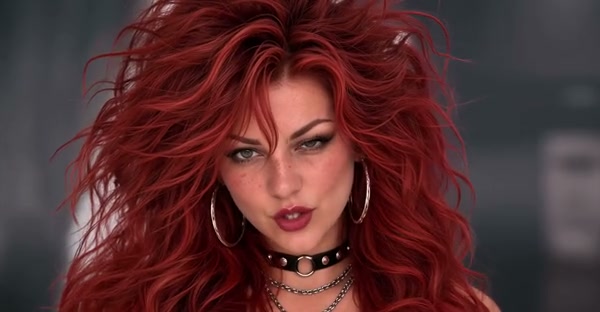
Create a Like Jennie AI dance video from one photo. Step into the lead role in a studio performance with a crew of dancers.

0:00 / —:—

Like Jennie AI video ideas

Explore examples of this effect. Open a video for a closer look.

What is Like Jennie AI?

Like Jennie AI is a photo-to-video dance template with one lead and a group of background dancers. The prepared reference opens on the lead, moves into a coordinated studio dance and finishes with an overhead floor sequence. Add one photo to guide the central performer’s appearance and clothing. Like Jennie AI follows the scene, camera cuts and movement in the reference; the crew and studio are part of that prepared clip. The community examples show different interpretations made outside this page, so your result can look different.

Like Jennie AI

How to make a Like Jennie AI video

Prepare one photo and choose your generation mode.

  1. STEP 1

    Add a lead photo

    Upload one clear person photo for the Like Jennie AI lead dancer. A wider view helps show the outfit.

  2. STEP 2

    Choose a mode

    Compare Economy, Standard and Original, then review the Like Jennie AI credit estimate and available resolution.

  3. STEP 3

    Generate and review

    After the task finishes, open My creations. Watch the whole Like Jennie AI video with sound before downloading.

Explore the Like Jennie AI performance

Community examples show the same group-dance concept with different casts. Generated results can vary.

Cast the lead dancer in Like Jennie AI

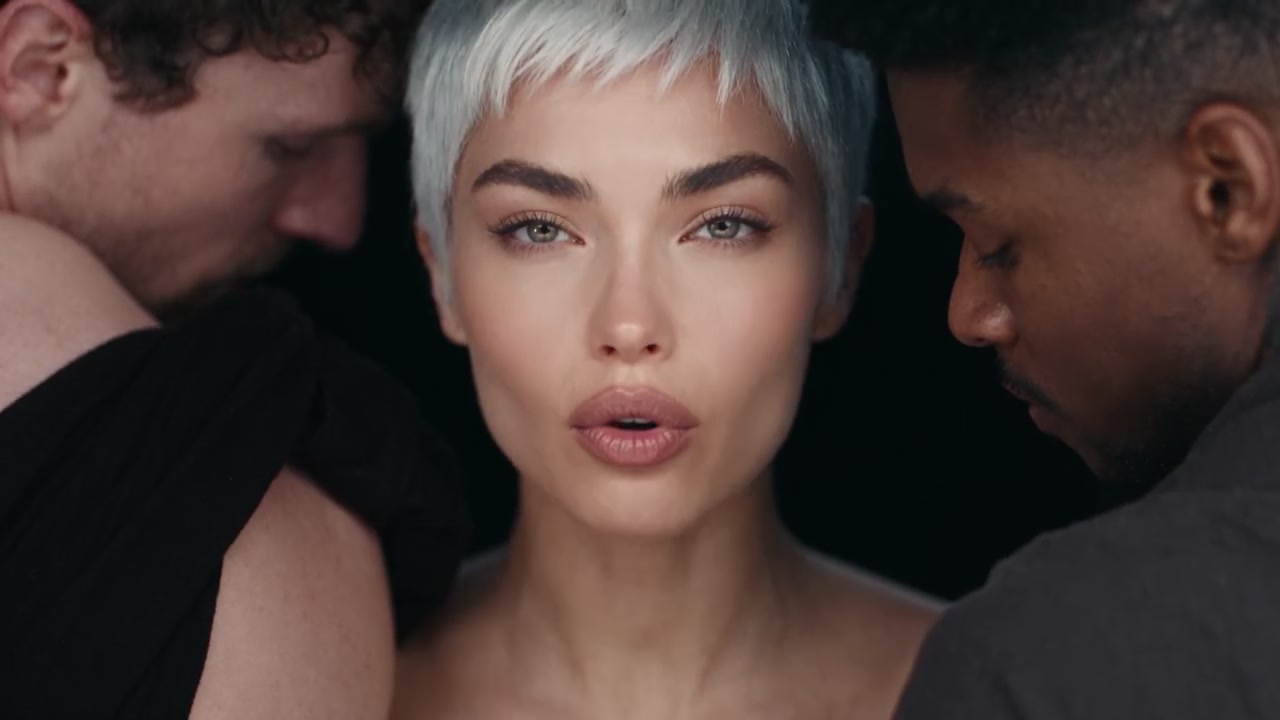
Use one clear photo of the person who should lead the crew. A full-body or knees-up image can give Like Jennie AI useful information about clothing and posture as the performer moves between close-ups and wide shots. Keep the face unobstructed and choose a photo with one person. The reference already contains the other dancers; their photos are not required. Check the finished Like Jennie AI video for consistent hair, clothing, hands and face during the fast choreography.
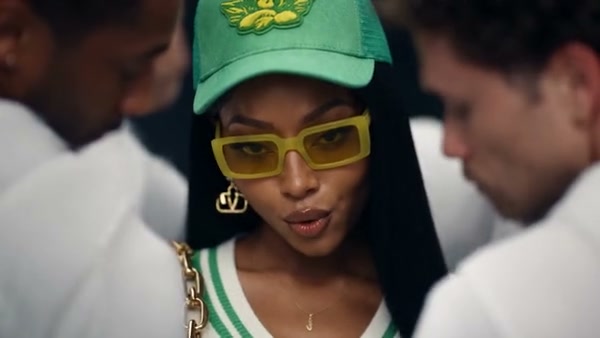
Cast the lead dancer in Like Jennie AI

Follow the Like Jennie AI studio dance

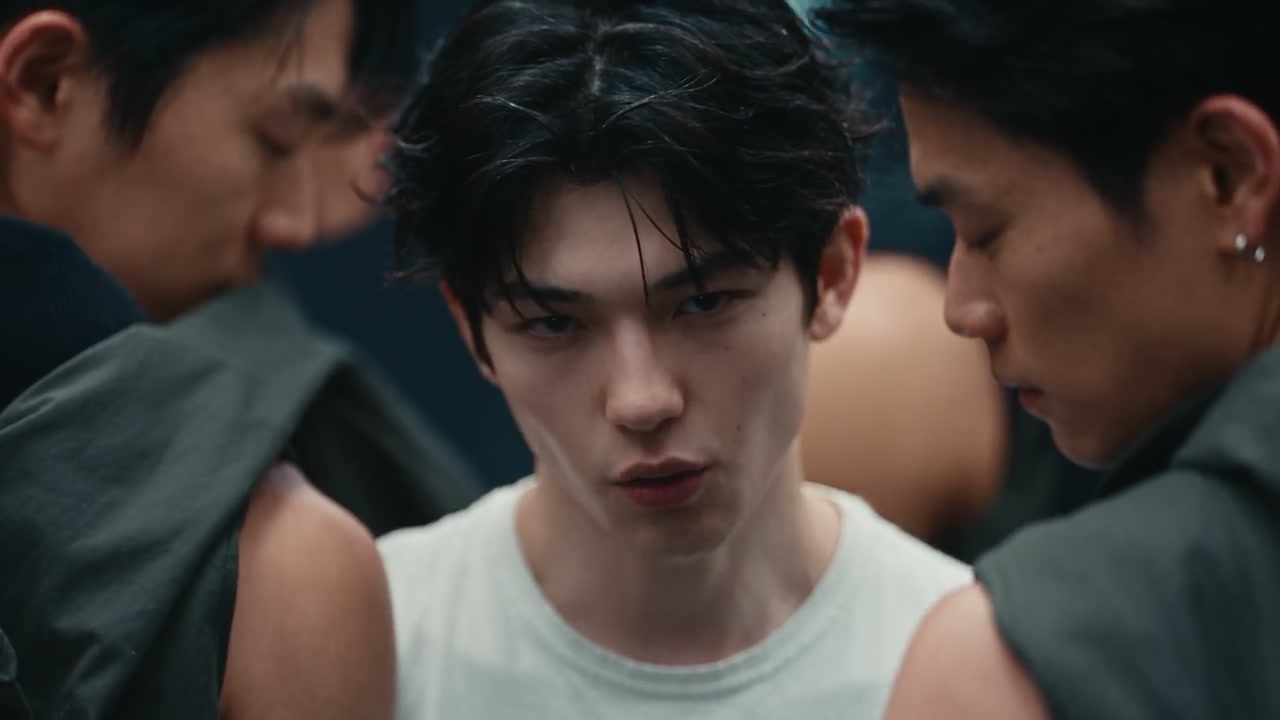
The reference moves from a tight opening shot to the lead dancing in front of the group. Wide shots show the surrounding performers, followed by a closer view and a floor formation filmed from above. Like Jennie AI uses this prepared performance rather than a user-selected routine. The preview is useful for checking the staging and timing before you generate. Lighting, hands and details can change in the finished result, especially when the dancers overlap.

Follow the Like Jennie AI studio dance

Choose a Like Jennie AI mode

Original follows the complete approximately 15-second Like Jennie AI reference. Economy and Standard use its opening 14.9 seconds, ending near the end of the same overhead sequence. All modes use the same photo slot and restore the selected reference audio after generation. The examples show alternative casts and outfits, but this page does not offer a separate location, crew, choreography or soundtrack picker. Compare the displayed credit estimate before you start a Like Jennie AI video.

Choose a Like Jennie AI mode

What Like Jennie AI includes

One photo is combined with a prepared studio performance.

One lead

Your photo guides the main dancer; the background crew stays with the reference.

A group performance

The prepared dance includes studio lighting, group movement and an overhead finish.

Reference audio

The selected reference segment supplies the sound restored after generation.

Like Jennie AI questions

Photo, choreography, sound and generation details.

How many photos does Like Jennie AI need?

One person photo guides the lead dancer. The background dancers come from the prepared reference and do not need separate photos.

What photo works best for Like Jennie AI?

Choose one clear person with a visible face and outfit. A full-body or knees-up image provides more clothing and posture detail than a tight face crop.

How long is a Like Jennie AI video?

Original follows the complete roughly 15-second reference. Economy and Standard use a 14.9-second opening segment, shown as a 15-second setting.

Can I change the Like Jennie AI dance or studio?

The choreography, crew, studio and camera cuts follow this fixed reference. For a different motion video, use the main Motion Transfer workspace.

Does Like Jennie AI include sound?

The selected reference audio is restored after generation. The preview starts muted, and the page does not provide a separate song or voice upload.

Are these Like Jennie AI examples generated here?

They are community examples provided for reference and inspiration. They were created outside this page and do not guarantee a particular result from this tool.

Will my Like Jennie AI video look exactly like the photo?

The photo guides the lead’s appearance and outfit, but fast motion and camera cuts can change details. Review the entire result before sharing.

How much does Like Jennie AI cost?

The Generate button shows the current credit estimate for your selected mode and resolution. An account and sufficient credits are required.

Can I share my Like Jennie AI video?

Use a photo you are allowed to edit and check the rights to the reference audio for your intended use. This independent service is not affiliated with the artist or rights holders.

Where is my finished Like Jennie AI video?

Open My creations after the job finishes to review and download the video. Starting another generation is a separate job.

Create your Like Jennie AI video

Choose one person to lead the studio dance.

Like Jennie AI