Create a video

Required photos2
Settings
Mode
Video length18s
Resolution

Rubber Band Prank AI Video Generator

Make a Rubber Band Prank AI video with two photos. Cast a prankster and a friend in a kitchen scene where the rubber band snaps back.

0:00 / —:—
0:00 / —:—

Rubber Band Prank AI video ideas

Explore examples of this effect. Open a video for a closer look.

What is Rubber Band Prank AI?

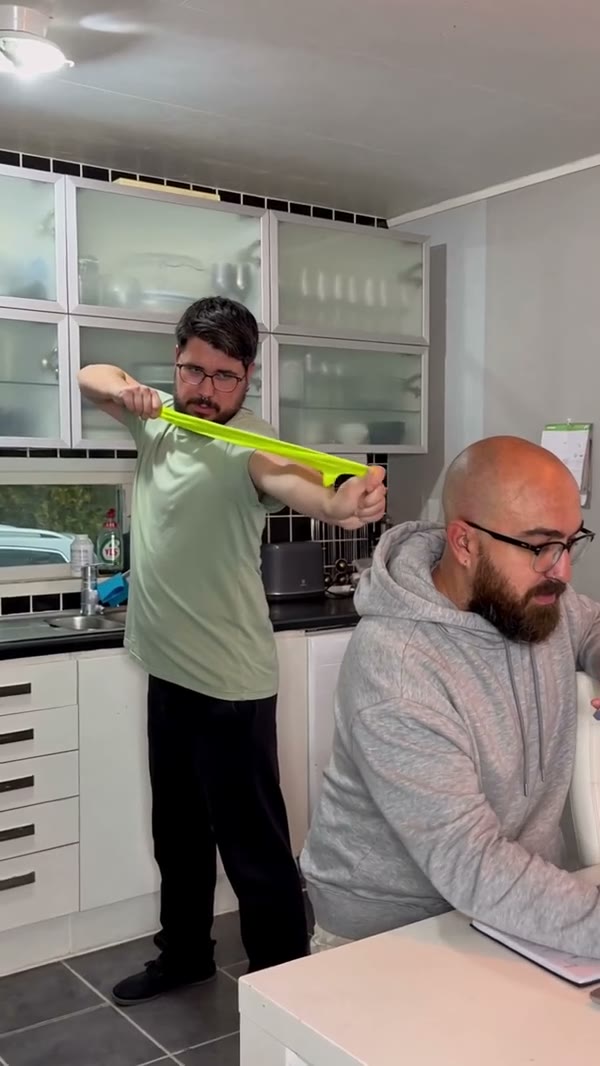
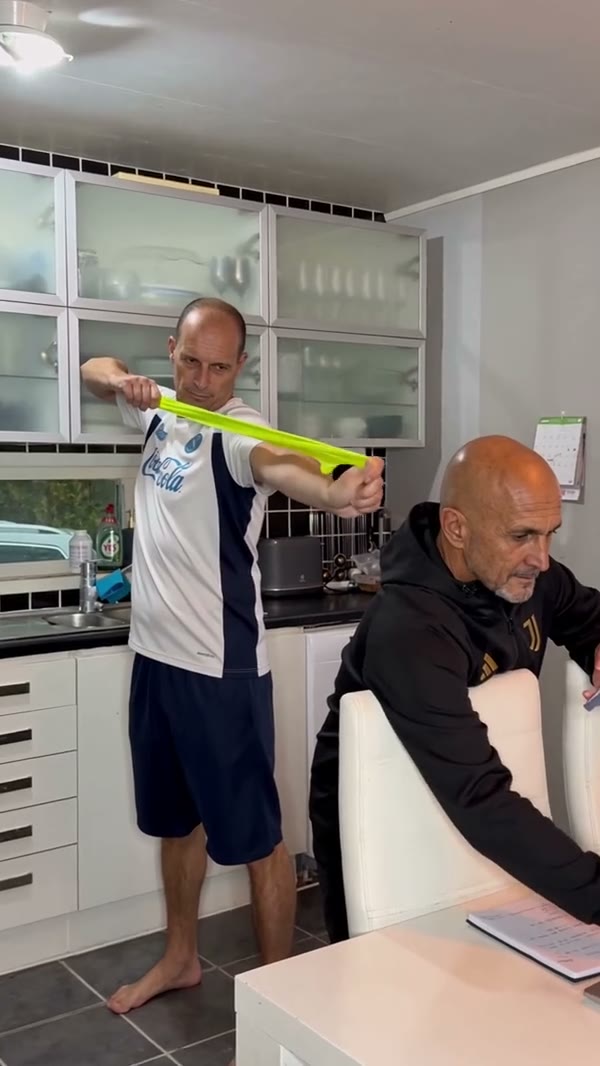
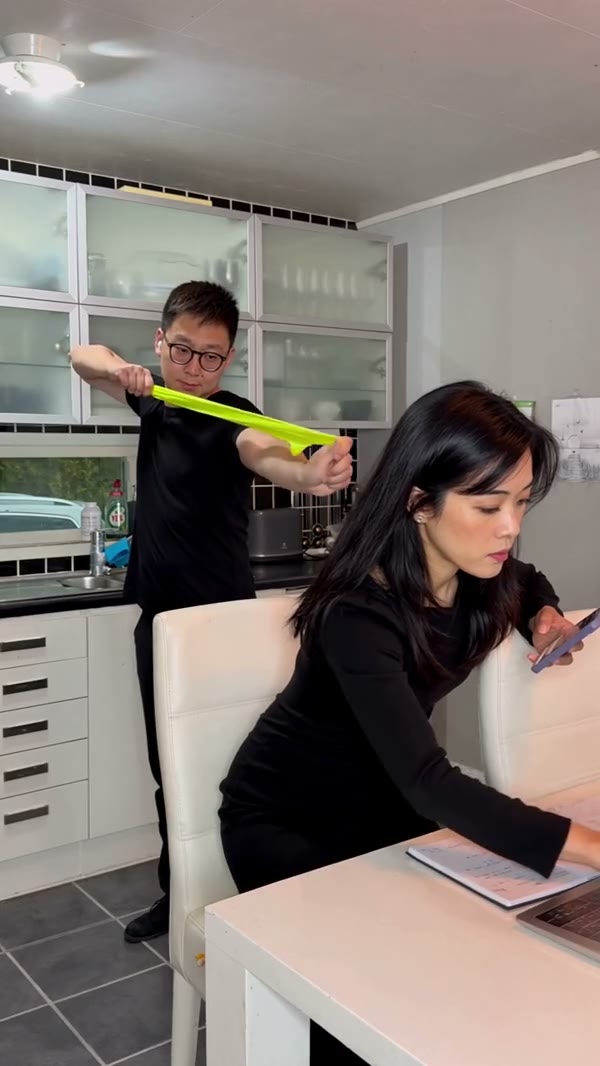
Rubber Band Prank AI is a two-person video template based on a kitchen prank that backfires. A standing prankster stretches a green band behind a person seated at the table; the band snaps back toward the prankster, and the seated person turns around. Upload one photo for each role to guide the people in the scene. The Rubber Band Prank AI video generator follows the prepared reference for the kitchen, gestures, camera and timing. The community videos on this page show the scene and different casts; they were created outside this page. Your finished video may look different.

Rubber Band Prank AI

How to make a Rubber Band Prank AI video

Assign the two roles, choose a mode and review your Rubber Band Prank AI clip.

  1. STEP 1

    Add the prankster photo

    Upload a clear photo of the standing person as Photo 1. This person holds the band and reacts when it snaps back.

  2. STEP 2

    Add the seated person

    Upload a separate photo as Photo 2 for the friend at the table. Check the order before starting your Rubber Band Prank AI video.

  3. STEP 3

    Choose a mode and generate

    Compare the short and complete reference, check the credit estimate, then open My creations to review and download your result.

See Rubber Band Prank AI backfire

The community examples show the same kitchen gag with different people. Your generated video can differ from the previews.

Put your prankster in the standing role

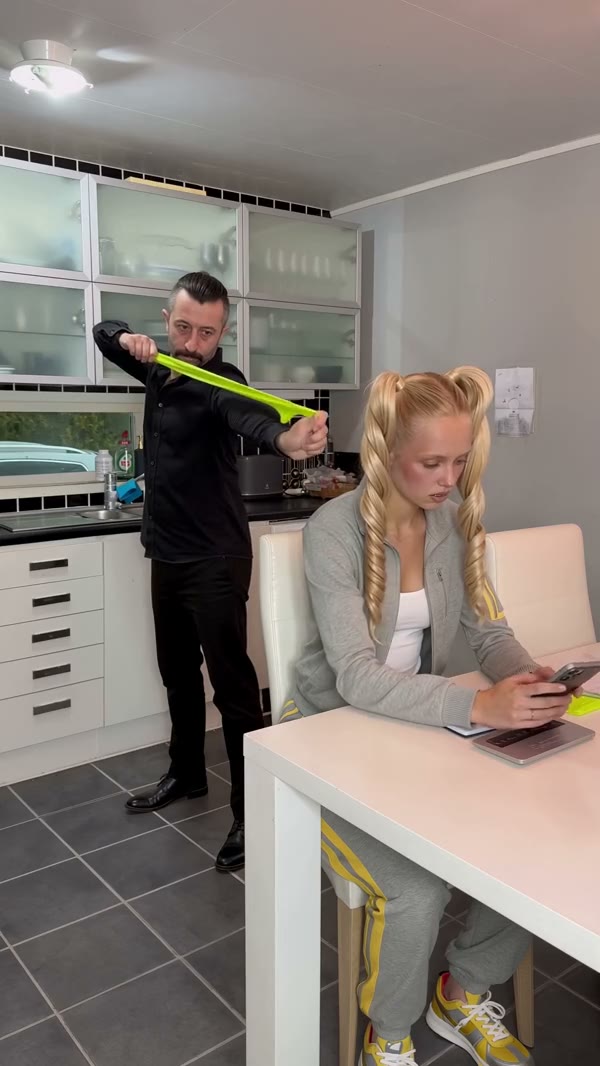
Photo 1 in Rubber Band Prank AI guides the person standing behind the table. This character holds the band, pulls it back, reacts when it rebounds and returns to the kitchen counter. Choose a sharp photo of one person with their face, upper body and outfit easy to see. A wider photo can give the model more information about clothing and posture during the full-body shot. You do not need to hold a band in the photo: the Rubber Band Prank AI reference supplies that prop and its movement. Check the face and hands during the fast snap and the later close-up.
Put your prankster in the standing role

Choose the friend at the table

Photo 2 casts the person seated in front of the prankster. In the Rubber Band Prank AI reference, this person is occupied at the table, then looks back after the band rebounds. Give this role its own clear photo so the two people are easier to distinguish. A photo showing the face and clothing helps guide the seated character as they turn. The photos supply the cast; the prepared kitchen and table remain part of the scene. Rubber Band Prank AI does not offer a third character slot or a separate upload for the setting.

Choose the friend at the table

Follow the setup, snap and reaction

The joke in Rubber Band Prank AI depends on the order of the action: the band is drawn back, it recoils toward the person holding it, and the two characters react. The reference then continues at the counter and moves closer to the prankster. Economy and Standard use the opening 14.9 seconds, including the setup and reaction; Original uses the complete roughly 18-second reference with more of the ending. Use the same two photos for each mode and review how the band, hands and faces look throughout the Rubber Band Prank AI result. The exact motion and appearance can vary.

Follow the setup, snap and reaction

Make Rubber Band Prank AI your own with two photos

Rubber Band Prank AI combines your chosen cast with one prepared kitchen performance.

Two separate roles

Assign the standing prankster first and the person at the table second.

A prepared visual joke

The green band, kitchen, snapback and reaction follow the reference.

A short or complete sequence

Economy and Standard use the opening segment; Original uses the full clip.

Rubber Band Prank AI questions

Roles, photos, sound and checking the finished video.

How many photos does Rubber Band Prank AI need?

Two individual person photos are required. Photo 1 guides the standing prankster; Photo 2 guides the seated person at the table.

Who gets the rubber band back in Rubber Band Prank AI?

The standing person in Photo 1 pulls the band and reacts when it rebounds toward their own face. Photo 2 is the friend sitting in front of them.

What photos work best for Rubber Band Prank AI?

Use a separate, clear photo of each person with the face visible. A waist-up or wider image can also help show clothing and body position. Avoid group photos or a face hidden by hands or sunglasses.

How long is a Rubber Band Prank AI video?

Economy and Standard use the first 14.9 seconds of the reference and display a 15-second setting. Original follows the complete reference, approximately 18 seconds long.

Can I change the kitchen or the prank ending?

This Rubber Band Prank AI page uses a fixed kitchen video and action. The two photos guide the people; there is no separate scene, prop or ending selector.

Does Rubber Band Prank AI include sound?

The template is configured to restore the selected reference segment’s audio after generation. It does not provide a custom song or voice input. Check the result and make sure you have permission to share its audio.

Are the Rubber Band Prank AI examples made on this page?

The videos shown are community examples supplied as references and inspiration. They are not claimed to be results generated on this page, and your result can differ.

How much does a Rubber Band Prank AI video cost?

The Generate button shows the current credit estimate for your mode and resolution. Sign in and check your available credits before starting a generation.

What should I check before sharing my Rubber Band Prank AI video?

Watch the entire video with sound. Check that the two people stay in their assigned roles, the band and hands remain clear, and the faces and clothing look right during the turn and close-up. Get the necessary consent from anyone pictured.

Where can I find my finished Rubber Band Prank AI video?

When generation finishes, open My creations to play and download your result. A new generation is a separate attempt, so check the displayed credit cost before trying again.

Create your Rubber Band Prank AI video

Choose two people for the standing prankster and the friend at the table.

Rubber Band Prank AI