Create a video

Required photos1
Settings
Mode
Video length28s
Resolution

Pet Barista AI Video Generator

Turn one pet photo into a Pet Barista AI video. Your pet takes the starring role in a coffee-shop scene.

0:00 / —:—
0:00 / —:—

Pet Barista AI video ideas

Explore examples of this effect. Open a video for a closer look.

What is Pet Barista AI?

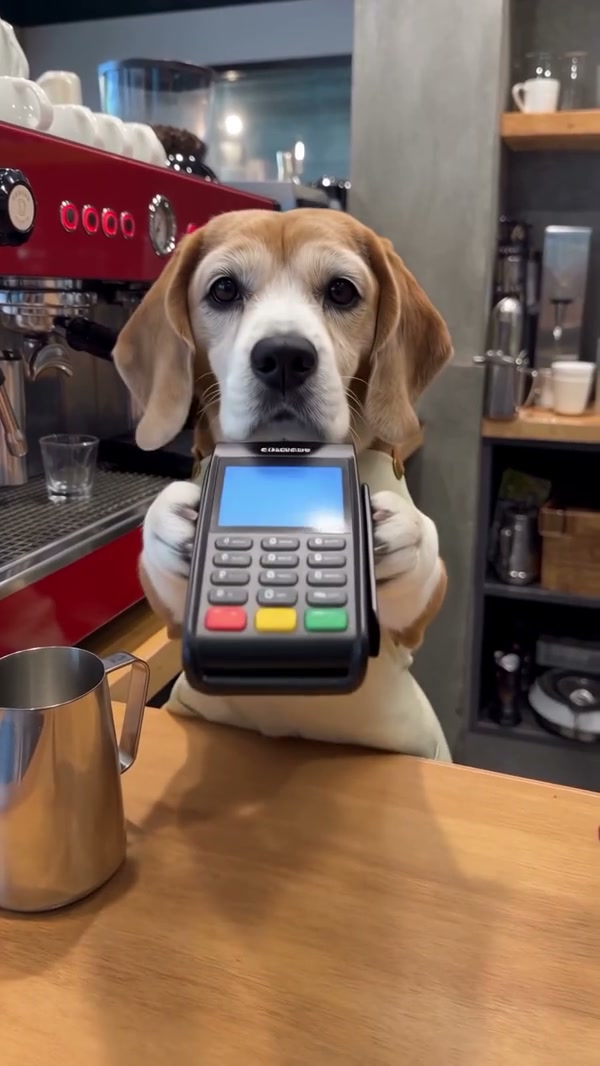
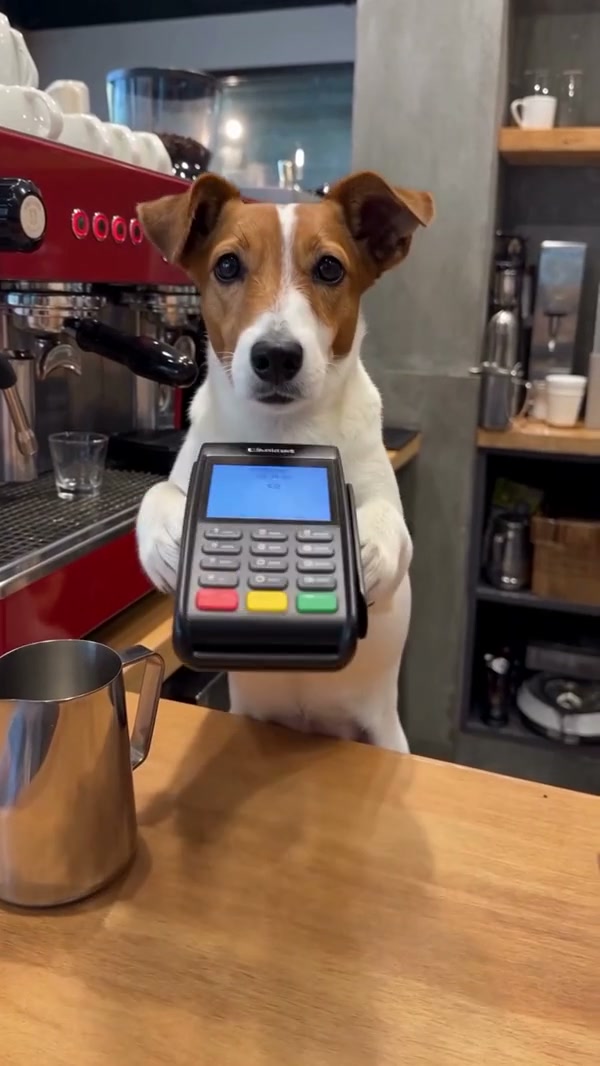
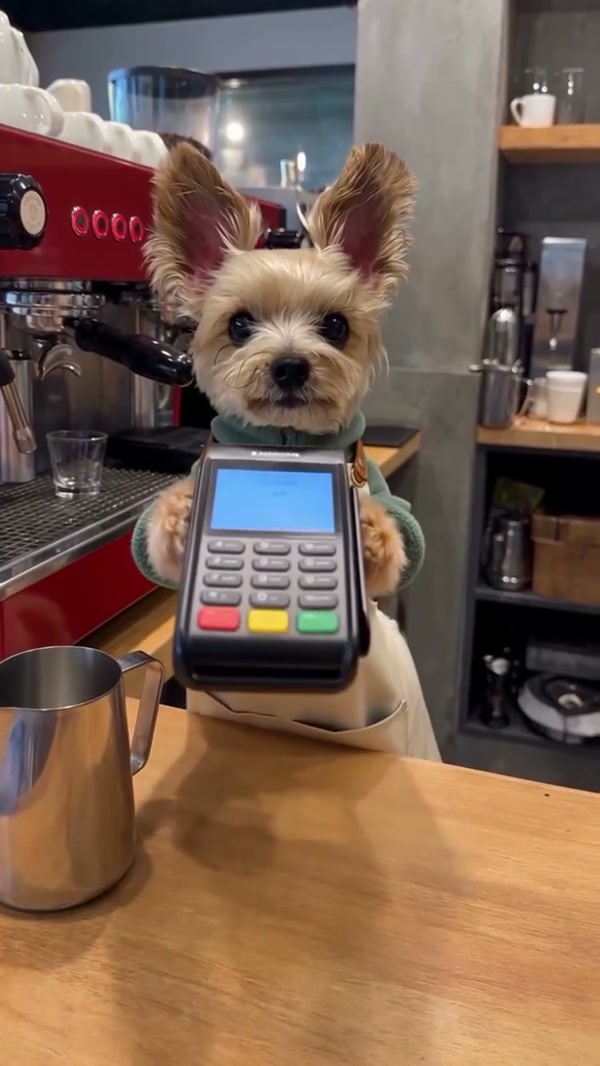
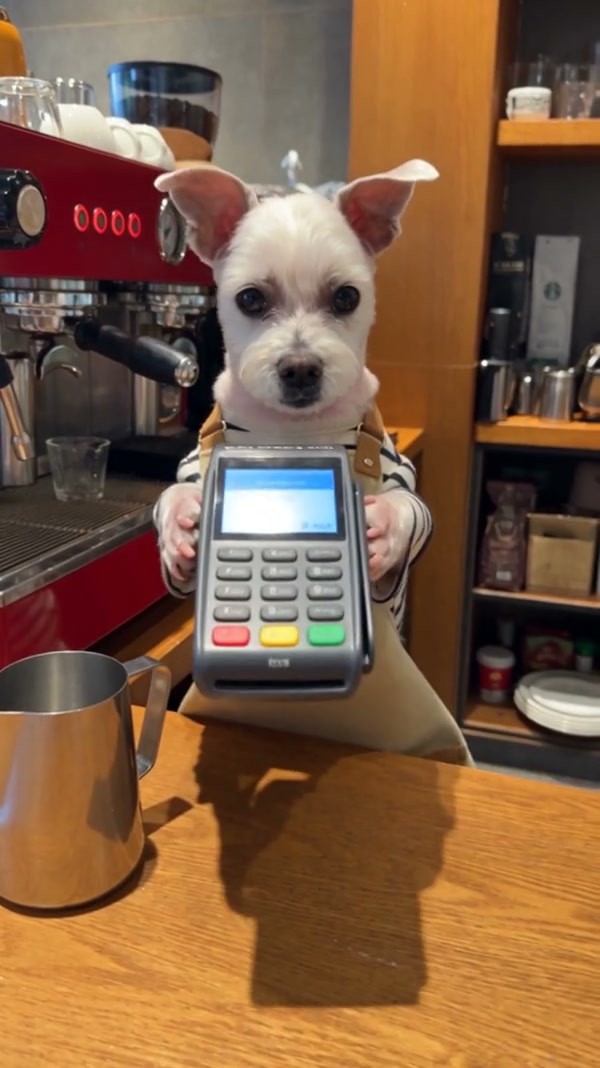
Pet Barista AI is a one-photo video template that casts a pet as a cafe barista. In the full reference, a dog stands at a coffee counter, operates an espresso machine, handles milk and a pitcher, and presents a finished latte. Upload a clear pet photo to guide the featured animal’s appearance. The Pet Barista AI video generator follows the prepared coffee-shop scene and actions; the cafe, equipment and camera are supplied by the reference. Community examples on this page were made elsewhere and show different dogs, clothing and details. Your result can vary.

Pet Barista AI

How to make a Pet Barista AI video

Add one pet photo, choose the reference length and review the result.

  1. STEP 1

    Add your pet photo

    Choose one clear pet photo for the Pet Barista AI barista role. Include the face and distinctive markings.

  2. STEP 2

    Choose the sequence

    Select Original for the complete Pet Barista AI reference, or a short mode for the milk and latte segment.

  3. STEP 3

    Generate and review

    Check the displayed credit estimate. Open My creations to watch your Pet Barista AI result and download it.

See Pet Barista AI at the coffee counter

These community examples show different dogs in the same coffee-shop idea. They are not presented as results from this page.

Choose a photo for your Pet Barista AI video

The Pet Barista AI reference features a dog behind the counter. Use one clear photo with your pet’s face, ears, fur and markings visible. A photo showing more of the body can help guide the model as the barista reaches for equipment. Different animals and breeds can produce different results; a cat or another pet may not reproduce every movement reliably. Check the face, paws, clothing and scale in the finished Pet Barista AI clip, particularly when the pet holds a cup or pitcher.
Choose a photo for your Pet Barista AI video

Watch the Dog Barista AI coffee routine

The full Pet Barista AI reference follows a sequence at the cafe: an opening at the counter, espresso preparation, milk handling, steaming, pouring and a finished cup. The camera moves close to the pet and the equipment as the drink comes together. Searches for Dog Barista AI and Dog Making Coffee AI describe this kind of playful scene. The Pet Barista AI page keeps this prepared setting and does not offer separate choices for the coffee machine, drink or background.

Watch the Dog Barista AI coffee routine

Choose a shorter or complete Pet Barista AI clip

Original follows the complete roughly 28-second Pet Barista AI reference, including the opening and espresso machine. Economy and Standard use a 14.9-second later segment, beginning during the milk sequence and continuing through steaming, pouring and the finished latte. The shorter Pet Barista AI modes do not include the opening counter or espresso preparation. All modes restore audio from their selected reference segment after generation. Review the mode and credit estimate before submitting.

Choose a shorter or complete Pet Barista AI clip

What Pet Barista AI includes

One pet photo guides the star of a prepared vertical cafe scene.

One pet role

The featured dog is the role guided by your uploaded pet photo.

Coffee-shop action

The counter, espresso equipment, milk and latte follow the prepared reference.

Two reference lengths

Original includes the opening; the shorter modes focus on the later milk and latte sequence.

Pet Barista AI questions

Photo choice, coffee sequence, modes and sound.

How many photos does Pet Barista AI need?

One clear pet photo guides the featured barista. The cafe, equipment and actions come from the prepared reference.

Can I make a Dog Barista AI video?

Yes. The reference features a dog at the coffee counter, and your dog photo can guide its appearance. The exact face, paws and movements can vary.

Can Pet Barista AI use a cat photo?

You can try a cat or another pet photo. The source performance features a dog, so the model may change anatomy or struggle with some actions. Review the complete result.

How long is a Pet Barista AI video?

Original follows the complete roughly 28-second reference. Economy and Standard use a later 14.9-second segment and display a 15-second setting.

Do all Pet Barista AI modes include espresso preparation?

The full Original reference includes the opening and espresso preparation. The short modes start later, during the milk sequence, and continue through the latte.

Can I choose the cafe or drink in Pet Barista AI?

This page follows one fixed coffee-shop reference. It has no separate cafe, machine, drink or action selector.

Does Pet Barista AI include sound?

Audio from the selected reference segment is restored after generation. There is no separate custom soundtrack upload on this page.

Are the Pet Barista AI examples generated here?

The examples are community videos supplied for reference and inspiration. They were made outside this page, and your generated pet may look different.

How much does Pet Barista AI cost?

The Generate button shows the current credit estimate for the selected mode and resolution. An account and sufficient credits are required.

Where can I download my Pet Barista AI video?

After the task finishes, open My creations to review and download it. Check the paws, equipment and audio before sharing.

Create your Pet Barista AI video

Choose a pet photo and the coffee sequence you want to follow.

Pet Barista AI