
Cast your cat in the starring role
Use a well-lit photo where your cat’s face and coat markings are easy to see. The template aims to carry those visible features into the starring cat while keeping the same seated setup.
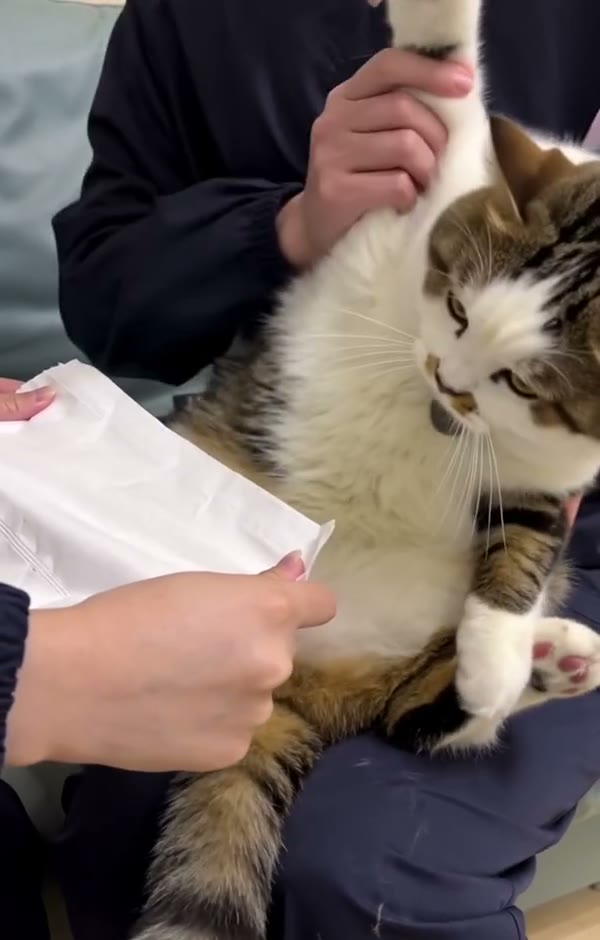
Turn a photo of your cat into the playful tissue-chopping routine. One cat photo casts the starring pet.
Kung Fu Cat AI places your cat into a short pet video where a cat sits upright, moves its paws and interacts with a piece of tissue. Upload one cat photo; the prepared clip supplies the setup, supporting hands, gestures and timing.
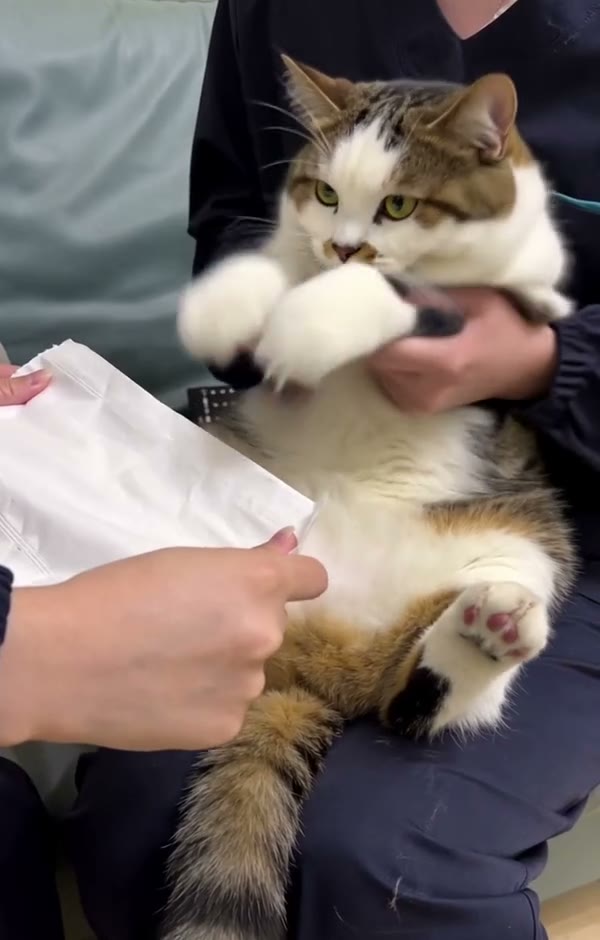
Add one photo, review the prepared scene and generate.
STEP 1
A clear photo of one cat with its face, coat and front paws visible.
STEP 2
The preview shows the fixed action and setting. Choose an available mode and review the displayed credit estimate.
STEP 3
Start the generation, then open My creations to watch and download the result.
Explore a community example of this scene. Your result can look different.
Use a well-lit photo where your cat’s face and coat markings are easy to see. The template aims to carry those visible features into the starring cat while keeping the same seated setup.
The prepared scene has a person holding the cat upright as another hand presents a sheet of tissue. The movement follows the reference, including raised paws and kicks; the exact paw and paper details can vary.
This is an AI-generated performance from a still photo: you do not need to film your own cat performing the movement. Use the clip as a lighthearted pet character video with the same familiar scene.
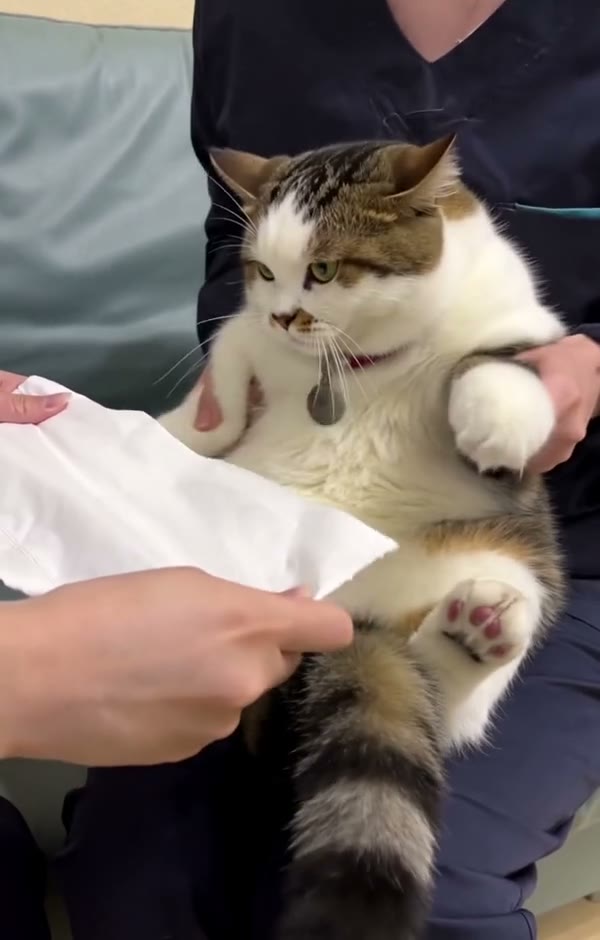
Your photo guides the assigned role; the prepared video supplies the rest of the scene.
A clear photo of one cat with its face, coat and front paws visible.
Upload one cat photo; the prepared clip supplies the setup, supporting hands, gestures and timing.
Available modes and the estimated credit cost appear in the workspace before generation.
Photo requirements, sound, settings and what to expect.
No. Upload a photo; the prepared video supplies the performance.
This template has one slot for the cat. The supporting person and hands follow the prepared scene.
One photo is required for the cat.
A clear photo of one cat with its face, coat and front paws visible.
This is a fixed scene. The uploaded photo guides the specified role while the reference supplies the action and setting.
The template uses the prepared reference audio when that mode supports restoring it. Check the available settings before generating.
The model uses the photo as an appearance reference. Facial details, clothing and movement can vary between generated results.
The workspace shows the estimated credits for the selected mode and settings before you generate.
Add your photo, review the settings and start creating.