
Create a video

Required photos1
Settings
Mode
Video length11s
Resolution

Horse Riding AI Video Generator

Put yourself in a horseback ride through an open landscape. Upload one photo to cast the rider in a prepared moving scene.

0:00 / —:—

What is Horse Riding AI?

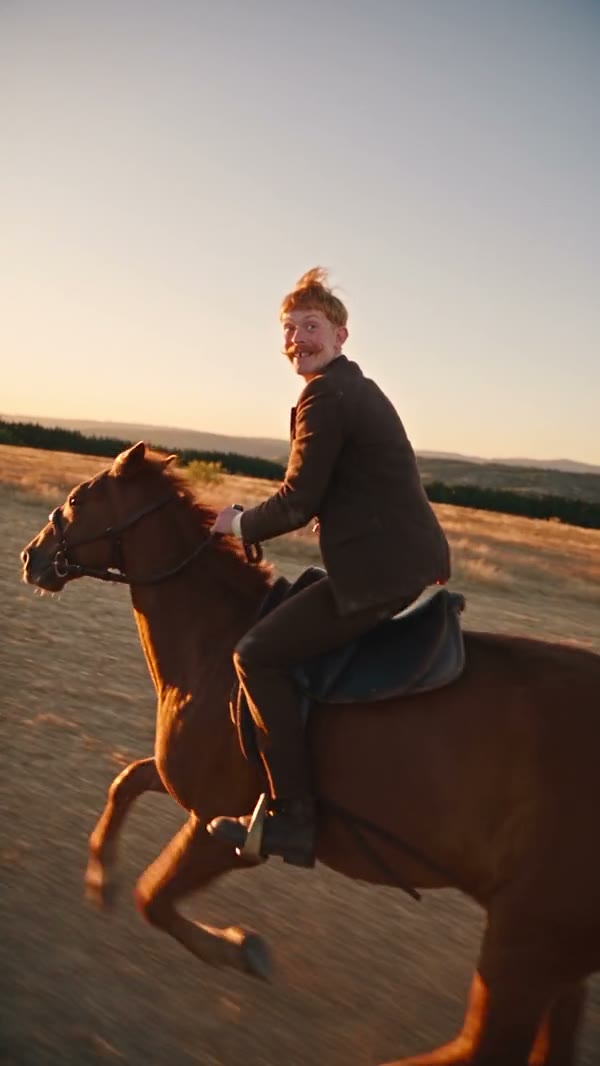
Horse Riding AI creates a short horseback-riding video from one person’s photo. Your photo guides the rider’s appearance and outfit, while a prepared clip supplies the horse, riding movement, camera and outdoor scenery.

Horse Riding AI

How to make a Horse Riding AI video

Add one photo, review the prepared scene and generate.

  1. STEP 1

    Choose your rider

    A clear photo of one person, including their face and intended outfit.

  2. STEP 2

    Review the prepared scene

    The preview shows the fixed action and setting. Choose an available mode and review the displayed credit estimate.

  3. STEP 3

    Generate your video

    Start the generation, then open My creations to watch and download the result.

Horse Riding AI examples

Explore a community example of this scene. Your result can look different.

Make yourself the rider

Bring a portrait into a moving riding scene without filming on horseback. Use a photo that clearly shows your face and the clothing you would like the rider to wear; the model uses that appearance for the rider throughout the clip.
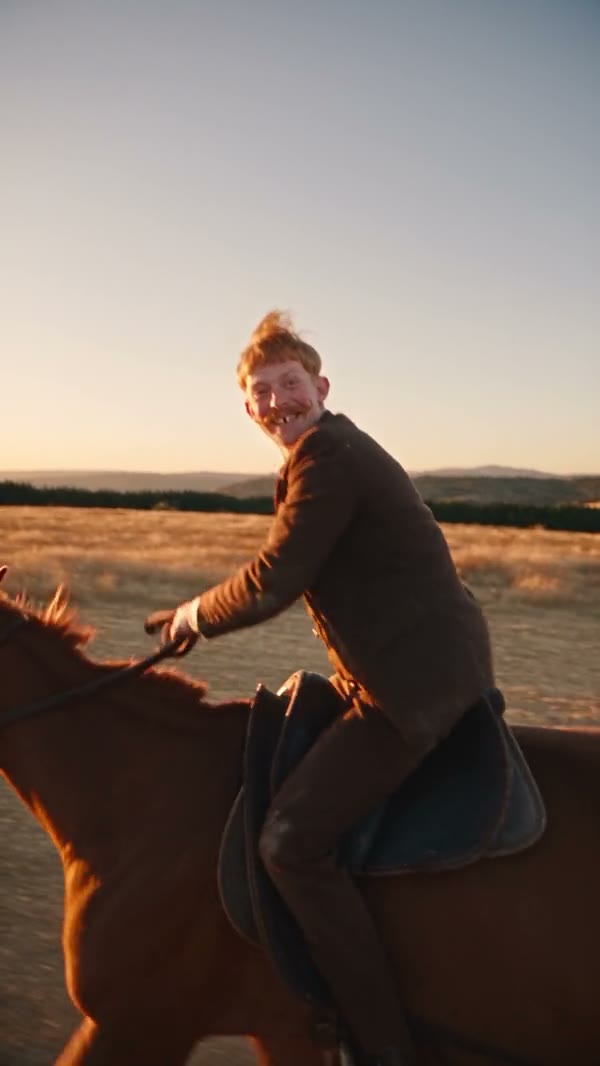
Make yourself the rider in a frame from a community example

Follow the horse in motion

The scene follows a horse moving through open ground while the rider turns toward the camera. The horse and the surrounding landscape come from the prepared reference; their exact appearance may vary in the generated video.

Follow the horse in motion

Create a short outdoor moment

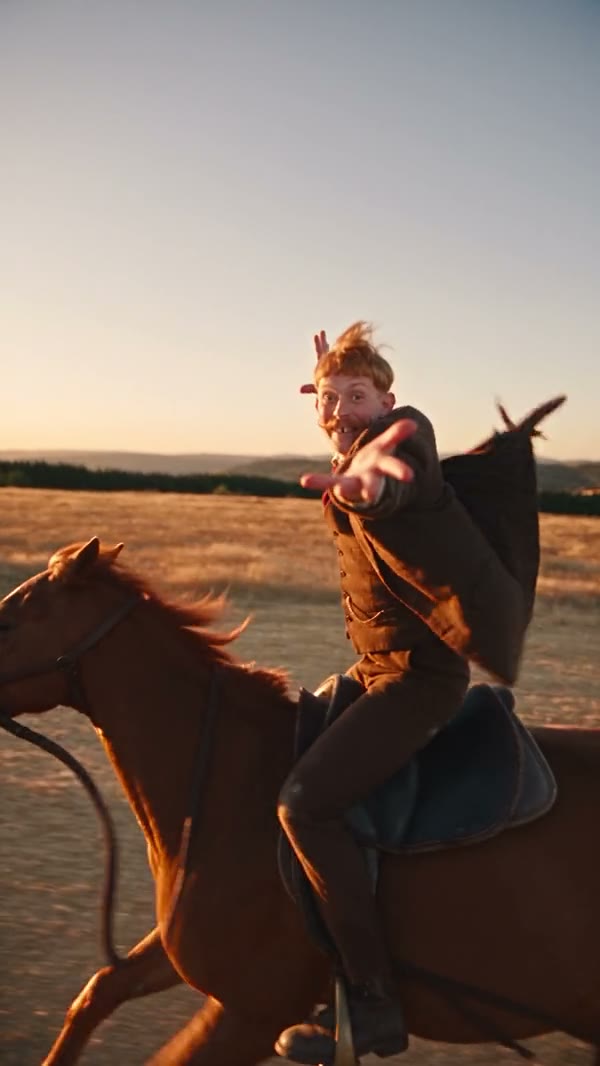
The vertical composition is suited to a brief adventure or outdoor-themed clip. The riding action and camera path are already part of the reference, so you can focus on choosing the person who takes the saddle.

Create a short outdoor moment in a frame from a community example

What you choose for Horse Riding AI

Your photo guides the assigned role; the prepared video supplies the rest of the scene.

Rider

A clear photo of one person, including their face and intended outfit.

Prepared action

Your photo guides the rider’s appearance and outfit, while a prepared clip supplies the horse, riding movement, camera and outdoor scenery.

Mode and credits

Available modes and the estimated credit cost appear in the workspace before generation.

Horse Riding AI questions

Photo requirements, sound, settings and what to expect.

Can I choose a different horse?

This template uses the prepared horse and scene. The photo is assigned to the rider, and the model may vary fine details.

Can I upload a photo of my horse?

The required slot is for the rider. It does not provide a separate horse reference slot.

How many photos do I need?

One photo is required for the rider.

What kind of photo should I use?

A clear photo of one person, including their face and intended outfit.

Can I change the prepared scene?

This is a fixed scene. The uploaded photo guides the specified role while the reference supplies the action and setting.

Does the video include sound?

The template uses the prepared reference audio when that mode supports restoring it. Check the available settings before generating.

Is the result guaranteed to match my photo exactly?

The model uses the photo as an appearance reference. Facial details, clothing and movement can vary between generated results.

How do I check the cost?

The workspace shows the estimated credits for the selected mode and settings before you generate.

Create your Horse Riding AI video

Add your photo, review the settings and start creating.

Horse Riding AI