
Mountain Jump AI Video Generator
Change the view around your character in one short edit. Mountain Jump AI uses one photo for the reacting lead in a plaza and the central figure facing the valley after the cut. Get the prepared mountain transition, landscape framing and reference sound.
0:00 / —:—
Mountain Jump AI video ideas
Explore community remixes of this performance. Open a video for a closer look.
Valley reveal · community excerpt
What is Mountain Jump AI?
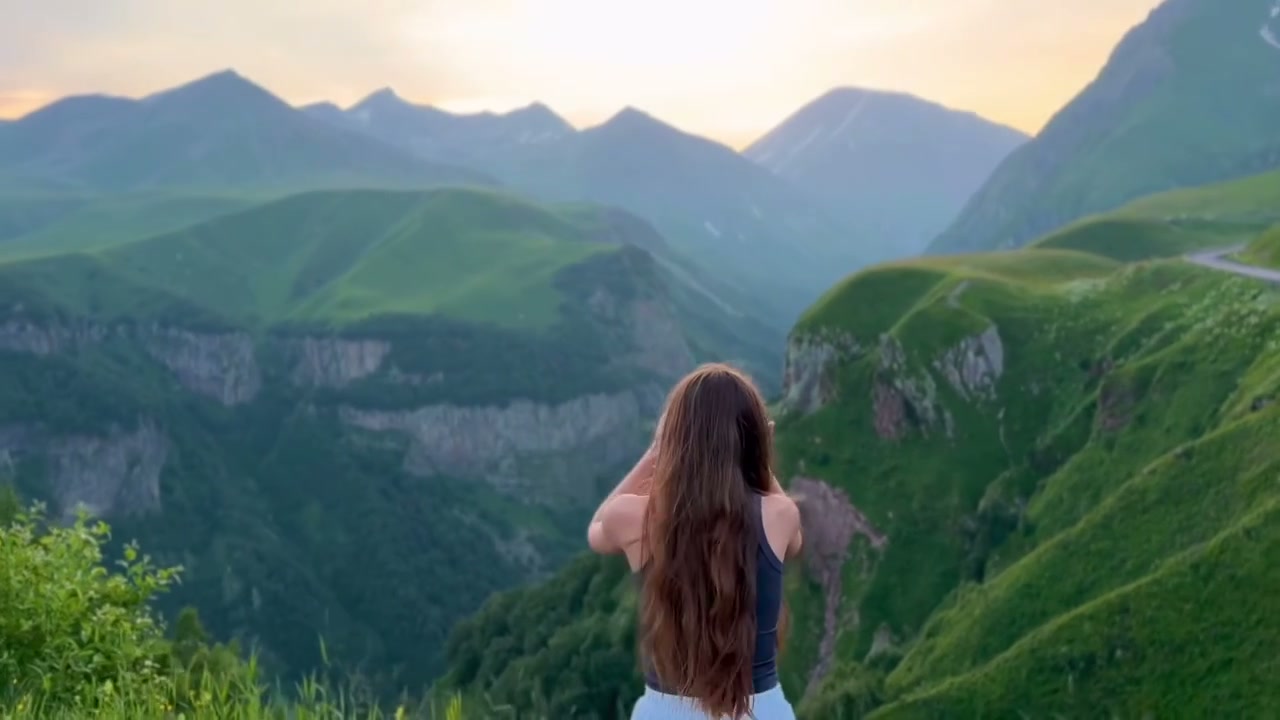
Mountain Jump AI is a mountain transition effect: a brief two-person plaza gesture cuts to a green valley overlook, where the central back-facing figure turns and raises their hands. On Motion Transfer, upload one person to define the reacting lead on the right in the opening and the central figure after the scene change. The photo supplies complete appearance and clothing; the reference supplies the gesture, cut, camera and audio. Your Mountain Jump AI result follows this roughly eight-second landscape sequence. The foreground partner making the sweeping gesture remains part of the original scene.
How to create a Mountain Jump AI video
The reference is ready. Choose the character and review the result.
STEP 1
Choose your Mountain Jump AI photo
Upload one clear photo showing the intended character’s hair, face, body and outfit. Choose a single subject and an image you have permission to edit.
STEP 2
Review your Mountain Jump AI settings
Choose an available resolution, check the credit quote on Generate and sign in to submit. No prompt writing is needed.
STEP 3
Watch and download your Mountain Jump AI clip
Watch the transition with sound, check the chosen character across the cut and download the completed clip from My creations.
Mountain Jump AI in motion
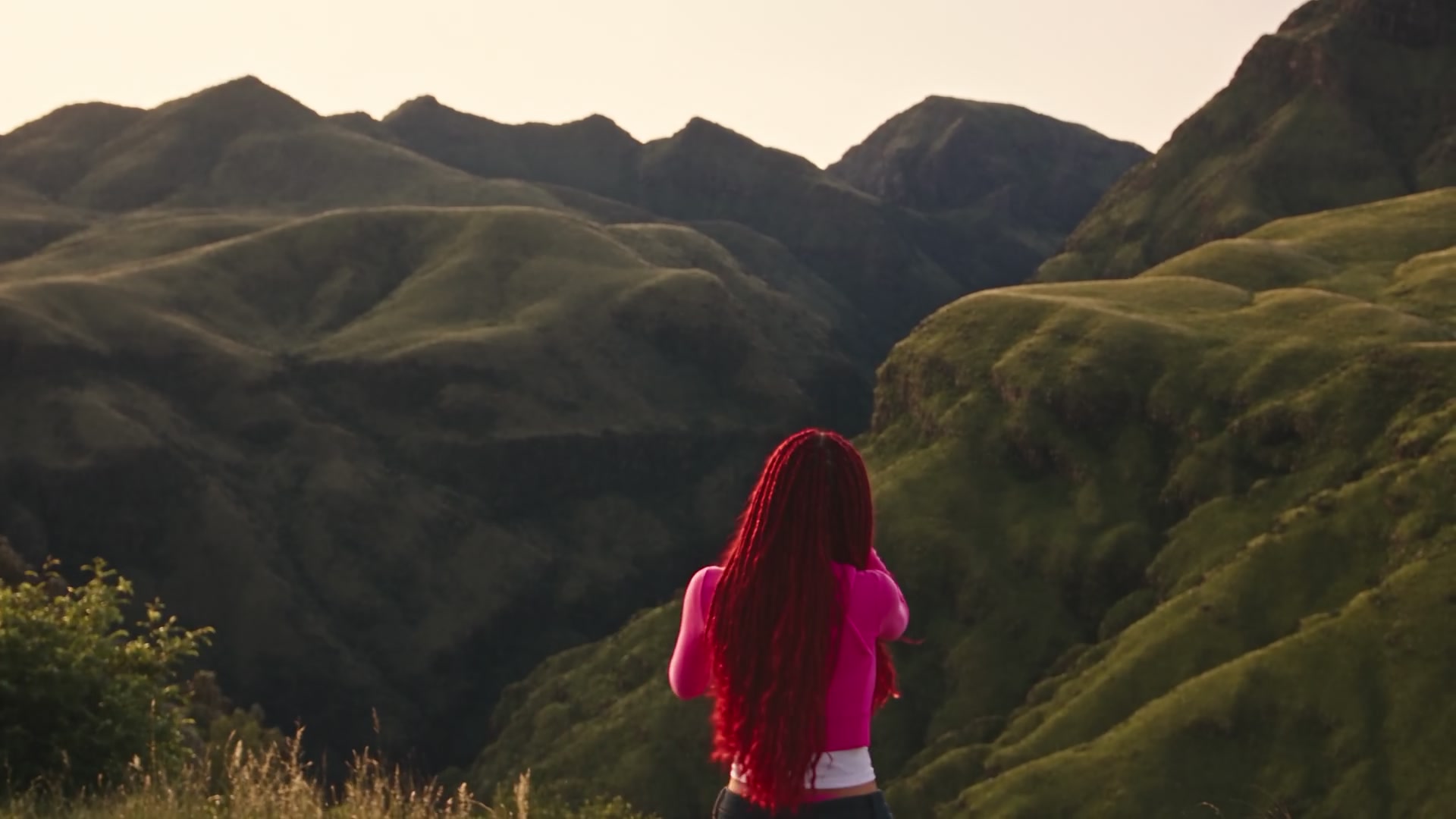
A plaza reaction becomes a mountain overlook pose. Two community ending excerpts show character variations without changing the page's one-photo role.
Carry your character into the valley reveal
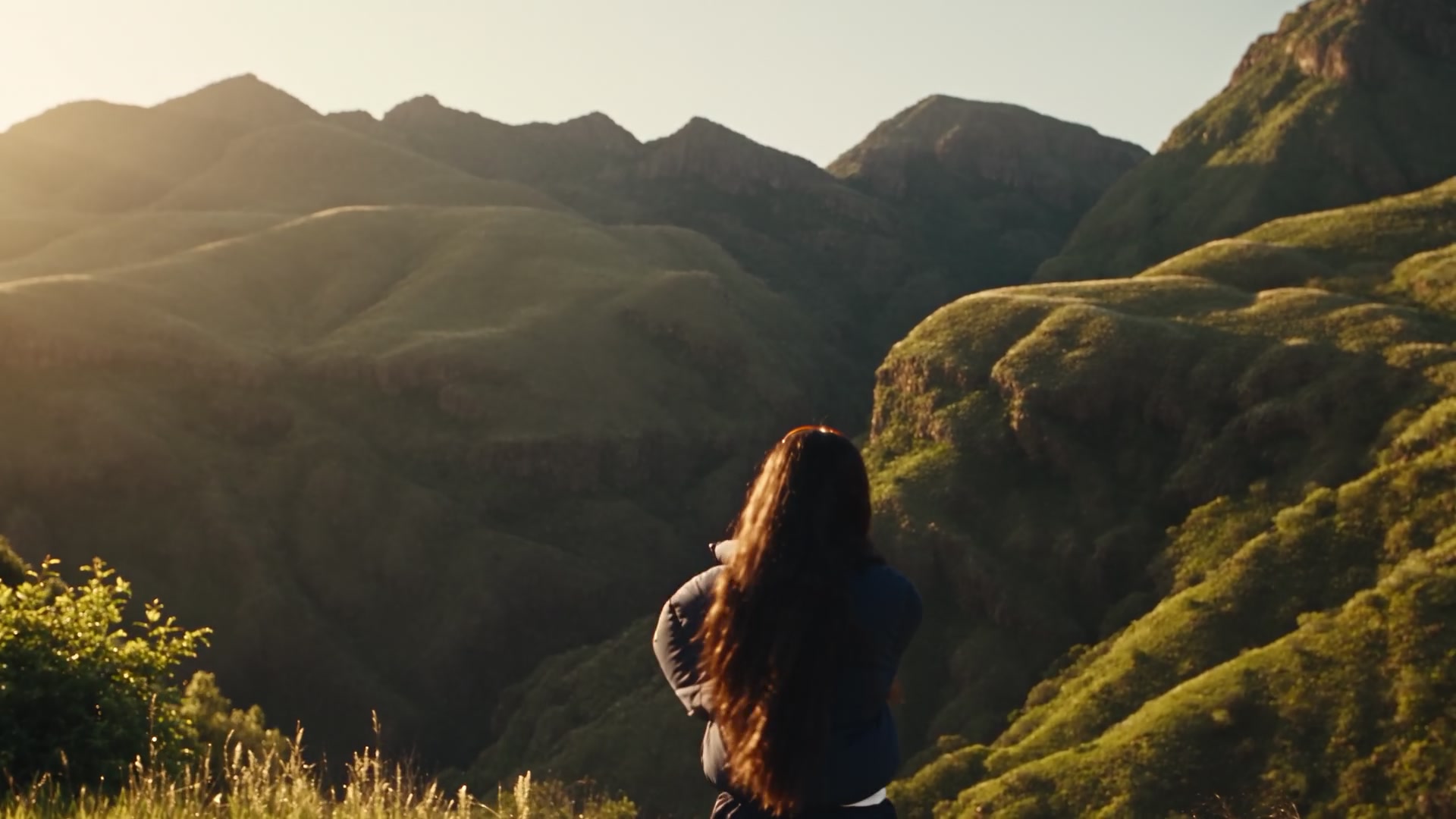
Mountain Jump AI carries your chosen look from the plaza reaction into the valley reveal. The complete character and outfit stay the focus across both settings, making this useful for a personal reveal or fictional travel-style edit. The final view is mainly from behind, so hair and clothing become especially useful identity cues.
Use the gesture as a scene-changing beat
The location change is timed to the reaction. Mountain Jump AI follows the plaza exchange with a turn toward the valley and hand movements near the subject's hair. You get a scene-changing beat without filming in two places or aligning the cut yourself. The sequence finishes at the overlook.
Get a landscape reveal with reference sound
Mountain Jump AI gives the valley room around your character in a landscape clip with reference sound. Use it in a message, personal edit or wider video composition. Keep the broad frame when the interaction and scenery matter: a vertical crop may remove the gesture partner or part of the view.
Is Mountain Jump AI right for your idea?
Choose the prepared sequence when its particular action fits your intended video.
A reveal built around a change of setting
Choose Mountain Jump AI for a character reveal whose payoff is a sudden scenic change. The plaza interaction sets up the cut, and the valley poses complete it.
One defined role, with the partner preserved
One photo defines the reacting lead in both scenes. The gesture partner stays as shown, with no second-person slot or separate outfit input for the ending.
A different backdrop needs your own reference
For another mountain, transition or cast, bring a suitable video to the homepage. This page personalizes the lead within the supplied plaza and valley.
Mountain Jump AI credits and plans
Mountain Jump AI requires an account and sufficient credits. Generate shows the quote for the selected resolution and reference duration. Plan examples may describe other models or video lengths.
Starter
For your first ideas.
$8.3/month
$100.0 charged yearly
2,400 credits/year
Up to 400 images
GPT Image 2Nano Banana Pro
Up to 133 videos
Seedance 2.5Kling 3.0 Motion Control
- Up to 4K images and HD videos, depending on the model
- Image editing, video creation & motion transfer
- Watermark-free image & video downloads
- Generation history in your account
Popular40% OFFSave $238.8
Pro
For a steady creative flow.
$30.0/month$49.9/month
$360.0 charged yearly
21,600 credits/year
Up to 3,600 images
GPT Image 2Nano Banana Pro
Up to 1,200 videos
Seedance 2.5Kling 3.0 Motion Control
- Up to 4K images and HD videos, depending on the model
- Image editing, video creation & motion transfer
- Watermark-free image & video downloads
- Generation history in your account
- Use credits across image and video models
Best Value50% OFFSave $599.8
Business
For more creations, more often.
$49.9/month$99.9/month
$599.0 charged yearly
48,000 credits/year
Up to 8,000 images
GPT Image 2Nano Banana Pro
Up to 2,666 videos
Seedance 2.5Kling 3.0 Motion Control
- Up to 4K images and HD videos, depending on the model
- Image editing, video creation & motion transfer
- Watermark-free image & video downloads
- Generation history in your account
- Use credits across image and video models
Basic
$0Try before you subscribe
- 18 one-time signup credits
- Generation history included
- Watermarked previews & downloads
- Up to 3 images or 1 video
- Watermark-free downloads require payment
Prices in USD; taxes and total shown at checkout. Subscriptions renew automatically; cancel in Billing settings. Subscription credits expire each period; one-time credits never expire.
Refunds: request within 72 hours. Used purchased credits and applicable non-refundable processing costs (up to 6%) are deducted. Terms · Refund Policy
Mountain Jump AI questions
Photo selection, the fixed sequence, sound and reviewing your result.
What happens in Mountain Jump AI?
A sweeping gesture and reaction in a plaza cut to a green valley overlook. The central figure then turns and raises their hands near their hair.
Which person does Mountain Jump AI replace?
Your photo replaces the initially front-facing person on the right in the plaza and the central back-facing figure after the cut. Mountain Jump AI treats those shot positions as one transition role. The person making the sweeping gesture stays unchanged.
Does Mountain Jump AI need two photos?
No. Mountain Jump AI has one character slot. The same photo defines the selected role in the plaza and valley. The foreground gesture partner is preserved; uploading a group photo does not create a separate assignment for each person.
What photo should I use for Mountain Jump AI?
Choose a sharp image with visible hair, face, body shape and clothing. A full-body or generous three-quarter view helps Mountain Jump AI infer the appearance during the turn. The photo does not need a mountain background or a special pose.
Does Mountain Jump AI change the outfit?
Yes. Mountain Jump AI uses your photo for the complete lead, including the outfit, through both parts of the edit. It aims to carry the same chosen look across the scene change. Areas hidden by the photo crop must be inferred and small details can vary.
Why is the Mountain Jump AI ending mostly from behind?
The camera faces the character toward the valley. The ending keeps that rear view and the hand movements near the head; hair, body shape and clothing carry the chosen look.
Can I change the Mountain Jump AI location or length?
Mountain Jump AI follows the roughly eight-second landscape reference. You can choose an available output resolution, but there is no mountain picker, separate background upload or duration extension on this fixed page. Use another motion reference for a different sequence.
Does Mountain Jump AI include sound?
Yes. Mountain Jump AI includes audio from the prepared reference with the generated picture. Listen using the preview sound control and review the downloaded result. There is no separate music picker or personal voice-generation setting for this effect.
What do the Mountain Jump AI community examples show?
Two community excerpts show alternative characters in the valley ending. Your full result also includes the plaza opening and uses one replacement role; the examples do not demonstrate control over the entire cast.
What should I check in my Mountain Jump AI result?
Check that the reacting lead changes while the gesture partner stays, and that hair and clothing continue across the cut. Turning limbs, flowing hair and raised hands can produce artifacts.
What does Mountain Jump AI cost?
Mountain Jump AI generation requires an account and sufficient credits. Generate shows the quote for the selected resolution and reference duration before you submit. Uploading a photo does not start a paid task. Each new generation creates a separate request.
Can I share a Mountain Jump AI clip?
Use a photograph you have permission to edit and check the finished Mountain Jump AI video before posting. Follow the platform's AI-labeling requirements and check reference audio rights for your intended use. The effect does not grant new commercial rights to the source footage or sound.
Make your Mountain Jump AI mountain transition
Choose one photo, review the prepared reference and make the scene personal.