
Crazy Frog AI Video Generator
Put yourself and a friend into a Crazy Frog AI chase. Two photos supply your complete looks; the prepared clip supplies the invisible-motorcycle ride, red pursuit vehicle and original sound. Preview the landscape reference below.
0:00 / —:—
Crazy Frog AI video ideas
Explore community remixes of this performance. Open a video for a closer look.
What is Crazy Frog AI?
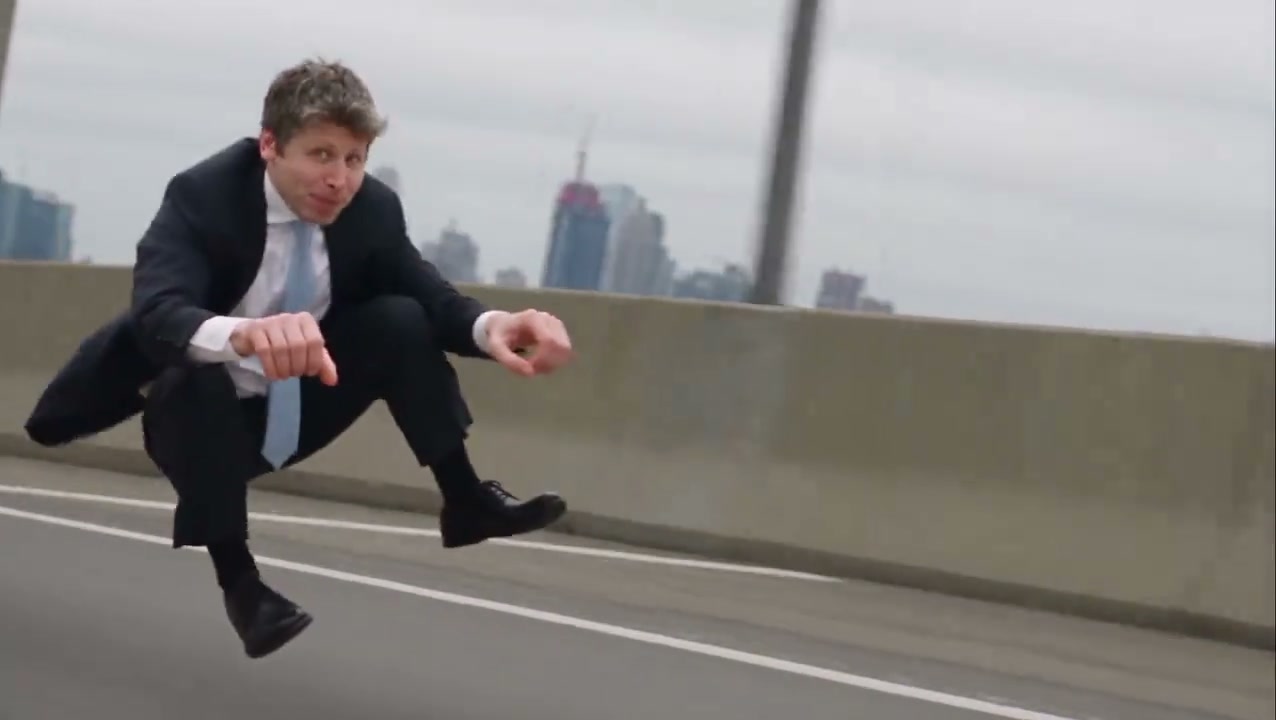
Crazy Frog AI recreates the invisible-motorcycle chase as a short character video. The front rider crouches in midair with hands on imaginary handlebars while a second character follows on a visible red vehicle. On Motion Transfer, upload two separate complete-character photos: Photo 1 casts the front rider and Photo 2 casts the rear pursuer. Crazy Frog AI carries their hair, body proportions, clothing, shoes and accessories into the prepared scene. The result follows the approximately 11-second landscape reference, including its road, jumps, camera cuts and soundtrack.
How to make a Crazy Frog AI chase
Choose two characters, confirm their roles and generate the prepared sequence.
STEP 1
Add the rider and pursuer
Upload one complete character to each Crazy Frog AI photo slot. Photo 1 is the front invisible-motorcycle rider. Photo 2 is the rear pursuer. Use separate images that clearly show faces, hair, clothing and shoes.
STEP 2
Preview the route and check the quote
Watch the Crazy Frog AI reference and turn on its sound. Open Settings to choose an available resolution. Check the credit quote on Generate, sign in and confirm you have enough credits before submitting.
STEP 3
Review both roles and download
Open the completed Crazy Frog AI video in My creations. Check the rider’s hands and feet, the pursuer’s position, both identities and the soundtrack. Download the completed video.
Two characters, one impossible chase
Crazy Frog AI casts your rider and pursuer in an approximately 11-second city escape. Compare the original reference with community chase remixes.
Give both sides of the pursuit a familiar character
Crazy Frog AI lets you choose the person being chased and the person doing the chasing. Pair two friends, build a playful rivalry or bring two original adult characters into the same scene. Prepare the two photos separately; no shared photo shoot is needed. Crazy Frog AI requests the complete appearance from each image, including the outfit and silhouette that make the character recognizable at a distance. Choose clear images with enough visible body detail to support the crouched rider and the forward-leaning pursuer.
Join the impossible ride without staging a stunt
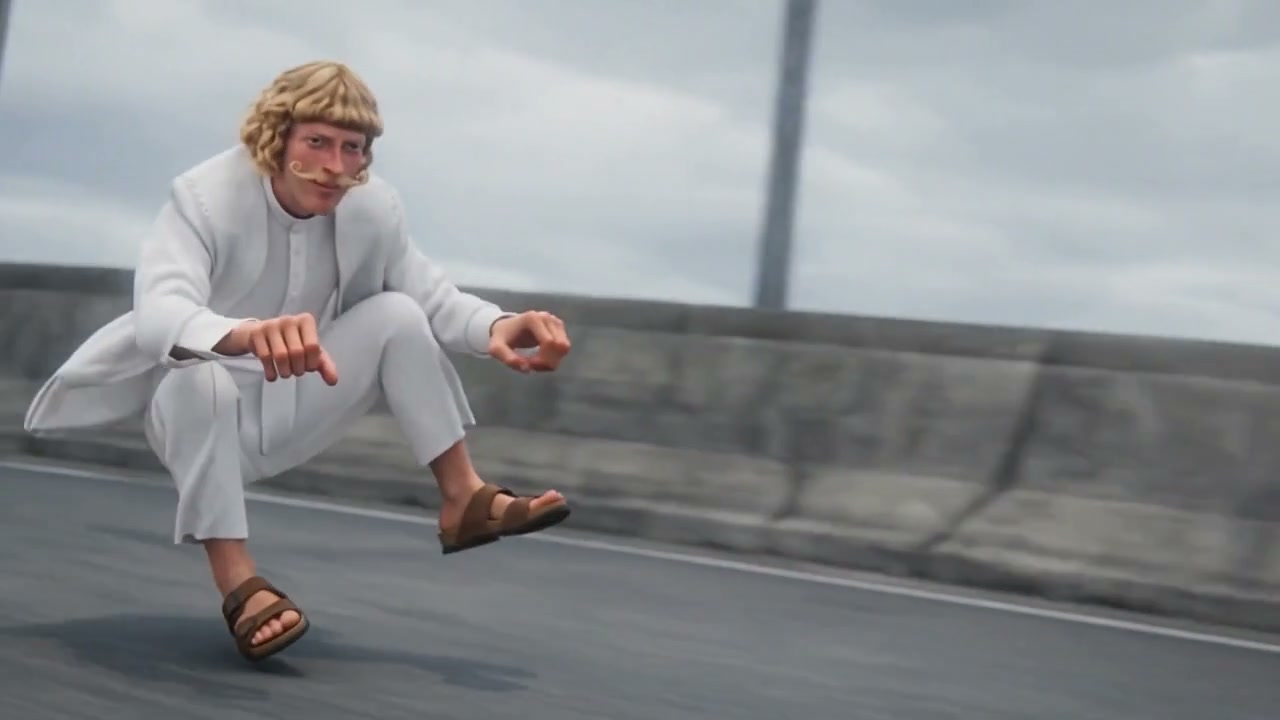
The joke in Crazy Frog AI is visible immediately: the front character races down the road with no motorcycle beneath them. The prepared footage supplies the low riding pose, backward glances, airborne moments and pursuit timing. You only provide the cast. Crazy Frog AI also follows the camera changes, moving between the rider, the pursuer and views that place both characters together. You get a complete action sequence without filming a vehicle or performing a jump. The scene is a fictional visual effect; your uploaded photo can be an ordinary standing portrait.
Share the whole chase with its reference sound
Crazy Frog AI keeps the prepared road and red pursuit vehicle, so the movement remains easy to follow while your characters take the spotlight. The landscape frame leaves space for the pursuer to appear behind the rider and for the city structures to sweep past. The completed Crazy Frog AI video includes the reference soundtrack, helping the cuts and reactions land together. A portrait crop may hide the pursuer or the rider’s feet. The community example is a related remix; your clip follows the workspace reference.
What you control in Crazy Frog AI
Your photos define the cast; the reference defines the chase.
Two complete character inputs
Crazy Frog AI uses both photos for full appearance replacement. The second image is required even if you only plan to share the front rider’s moment.
One prepared landscape sequence
Crazy Frog AI follows this reference’s road, red vehicle and approximately 11-second timing. There is no background picker or extra stunt control here. Use the Motion Transfer studio when you want to supply a different motion reference.
A soundtrack ready to review
Crazy Frog AI includes the original reference sound in the completed result. This page has no music-upload or voice-cloning option, and your character photos do not change the recorded sound.
Crazy Frog AI credits and plans
Previewing the reference is free. Creating a Crazy Frog AI video requires an account and enough credits for the displayed quote. Resolution affects the quote; plan examples below may describe different models or video lengths. Each new submission creates a separate generation.
Starter
For your first ideas.
$8.3/month
$100.0 charged yearly
2,400 credits/year
Up to 400 images
GPT Image 2Nano Banana Pro
Up to 133 videos
Seedance 2.5Kling 3.0 Motion Control
- Up to 4K images and HD videos, depending on the model
- Image editing, video creation & motion transfer
- Watermark-free image & video downloads
- Generation history in your account
Popular40% OFFSave $238.8
Pro
For a steady creative flow.
$30.0/month$49.9/month
$360.0 charged yearly
21,600 credits/year
Up to 3,600 images
GPT Image 2Nano Banana Pro
Up to 1,200 videos
Seedance 2.5Kling 3.0 Motion Control
- Up to 4K images and HD videos, depending on the model
- Image editing, video creation & motion transfer
- Watermark-free image & video downloads
- Generation history in your account
- Use credits across image and video models
Best Value50% OFFSave $599.8
Business
For more creations, more often.
$49.9/month$99.9/month
$599.0 charged yearly
48,000 credits/year
Up to 8,000 images
GPT Image 2Nano Banana Pro
Up to 2,666 videos
Seedance 2.5Kling 3.0 Motion Control
- Up to 4K images and HD videos, depending on the model
- Image editing, video creation & motion transfer
- Watermark-free image & video downloads
- Generation history in your account
- Use credits across image and video models
Basic
$0Try before you subscribe
- 18 one-time signup credits
- Generation history included
- Watermarked previews & downloads
- Up to 3 images or 1 video
- Watermark-free downloads require payment
Prices in USD; taxes and total shown at checkout. Subscriptions renew automatically; cancel in Billing settings. Subscription credits expire each period; one-time credits never expire.
Refunds: request within 72 hours. Used purchased credits and applicable non-refundable processing costs (up to 6%) are deducted. Terms · Refund Policy
Crazy Frog AI questions
Choose suitable photos and know what your finished chase will contain.
Does Crazy Frog AI require two photos?
Yes. Crazy Frog AI requires two separate character images. Photo 1 replaces the front invisible-motorcycle rider, and Photo 2 replaces the rear pursuer. These are two different roles, rather than two angles of one person. Crop individual references from a group photograph only when each character remains clear.
Can I use a normal standing photo?
Yes. A clear standing photo is a useful Crazy Frog AI input because it shows the whole outfit and body proportions. You do not need to crouch, hold handlebars or perform a stunt. Avoid images with hidden faces, cropped feet or large objects covering the character’s body.
Does Crazy Frog AI change the whole character?
Crazy Frog AI requests the uploaded character’s complete appearance, including hair, body, clothing, footwear and accessories. The source footage supplies the motion and scene. Distinct silhouettes help the rider and pursuer remain easy to recognize, although small details and likeness can vary in a generated result.
Can I choose another vehicle or city?
This Crazy Frog AI preset preserves the red pursuit vehicle and the city road in its reference. The rider’s motorcycle remains invisible as part of the gag. There is no vehicle-photo input or location selector. Choose the general studio if a different reference scene is essential to your idea.
How long is the Crazy Frog AI video?
The prepared Crazy Frog AI reference is approximately 11 seconds in landscape format. The community adaptation does not add alternate output formats.
Does Crazy Frog AI include sound?
The finished Crazy Frog AI video includes the reference soundtrack. Listen in the preview before generating. Your uploads provide character appearances and do not record new dialogue. Check sound and likeness rights for your intended use before publishing.
What should I check in a completed chase?
Watch both Crazy Frog AI characters through the close-ups and wider shots. Look for stable identities, separate bodies, believable hand positions and feet that follow the original riding pose. Fast motion or occlusion can distort details. A fresh generation uses credits and does not guarantee a particular correction.
Where can I save my Crazy Frog AI result?
Play and download your completed Crazy Frog AI result from My creations. Available past tasks also appear in video history. Label it as an AI remix where context could be unclear. Use images of yourself or adults who agreed to appear.
Cast your Crazy Frog AI chase
Choose the rider, choose the pursuer and bring two familiar characters to the invisible-motorcycle ride.