
Give your pet the lead
Choose a clear photo of the pet you want at the front. The template uses its visible face, colouring and markings to guide the lead character while the background parrots remain part of the scene.
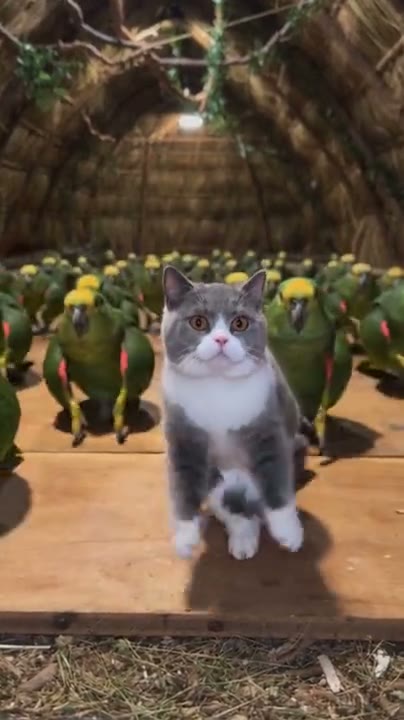
Put your pet in front of a flock of dancing parrots. The example includes sound; your video is silent. Original mode uses a longer reference than the sample.
Parrot Dance AI uses one pet photo to create a foreground animal performing in front of a flock of parrots. The prepared reference supplies the wooden setting, flock, camera and movement; the photo guides the lead pet’s appearance.
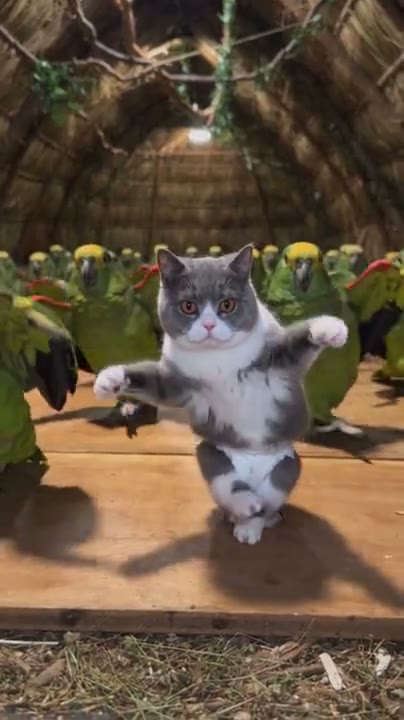
Add one photo, review the prepared scene and generate.
STEP 1
A clear photo of one pet, with its face and distinctive markings visible.
STEP 2
The preview shows the fixed action and setting. Choose an available mode and review the displayed credit estimate.
STEP 3
Start the generation, then open My creations to watch and download the result.
Explore a third-party example of this scene. Your result can look different.
Choose a clear photo of the pet you want at the front. The template uses its visible face, colouring and markings to guide the lead character while the background parrots remain part of the scene.
The prepared reference follows a front parrot stepping, turning and raising its wings as the flock moves behind it. A different kind of pet may interpret those gestures with its paws or other front limbs; the movement can vary.
A wooden floor, sheltered background and rows of green parrots provide the setting. You do not need to film your pet or provide a video, and the example shows one possible interpretation.
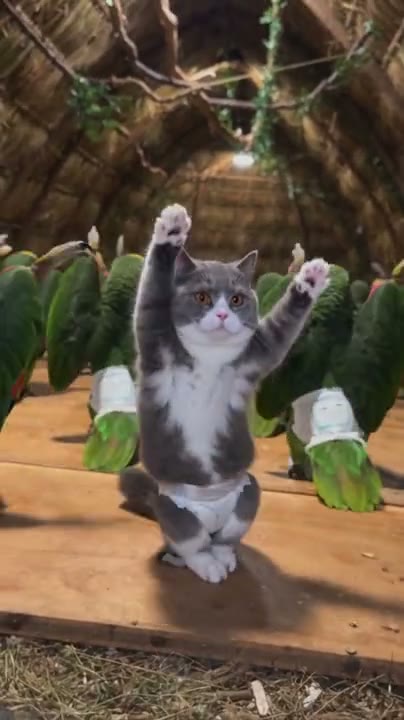
Your photo guides the assigned role; the prepared video supplies the rest of the scene.
A clear photo of one pet, with its face and distinctive markings visible.
The prepared reference supplies the wooden setting, flock, camera and movement; the photo guides the lead pet’s appearance.
Available modes and the estimated credit cost appear in the workspace before generation.
Photo requirements, sound, settings and what to expect.
The prepared reference for this template is silent, so the generated video will not include its own soundtrack. The third-party example includes sound; you can add audio separately after downloading.
The photo is for the foreground pet. The prepared reference supplies the flock of parrots in the background.
One photo is required for the lead pet.
A clear photo of one pet, with its face and distinctive markings visible.
This is a fixed scene. The uploaded photo guides the specified role while the reference supplies the action and setting.
Only the foreground pet has a photo slot. The flock follows the prepared scene.
The model uses the photo as an appearance reference. Facial details, clothing and movement can vary between generated results.
The workspace shows the estimated credits for the selected mode and settings before you generate.
Add your photo, review the settings and start creating.