Create a video

ModelSeedance 2.5 Edit

Configured for this template

Bulin 47 reference · 23.2s

Main character · Photo 1

Bulin 47 AI Video Generator

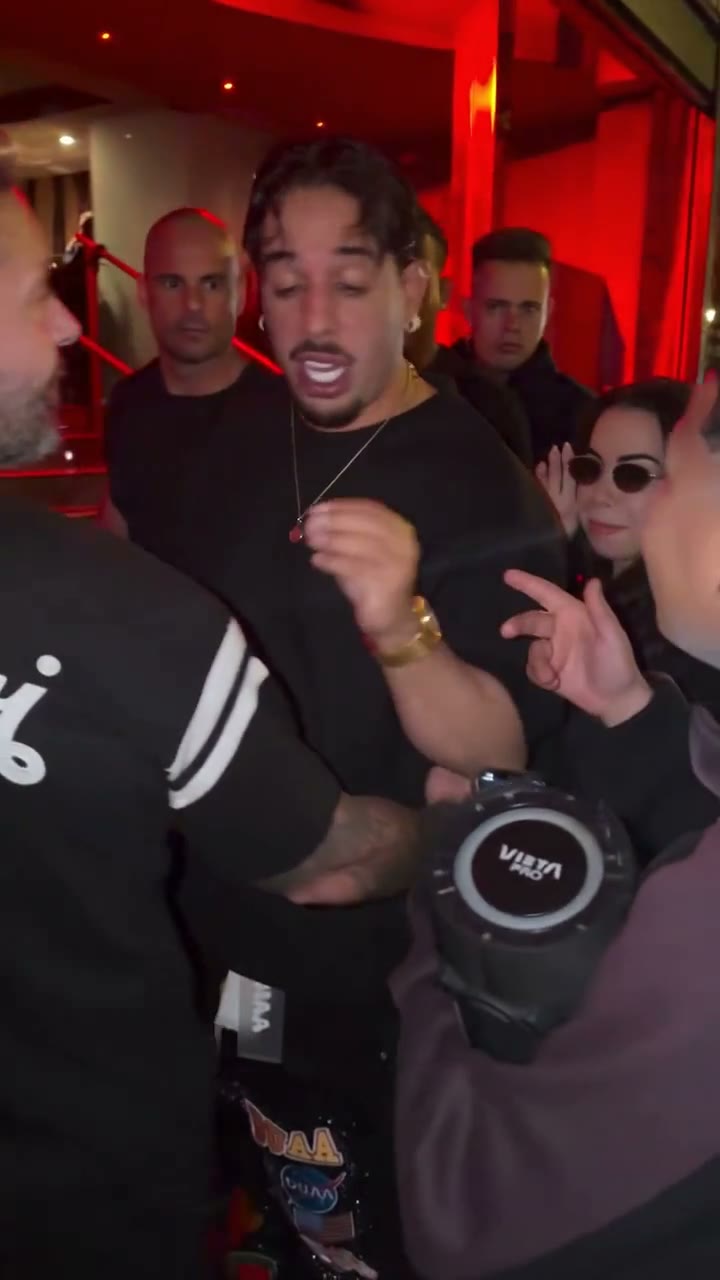
Make a Bulin 47 AI video with one character photo and the original sound. The template replaces the main performer, aiming to preserve the person with the portable speaker, the crowd, and the camera movement.

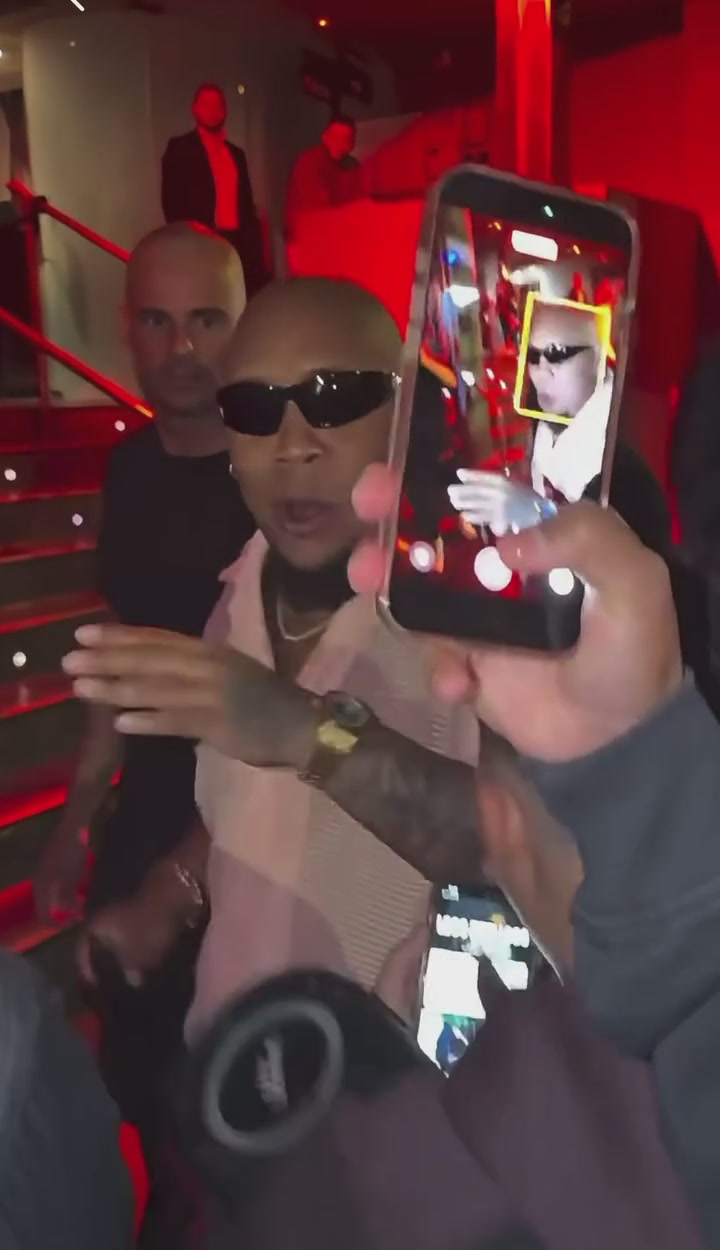
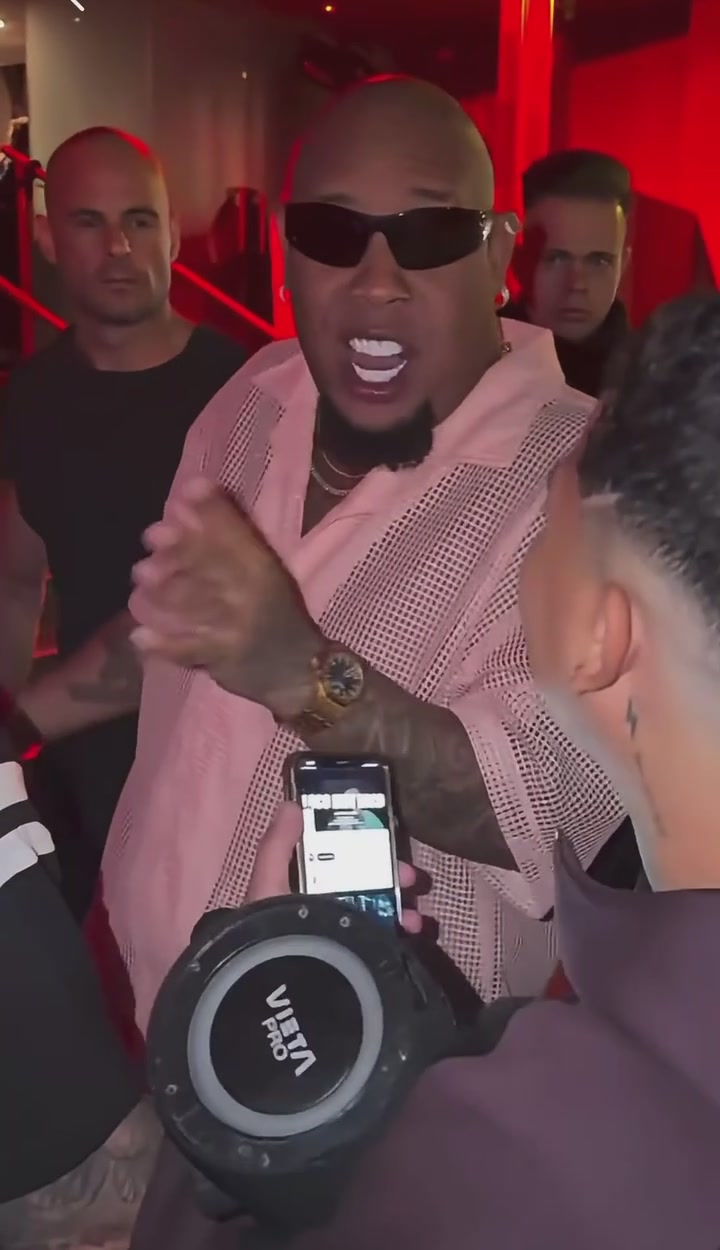
Main performer in sunglasses and an open light-pink shirt, standing behind a person holding a portable speaker

Bulin 47 AI guide: choose a photo, replace the performer, and review your video.

What is Bulin 47 AI?

Bulin 47 AI turns one character photo into a rap-performance video. The target is the performer in sunglasses and an open light-pink shirt, standing behind the person with the portable speaker. The loaded clip supplies the dance, gestures, camera, room, and timing. Your photo defines the replacement face, hair, skin tone, body, clothes, and accessories. The surrounding people are outside the replacement role.

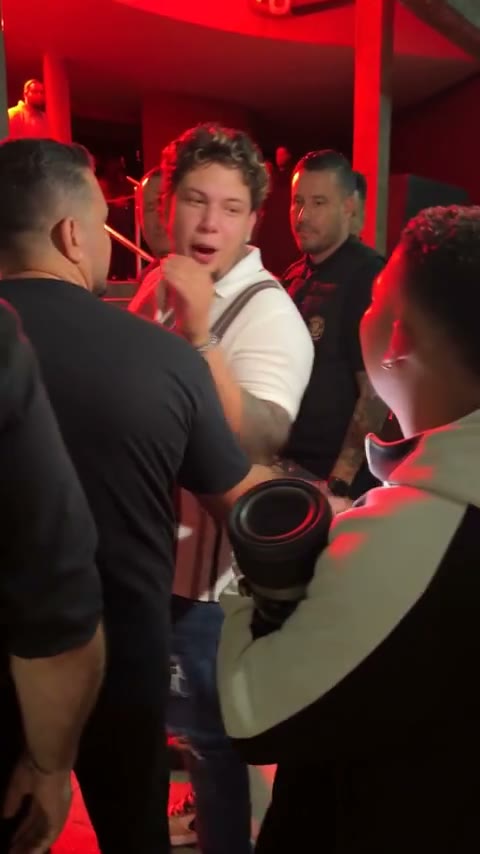
Bulin 47 AI community adaptation with a striped-shirt performer among the crowd

Make a Bulin 47 AI video in three steps

The performance is already loaded. Start with one photo of the person who should take the lead.

  1. STEP 1

    Choose your Bulin 47 AI character

    Add one photo with a clear face, hair, clothes, and upper body. That photo is the only appearance reference. The person holding the portable speaker does not need a photo.

  2. STEP 2

    Generate your Bulin 47 AI video

    Sign in and select Generate. Uploading the photo does not start a paid request.

  3. STEP 3

    Preview and download

    Open My creations, watch your Bulin 47 AI result with the original sound, and download the version you want to keep.

Explore the Bulin 47 AI performance

Explore the roles and camera moments in the loaded performance. Each Bulin 47 AI video uses your photo for one character while aiming to retain the surrounding scene.

Your complete look in Bulin 47 AI

The Bulin 47 AI template uses Photo 1 for the entire character. Choose a clear picture of the face, hair, clothes, and upper body. Sunglasses, the light-pink shirt, and other details from the original performer should not remain unless they are also in your photo. A tight crop that hides the outfit gives the model less to follow.
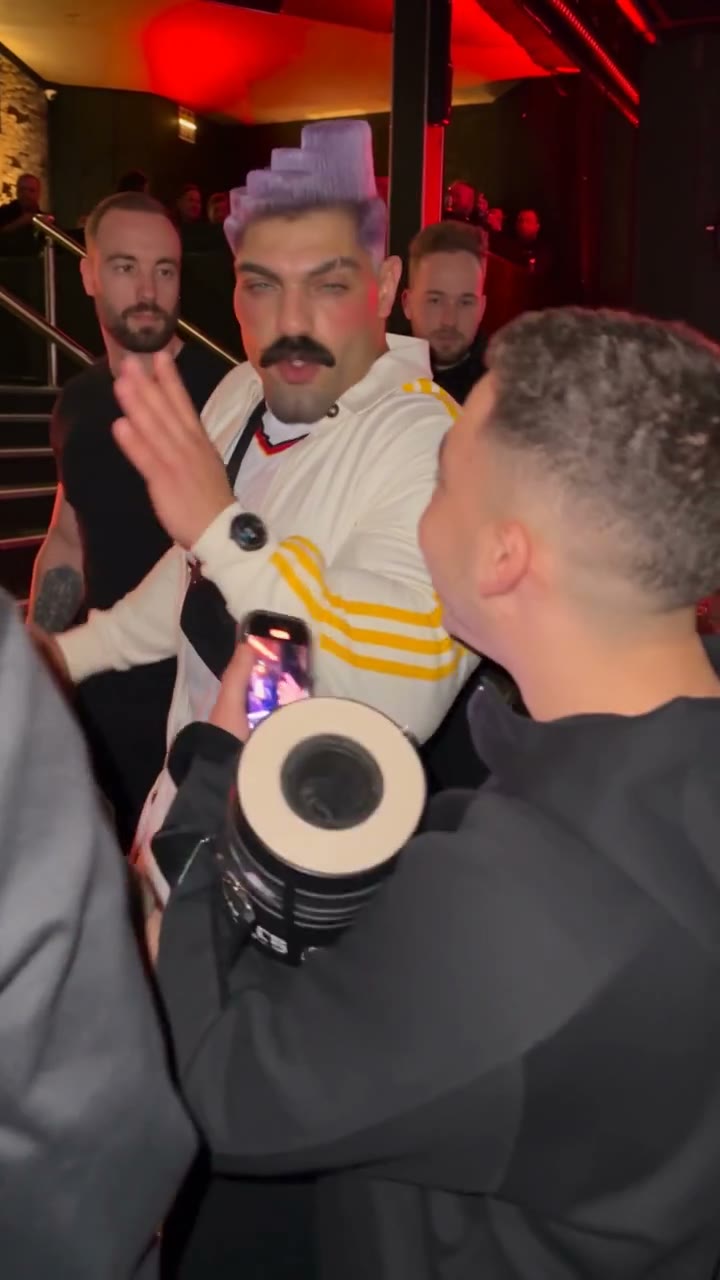
Your complete look in Bulin 47 AI

Keep the crowd in your Bulin 47 AI scene

The person in front holding the portable speaker is outside the replacement role. Bulin 47 AI instructs the edit to preserve their face, clothes, actions, and speaker, along with everyone else in the room. You do not need a second crowd photo. Overlapping people can still be altered accidentally, so check the foreground person as well as your lead.

Keep the crowd in your Bulin 47 AI scene

Follow the performer through blocked views

Bulin 47 AI follows a clip with turns, close gestures, and a phone crossing the camera near the end. The edit is asked to track the same character behind those obstructions. Watch that final moment when previewing: the character should return with the same face and outfit. Hands, identity, and mouth movement can still drift; precise lip sync is not guaranteed.

Source frame where a phone partly covers the main performer near the end of the clip
Phone blocking the view · source frame

When to choose Bulin 47 AI

Choose this preset when you want one character inside the loaded performance. For a different room, a new dance, or several replacement roles, start with a tool that supports that task.

A personal rap-video moment

Use Bulin 47 AI to put yourself or a consenting friend into the featured performance. You can start with a photo without recording your own choreography. The clip provides the gestures and rhythm; it does not record a new vocal performance.

Try a character or outfit

Bulin 47 AI can use a character image you have permission to edit. Pick the intended outfit in that image before uploading. A later attempt with another outfit is a separate generation; the page does not create a batch of costume variations from one click.

Build a different scene elsewhere

For your own footage, a different crowd, or more than one replacement, use Motion Transfer on the homepage and write the prompt for that material.

Bulin 47 AI at a glance

One photo starts the edit. These settings and controls describe what you can choose before generating.

One-photo Bulin 47 AI input

Use Replace to change your selected picture before generating. There is one role to fill, so no ordering of background portraits or extra cast images is needed.

A ready-to-use performance

The Bulin 47 AI reference is already loaded. Play it before choosing a photo to see the gestures, turns, and close-up framing your character will follow.

Review your saved results

Find your Bulin 47 AI clips in My creations or video history. You can return to an existing result to preview and download it without starting another generation.

Original sound included

Bulin 47 AI uses Seedance 2.5 Edit with this reference’s original sound. No separate soundtrack upload is needed. The model is selected for this template.

Bulin 47 AI credits and plans

The price uses the loaded performance and the resolution you select. The Generate control shows the credit cost for that request. Plan examples elsewhere may use other models.

Starter

For your first ideas.

$8.3/month

$100.0 charged yearly

2,400 credits/year

Up to 400 images

GPT Image 2Nano Banana Pro

Up to 240 videos

Seedance 2.5Kling 3.0 Motion Control
  • Up to 4K images and HD videos, depending on the model
  • Image editing, video creation & motion transfer
  • Watermark-free image & video downloads
  • Generation history in your account
Popular40% OFFSave $238.8

Pro

For a steady creative flow.

$30.0/month$49.9/month

$360.0 charged yearly

21,600 credits/year

Up to 3,600 images

GPT Image 2Nano Banana Pro

Up to 2,160 videos

Seedance 2.5Kling 3.0 Motion Control
  • Up to 4K images and HD videos, depending on the model
  • Image editing, video creation & motion transfer
  • Watermark-free image & video downloads
  • Generation history in your account
  • Use credits across image and video models
Best Value50% OFFSave $599.8

Business

For more creations, more often.

$49.9/month$99.9/month

$599.0 charged yearly

48,000 credits/year

Up to 8,000 images

GPT Image 2Nano Banana Pro

Up to 4,800 videos

Seedance 2.5Kling 3.0 Motion Control
  • Up to 4K images and HD videos, depending on the model
  • Image editing, video creation & motion transfer
  • Watermark-free image & video downloads
  • Generation history in your account
  • Use credits across image and video models

Basic

$0

Try before you subscribe

  • 18 one-time signup credits
  • Generation history included
  • Watermarked previews & downloads
  • Up to 3 images or 1 video
  • Watermark-free downloads require payment

Prices in USD; taxes and total shown at checkout. Subscriptions renew automatically; cancel in Billing settings. Subscription credits expire each period; one-time credits never expire.

Refunds: request within 72 hours. Used purchased credits and applicable non-refundable processing costs (up to 6%) are deducted. Terms · Refund Policy

Bulin 47 AI questions

Photos, who changes, sound, and the finished video.

How many photos does Bulin 47 AI need?

Upload one photo into Photo 1. Do not use a collage or a picture of several people. The model needs one clear identity for the only role being replaced.

Who gets replaced in Bulin 47 AI?

Only the main performer who wears sunglasses and an open light-pink shirt and stands behind the person holding the portable speaker. The person with the speaker, the speaker itself, and the other people are meant to stay.

What kind of photo works for Bulin 47 AI?

Use a sharp photo where the face, hair, clothes, and upper body are visible. Avoid a covered face, heavy blur, and a crop that cuts off the outfit you want to see.

Will Bulin 47 AI leave the crowd unchanged?

The prepared instruction asks the model to preserve every other person without adding, removing, duplicating, or merging anyone. Crowded frames and overlapping bodies can still mix a face or a hand, so watch those moments before you share the result.

What happens when a phone blocks the face?

The same performer should continue through turns and through moments when a phone or another person blocks the view. That is the requested edit, not a guarantee. Hands and identity details can still be wrong.

Does Bulin 47 AI match the mouth to the audio exactly?

The edit follows the source performer’s mouth movement and timing. Precise lip sync is not guaranteed, especially when the face is turned or partly hidden.

Does Bulin 47 AI include the original sound?

Yes. The finished video keeps the original sound from this reference. You do not upload a song or switch audio on. This page does not name the audio or grant a license to use it.

How long is a Bulin 47 AI video?

The result follows the loaded performance, about 23 seconds in a vertical frame. There is no duration picker on this page.

Which model does Bulin 47 AI use?

Seedance 2.5 Edit. The model is selected for this template. To use another model or your own reference video, open the Motion Transfer homepage and choose a suitable workflow there.

Do I need a Bulin 47 AI prompt?

No. Leave the prepared prompt in place unless you have a specific change. If you edit it, keep Photo 1 assigned to that one performer and do not ask the model to change the other people.

Is Bulin 47 AI free?

You can watch the reference and choose a photo before generating. Creating a video requires signing in and enough credits for the cost shown on Generate. Selecting a photo does not start a paid request.

Where do I download my Bulin 47 AI video?

Open My creations or your video history after generation and download the result you want to keep.

Can I share a Bulin 47 AI clip?

Use a photo you have permission to edit. This template does not grant rights to the footage or the soundtrack. Share the result only where you have permission, and follow the destination platform’s rules for AI-created media.

Make your Bulin 47 AI video

Choose one clear character photo and bring its look into this performance, with the original soundtrack included.

Main performer in sunglasses and an open light-pink shirt, standing behind a person holding a portable speaker