
Take the lead in the group
A clear photo guides the lead dancer’s face, hairstyle and outfit through the opening and group performance. Supporting dancers remain part of the prepared scene.
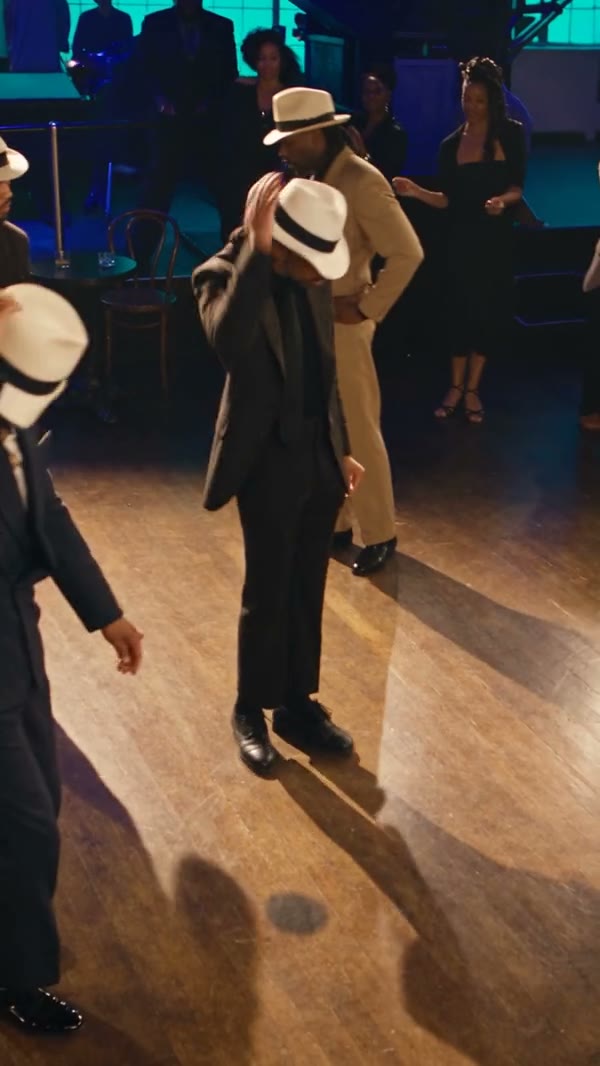
Cast the lead in a Smooth Criminal-inspired group dance with one photo. The full example is shown; Economy and Standard use the opening 15 seconds.
Smooth Criminal Dance AI uses one photo to place a person in the lead role of a prepared group-dance scene. The reference supplies the ensemble, choreography, camera cuts and the recognizable leaning movement.
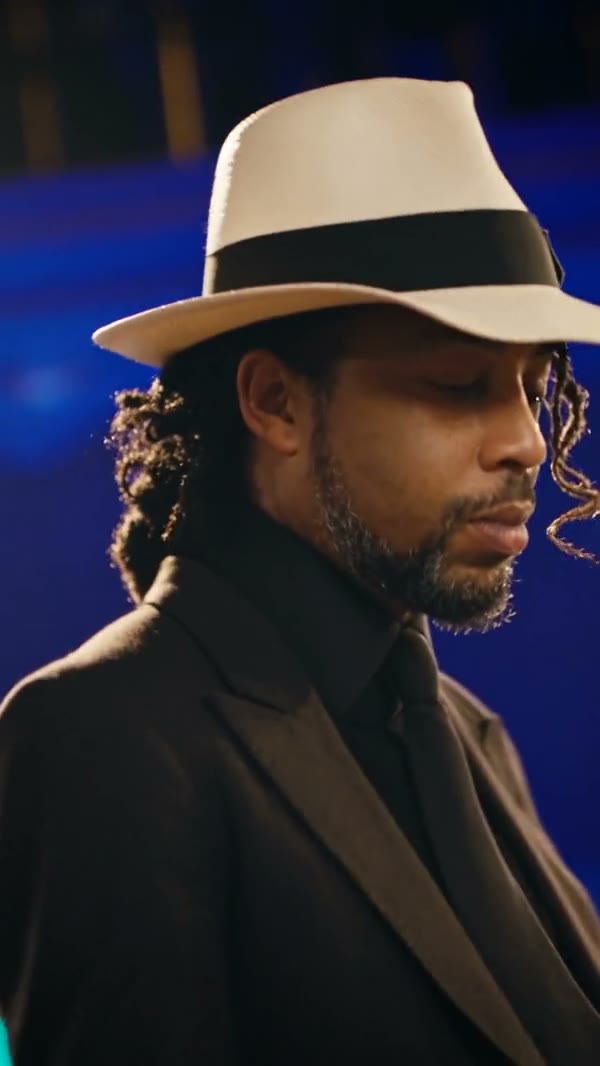
Add one photo, review the prepared scene and generate.
STEP 1
A clear photo of one person with their face and intended outfit visible.
STEP 2
The preview shows the fixed action and setting. Choose an available mode and review the displayed credit estimate.
STEP 3
Start the generation, then open My creations to watch and download the result.
Explore a community example of this scene. Your result can look different.
A clear photo guides the lead dancer’s face, hairstyle and outfit through the opening and group performance. Supporting dancers remain part of the prepared scene.
The reference moves from a close-up into a group dance, including a synchronized lean and steps across the floor. Your generated video follows that prepared sequence, although precise movement and details can vary.
The hats, group formation and stage-like setting provide a recognizable dance-video mood. The result is generated from your photo and the existing scene; it is not a recording of you performing the routine.
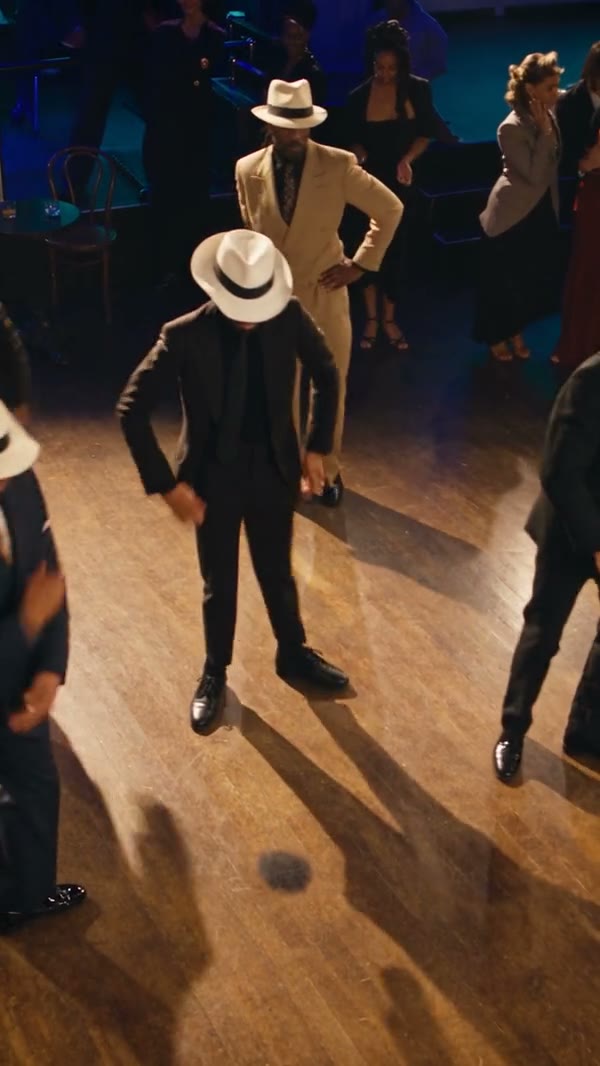
Your photo guides the assigned role; the prepared video supplies the rest of the scene.
A clear photo of one person with their face and intended outfit visible.
The reference supplies the ensemble, choreography, camera cuts and the recognizable leaning movement.
Available modes and the estimated credit cost appear in the workspace before generation.
Photo requirements, sound, settings and what to expect.
This template has one photo slot for the lead dancer. The supporting group follows the reference.
The reference includes a group lean, which the model is instructed to follow. Generated movement can differ from the reference.
One photo is required for the lead dancer.
A clear photo of one person with their face and intended outfit visible.
This is a fixed scene. The uploaded photo guides the specified role while the reference supplies the action and setting.
The template uses the prepared reference audio when that mode supports restoring it. Check the available settings before generating.
The model uses the photo as an appearance reference. Facial details, clothing and movement can vary between generated results.
The workspace shows the estimated credits for the selected mode and settings before you generate.
Add your photo, review the settings and start creating.