Create a video

Required photos1
Optional photos0/1
Settings
Mode
Video length11s
Resolution

NYC Rats AI Video Generator

Add a pet photo to make an NYC Rats AI alley video, and optionally choose a second animal.

0:00 / —:—

What is NYC Rats AI?

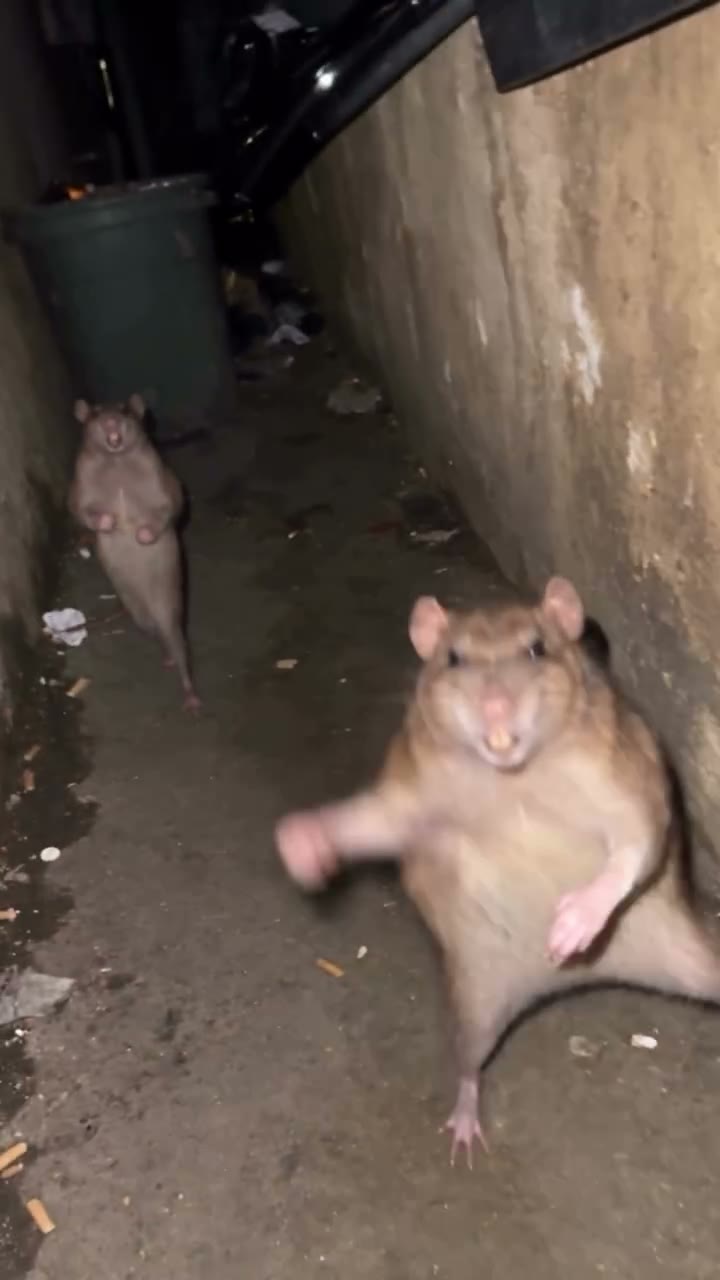
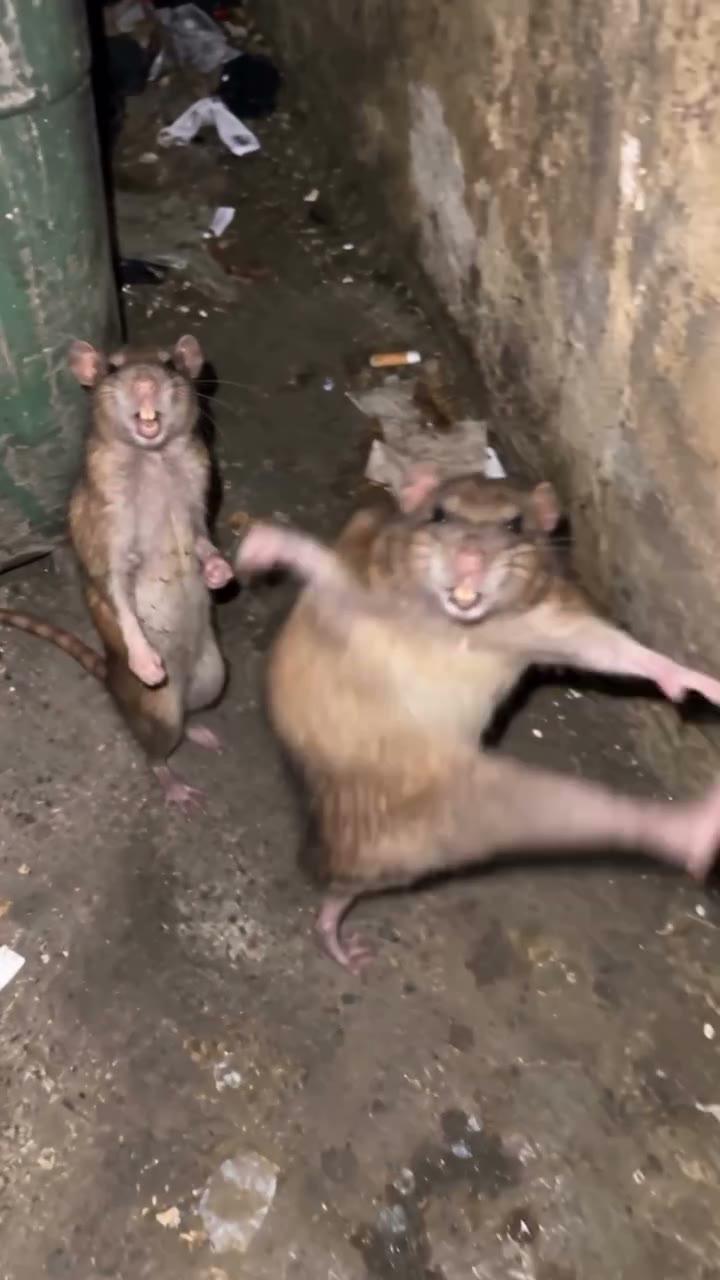
NYC Rats AI is a pet video template inspired by the nighttime alley scene where two rats stand up and approach a handheld camera. Add one pet photo to guide the animal on the left at the start. A second photo is optional: use it for the animal on the right, or leave that slot empty to keep the other rat from the reference. The video supplies the alley, movements, camera and audio. Each result is an AI interpretation and the animals may look or move differently.

NYC Rats AI

How to make an NYC Rats AI video

Prepare a clear pet photo and choose whether to cast the second animal.

  1. STEP 1

    Add your first NYC Rats AI pet

    Upload one photo showing the animal you want in the opening left role. Choose a well-lit image with the face and body visible.

  2. STEP 2

    Choose the second NYC Rats AI animal

    Add another pet photo in the optional right role, or leave it empty to keep the rat shown in the reference.

  3. STEP 3

    Preview and generate

    Choose a mode, check the credit estimate, sign in and generate. Open My creations to review the finished video and download it.

Make the alley scene your own

Choose one pet or add a second photo to guide both opening roles.

Choose the animals for NYC Rats AI

The first NYC Rats AI slot follows the left rat in the opening view. Give it one clear photo of your cat, dog or other pet with its face and body visible. To cast a second pet, add a separate image in the optional right slot. If you leave that slot empty, the prompt asks the model to retain the other rat. The animals move and cross positions during the clip, so left and right describe the opening frame rather than a fixed position throughout.
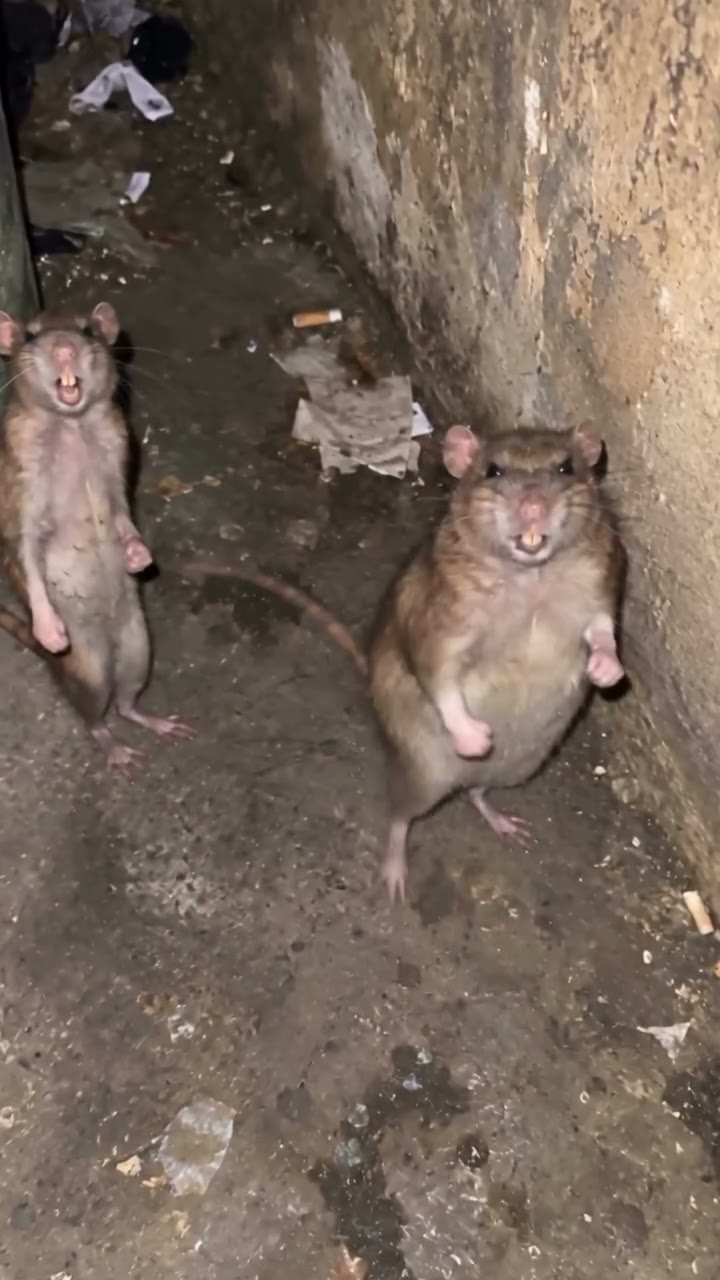
A still of two rats at the start of the alley reference

Keep the NYC Rats AI alley action

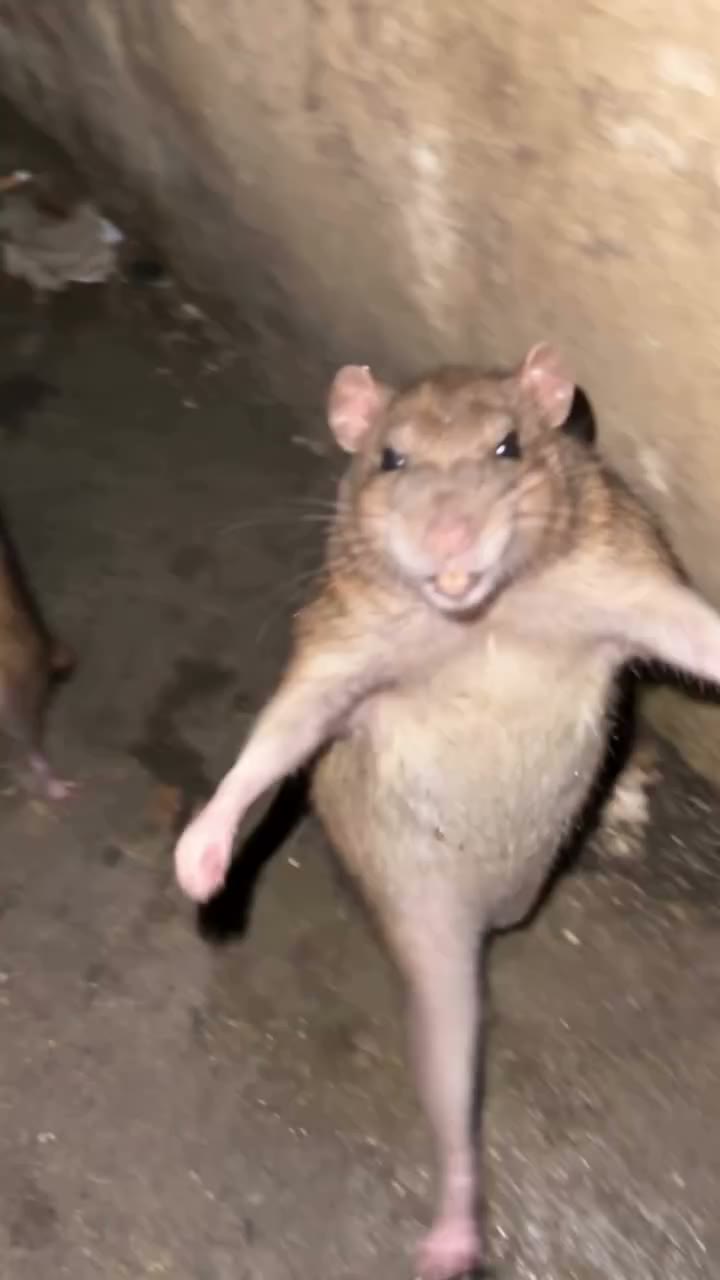
In the NYC Rats AI reference the animals rise, step toward the camera, kick and move around a narrow, dim alley. The camera shifts as they approach and recede. Your photos guide the selected animals while the video provides the scene and timing; there is no separate location or choreography control. A pet with different proportions may move differently from the rat, so check paws, legs and face during the close approaches.

A still of a rat approaching the camera in the alley

Turn NYC Rats AI into a pet clip

NYC Rats AI gives a familiar pet the part of an alley character without requiring you to film the action. Use one pet alongside the original rat, or try two different pets in the same scene. The supplied reference is a vertical clip of about 11 seconds, and all three modes use that same scene. Preview the result as an AI-made video and check whether each animal stays recognizable before sharing.

A still near the end of the same alley reference

Choose your NYC Rats AI cast

Start with one animal and decide how much of the original pair to change.

One pet and one rat in NYC Rats AI

Use only the required photo when you want your pet next to the second rat from the reference. The prompt asks the model to keep that rat.

Two different pets

Add a separate photo for each opening role. Contrasting coats or sizes can help distinguish the animals as they move around the frame.

One pet twice

Try the same photo in both slots for a matching pair. The model creates two characters and may interpret their markings or bodies differently.

Prepare photos for NYC Rats AI

Choose images that make the animals easy to identify in motion.

Show one subject per photo

Use a separate image for each selected role rather than a group photo. Keep ears, face, coat markings and enough of the body in view.

Consider the dark scene

The reference has low light and a moving camera. A sharp, well-lit input helps describe your pet even though the generated alley remains dark.

Watch the close approaches

Check both identities, paws and body proportions throughout the clip. The model may vary details as the animals overlap or move toward the lens.

NYC Rats AI questions

Photo roles, the alley reference, sound and results.

How many photos does NYC Rats AI need?

One pet photo is required for the opening left animal. A second photo is optional for the opening right animal; without it, the prompt asks to keep the other rat.

Can NYC Rats AI use a cat or dog photo?

You can supply a clear cat or dog photo for either role. The reference animals are rats, so the model may adapt the movement and proportions in different ways.

Can I use the same pet twice in NYC Rats AI?

Yes. Add the same photo to both roles if you want a matching pair. Similar appearance is not guaranteed as the animals move.

Does NYC Rats AI keep the second rat?

When the optional photo is empty, the one-photo prompt asks the model to preserve the other rat. Check the result because generated details can vary.

How long is an NYC Rats AI video?

The reference is about 11 seconds. Economy, Standard and Original use the same full reference; the displayed setting can round the duration.

Does NYC Rats AI include audio?

The reference contains an audio track, and the template is configured to restore it after generation. Confirm you have the necessary rights before sharing the audio.

Can I change the NYC Rats AI alley or action?

No separate scene or choreography selector is available here. The video reference supplies the alley, camera and movements.

Do NYC Rats AI animals stay on the same side?

The role labels describe the left and right positions in the opening shot. The animals approach, turn and move across the scene later.

What if my NYC Rats AI pet looks different?

Try a sharper photo with one subject, a visible face and body, and clear markings. Close-ups, fast motion and overlap can still change generated details.

Is the NYC Rats AI clip a real recording of my pet?

No. It is an AI-generated interpretation using your photo and a prepared reference. Your pet does not need to perform or be placed in the alley.

Does NYC Rats AI use credits?

An account and sufficient credits are needed to generate. The button shows the estimate for the selected mode and resolution.

Where do I find the finished NYC Rats AI video?

Open My creations after the task completes. Watch the full clip to check both animals and sound, then download using the available control.

Make an NYC Rats AI video

Choose a pet photo and step into the alley scene.

NYC Rats AI