Create a video

Required photos1
Settings
Mode
Video length23s
Resolution

Mourinho Pressure AI Video Generator

Add one photo to make a Mourinho Pressure AI video with an interview and football touchline moments.

0:00 / —:—

What is Mourinho Pressure AI?

Mourinho Pressure AI is a photo-to-video template based on the football interview and touchline edit known for a calm response to pressure. Upload one person photo to guide the featured manager through the interview and the following match-day shots. The prepared reference supplies the scenes, actions, cuts and sound. The result is an AI interpretation: faces, clothing and movements can change between shots, especially when the camera moves or another person passes in front.

Mourinho Pressure AI

How to make a Mourinho Pressure AI video

Prepare one clear portrait and choose the length of the reference.

  1. STEP 1

    Choose a Mourinho Pressure AI photo

    Select one clear photo of the person who should appear in the featured role. A visible face and upper body give the model useful detail.

  2. STEP 2

    Check the mode and preview

    Select Economy or Standard for the first 14.9 seconds, or Original for the full reference. Check the shown credits before continuing.

  3. STEP 3

    Generate and review

    Sign in, generate the video and open My creations when it is ready. Watch the cuts and check the face, clothing and sound before downloading.

From a calm interview to the touchline

One photo guides the featured person through the prepared football edit.

Put your photo in the Mourinho Pressure AI interview

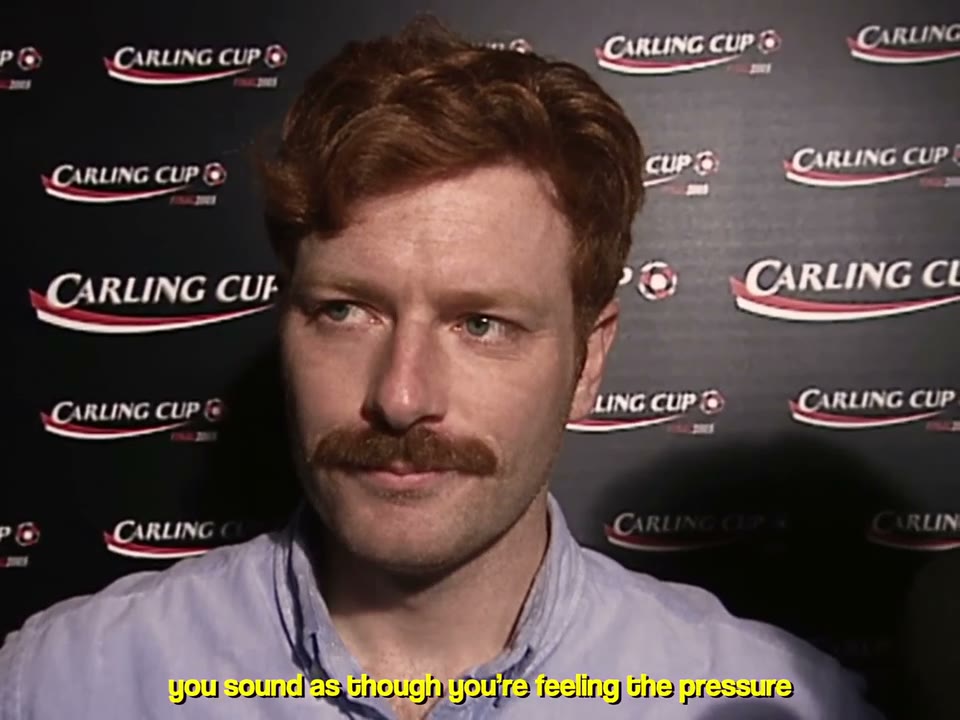
The Mourinho Pressure AI sequence begins with an interview close-up before cutting to the field. Choose a photo with one clearly visible face, enough light and a natural expression. The model uses it to guide the featured person across the edit; the interviewer, backdrop and other people come from the reference. A clear upper-body view can also help communicate clothing, although the model may interpret the outfit differently from one shot to the next. Use a photo you have permission to use.
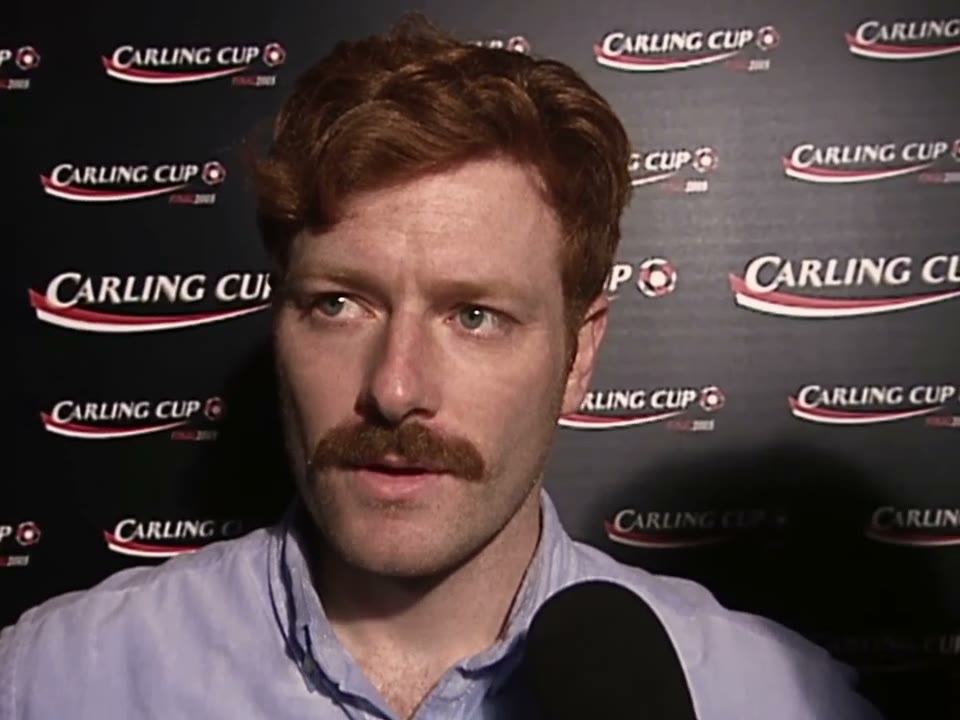
A still of the featured person in the interview

Follow the Mourinho Pressure AI touchline moments

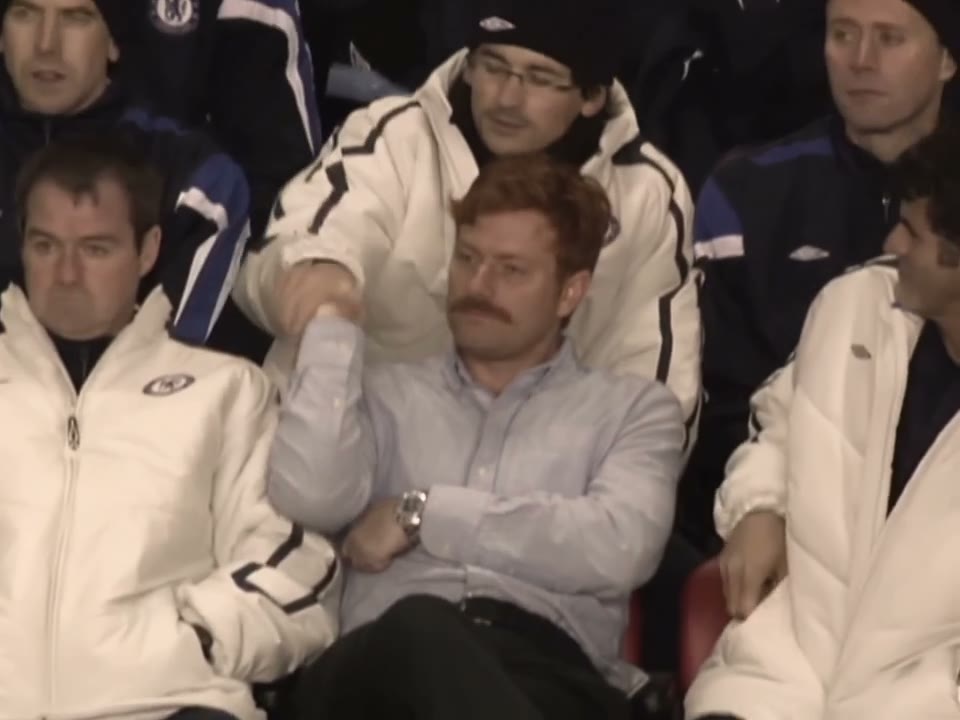
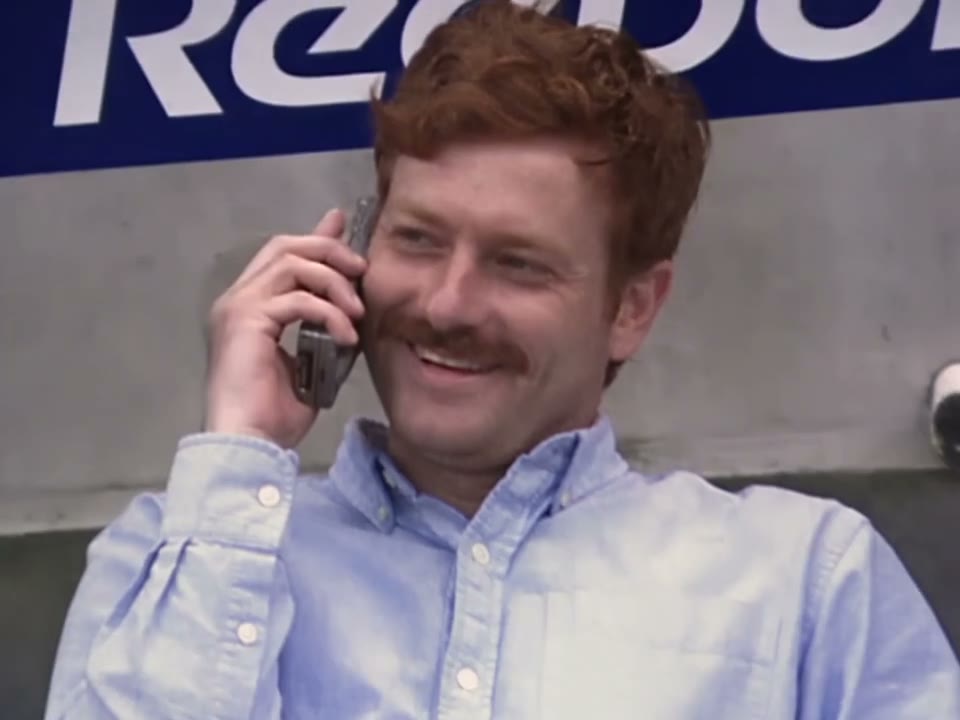
After the interview, Mourinho Pressure AI moves through several football scenes: reactions near the field, a phone call, a shushing gesture and a bench shot. The reference fixes the order and camera rhythm. You do not need to film a stadium or choreograph each movement, and the page does not offer separate controls for individual shots or background people.

A still of the phone call in the reference sequence

Choose your Mourinho Pressure AI edit length

Mourinho Pressure AI offers three modes. Original follows the approximately 23-second reference, including its later celebration shots. Economy and Standard use the first 14.9 seconds, covering the interview and the early touchline sequence. Preview the mode before generating: the shorter version ends before the later trophy scenes. The reference is horizontal, so its framing differs from a full-screen vertical social video.

A still of the later trophy celebration in the full reference

When to use Mourinho Pressure AI

Put a familiar face into a composed interview and energetic football edit.

A Mourinho Pressure AI match-day joke

Make a Mourinho Pressure AI clip for a friend who stays calm before a big match or a deadline. Ask permission before using someone else’s image.

A reaction video

The interview opening and touchline reactions make a compact response for a group chat or a social post. The video is an AI-generated edit, not an actual interview.

A longer celebration

Choose Original when the later trophy and celebration moments matter. Use a shorter mode when the interview and first field-side shots are enough.

Prepare your Mourinho Pressure AI result

Small choices help the model interpret the same person across cuts.

Keep the face visible

Good lighting and an unobstructed face provide a clearer identity reference than a distant group photo or a heavily filtered image.

Know what stays fixed

The interview setting, stadium, camera angles and other people follow the video reference. This page does not provide a separate background or script editor.

Review every shot

Watch for changing facial details, hair, clothing and hands. Fast cuts and occlusions may cause differences even with a clear photo.

Mourinho Pressure AI questions

Photos, duration, reference audio and results.

How many photos does Mourinho Pressure AI need?

One person photo is required. It guides the featured manager in the interview and later scenes; other people follow the reference.

What photo works best for Mourinho Pressure AI?

Choose one clear, well-lit photo with the face visible. An upper-body view can help guide the outfit. Avoid collages, large filters and faces hidden by hands or hair.

How long is the Mourinho Pressure AI video?

Original uses a reference of about 23 seconds. Economy and Standard use its first 14.9 seconds with a 15-second setting; the later celebration is in the full version.

Does Mourinho Pressure AI include sound?

The reference has an audio track. The template is configured to restore the selected reference audio after generation; check you have the necessary rights before sharing it.

Can I change the Mourinho Pressure AI interview or stadium?

The prepared video supplies the interview, field, camera and edits. There is no separate setting on this page for changing the location, dialogue or supporting people.

Does Mourinho Pressure AI replace everyone in the video?

The photo is intended for the featured person. The reference contains other people who remain part of the scene; AI output can still vary.

Is Mourinho Pressure AI a vertical video?

The supplied reference is horizontal at approximately 4:3. Review the preview before generating if your intended destination expects a vertical frame.

Can I use a friend’s photo for Mourinho Pressure AI?

Use photos you have the necessary rights and consent to use, including permission from the person pictured. Do not present the resulting clip as a real interview.

Why can a Mourinho Pressure AI face or outfit change between shots?

The reference includes changes of angle, distance and lighting. A clearer photo may help, but consistent identity and clothing cannot be guaranteed across every frame.

Does Mourinho Pressure AI use credits?

Generation requires an account and sufficient credits. Check the estimate on Generate for the chosen settings before starting.

Where can I watch and download my Mourinho Pressure AI result?

When the task finishes, open My creations. Play the full video, check the featured role and sound, then use the available download control.

Is Mourinho Pressure AI an official football product?

No affiliation or endorsement is implied. The name describes the trend; the video is generated by an independent service.

Make your Mourinho Pressure AI video

Choose a person photo and a reference length to begin.

Mourinho Pressure AI