Create a video

Required photos2
Settings
Mode
Video length26s
Resolution

Goalkeeper Saves AI Video Generator

Make a Goalkeeper Saves AI video with two photos: one for the kicker and one for the acrobatic goalkeeper.

0:00 / —:—
0:00 / —:—

Goalkeeper Saves AI video ideas

These community examples were created elsewhere with different people. Your result can vary.

What is Goalkeeper Saves AI?

Goalkeeper Saves AI is a two-person video template built around a night-time football pitch. A player takes shots while a goalkeeper hangs, flips and reaches for the ball around the goal crossbar. Add one photo for the kicker and another for the goalkeeper. The Goalkeeper Saves AI reference supplies the cuts, ball action, goal and lighting; the photos guide the two people and their outfits. The result is a new interpretation of the prepared sequence, not analysis of a real match or a custom football simulation.

Goalkeeper Saves AI

How to make a Goalkeeper Saves AI video

Choose the two roles, select a mode and review your clip.

  1. STEP 1

    Add the kicker

    For Goalkeeper Saves AI, upload Photo 1 for the person taking shots on the pitch.

  2. STEP 2

    Add the goalkeeper

    Upload Photo 2 for the person making saves at the goal and crossbar.

  3. STEP 3

    Choose a mode and generate

    Check the selected reference length and credit estimate, then review the finished video in My creations.

Two roles in a football save sequence

The preview is the prepared Goalkeeper Saves AI reference. Other community examples show different people and were created elsewhere.

Cast the kicker and goalkeeper

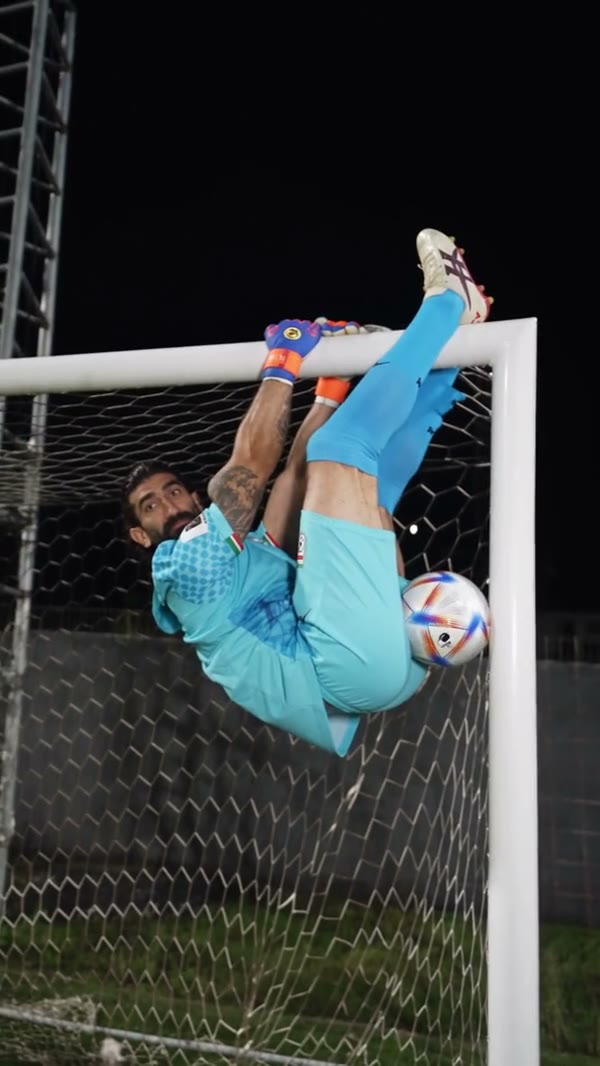
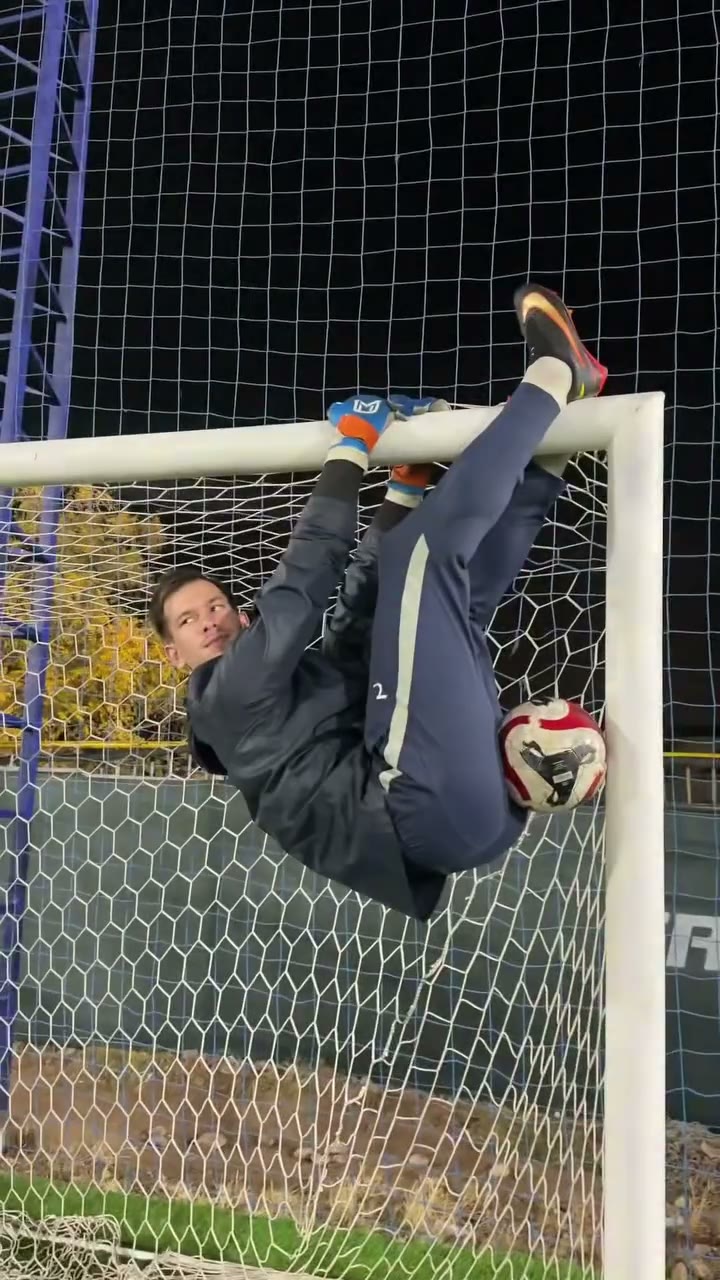
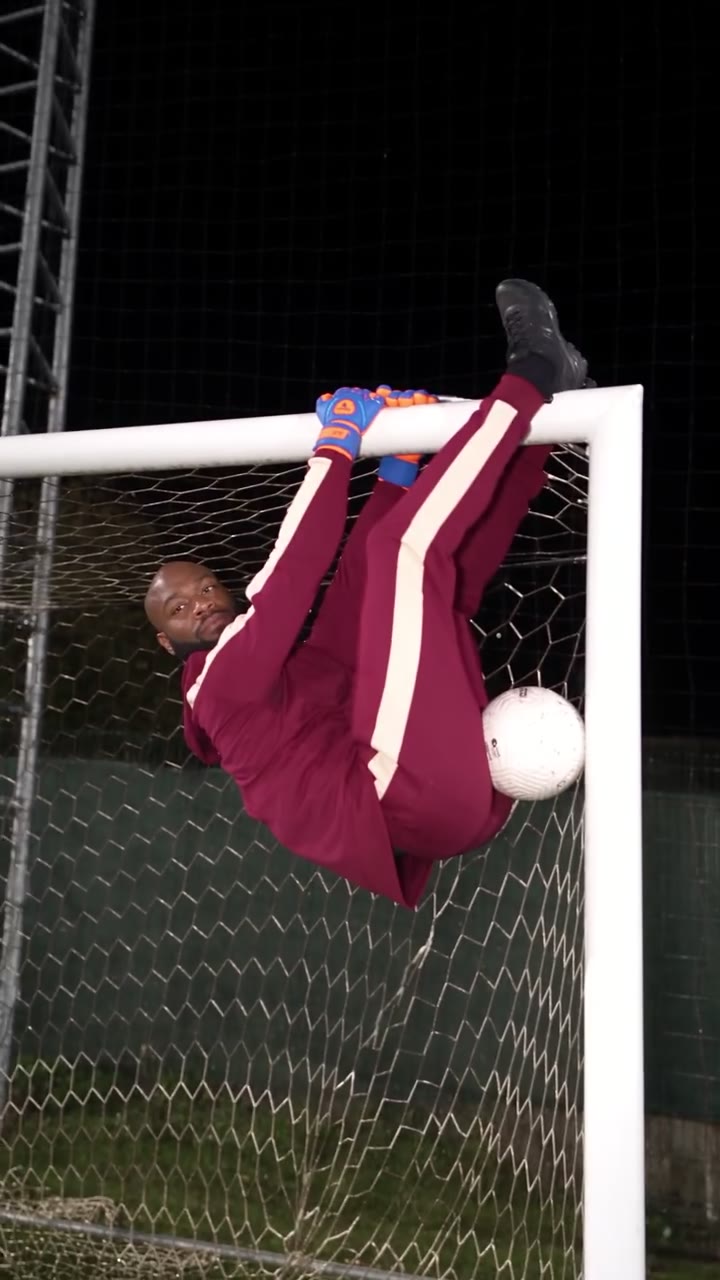
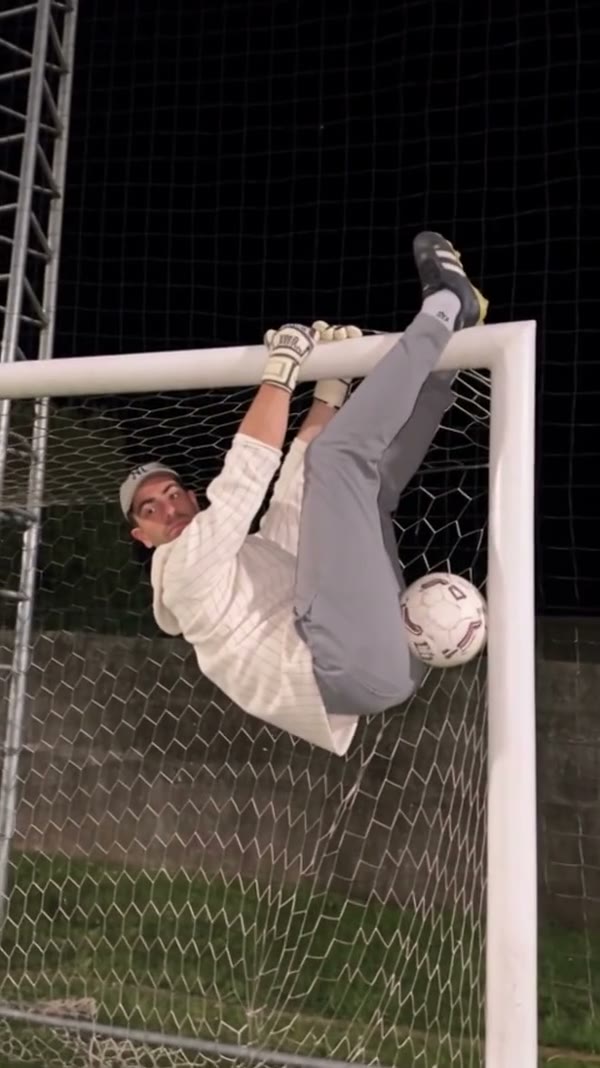
Photo 1 guides the outfield player taking the kicks. Photo 2 guides the goalkeeper at the goal, including the hanging and inverted positions. For Goalkeeper Saves AI, use one clear person in each image and check the order before submitting. A visible face and clothing give the model useful details for the closer shots; a broader view can help it interpret body and outfit during motion. The goalkeeper gloves remain part of the reference action. Fast cuts, rotation and the ball crossing a body can still cause identity, hand or clothing changes.
Cast the kicker and goalkeeper

Follow the saves around the crossbar

The Goalkeeper Saves AI video generator follows a prepared series of kicks and unusual goalkeeping reactions. Shots alternate between the player on the pitch and the goalkeeper handling the ball near the net and crossbar. The goal, grass, night lighting and camera cuts come from the reference. You can choose the two people through the photo slots; there are no separate controls for the ball path, goal, venue or individual saves. Watch the preview before generating to decide whether this particular sequence fits your idea.

Follow the saves around the crossbar

Choose the complete or shorter sequence

Original uses the complete Goalkeeper Saves AI reference of about 25.66 seconds. Economy and Standard use the first 14.9 seconds of the same reference, so later kicks and crossbar moments are only in the full version. The selected reference also supplies the audio that the delivery process attempts to restore after generation. Check the mode, duration and displayed credit estimate before submitting. When the job finishes, review ball contact, the goal frame, the two faces and the audio: these details can change or fail to restore.

Choose the complete or shorter sequence

What shapes your Goalkeeper Saves AI video

Two photos guide the performers while the chosen reference supplies the football sequence.

Two people

One image guides the kicker and one guides the goalkeeper in Goalkeeper Saves AI.

A prepared pitch

In Goalkeeper Saves AI, the night field, goal, kicks and crossbar movements follow the reference.

A shorter or full clip

Economy and Standard use the first 14.9 seconds; Original uses the complete reference.

Goalkeeper Saves AI questions

Roles, photos, the football reference and results.

How many photos does Goalkeeper Saves AI need?

Two photos are required: one for the player taking the kicks and one for the goalkeeper.

Which photo becomes the goalkeeper?

In Goalkeeper Saves AI, Photo 2 guides the goalkeeper at the goal and crossbar. Photo 1 guides the outfield kicker.

Can I create Goalkeeper Saves AI with one photo?

Goalkeeper Saves AI requires both roles. Upload a separate person photo for the kicker and the goalkeeper.

Does the goalkeeper keep gloves?

The prepared reference includes goalkeeper gloves. The prompt asks the model to retain them as functional props, although details can vary in the result.

Can I choose the football pitch or the save?

Goalkeeper Saves AI has no separate venue or action selector. The chosen reference supplies the pitch, goal, shots and sequence.

What photos work best for Goalkeeper Saves AI?

Use a clear photo of one person per role. Visible faces, hair and clothing help guide both wide views and the goalkeeper’s closer shots.

How long is the Goalkeeper Saves AI reference?

The full vertical reference is about 25.66 seconds. Economy and Standard use its first 14.9 seconds; Original uses the complete video.

Do all modes show the final save?

The shorter modes end at 14.9 seconds, before the later part of the full reference. Choose Original for the complete sequence.

Does Goalkeeper Saves AI include sound?

The delivery process attempts to restore audio from the selected reference. Check the finished file because audio restoration can fail.

Are these real match statistics or training analysis?

No. This is a fixed-reference video effect that asks the model to place two people into a prepared sequence.

Were the examples generated on this page?

The supplied community videos were created elsewhere and show different people. They do not guarantee a particular result from a new generation.

Why can the goalkeeper look different upside down?

Inversion, occlusion, ball contact and fast movement can make identity, anatomy or clothing harder for a model to keep consistent.

How much does Goalkeeper Saves AI cost?

For Goalkeeper Saves AI, the current credit estimate is displayed with the selected settings before you submit. Sign in and check your balance before generating.

Where is my finished Goalkeeper Saves AI video?

After the job completes, open My creations to play and download it. Check the visual details and audio, and confirm sharing rights.

Create a Goalkeeper Saves AI video

Choose your kicker and goalkeeper for the night-pitch sequence.

Goalkeeper Saves AI