Create a video

Required photos3
Settings
Mode
Video length16s
Resolution

Wassup in a Minute AI Video Generator

Make a Wassup in a Minute AI dance video from three photos. Put your trio into a lakeside hillside routine.

0:00 / —:—

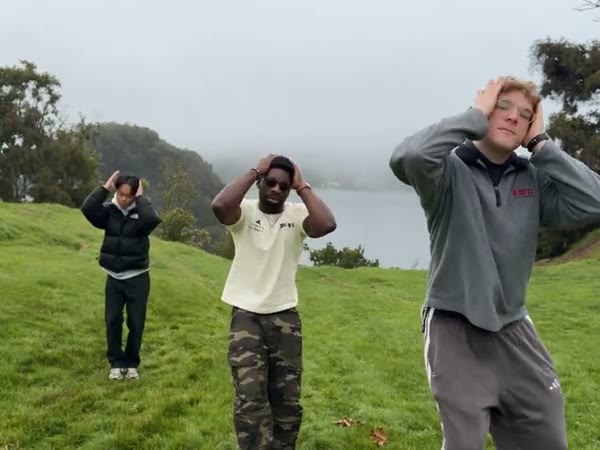
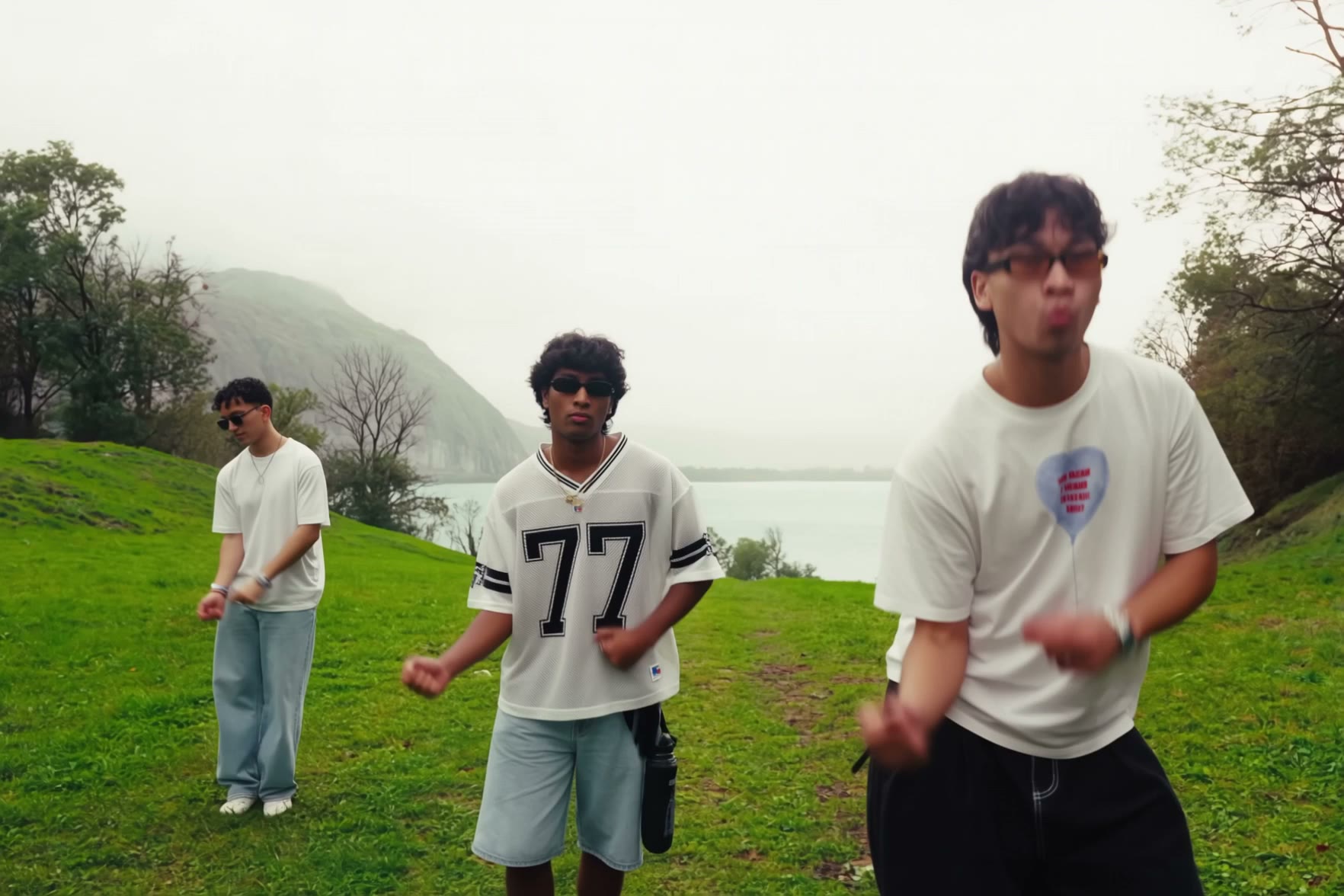
Wassup in a Minute AI dance video ideas

These user-supplied community clips were made elsewhere and show different performers.

What is Wassup in a Minute AI?

Wassup in a Minute AI is a three-person dance template set on a green hillside beside a lake. The prepared video moves between coordinated group steps, a closer view of the center dancer and a wider view of the trio. Upload three separate photos to guide the people in those positions. The Wassup in a Minute AI reference supplies the camera, scenery, timing and dance; the photos guide each performer’s appearance and clothing. This page uses a live-action community reference. The separate illustrated sway guide covers a different version of the idea.

Wassup in a Minute AI

How to make a Wassup in a Minute AI video

Prepare the three roles, review the reference and generate.

  1. STEP 1

    Add the left dancer

    For Wassup in a Minute AI, upload one clear photo for the performer on the viewer’s left.

  2. STEP 2

    Add the center and right dancers

    Use Photo 2 for the center performer and Photo 3 for the person on the right.

  3. STEP 3

    Choose a mode and generate

    Review the reference length and credit estimate, then check the finished video in My creations.

A hillside trio dance in different looks

The preview uses the selected Wassup in a Minute AI reference. Other supplied clips show different performers and were created elsewhere.

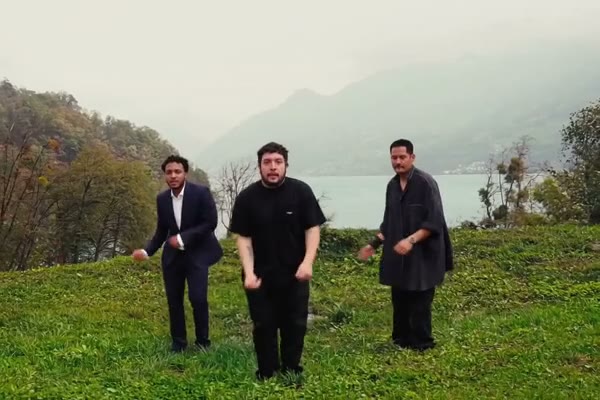
Choose the three dancers

For Wassup in a Minute AI, Photo 1 guides the dancer on the viewer’s left, Photo 2 guides the center dancer and the closer solo shot, and Photo 3 guides the dancer on the viewer’s right. Use one clear person in each photo, with a visible face and enough of the outfit for the model to interpret the movement. Pick the order before submitting: the dancers change distance from the camera, so checking their positions in the preview helps. Faces, clothing and hands can still vary between shots, especially during turns or when a person is partly obscured.
Choose the three dancers

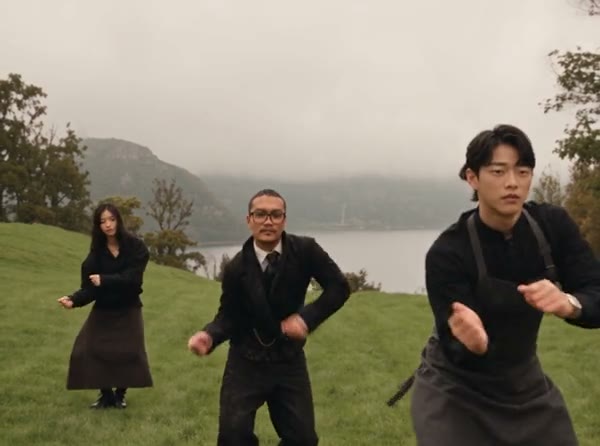
Follow the lakeside routine

The Wassup in a Minute AI video generator follows a prepared outdoor sequence: the trio bounces and gestures together, a central performer comes closer, then the group walks and dances in wider shots. Grass, mountains and water form the reference setting. Your photos guide the three people; the scene, choreography, camera and cuts follow the selected reference. There is no separate field for a new location or a custom dance on this page. Watch the example before creating to see whether the framing suits the people and outfits you want to use.

Follow the lakeside routine

Pick the reference length

Original uses the complete Wassup in a Minute AI reference of about 16 seconds. Economy and Standard use the first 14.9 seconds of that same video, so the end of the complete sequence is shorter in those modes. All three use a prepared reference and request restoration of its audio after generation; no separate soundtrack upload is offered here. Compare the displayed mode, duration and credit estimate before submitting. The finished video can differ from the reference, and audio restoration can fail, so review the result before sharing.

Pick the reference length

What shapes the Wassup in a Minute AI result

Choose the people and mode; the selected video supplies the performance.

Three assigned photos

Each required image guides the left, center or right dancer in Wassup in a Minute AI.

A prepared scene

In Wassup in a Minute AI, the hillside, lake, dance and camera changes follow the fixed reference.

Two reference lengths

Original uses the whole clip; Economy and Standard use its opening 14.9 seconds.

Wassup in a Minute AI questions

Photos, the dance reference, modes and results.

How many photos does Wassup in a Minute AI need?

Three photos are required, one for each dancer. Use one recognizable person per photo and check the order before generating.

Which person appears in the closer shot?

In Wassup in a Minute AI, Photo 2 guides the center dancer, who also appears closer to the camera in the selected reference. Generated shot details may vary.

Can I make the Wassup in a Minute AI video with one photo?

The Wassup in a Minute AI trio template requires three photos. Each image is assigned to a separate dancer.

Does this Wassup in a Minute AI page make the anime version?

This page uses a live-action hillside trio reference. The separate illustrated sway guide discusses the white-background character version.

Can I change the lake or the dance?

Wassup in a Minute AI has no separate setting for a custom location or choreography. They follow the reference and can vary in the generated result.

What photos work best for Wassup in a Minute AI?

Choose clear images with one person each. Visible faces and clothing give the model more information for both the wide dance shots and the closer view.

How long is the Wassup in a Minute AI reference?

The complete reference is about 16.04 seconds. Economy and Standard use its first 14.9 seconds; Original uses the full reference.

Does the Wassup in a Minute AI result include audio?

The delivery process attempts to restore audio from the reference selected for the mode. Check the finished file because restoration can fail.

Were the example videos generated on this page?

The community clips were supplied from elsewhere. They illustrate the same type of dance with different people and do not guarantee the result of a new generation.

Why do faces or outfits change between shots?

The model interprets each photo through movement, distance and cuts. Clear images can help, but identity and clothing consistency are not guaranteed.

How much does Wassup in a Minute AI cost?

For Wassup in a Minute AI, the current credit estimate is shown with the selected mode before generation. Sign in and check your balance before submitting.

Where can I find the finished video?

Open My creations after the job finishes to play and download it. Confirm that you have the necessary rights before sharing the video or audio.

Create a Wassup in a Minute AI dance video

Choose three people for the lakeside routine.

Wassup in a Minute AI