Create a video

Required photos1
Settings
Mode
Video length8s
Resolution

Flower Nose AI Video Generator

Turn one pet photo into a Flower Nose AI video: a little stem, a curious paw and a red flower reveal.

0:00 / —:—
0:00 / —:—

Flower Nose AI pet video ideas

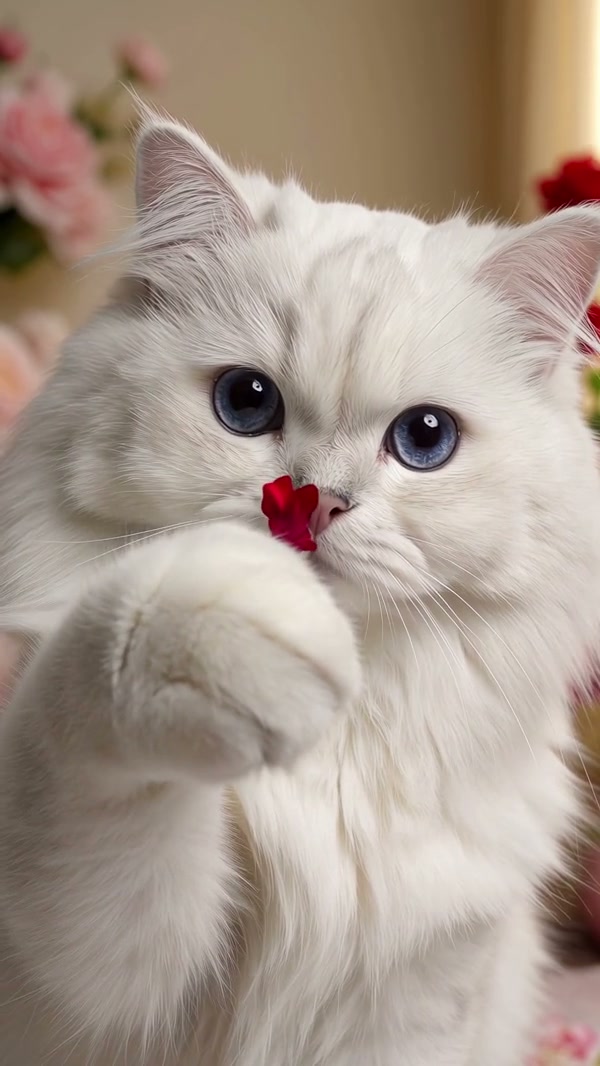
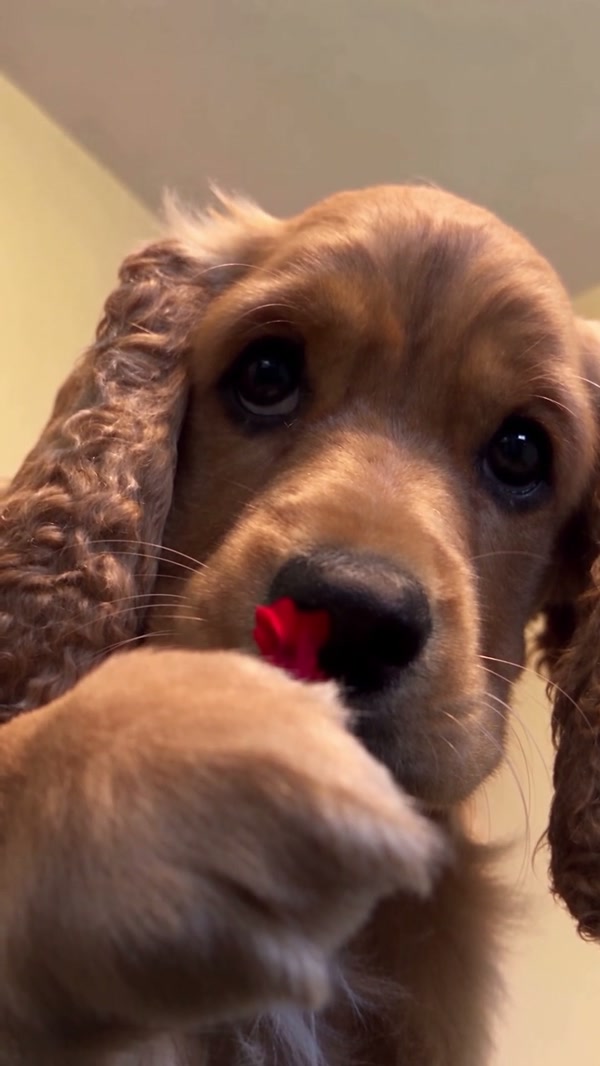
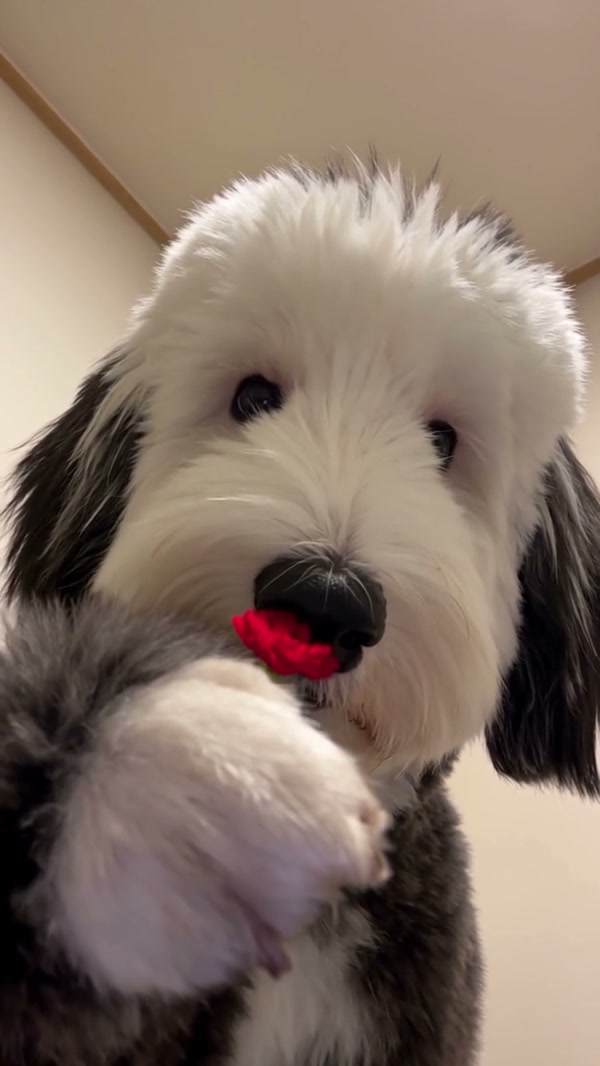
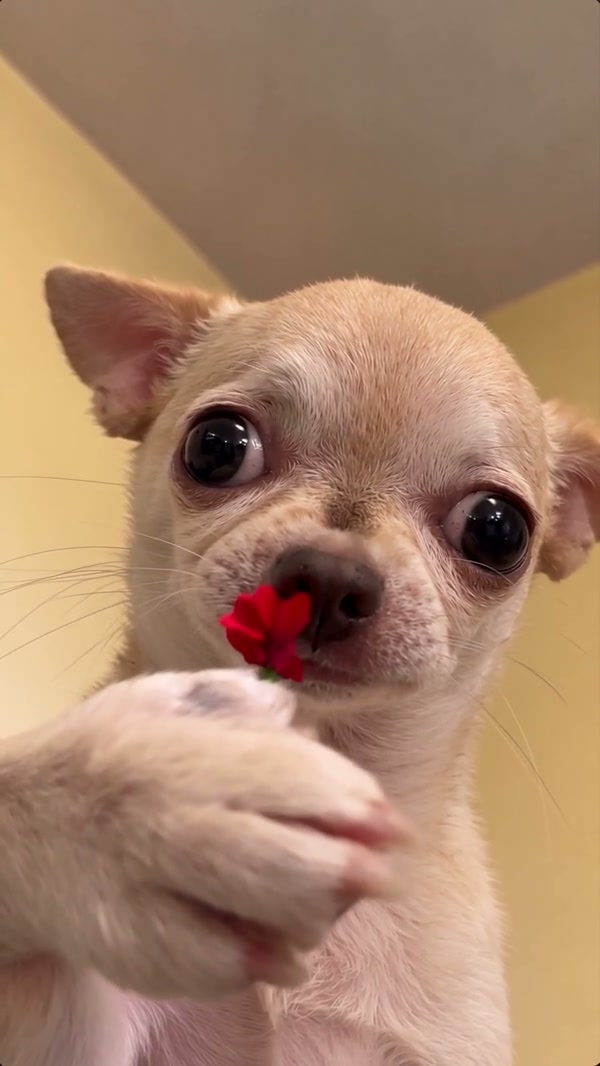
These community examples were made elsewhere and show different dogs and a cat. Your result can vary.

What is Flower Nose AI?

Flower Nose AI is a pet video template that turns a close-up photo into a playful flower reveal. In the prepared reference, a dog faces the camera with a small green stem at its nose, raises a paw and pulls out a red flower. Add one pet photo to guide the featured animal’s appearance while the reference supplies the movement, indoor setting and camera framing. The Flower Nose AI video generator creates a new interpretation of that sequence. It is a visual effect: you do not need to put a flower on your pet or film the action.

Flower Nose AI

How to make a Flower Nose AI video

Choose one pet photo, review the reference and create your clip.

  1. STEP 1

    Add a pet photo

    Upload one clear picture for Flower Nose AI. Keep the pet’s face and nose visible and use an image you have permission to use.

  2. STEP 2

    Check the reference and mode

    Preview the full flower reveal, pick a mode and review the current credit estimate before starting.

  3. STEP 3

    Generate and review

    Sign in to create your Flower Nose AI video. Open My creations when it is ready, then watch and download the result.

Make a playful pet close-up

One photo guides the pet while the prepared reference supplies the scene and gesture.

Give your pet the starring close-up

Your photo guides the one animal featured in Flower Nose AI. Choose a clear view where the pet’s face, nose, ears and distinctive markings are easy to see; avoid a distant group picture where the subject is difficult to identify. A front-facing or slightly angled portrait fits the reference’s close framing. The source performance features a dog, while one community example shows a cat in a similar scene. You can try a cat photo, but the model may interpret the face or paws differently and the result is not guaranteed to match the example.
Give your pet the starring close-up

Follow the small flower reveal

The Flower Nose AI reference starts with a stem visible at the nose. The pet lifts a paw, brings it toward the face and presents a red bloom near the camera. This fixed sequence gives a familiar beginning and a clear visual punchline without requiring you to arrange the gesture. The camera stays close to the animal in an indoor setting. Flower Nose AI follows the prepared motion rather than offering separate controls for the flower, background or timing; those details may still vary in a generated result.

Follow the small flower reveal

Make a short pet moment to share

A Flower Nose AI clip works as a small surprise for a friend or a playful addition to a pet compilation. The supplied reference is vertical and about eight seconds long, so the expression and flower reveal remain the focus. Each available mode uses the same complete reference; the selected model and displayed credit estimate can differ. When the job finishes, watch the paws, nose, flower and edges of the face throughout. AI can change small details between frames, especially when the paw crosses the muzzle.

Make a short pet moment to share

What stays in the Flower Nose AI scene

The prepared reference supplies the action while your photo guides the animal.

One pet

One required pet photo guides the featured animal in Flower Nose AI.

A flower reveal

The raised paw, small stem and red bloom follow the reference sequence.

A vertical close-up

The reference keeps the pet near the camera in an indoor setting.

Flower Nose AI questions

Photo preparation, the reference, modes and finished videos.

How many photos does Flower Nose AI need?

One pet photo is required. It guides the appearance of the single animal in the prepared flower reveal.

Can I use a dog photo for Flower Nose AI?

Yes. The reference features a dog, and a clear photo can guide the appearance of that role. Faces, fur and paws may still change during generation.

Can Flower Nose AI use a cat photo?

You can try a cat photo. A community example shows a cat doing a similar reveal, while the fixed generation reference features a dog. Cat anatomy and paw movement may be interpreted differently.

What photo works best for Flower Nose AI?

Choose a sharp photo with one clearly visible pet. A clear face, nose, ears and markings give the model useful visual information for the close-up.

Do I need to put a flower on my pet?

No. The stem and flower are part of the video reference. Upload a photo of your pet without arranging or filming the gesture.

How long is the Flower Nose AI reference?

The vertical reference is about 8.05 seconds. Original displays 8 seconds; Economy and Standard display 9 seconds because the setting rounds up. All three modes use the same complete reference.

Can I choose a different Flower Nose AI flower or background?

There is no separate flower or background control on this page. The red flower, close framing and indoor scene come from the fixed reference and may vary in the generated video.

Do the Flower Nose AI modes use different parts of the video?

No. The reference is short enough for all available modes to use the full sequence. Compare the displayed settings and credit estimate when choosing a mode.

Will my Flower Nose AI video have sound?

The delivery process attempts to restore audio from the selected reference after generation. If restoration fails the result can be silent, so check the downloaded file before sharing.

Are the Flower Nose AI examples made on Motion Transfer?

The videos were supplied as community examples and were created elsewhere. They show the idea with different animals; they do not guarantee a particular result from this page.

Why does my pet look different in a Flower Nose AI video?

The model interprets your photo across motion, lighting and changes in pose. Review the face, paws and flower; a clearer photo may help if an important marking is hard to see.

How much does Flower Nose AI cost?

The Generate button shows the current credit estimate for the chosen settings. Sign in and make sure your account has enough credits before submitting.

Where can I download my Flower Nose AI video?

When the job finishes, open My creations to play and download the result. Check both the picture and sound and confirm the necessary rights before sharing.

Create a Flower Nose AI pet video

Choose a pet photo and watch the little flower reveal.

Flower Nose AI