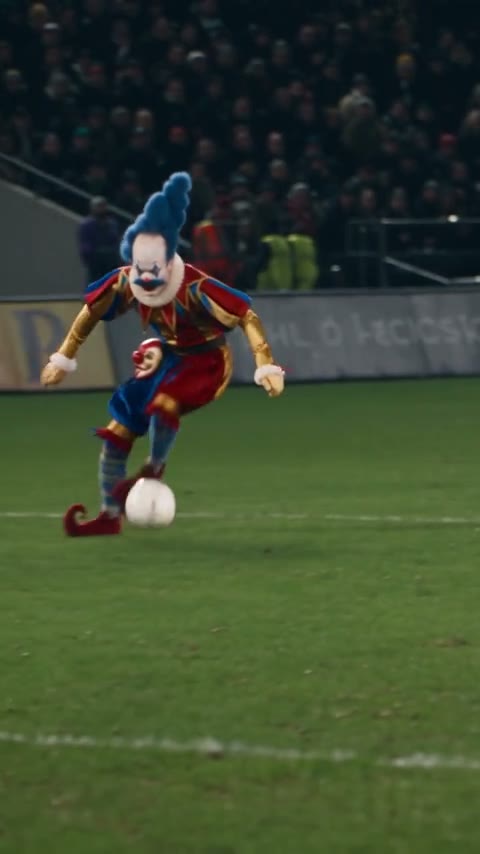
Create a video

Main character · Photo 1

Ozil Goal AI Video Generator

Your photo, the run, the finish. Make an Ozil Goal AI video with your character carrying the ball past the keeper and into the net. Upload one photo; the performance and soundtrack are ready.

What is Ozil Goal AI?

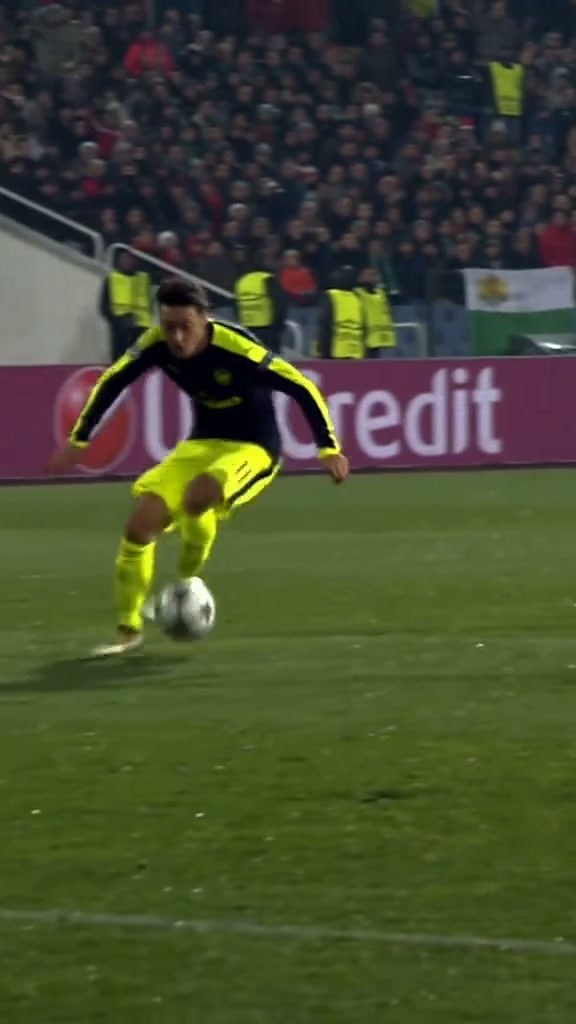
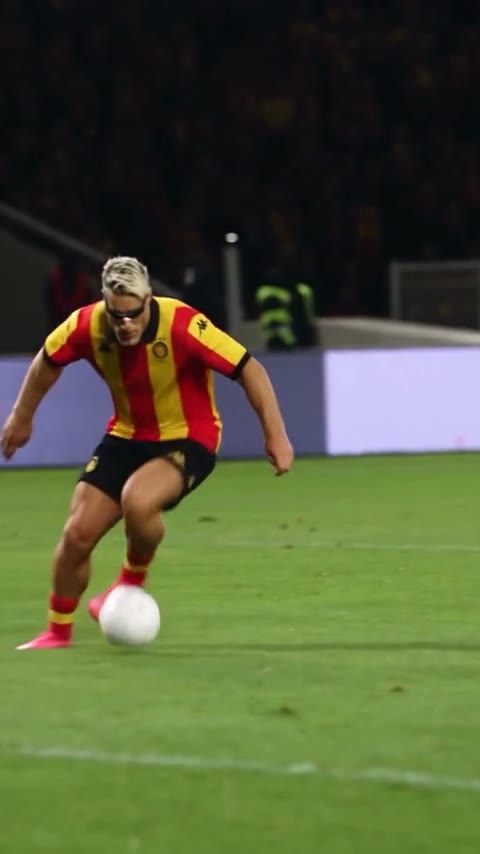
Ozil Goal AI turns one character photo into the scorer in a short football sequence. The loaded clip follows a player lifting the ball over a challenge, keeping control as the goalkeeper and defenders close in, and finishing near the goal. Your image supplies the person; the reference supplies the footwork and camera. The result is a vertical AI-edited sports clip with the reference soundtrack.

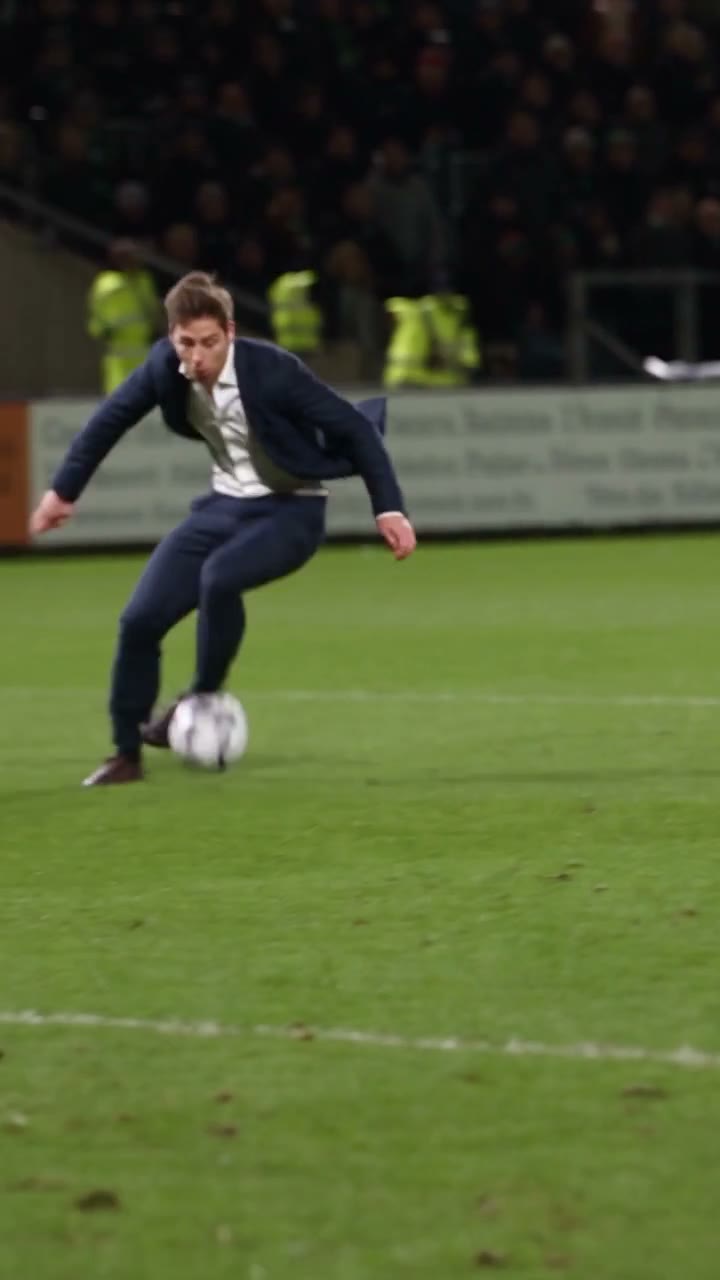
A character in a dark suit performing the Ozil goal sequence on a floodlit pitch

Make an Ozil Goal AI video in three steps

The Ozil Goal AI clip is loaded. Start with one clear character photo.

  1. STEP 1

    Upload your character

    Add one photo in Photo 1. Show the face and as much of the outfit and body as possible. Use Replace to choose another picture before generating.

  2. STEP 2

    Generate your Ozil Goal AI video

    Sign in and select Generate when your photo is ready. The button shows the credit cost for the current settings. Uploading alone does not start a paid request.

  3. STEP 3

    Preview and download

    Open your Ozil Goal AI result in My creations. Play it with sound, watch the dribble and final shot, then download the version you want to share.

Your character in the Ozil Goal AI performance

See the run, the character, and the finish before choosing your own look.

Bring your whole look onto the pitch

Ozil Goal AI uses Photo 1 for the complete character: face, hair, body, clothing, and accessories. Choose a clear picture of one person with the outfit you want to see. The original dark shirt and yellow shorts identify the source player to replace; they do not decide your new outfit. You can use a football kit or a casual look without a separate wardrobe photo.
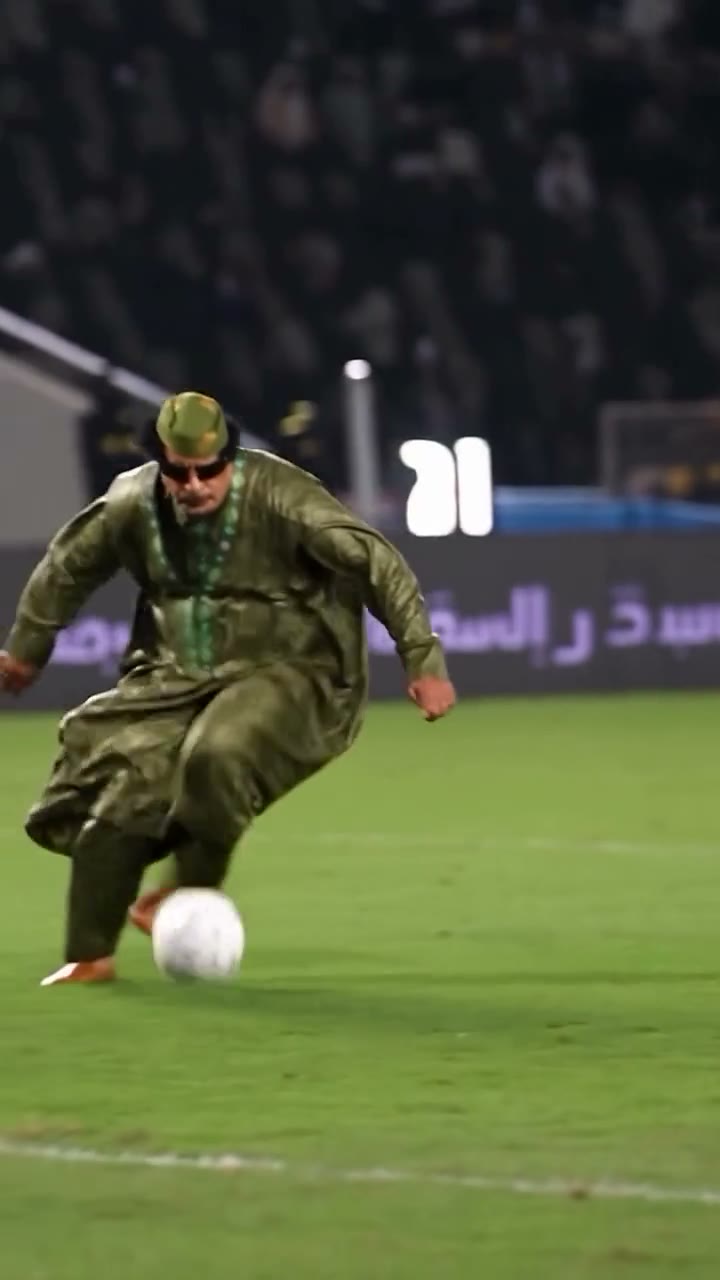
Bring your whole look onto the pitch

Follow the chip, feints, and finish

Ozil Goal AI follows the chip, control after the ball drops, direction changes, and final shot. The template asks for the original sequence and timing, including natural contact between the foot and ball. Check those touches in the completed result, not just the opening frame.

Follow the chip, feints, and finish

Keep the match around your character

Only the ball-carrying main player is assigned to your photo. The goalkeeper, defenders, spectators, pitch, ball, and goal remain part of the reference scene. Ozil Goal AI follows the existing camera movement and keeps the vertical framing as the action approaches the net. Players briefly cross in front of one another, so watch those overlaps: a good result keeps separate bodies and a consistent lead before and after the obstruction.

Keep the match around your character

Who is Ozil Goal AI for?

Choose Ozil Goal AI when you want this particular solo-goal sequence with a different lead. The fixed performance makes it easy to focus on the character instead of assembling a sports scene.

A personal football highlight

An Ozil Goal AI clip makes a playful fan edit or profile post. Use your everyday outfit or football kit, and share it as an AI recreation.

A teammate or friend’s moment

Make an Ozil Goal AI match-day message with a consenting teammate’s photo. Create a separate clip for each teammate.

A character in a familiar play

Bring a permitted character into Ozil Goal AI. Human proportions fit the source most closely; unusual anatomy or oversized costumes can make ball control less convincing.

Ozil Goal AI at a glance

A ready-made football performance with one appearance reference and a finished video to preview.

One photo, one lead

One photo defines your Ozil Goal AI scorer throughout the clip, including overlaps with other players.

15-second vertical video

Ozil Goal AI follows the loaded 15-second, 9:16 clip. The run and finish fit into a portrait frame. Duration and aspect ratio follow the reference, so this page does not offer a longer match or a landscape version.

Original soundtrack included

Your Ozil Goal AI video uses the reference audio without a separate music upload. Page examples play muted. Open your completed video in My creations to listen to the soundtrack; the tool does not record a new commentary or clone a voice.

Review your saved results

Preview and download completed Ozil Goal AI clips in My creations or video history without starting another generation.

Ozil Goal AI credits and plans

Ozil Goal AI uses credits based on the reference and selected resolution. See the current cost on Generate. General plan examples may use different models or video lengths.

Starter

For your first ideas.

$8.3/month

$100.0 charged yearly

2,400 credits/year

Up to 400 images

GPT Image 2Nano Banana Pro

Up to 240 videos

Seedance 2.5Kling 3.0 Motion Control
  • Up to 4K images and HD videos, depending on the model
  • Image editing, video creation & motion transfer
  • Watermark-free image & video downloads
  • Generation history in your account
Popular40% OFFSave $238.8

Pro

For a steady creative flow.

$30.0/month$49.9/month

$360.0 charged yearly

21,600 credits/year

Up to 3,600 images

GPT Image 2Nano Banana Pro

Up to 2,160 videos

Seedance 2.5Kling 3.0 Motion Control
  • Up to 4K images and HD videos, depending on the model
  • Image editing, video creation & motion transfer
  • Watermark-free image & video downloads
  • Generation history in your account
  • Use credits across image and video models
Best Value50% OFFSave $599.8

Business

For more creations, more often.

$49.9/month$99.9/month

$599.0 charged yearly

48,000 credits/year

Up to 8,000 images

GPT Image 2Nano Banana Pro

Up to 4,800 videos

Seedance 2.5Kling 3.0 Motion Control
  • Up to 4K images and HD videos, depending on the model
  • Image editing, video creation & motion transfer
  • Watermark-free image & video downloads
  • Generation history in your account
  • Use credits across image and video models

Basic

$0

Try before you subscribe

  • 18 one-time signup credits
  • Generation history included
  • Watermarked previews & downloads
  • Up to 3 images or 1 video
  • Watermark-free downloads require payment

Prices in USD; taxes and total shown at checkout. Subscriptions renew automatically; cancel in Billing settings. Subscription credits expire each period; one-time credits never expire.

Refunds: request within 72 hours. Used purchased credits and applicable non-refundable processing costs (up to 6%) are deducted. Terms · Refund Policy

Ozil Goal AI questions

Photo choice, the goal sequence, sound, and downloading your edit.

How many photos does Ozil Goal AI need?

One photo of the person who should carry the ball and score. Choose a single-person image with a clear face and visible body. The source performance is already supplied; photos of defenders, a stadium, or a football are unnecessary.

Is this the Ozil bounce goal effect?

This Ozil Goal AI template recreates the loaded chip, dribble, feints, and finish. Searches such as Ozil bounce goal or Mesut Ozil goal edit can describe this kind of character recreation. Play the source preview to confirm the exact sequence you want, since other football templates may use a different play.

What photo works best for Ozil Goal AI?

Prefer a sharp full-body or three-quarter photo with one person. It shows the clothes, proportions, and footwear used for the replacement. A close portrait gives less guidance for the moving body. Avoid sunglasses hiding most of the face, cropped heads, heavy motion blur, group photos, and objects covering the person.

Will Ozil Goal AI keep my clothes?

Yes, the default uses the outfit and accessories in your photo. Small badges, lettering, jewelry, and fabric details can drift during fast movement. Check any important design before sharing; there is no separate outfit upload.

Does Ozil Goal AI change the goalkeeper or defenders?

They are intended to stay as they appear in the reference. Photo 1 applies only to the original ball-carrying lead. AI edits can still alter details where people overlap; check that the goalkeeper, defenders, and main character remain separate during tackles and turns.

How closely does Ozil Goal AI follow the ball movement?

Exact physics and frame-by-frame accuracy are not guaranteed. Check the first touch, direction changes, and final strike. Feet, shadows, or the ball can distort during close interactions even when the face looks convincing.

Does Ozil Goal AI include the original sound?

Yes. The finished video uses the loaded reference’s soundtrack. You do not need to upload music or enable model sound. Page examples remain muted; listen to the completed result in My creations. Check that audio is present before sharing and make sure your intended use is covered by the relevant soundtrack rights.

Can I change the Ozil Goal AI video length?

This template follows the 15-second vertical source and its camera path. It has no duration or aspect-ratio picker. For a different goal, camera, or stadium, open the main Motion Transfer workspace and use your own permitted reference footage with a compatible model.

Which model does Ozil Goal AI use?

Seedance 2.5 Edit is selected for this fixed template. The page supplies a concise character-and-motion instruction, so you can start with just your photo. The main workspace provides other workflows if you want to choose a different model or create a new scene.

Do I need to write an Ozil Goal AI prompt?

No. Ozil Goal AI supplies the character-replacement instructions. Upload your photo and choose a resolution; you do not need to describe the run or write image references. For a custom scene, use the main Motion Transfer workspace.

Is Ozil Goal AI free?

Watching the reference is free. Generating requires sign-in and enough credits for the cost shown on Generate. Each new generation is a separate request, even with the same photo.

Where can I download my Ozil Goal AI video?

Open a completed result in My creations or video history, preview the full clip with sound, and use the download action available for your account. Use only photos and footage you have permission to edit. Label the result as AI-generated and follow the destination platform’s rules; do not present it as genuine match footage or an endorsement.

Create your Ozil Goal AI video

Choose one clear photo and make the run, the feints, and the finish your own.

Ozil goal reference: a player in a dark shirt and yellow shorts chips the ball, beats the keeper, and shoots