Create a video

Main character · Photo 1

Boxing AI Video Generator

Put yourself or your pet into the Boxing AI routine with one photo. Follow the punches, head movements, and quick combinations in the loaded clip, with the original soundtrack.

What is Boxing AI?

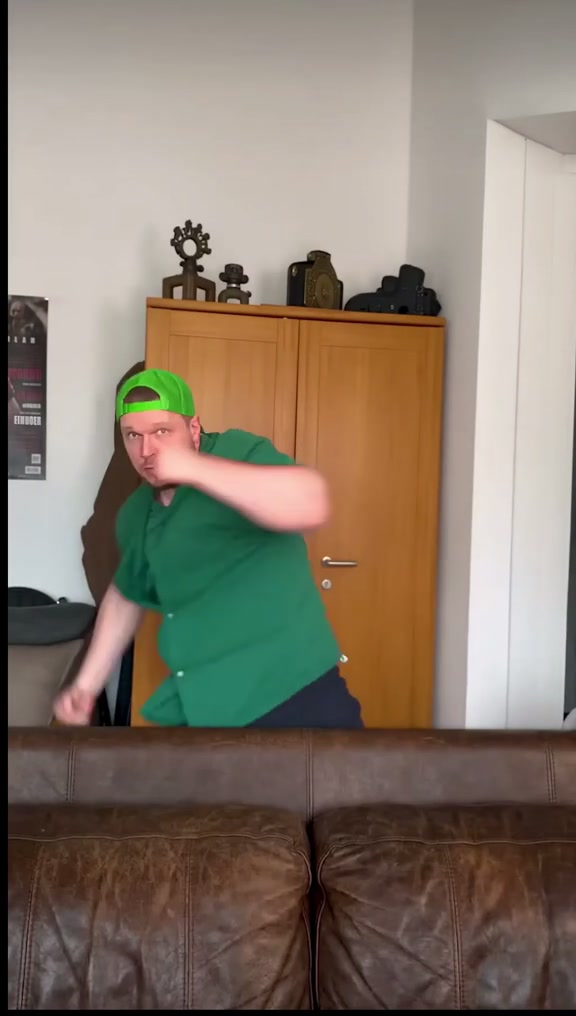
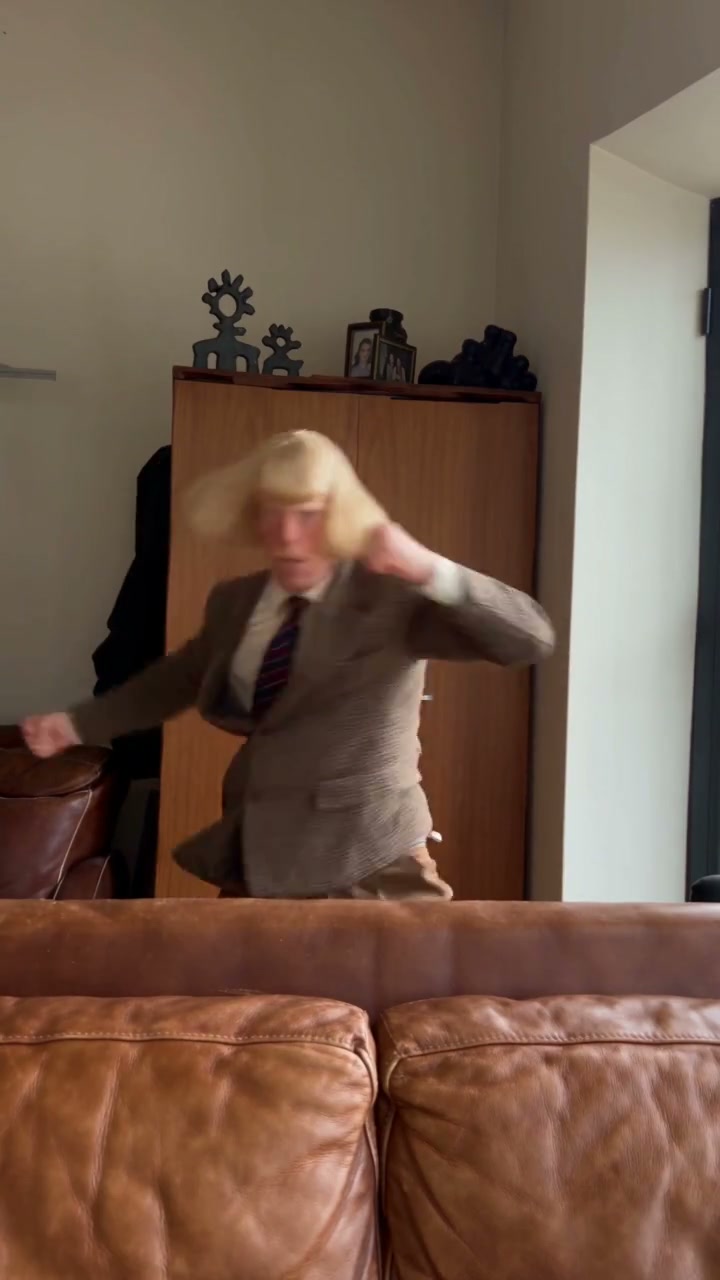
Boxing AI turns a character photo into a short shadowboxing video. The reference loaded in the upload panel features punches, a raised guard, ducks, and side-to-side movements behind a sofa. The community example here shows another character taking on the routine. Your photo supplies the human or animal’s appearance; the loaded clip supplies the performance. The result follows the same vertical composition and roughly 17-second sequence. There is no opponent to replace and no fight scene to plan. Use this page for a playful boxing edit with recognizable movement, rather than a training assessment or a new boxing match.

Boxing AI community adaptation with a tan-suited character shadowboxing behind the sofa

Make a Boxing AI video in three steps

The performance is ready. Add your character and make the clip your own.

  1. STEP 1

    Upload one character photo

    Choose one person or animal with a clear face and visible body. Include the hair or fur and any outfit you want. Use Replace if you want to try a different picture before generating.

  2. STEP 2

    Generate your Boxing AI clip

    Select your resolution in Settings, then choose Generate. Sign in when prompted. The button shows the credit cost; uploading a photo alone does not start a paid job.

  3. STEP 3

    Preview and download

    Open your completed Boxing AI video in My creations. Watch the routine with sound, check the fast punches and the character’s appearance, then download the result.

Your look, the Boxing AI performance

Explore community takes on the Boxing AI routine, then choose your own character.

Follow the complete boxing combination

The Boxing AI reference already has its rhythm: short punches, larger arm swings, a raised guard, and repeated changes in body position. You do not need to record yourself doing the routine. An ordinary still photo can define the character while the template supplies the movement. Watch the reference to decide whether its pace fits your idea. This template keeps that choreography, so a different sequence, opponent, or ring setting calls for a different reference in the main workspace.
Follow the complete boxing combination

Bring a person or pet into the routine

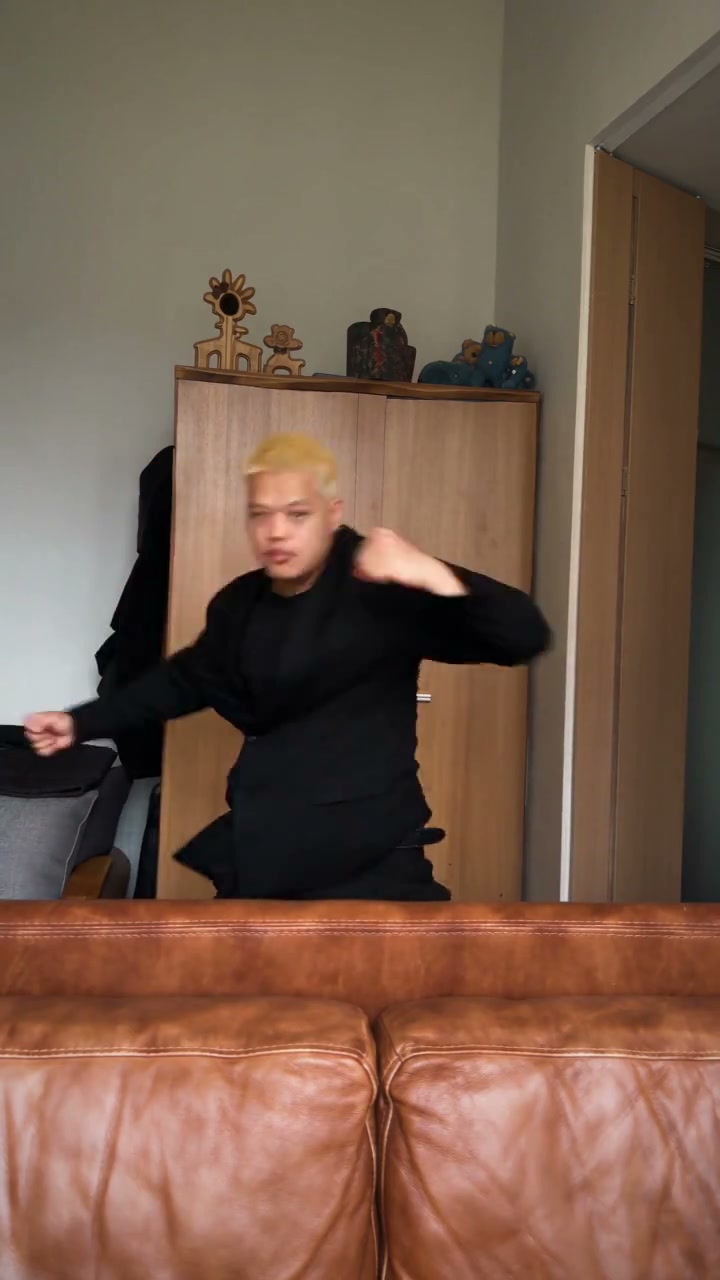
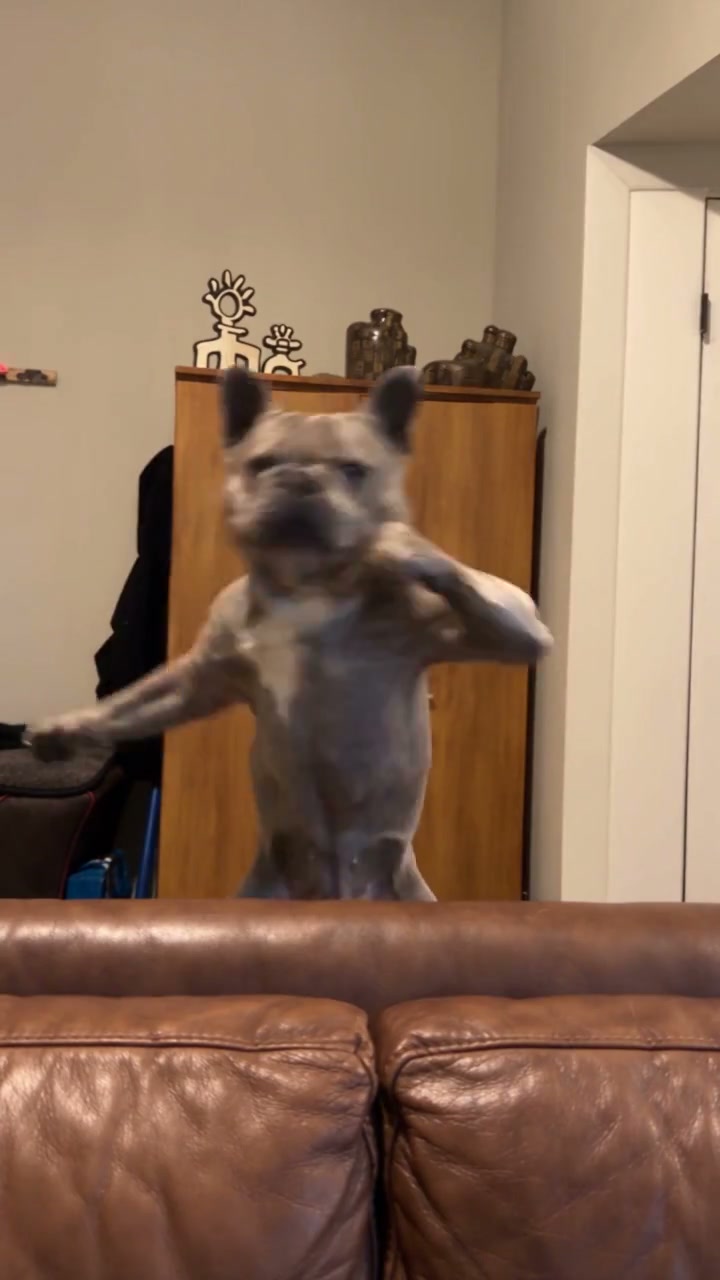
One photo defines the complete replacement character in Boxing AI, including the face, hair or fur, body proportions, and any clothing or accessories shown. Choose one clearly visible person or animal with enough of the body in frame. The dog example shows a playful take on the same punches. The prompt asks movements to adapt to the character’s anatomy while keeping its appearance. You do not need a green shirt, a cap, or boxing gloves. For pets, include the ears, coat markings, and front paws when possible. A single-subject photo gives clearer guidance than a group shot or a tightly cropped face.

Bring a person or pet into the routine

Keep the room, framing, and original sound

The Boxing AI edit is designed to keep the cabinet, foreground sofa, lighting, and camera view of the reference. The sofa continues to hide the lower part of the character, so your upload does not need a matching room. The later punch labels remain part of the source composition. Your finished clip uses the reference soundtrack. Page examples play muted; use the reference player or open your completed video in My creations to listen. Check the moving hands, face, and sofa edge when reviewing the result.

Keep the room, framing, and original sound

Choose a look for your Boxing AI video

The same routine can carry different personalities. Start with a photo you have permission to animate.

A playful clip starring you

Use your own photo for a reaction post or a lighthearted sports-themed message. The punches are already in the performance, so you can start from a relaxed portrait. Present the result as an AI edit, especially when sharing it outside your usual audience.

A character with a distinctive outfit

Try a character image you are entitled to use, with a clear silhouette and visible clothing. Boxing AI takes the outfit from the same photo as the person. Strongly different proportions or elaborate accessories may make the arm movements less consistent; review the whole clip before choosing a result.

A series with a shared routine

Create separate Boxing AI clips using different photos while keeping the same source performance. This gives each character the same timing and setting for a themed series. Each new generation is a separate job with its own displayed credit cost; this page takes one photo at a time.

Boxing AI credits and plans

The credit cost on Generate reflects this reference and your selected resolution. Plan examples below can use other models or clip lengths.

Starter

For your first ideas.

$8.3/month

$100.0 charged yearly

2,400 credits/year

Up to 400 images

GPT Image 2Nano Banana Pro

Up to 240 videos

Seedance 2.5Kling 3.0 Motion Control
  • Up to 4K images and HD videos, depending on the model
  • Image editing, video creation & motion transfer
  • Watermark-free image & video downloads
  • Generation history in your account
Popular40% OFFSave $238.8

Pro

For a steady creative flow.

$30.0/month$49.9/month

$360.0 charged yearly

21,600 credits/year

Up to 3,600 images

GPT Image 2Nano Banana Pro

Up to 2,160 videos

Seedance 2.5Kling 3.0 Motion Control
  • Up to 4K images and HD videos, depending on the model
  • Image editing, video creation & motion transfer
  • Watermark-free image & video downloads
  • Generation history in your account
  • Use credits across image and video models
Best Value50% OFFSave $599.8

Business

For more creations, more often.

$49.9/month$99.9/month

$599.0 charged yearly

48,000 credits/year

Up to 8,000 images

GPT Image 2Nano Banana Pro

Up to 4,800 videos

Seedance 2.5Kling 3.0 Motion Control
  • Up to 4K images and HD videos, depending on the model
  • Image editing, video creation & motion transfer
  • Watermark-free image & video downloads
  • Generation history in your account
  • Use credits across image and video models

Basic

$0

Try before you subscribe

  • 18 one-time signup credits
  • Generation history included
  • Watermarked previews & downloads
  • Up to 3 images or 1 video
  • Watermark-free downloads require payment

Prices in USD; taxes and total shown at checkout. Subscriptions renew automatically; cancel in Billing settings. Subscription credits expire each period; one-time credits never expire.

Refunds: request within 72 hours. Used purchased credits and applicable non-refundable processing costs (up to 6%) are deducted. Terms · Refund Policy

Boxing AI questions

Photos, motion, sound, and your finished video.

How many photos does Boxing AI need?

Exactly one character photo. It replaces the sole performer behind the sofa throughout the clip. No opponent or extra clothing image is required. If your photo contains several people or animals, choose a different image or crop it to the single character you want before uploading.

Which photo should I upload?

Use a sharp, well-lit photo of one person or animal with an unobstructed face and visible body. For people, show the shoulders and clothes you want. For animals, include the ears, fur markings, and front paws when possible. Avoid collages, strong motion blur, or objects hiding the face. Your background can be different from the room in the reference.

Can I use a dog or another animal in Boxing AI?

You can try one animal photo. The prompt uses its full appearance and asks the boxing movement to adapt to its anatomy, including paws rather than human hands. The dog community example shows this style of edit, but it does not guarantee results for every animal. Large differences in body shape can cause unnatural limbs or poses; review the full video before sharing.

Do I need to pose like a boxer?

No. Boxing AI uses the loaded video for the punches, guard, and body movements. A relaxed pose is fine. The photo supplies appearance, so a readable face and visible clothing matter more than matching a particular punch. You do not need to film yourself or provide a boxing video.

Will Boxing AI keep my clothes?

The prompt uses your photo for the complete character, including clothing and accessories. It does not ask to keep the original green shirt or cap. Details outside the photo have less visual guidance, and rapid movement can still change small features. Choose a picture that shows the parts of the outfit you care about.

Can I create a boxing match with two people?

This Boxing AI template has one shadowboxing performer and no opponent. It keeps the living-room routine rather than introducing a second fighter. For a different scene or performance, use your own reference in the main Motion Transfer workspace. This page is an entertainment video tool, not a sparring simulator or coaching service.

Does Boxing AI include the original audio?

Yes, the finished clip uses the sound from the reference performance. The examples in the page body play muted. Listen using the reference player or your completed result in My creations. There is no separate voice or music selector in this template. Make sure you have the soundtrack rights needed for your intended publication.

How long is the Boxing AI video?

The clip is approximately 17 seconds and follows the vertical reference. The template does not offer an independent length or aspect-ratio control. Resolution changes the output setting, without selecting a different routine or extending the performance. Use another source in the main workspace if you need a different length.

Do I need to write a prompt?

No. Boxing AI includes a short prompt that assigns your photo to the full character and preserves the original movement and scene. You can start with just the photo. Custom instructions and other source performances belong in the main Motion Transfer workspace.

Will the hands and face stay perfect during punches?

Perfect consistency is not guaranteed. Fast hands crossing the face, turned heads, and the body passing behind the sofa can produce visual errors. Preview the complete result, including the larger arm swings. A clearer reference image can help a later attempt, but choosing a higher resolution alone does not guarantee better anatomy.

What happens to the text in the reference?

The original video contains punch labels during its later sequence. Boxing AI asks to preserve that on-screen text along with the room and framing. Letter shapes can still change during generation, so check the labels if you plan to publish the clip. There is no caption editor on this page.

Is Boxing AI free to try?

You can watch the reference before starting a job. Generating your own video requires signing in and enough credits for the amount shown on Generate. Uploading or replacing a photo does not spend credits. Replaying or downloading an existing completed result does not submit another job.

Can I return to my photo later?

When you return through a saved draft, the workspace restores its saved inputs and waits for you to select Generate. It does not automatically create another paid video. Finished results are available through My creations and video history; use the download action to save a copy you want to keep.

Create your Boxing AI video

Choose a character photo and bring your look into the routine. The punches and soundtrack are ready.

Boxing reference with a green-shirted performer shadowboxing behind a sofa