Create a video

Required photos1
Settings
Mode
Video length14s
Resolution

GTA 6 Night Drive AI Video Generator

Create a GTA 6 Night Drive AI video from one photo. Take the wheel and cruise through a neon-lit night with two passengers.

0:00 / —:—
0:00 / —:—

GTA 6 Night Drive AI video ideas

Explore examples of this effect. Open a video for a closer look.

What is GTA 6 Night Drive AI?

GTA 6 Night Drive AI puts a person from your photo in the driver’s seat of a convertible on a neon-lit street. The prepared scene moves from the three people in the car to the wheel, the driver’s close-up and an exterior view. You provide one driver photo; the passengers, car, camera cuts and surroundings follow the fixed reference. The result is a fictional, game-inspired AI video.

A driver in a convertible on a neon-lit street at night

How to make a GTA 6 Night Drive AI video

Choose a driver photo and review the scene before generating.

  1. STEP 1

    Add one driver photo

    Upload a clear image of one person for GTA 6 Night Drive AI. A visible face, hair and upper body can help guide the close-up and the wider car shots.

  2. STEP 2

    Review the mode

    Choose Economy, Standard or Original for GTA 6 Night Drive AI. All three use the complete reference with different generation settings.

  3. STEP 3

    Generate and review

    Check the displayed credit estimate, sign in and generate. Open My creations to watch your GTA 6 Night Drive AI video, listen to the audio and download the result.

See the GTA 6 Night Drive AI scene

A convertible, two passengers and a driver on a neon-lit street.

Put your driver at the center of the night ride

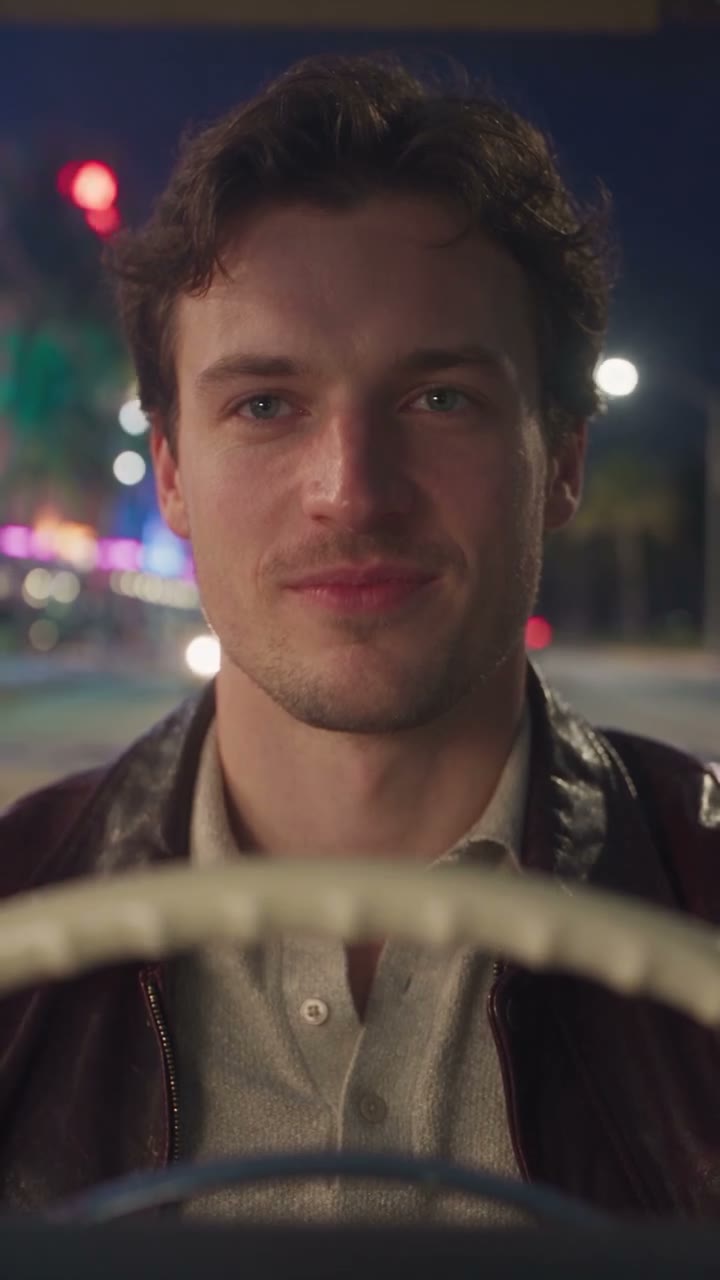
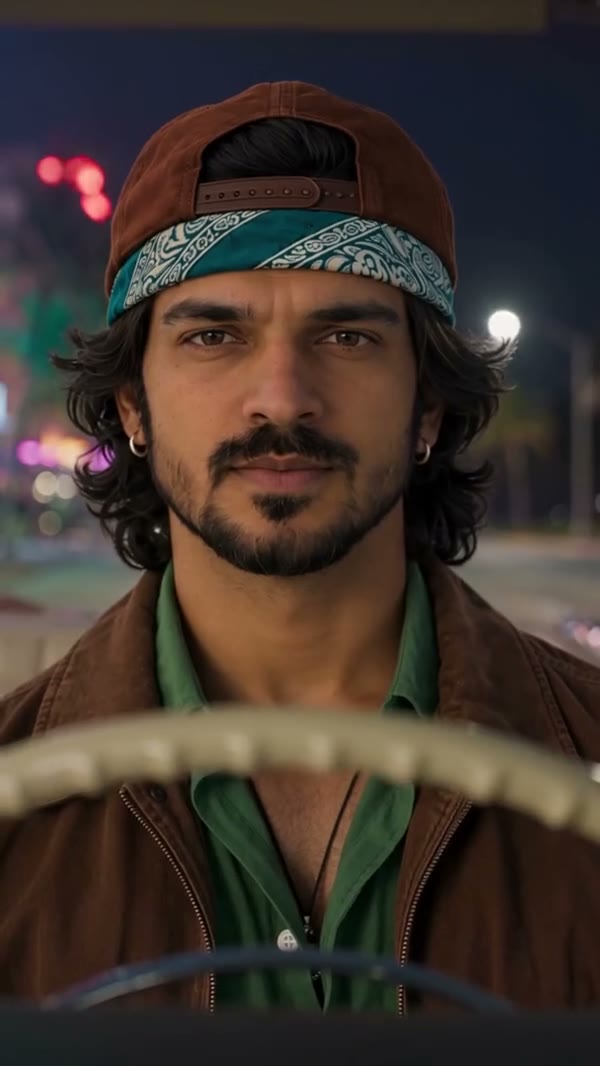
With GTA 6 Night Drive AI, your chosen person appears at the wheel in group shots and close-ups. A clear portrait gives the model details for the driver’s expressions and changing camera angles. The driver glances toward the passengers before the camera returns to the road. Faces, clothing and hands can change as the video moves, so inspect the result through each cut.
Put your driver at the center of the night ride

Keep the convertible and neon street in view

The GTA 6 Night Drive AI reference supplies the black convertible, two passengers, illuminated buildings and palm-lined street. The camera cuts between the wheel, the people in the car and an exterior view of the ride. You do not need to upload a car or background. The model may reinterpret small details in the final video.

Keep the convertible and neon street in view

Make a short game-inspired night-drive edit

Use GTA 6 Night Drive AI for a fictional character introduction, a neon-night mood clip or a post with friends. The vertical reference lasts about 14.4 seconds. Watch the preview before choosing your photo, then check the finished video’s framing, face and audio before sharing. This page does not provide a custom location or passenger selector.

Make a short game-inspired night-drive edit

Ideas for GTA 6 Night Drive AI

The same prepared ride can introduce different fictional characters.

Introduce a character

Choose a portrait for your GTA 6 Night Drive AI driver. The wheel close-up and passenger glance introduce the character before the exterior shot.

Set a nighttime mood

Use the neon buildings and moving convertible as a short establishing scene in a longer edit. Add any captions separately after downloading.

Share a fictional ride

Make a GTA 6 Night Drive AI clip as a playful game-inspired post. The other passengers are part of the reference, so they are not assigned separate photos.

Prepare your GTA 6 Night Drive AI video

Make the most of the photo, reference and mode you choose.

One photo for the driver

Pick a sharp, well-lit image with one recognizable person. Hair and visible clothing give the model more context as the driver turns and appears from different angles.

A complete short reference

GTA 6 Night Drive AI uses the same approximately 14.4-second sequence in each mode. Economy, Standard and Original differ in generation settings, so check the displayed estimate.

A scene with reference audio

GTA 6 Night Drive AI is configured to restore the source audio after generation. Listen to your finished clip and confirm that it suits your intended use.

GTA 6 Night Drive AI questions

Find out what to upload and what the prepared scene includes.

What do I upload for GTA 6 Night Drive AI?

Upload one photo of the person you want to see driving. The page uses a fixed motion reference, so you do not need to supply your own video or car photo.

Which person changes in GTA 6 Night Drive AI?

The photo is assigned to the driver. The two passengers stay guided by the reference and do not have separate upload slots on this page.

What photo works best for GTA 6 Night Drive AI?

Use a well-lit photo with one clear face and visible hair. A view of the upper body can help the model interpret clothing in the car and close-up shots.

How long is the GTA 6 Night Drive AI reference?

The complete reference is about 14.4 seconds. The workspace displays 14 seconds for Original and 15 seconds for Economy and Standard; a finished result may vary slightly.

Do all GTA 6 Night Drive AI modes use the same scene?

Yes. Economy, Standard and Original all use the complete reference because it is shorter than 15 seconds. Their generation settings and credit estimates can differ.

Can GTA 6 Night Drive AI replace the passengers?

This template has one required driver slot. The passengers are part of the prepared scene and cannot be separately assigned with photos here.

Can I choose another car or street in GTA 6 Night Drive AI?

The convertible, street and camera cuts come from the fixed reference. The page does not offer separate controls for changing the vehicle or location.

Does GTA 6 Night Drive AI include sound?

The reference has an audio track. The template is configured to restore the reference audio after generation; play the finished result to check it before sharing.

Will the driver look exactly like my photo?

The photo guides the driver’s appearance, but a generated video can change details across camera cuts. Review the face, hands, clothing and seating in the completed clip.

Can I use someone else’s photo for GTA 6 Night Drive AI?

Use media you are allowed to upload and obtain any required consent from the person pictured. Check the rights for audio and other media before sharing the result.

Is GTA 6 Night Drive AI an official game feature?

It is an independent, fictional AI video template. It is not a playable game and is not affiliated with or endorsed by the game publisher.

Does GTA 6 Night Drive AI cost credits?

Generation requires an account and sufficient credits. The workspace displays an estimate for your chosen mode and settings before you submit.

Where can I find my GTA 6 Night Drive AI result?

Open My creations to follow the task. When it is ready, play the video there and use the download control if you want to save it.

Make a GTA 6 Night Drive AI video

Add one driver photo and take a ride through the prepared night scene.

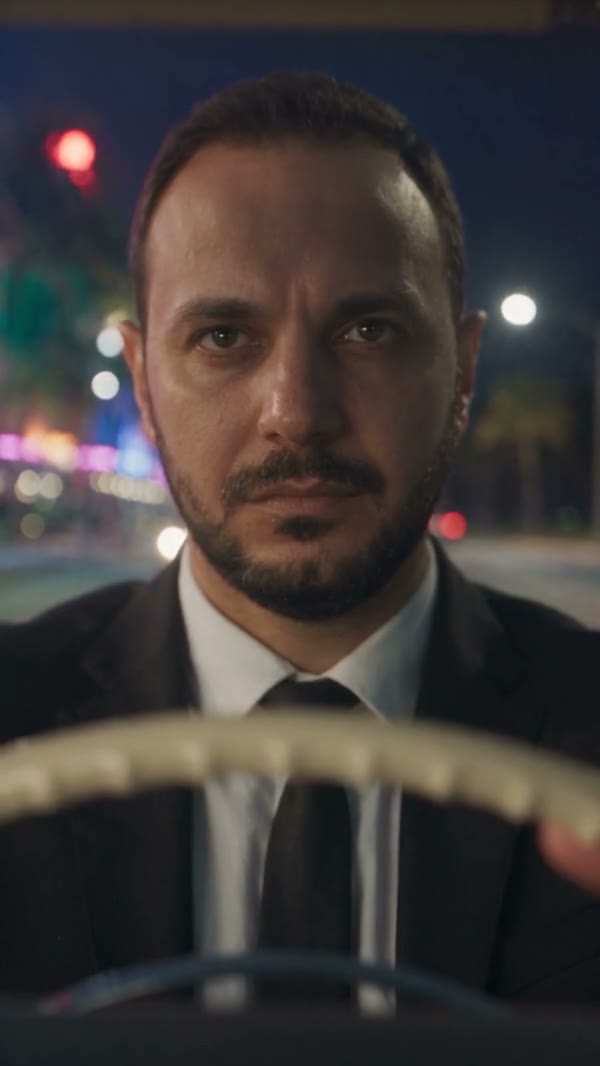
A different driver in a suit at the wheel on the night drive