Create a video

Required photos1
Settings
Mode
Video length15s
Resolution

Dog Doorbell AI Video Generator

Turn one pet photo into a Dog Doorbell AI video. Watch your pet step onto a little stool and peer into a doorbell-style camera.

0:00 / —:—
0:00 / —:—

Dog Doorbell AI video ideas

Explore examples of this effect. Open a video for a closer look.

What is Dog Doorbell AI?

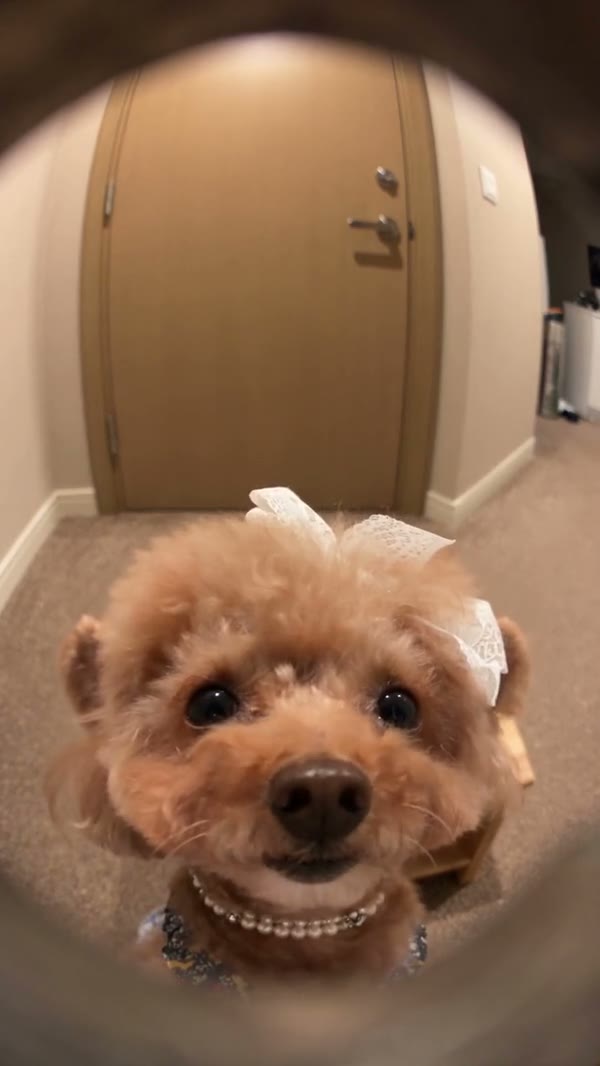
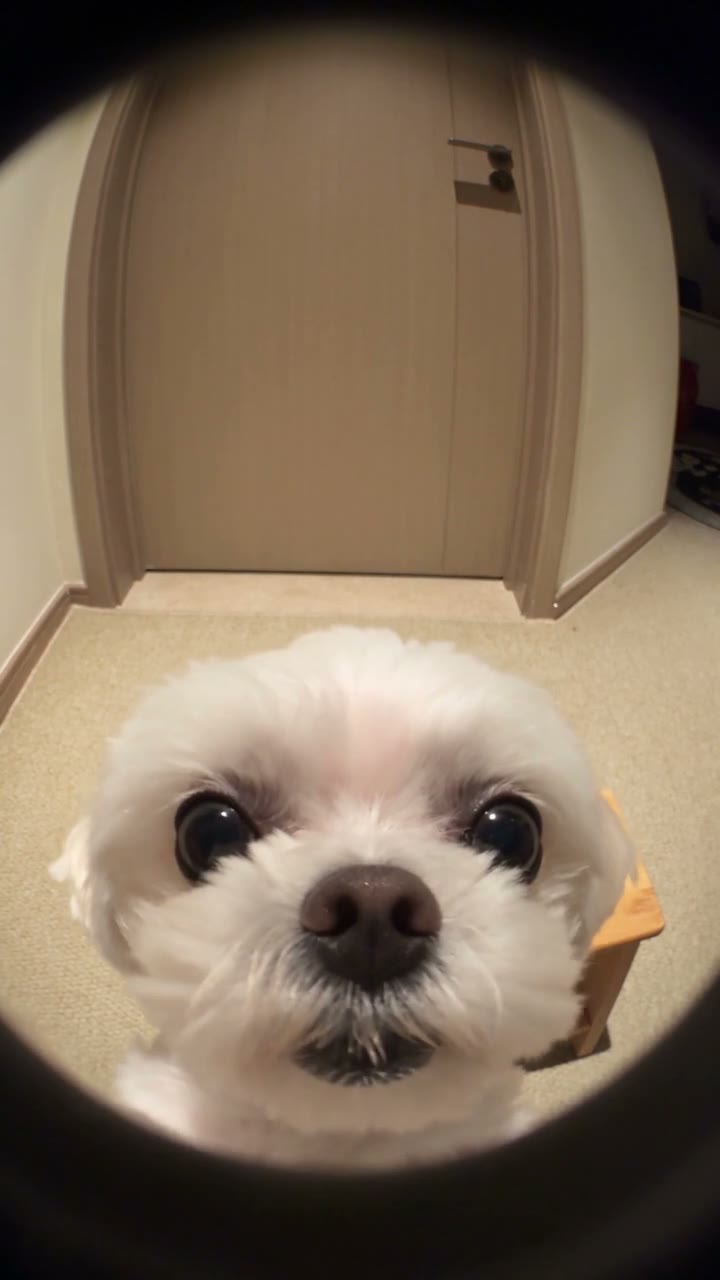
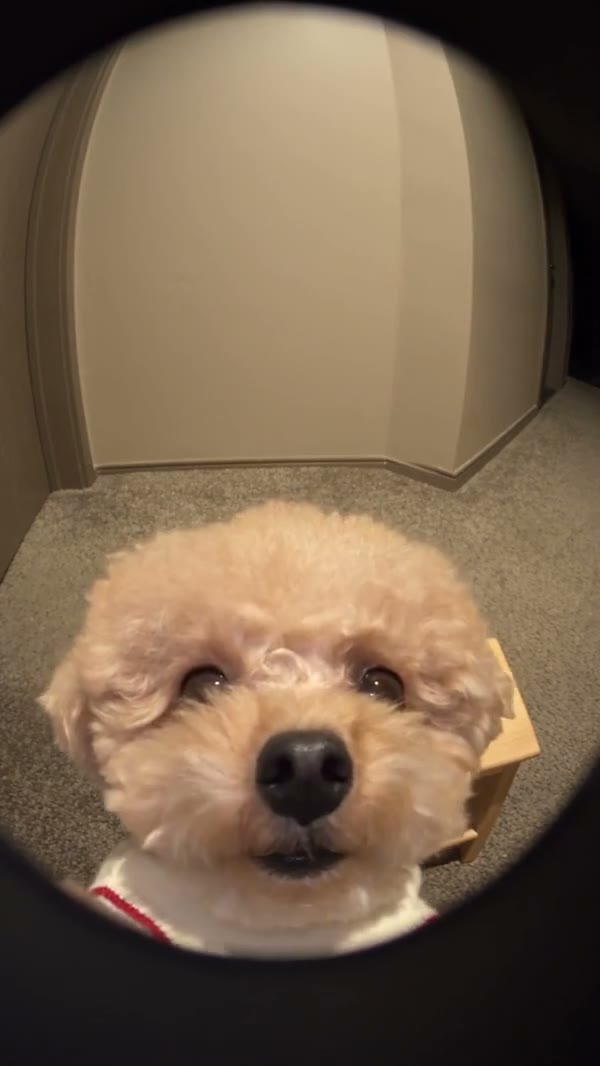
Dog Doorbell AI is a photo-to-video template built around a playful doorbell-camera perspective. The scene begins with a little dog near the lens; the dog moves back toward a wooden stool, climbs onto it and approaches the camera again. Upload one pet photo to guide the featured animal. The doorway, stool, wide-angle look and sequence come from the prepared video.

A small white dog looks into a doorbell camera

How to make a Dog Doorbell AI video

Add your pet photo and choose the reference mode.

  1. STEP 1

    Choose one pet photo

    Upload a clear picture of your pet with its face and distinctive markings visible.

  2. STEP 2

    Pick a mode

    Preview the Dog Doorbell AI sequence and choose Economy, Standard or Original.

  3. STEP 3

    Generate and watch

    Review the credit estimate, generate and open My creations to watch and download the finished video.

See Dog Doorbell AI ideas

Explore the doorbell-camera scene with different pets.

Give the doorbell scene a familiar face

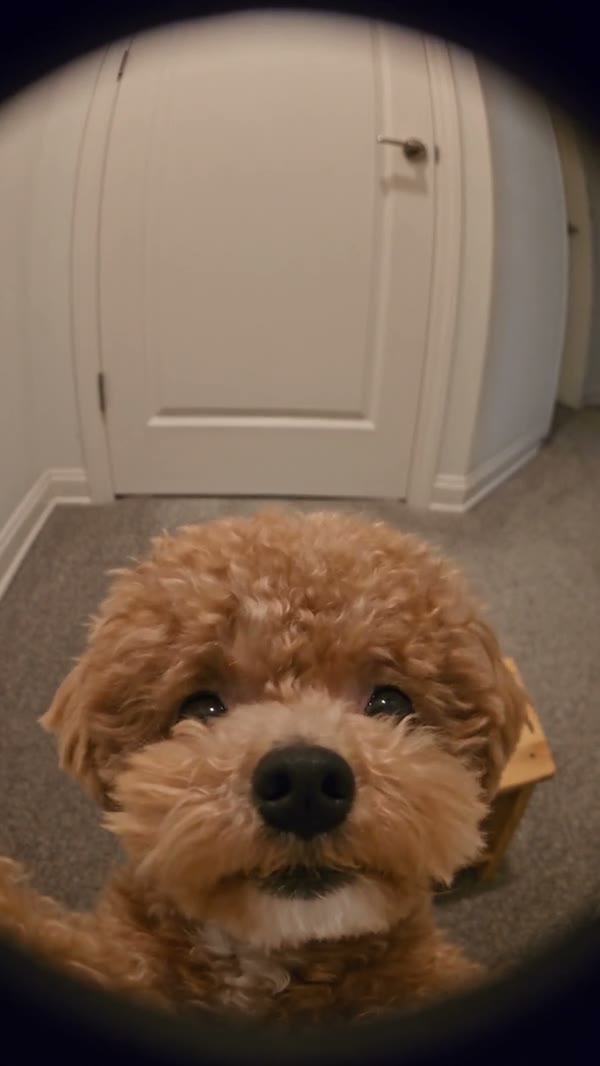
Choose a clear image of the dog you want to feature in Dog Doorbell AI. A front-facing photo with visible eyes, ears, muzzle and coat markings gives the model useful identity details for the close-up. The reference shows the whole pet as well as its face, so a photo with a visible body can also help. The model fills in unseen views, and the result can differ from the original photo.
Give the doorbell scene a familiar face

From the doorstep to the tiny stool

The Dog Doorbell AI sequence stays in the same doorway while the pet moves away from the lens, approaches the small stool and climbs up. The final shots bring the pet close to the camera again. The rounded frame and exaggerated near-camera perspective are part of the reference. You do not need to film a doorbell video or supply a separate image of the stool.

From the doorstep to the tiny stool

Make a playful pet arrival clip

Use Dog Doorbell AI for a pet introduction, a short reaction clip or a surprise arrival in a longer edit. Different photos can change the animal shown in the scene while the prepared camera position and actions remain the same. The example clips show different dogs and details; your own result can vary with the photo, mode and generation.

Make a playful pet arrival clip

Ways to use Dog Doorbell AI

A single pet photo can become the star of a prepared doorbell-camera scene.

Introduce your pet

Turn a favorite pet portrait into a short Dog Doorbell AI arrival with a close-up expression.

Try different portraits

Compare one clear photo at a time to see how the model interprets fur color, face shape and markings.

Add it to a pet edit

Use the vertical Dog Doorbell AI clip alongside other videos you have permission to share.

Prepare your Dog Doorbell AI video

A clear image and a quick preview help you choose the right setup.

One featured pet

Dog Doorbell AI has one required pet photo. Keep the animal visible and avoid a crowded group photo so the intended subject is clear.

A prepared camera view

The doorway, tiny stool and fisheye framing follow the reference. This page has no separate control for the location or the camera angle.

Three generation modes

Original uses the complete reference of about 15 seconds. Economy and Standard share a prepared 14.9-second selection and use different generation settings.

Listen to the result

The Dog Doorbell AI reference has an audio track. The workflow attempts to restore the selected track after generation; check the finished video before sharing.

Dog Doorbell AI questions

Photo tips, the reference scene and generation settings.

What photo does Dog Doorbell AI need?

Upload one clear photo of the pet you want to feature. The reference video is already prepared, so you do not need to upload a separate motion clip.

Which pet photo works best for Dog Doorbell AI?

Choose a well-lit image with one animal clearly visible. A visible face, ears, coat and markings help guide the close-up; a body view can help with the wider shots.

Can Dog Doorbell AI use a cat photo?

You can try another pet. The prepared movement was filmed with a small dog, so the model may interpret a different animal or body shape less predictably.

Do I need a real doorbell camera for Dog Doorbell AI?

No. The wide-angle doorway view, stool and camera sequence are supplied by the reference. You only provide the pet photo.

Can I change the Dog Doorbell AI doorway or stool?

Those elements are part of the prepared scene. This page does not offer separate uploads or settings for the doorway, stool or camera position.

How long is a Dog Doorbell AI video?

The full source is about 15 seconds. Original uses the full reference; Economy and Standard use a prepared selection of 14.9 seconds. The workspace shows each mode’s displayed duration.

How do the Dog Doorbell AI modes differ?

Economy and Standard use different generation settings with the same short selection. Original uses the complete reference. Check the available resolution and credit estimate before submitting.

Will my pet look identical throughout Dog Doorbell AI?

The image guides the pet’s appearance, while the model infers movement and unseen angles. Face shape, fur, markings and paws may vary as the animal approaches the lens.

Does Dog Doorbell AI include sound?

The reference contains audio and the workflow attempts to restore it after generation. Listen to the completed file to check the outcome and suitability for your use.

What if my pet is hard to recognize in Dog Doorbell AI?

Try another sharp, well-lit photo with the face unobstructed and the coat markings visible. A wide-angle close-up can still alter proportions, so review the finished clip.

How much does Dog Doorbell AI cost?

You need an account and sufficient credits to generate. The workspace displays the current estimate for the selected mode and settings before submission.

Where can I find my Dog Doorbell AI video?

Open My creations to follow your task. Once it is ready, play the result there and use the download control to save it.

Create your Dog Doorbell AI video

Upload one pet photo and bring a familiar face to the doorbell view.

Dog Doorbell AI