
Roadster AI Video Generator
Send your car or another object up the giant ramp with Roadster AI. One photo defines the subject’s shape, colors and distinctive details while the reference supplies the climb, airborne rotation and landing. The scene and original sound are ready; no driving footage or prompt needed.
0:00 / —:—
Roadster AI video ideas
Explore community remixes of this performance. Open a video for a closer look.
Decorated sedan · silent example
Pickup · longer community replay
What is Roadster AI?
Roadster AI turns a photo of a car or another object into a giant-ramp stunt video. The chosen subject replaces the reference car through a steep climb, airborne rotation, jet-assisted descent and smoky landing. Your photo supplies its appearance; the prepared clip supplies the arena, action, camera work and original sound. The result follows the roughly 17-second scene.
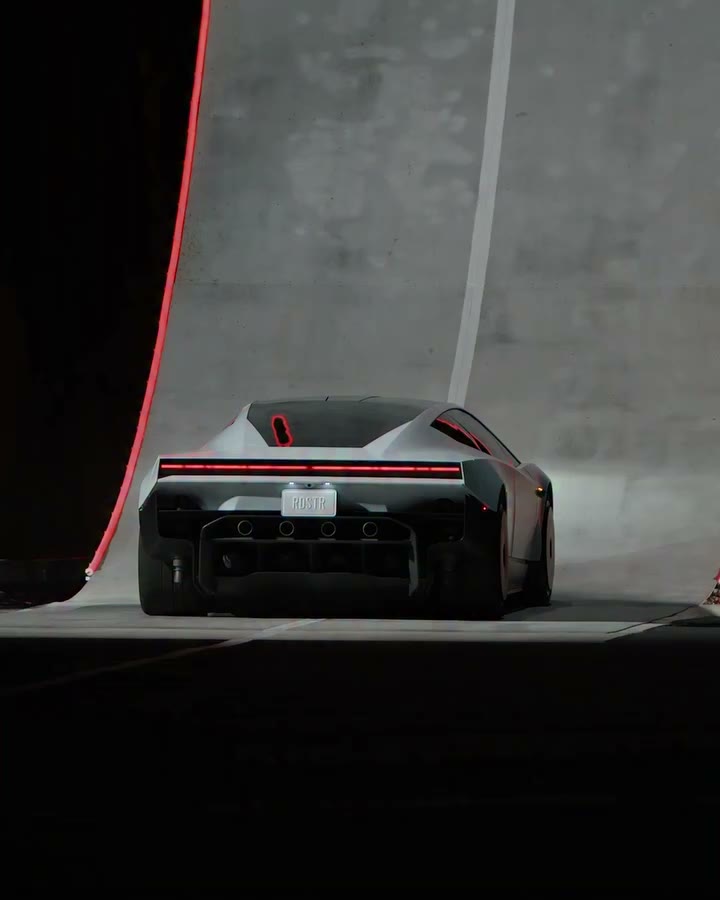
Make a Roadster AI video from one photo
The stunt reference is ready. Choose your car or object and the available output quality.
STEP 1
Upload your car or object
For Roadster AI, choose a sharp photo with one complete subject clearly visible. For a car, include its body and wheels; for another object, show its shape and distinctive details.
STEP 2
Check settings and generate
Open Settings to choose an available resolution. Review the credit amount on Generate and sign in when prompted. Selecting or replacing the photo alone does not start a Roadster AI generation.
STEP 3
Review and save the stunt
Watch your Roadster AI result in My creations. Check the car during the rotation and landing, enable sound to hear the restored reference audio, and use the available download action to save your video.
Make the Roadster AI stunt your own
Choose the moving subject and let the prepared sequence supply the action. These community videos demonstrate vehicle variations.
Choose your Roadster AI stunt subject
Roadster AI can use your everyday car, a distinctive vehicle or another object as the moving subject. One photo guides its shape, proportions, colors and materials. This page changes the object performing the stunt; the other Roadster tools below put a person in the driver’s role.
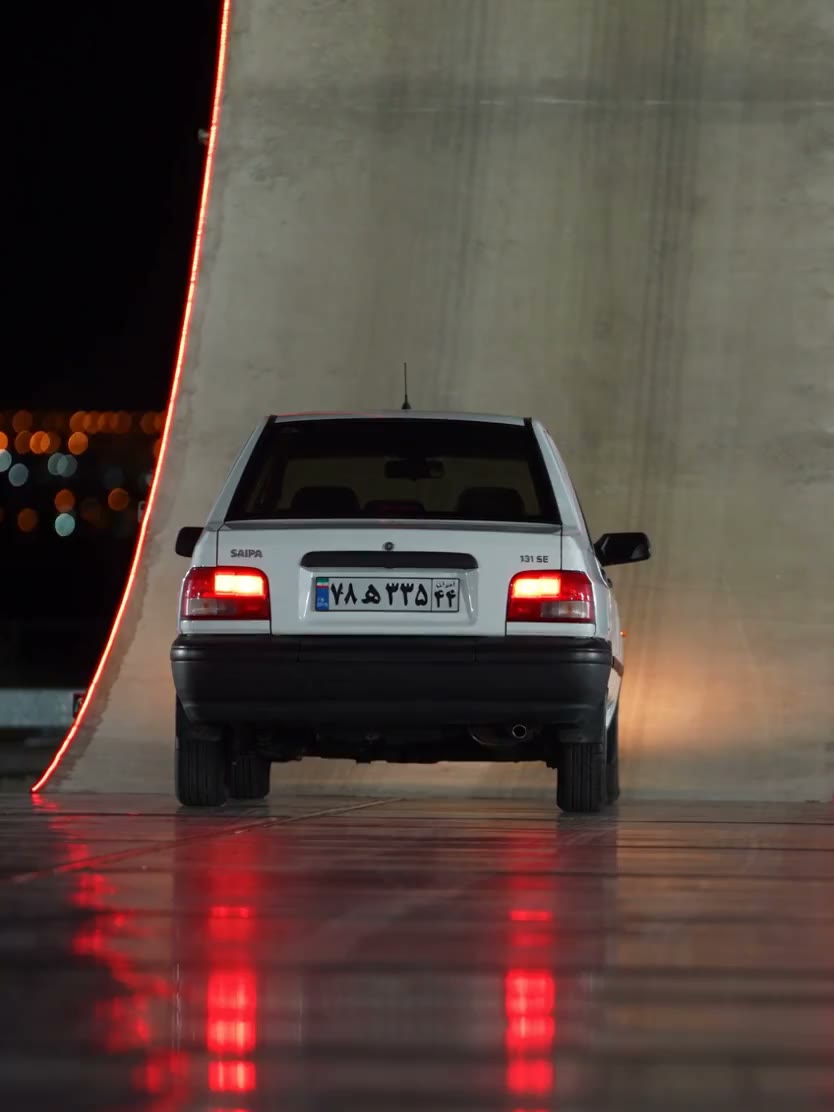
Follow the whole climb, flip and landing
Roadster AI connects the ramp approach, airborne rotation and jet-assisted descent in one prepared action sequence. You do not need driving footage or a series of separate prompts. The same image guides the subject across the shots, while the arena, smoke, lighting and camera remain tied to the reference.
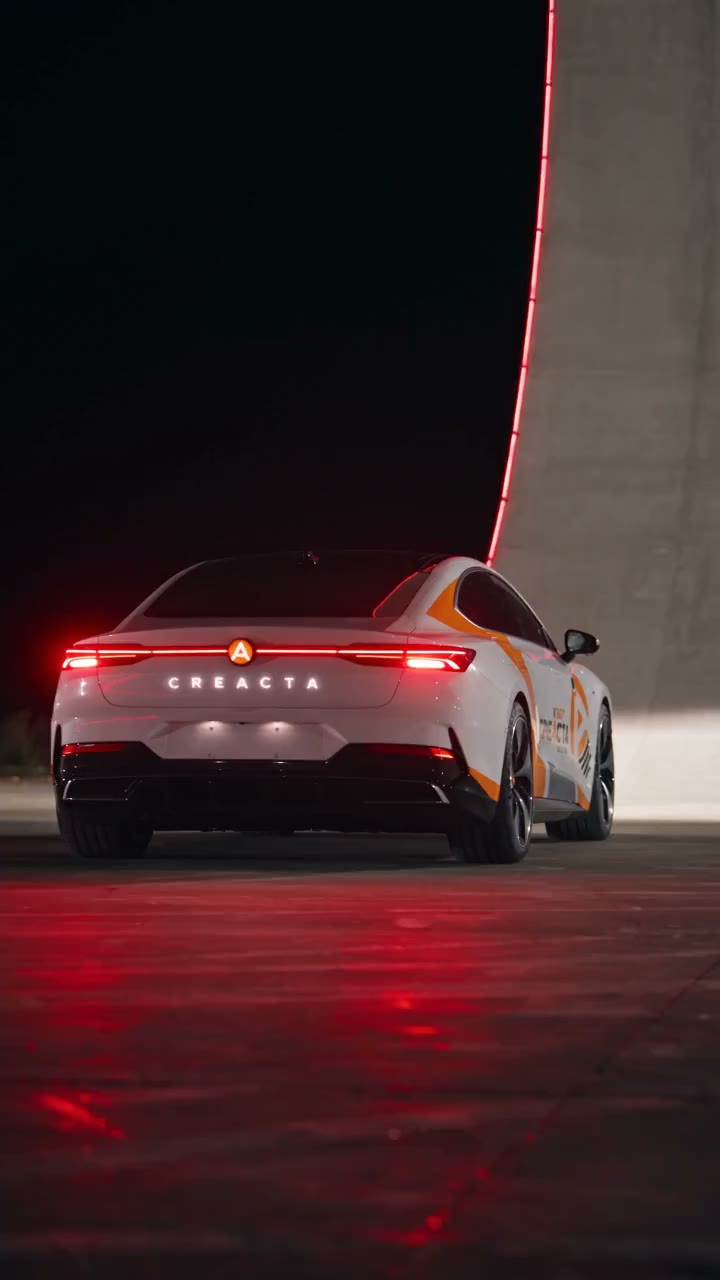
Get a complete action edit with original sound
Your Roadster AI result follows the approximately 17.4-second reference and includes its soundtrack. Preview and download the fictional stunt for a vehicle post or a playful object remix. The community examples use cars; other objects can be less predictable, particularly during rotation and landing.
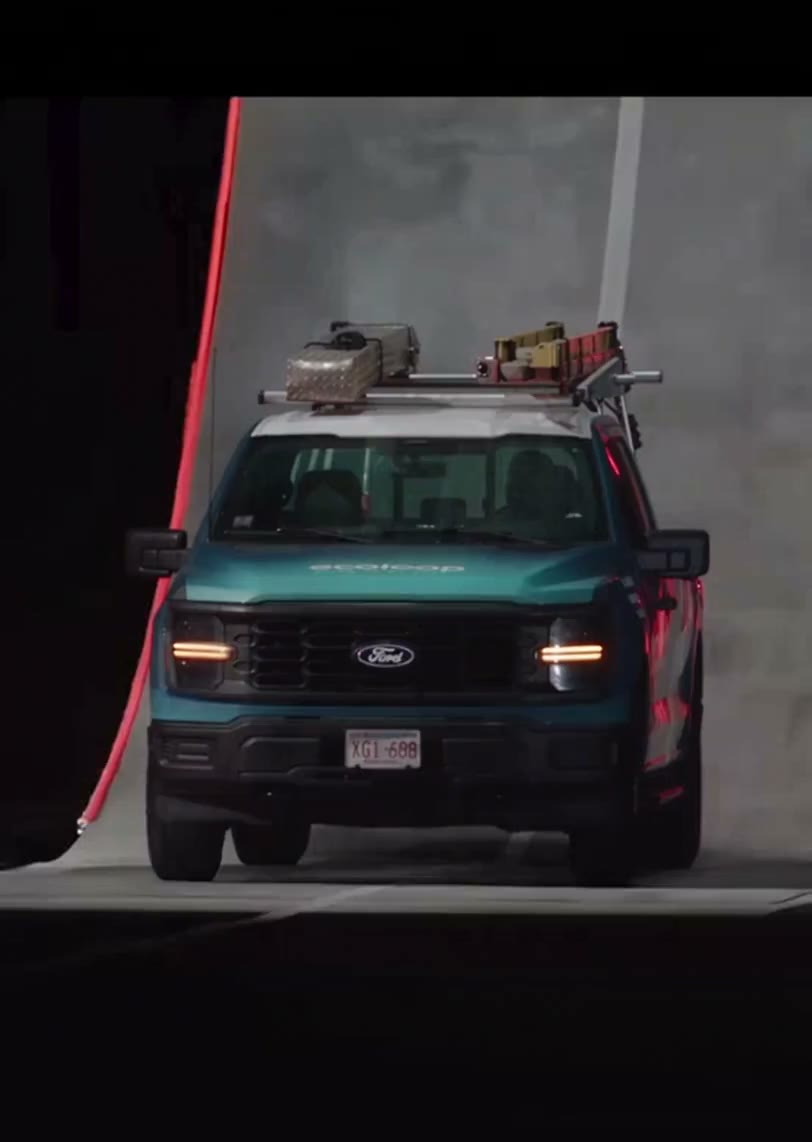
What does Roadster AI change?
Your photo guides the moving subject. The reference defines the stunt.
Your subject’s shape and appearance
A vehicle photo guides its body, paint and wheels; another object keeps its own shape, materials and details. Roadster AI is instructed to keep non-vehicle subjects free of added car parts. Complex shapes and small details can still change in the result.
The ramp and stunt sequence
The climb, rotation, jet effect and landing follow the reference. This page has no controls for a new arena, route or camera move. Watch the original clip before deciding whether it fits your idea.
About 17 seconds, with original sound
Generation follows the roughly 17.4-second, vertical 4:5 reference. Choose an available resolution in Settings. Community examples can have different crops or longer replays; those edits do not set your output length.
Roadster AI credits and plans
Generation requires an account and enough credits. Check the amount on Generate after selecting a resolution; the plan examples below may use different models or durations.
Starter
For your first ideas.
$8.3/month
$100.0 charged yearly
2,400 credits/year
Up to 400 images
GPT Image 2Nano Banana Pro
Up to 133 videos
Seedance 2.5Kling 3.0 Motion Control
- Up to 4K images and HD videos, depending on the model
- Image editing, video creation & motion transfer
- Watermark-free image & video downloads
- Generation history in your account
Popular40% OFFSave $238.8
Pro
For a steady creative flow.
$30.0/month$49.9/month
$360.0 charged yearly
21,600 credits/year
Up to 3,600 images
GPT Image 2Nano Banana Pro
Up to 1,200 videos
Seedance 2.5Kling 3.0 Motion Control
- Up to 4K images and HD videos, depending on the model
- Image editing, video creation & motion transfer
- Watermark-free image & video downloads
- Generation history in your account
- Use credits across image and video models
Best Value50% OFFSave $599.8
Business
For more creations, more often.
$49.9/month$99.9/month
$599.0 charged yearly
48,000 credits/year
Up to 8,000 images
GPT Image 2Nano Banana Pro
Up to 2,666 videos
Seedance 2.5Kling 3.0 Motion Control
- Up to 4K images and HD videos, depending on the model
- Image editing, video creation & motion transfer
- Watermark-free image & video downloads
- Generation history in your account
- Use credits across image and video models
Basic
$0Try before you subscribe
- 18 one-time signup credits
- Generation history included
- Watermarked previews & downloads
- Up to 3 images or 1 video
- Watermark-free downloads require payment
Prices in USD; taxes and total shown at checkout. Subscriptions renew automatically; cancel in Billing settings. Subscription credits expire each period; one-time credits never expire.
Refunds: request within 72 hours. Used purchased credits and applicable non-refundable processing costs (up to 6%) are deducted. Terms · Refund Policy
Roadster AI questions
Choosing a car photo, understanding the fixed scene, and checking your finished video.
How do I make a Roadster AI video with my own car?
Upload one photo of one car, choose an available resolution and check the cost on Generate. Sign in with enough credits to start. The photo guides the vehicle’s complete appearance; the ramp video, scene instructions and original soundtrack are already supplied.
What photo angle works best for Roadster AI?
A clear three-quarter view is a useful starting point because it shows the front or rear together with a side of the car. Keep the entire roof, bumpers, and wheels in frame. Avoid motion blur, deep shadows hiding the body, or another car overlapping the subject.
Can Roadster AI animate objects other than cars?
Yes. The template replaces the reference car with the main object in your photo, including other vehicles or non-vehicle objects. It asks to preserve that subject’s own shape and materials without adding car parts. The examples on this page demonstrate vehicles; other shapes may be harder to carry through the rotation and landing.
Will Roadster AI keep my vehicle consistent?
The instructions ask to preserve those features throughout the shots. AI may still change wheel spokes, mirror shapes, trim, or proportions during fast rotation and occlusion. Watch the approach, the airborne side view, and the moment after landing.
Can Roadster AI preserve license plates and logos?
Small text and detailed badges are not guaranteed to remain readable or exact. If a plate contains information you do not want to share, obscure it in the source photo before uploading. For a clip centered on an exact brand graphic or decal, review each visible angle before deciding whether the result is suitable.
Can Roadster AI change the ramp, route or camera?
Roadster AI follows the original driving path, ramp climb, airborne rotation, jet-assisted descent and landing. It asks to preserve the environment, smoke, lighting, timing, and camera work. There are no controls here for a new location or another stunt. Use the original reference above to decide whether this is the sequence you want.
How long is a Roadster AI video?
The reference is approximately 17.4 seconds and uses a vertical 4:5 frame. This page follows that source and has no independent length or aspect-ratio selector. Settings offers the resolutions currently available for the model. The community showcase contains clips with different framing and longer replays; those edits do not extend this template’s reference.
Does Roadster AI include sound despite the silent example?
Yes. The completed video uses the original reference soundtrack, added after generation. The decorated-sedan example is silent because its supplied file has no audio; it does not define your result’s soundtrack. There is no music picker or engine-sound editor. If your task displays an audio recovery action, use it rather than paying for another generation just to recover sound.
Is Roadster AI the police chase or coffee-spill meme?
Roadster AI makes the giant-ramp object stunt. For a person in the police chase, choose Tesla Roadster Meme below. For the button press, car flip and coffee spill from Day 1 of Owning a Roadster, choose Flying Tesla Roadster AI. Those two tools use one person’s photo; this one accepts a car or object photo.
Is Roadster AI free to use?
You can watch the reference and examples before submitting. Generation requires signing in and enough credits for the amount displayed on Generate. Changing a local photo does not spend generation credits. Each new attempt is a separate job; replaying a completed video does not submit another one. Check the current quote after changing resolution.
Where do I download my Roadster AI video?
Open the completed result in My creations or your video history and use Download. Check the approach, airborne rotation, landing and sound before sharing. If sound is still processing, follow the task’s status or recovery action; you do not need to generate again to find an existing result.
Can I share my Roadster AI stunt online?
Use a photo you have permission to edit and check the rights needed for the source video and audio in your intended use. Present the result as AI-created entertainment. A Roadster AI video does not demonstrate real vehicle capabilities or provide driving instructions. Motion Transfer is independent and does not imply Tesla sponsorship or endorsement.
Send your car up the ramp
Choose one car photo and bring its silhouette, color, and wheels into the Roadster AI stunt.