
Flying Tesla Roadster AI Video Generator
Make the coffee-spill joke your own with Flying Tesla Roadster AI. One person’s photo guides the character’s full appearance and clothing through the button press, car flip and coffee splash. The scene and original soundtrack are included.
0:00 / —:—
Flying Tesla Roadster AI video ideas
Explore community remixes of this performance. Open a video for a closer look.
Dark outfit · community example
Light jacket · community example
What is Flying Tesla Roadster AI?
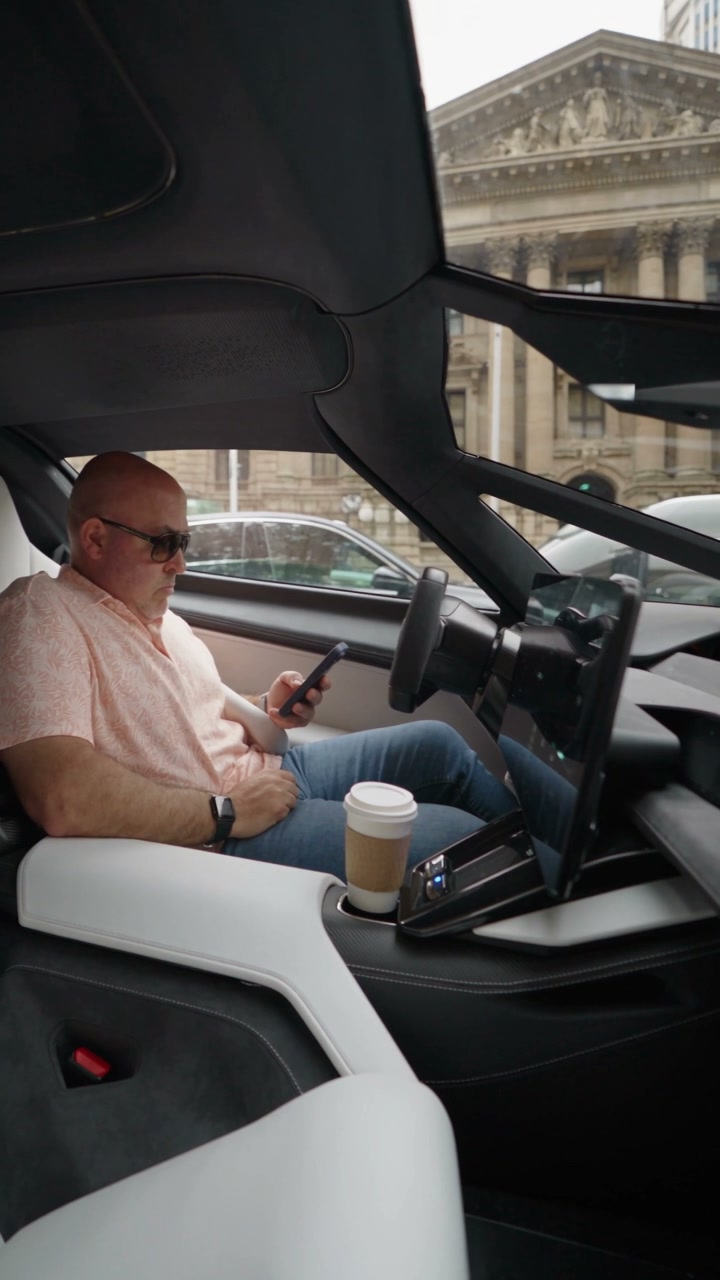
Flying Tesla Roadster AI puts a person from your photo into the Day 1 of Owning a Roadster coffee-spill video. The driver presses a button, the car lifts off and flips, and coffee spills when the camera returns to the cabin. Your photo defines the driver’s full appearance and clothing; the roughly 13-second reference supplies the car, street, action and original sound.
How to use Flying Tesla Roadster AI
Upload a portrait, check the generation cost, then review the finished scene with sound.
STEP 1
Choose one person’s photo
For Flying Tesla Roadster AI, use a clear portrait showing the head, shoulders and outfit. Crop group photos to one person. Use your own image or one you have permission to animate; you don’t need a car photo or driving footage.
STEP 2
Generate your Flying Tesla Roadster AI video
Choose an available resolution in Settings and check the amount on Generate. Sign in with enough credits to start. Selecting or replacing your photo does not spend generation credits.
STEP 3
Watch the splash and download
Find your Flying Tesla Roadster AI video in My creations. Review the button press, the return to the cabin and the coffee splash with sound. Use Download to save it. A new generation is a separate credit charge.
Make Flying Tesla Roadster AI your own
Choose the driver, follow the impossible flip and finish with the coffee-spill reaction.
Choose your Flying Tesla Roadster AI driver
Flying Tesla Roadster AI casts you or a consenting friend as the driver, including their hairstyle and outfit. The template supplies the seat, steering gestures and startled reaction, so an ordinary photo can start the scene. You do not need a Roadster or a picture taken inside a car.
Recreate the button press and flying-car surprise
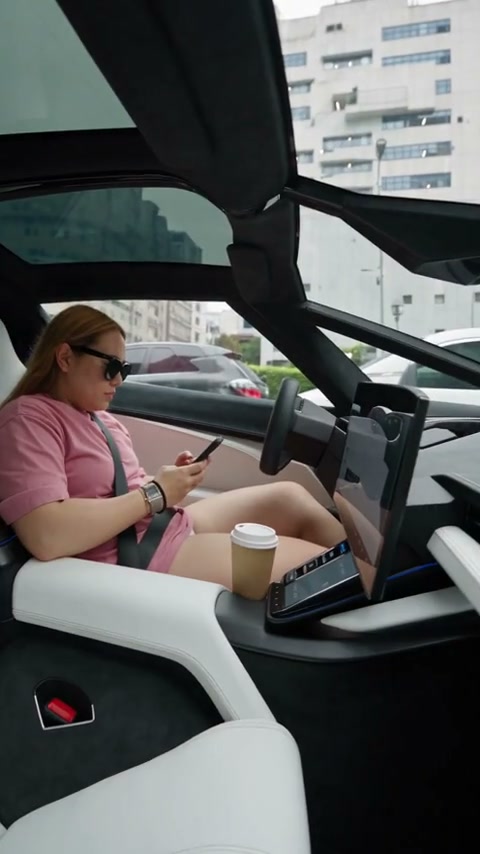
Flying Tesla Roadster AI turns an ordinary driving moment into an impossible flip before the camera cuts back inside. The prepared reference supplies those shots and their timing. You can create the whole fictional stunt without driving footage, camera work or a custom prompt.
Finish with the coffee-spill punchline and original sound
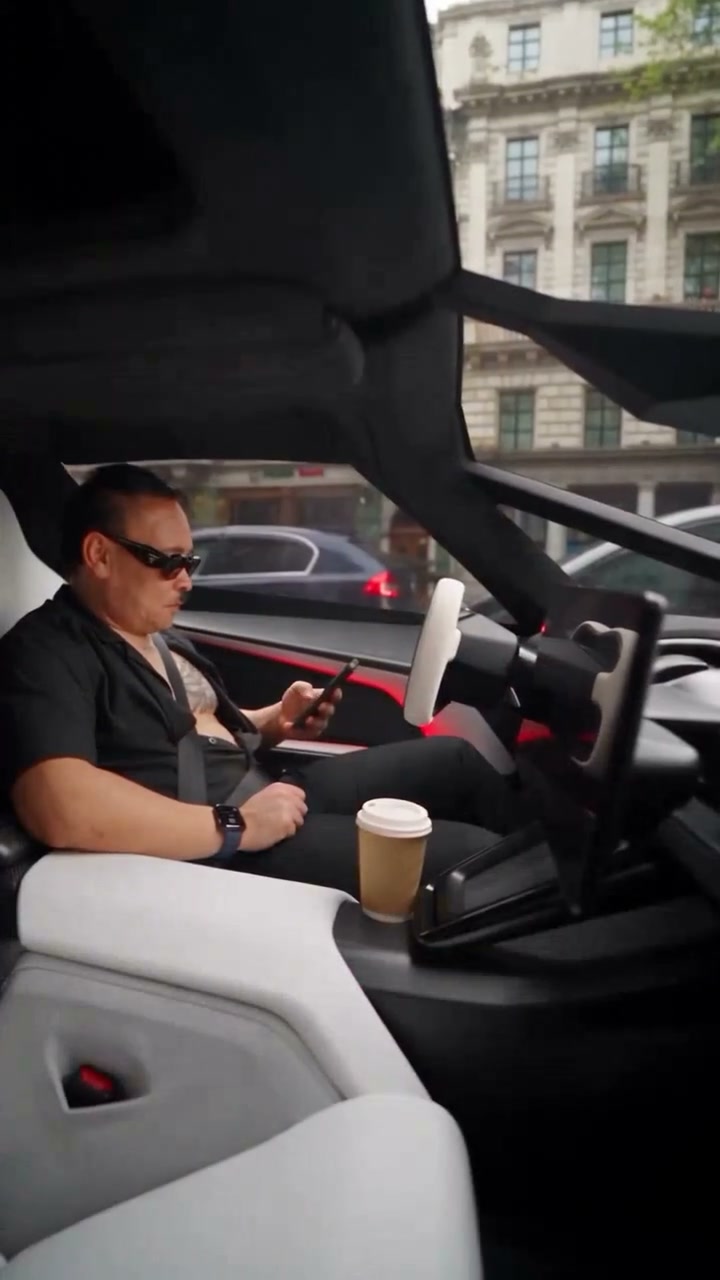
The spill and the driver’s reaction complete the Day 1 of Owning a Roadster joke. Your Flying Tesla Roadster AI result includes the original soundtrack, ready to preview and download. Review the returning driver and the splash before sharing; clothing details and liquid motion can vary.
What Flying Tesla Roadster AI changes
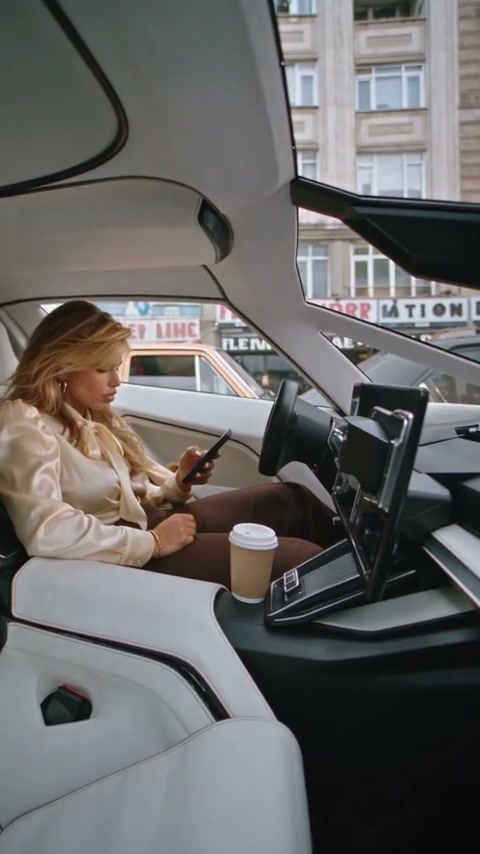
Choose the person and clothing through your photo. The rest of the scene comes from the fixed template.
Your character and outfit
Your Flying Tesla Roadster AI image guides the driver’s complete appearance, including hair and clothing. An upper-body portrait gives more outfit information than a tight headshot. The seated framing limits how much of a full outfit appears.
The button, flip and coffee
Flying Tesla Roadster AI follows the reference gestures and the splash on the driver’s body and clothes. There are no controls here for replacing the car, street or ending.
A vertical clip with original sound
Flying Tesla Roadster AI uses an approximately 13-second, 9:16 reference. Available resolutions appear in Settings. The finished video includes the original reference soundtrack; you don’t need to upload audio.
Flying Tesla Roadster AI credits and plans
You need an account and enough credits to generate. Use the amount shown on Generate for your selected resolution; the plan examples below may use different models or durations.
Starter
For your first ideas.
$8.3/month
$100.0 charged yearly
2,400 credits/year
Up to 400 images
GPT Image 2Nano Banana Pro
Up to 133 videos
Seedance 2.5Kling 3.0 Motion Control
- Up to 4K images and HD videos, depending on the model
- Image editing, video creation & motion transfer
- Watermark-free image & video downloads
- Generation history in your account
Popular40% OFFSave $238.8
Pro
For a steady creative flow.
$30.0/month$49.9/month
$360.0 charged yearly
21,600 credits/year
Up to 3,600 images
GPT Image 2Nano Banana Pro
Up to 1,200 videos
Seedance 2.5Kling 3.0 Motion Control
- Up to 4K images and HD videos, depending on the model
- Image editing, video creation & motion transfer
- Watermark-free image & video downloads
- Generation history in your account
- Use credits across image and video models
Best Value50% OFFSave $599.8
Business
For more creations, more often.
$49.9/month$99.9/month
$599.0 charged yearly
48,000 credits/year
Up to 8,000 images
GPT Image 2Nano Banana Pro
Up to 2,666 videos
Seedance 2.5Kling 3.0 Motion Control
- Up to 4K images and HD videos, depending on the model
- Image editing, video creation & motion transfer
- Watermark-free image & video downloads
- Generation history in your account
- Use credits across image and video models
Basic
$0Try before you subscribe
- 18 one-time signup credits
- Generation history included
- Watermarked previews & downloads
- Up to 3 images or 1 video
- Watermark-free downloads require payment
Prices in USD; taxes and total shown at checkout. Subscriptions renew automatically; cancel in Billing settings. Subscription credits expire each period; one-time credits never expire.
Refunds: request within 72 hours. Used purchased credits and applicable non-refundable processing costs (up to 6%) are deducted. Terms · Refund Policy
Flying Tesla Roadster AI questions
Choose the right scene, prepare your photo and know what the finished clip includes.
How do I make a Flying Tesla Roadster AI video with my photo?
Upload one person’s photo in the generator, choose a resolution and check the credit cost before selecting Generate. Motion Transfer recreates the driver’s full appearance and clothing in the preset button, flip and coffee-spill scene. The reference video and scene instructions are already included.
Is Flying Tesla Roadster AI the Day 1 of Owning a Roadster meme?
This is the coffee-spill version of Day 1 of Owning a Roadster: the driver presses a button, the car flips, and the drink splashes onto the driver. Watch the reference section to confirm the scene. For the police-chase escape, use Tesla Roadster Meme in the related tools below.
What photo works for Flying Tesla Roadster AI?
Use one sharp, evenly lit photo with the person’s head, hair, shoulders and upper-body clothing visible. A normal portrait is enough; the person does not need to sit in a car or hold a coffee. Crop out other people and avoid objects or strong filters obscuring the person.
Does Flying Tesla Roadster AI use my outfit?
The photo guides the character’s complete appearance and clothing. Include the jacket, shirt and sleeves you want to recreate. Small logos, patterns, jewelry and other fine details may change. A full-body photo does not change the template’s seated camera framing.
Can Flying Tesla Roadster AI change the car or ending?
Flying Tesla Roadster AI accepts a person’s photo and keeps the reference car, street and sequence. It has no separate car upload or ending controls. For a car-photo stunt, choose Roadster AI below; for a different jump using both a person and a car, choose Car Jump AI.
How does Flying Tesla Roadster AI handle the coffee splash?
The template is designed to preserve the coffee splash and its interaction with the driver’s body and clothing. Results can vary. Watch the full return-to-cabin shot and check the cup, hands, liquid and outfit together; one still frame cannot show whether the movement stays coherent.
Does Flying Tesla Roadster AI include sound?
Yes. The reference soundtrack is added after video generation. The preview example starts muted; use its sound control to listen. The workspace shows a community variation, while your completed video uses the original reference audio. You don’t need to find a song or upload music.
What format does Flying Tesla Roadster AI generate?
Flying Tesla Roadster AI follows the roughly 13-second, vertical 9:16 reference. It has no independent length or aspect-ratio control. You can choose an available resolution in Settings; check the updated credit estimate before generating.
Does Flying Tesla Roadster AI need a prompt or video upload?
No. Flying Tesla Roadster AI supplies the scene instructions and reference. Add one person’s photo and select the output resolution. You don’t need footage of a real car stunt.
Is Flying Tesla Roadster AI free to use?
You can watch the examples before signing in. Generation requires an account with enough credits for the amount shown on Generate. Selecting a photo does not spend generation credits. Each new generation is charged separately; replaying a finished video does not create another job.
Where can I download my Flying Tesla Roadster AI video?
Open the completed result in My creations or your video history and use Download. If the task is still processing sound, follow its displayed status or recovery action. You don’t need to submit a new generation just to find an existing result.
Is Flying Tesla Roadster AI an official Tesla feature?
The flying-car flip is a fictional AI scene. It does not demonstrate a real vehicle capability, and Motion Transfer is independent of Tesla. Present your result as an AI-created joke rather than footage of a real driving event.
Your character. One very unlucky coffee.
Add your portrait to the button, flip and coffee-spill scene. The action and original soundtrack are ready.