Create a video

Required photos2
Settings
Mode
Video length18s
Resolution

Flour Prank AI Video Generator

Add two photos to cast both people in a kitchen prank with a rolling pin and a cloud of flour.

0:00 / —:—
0:00 / —:—

Flour Prank AI video ideas

Explore examples of this effect. Open a video for a closer look.

What is Flour Prank AI?

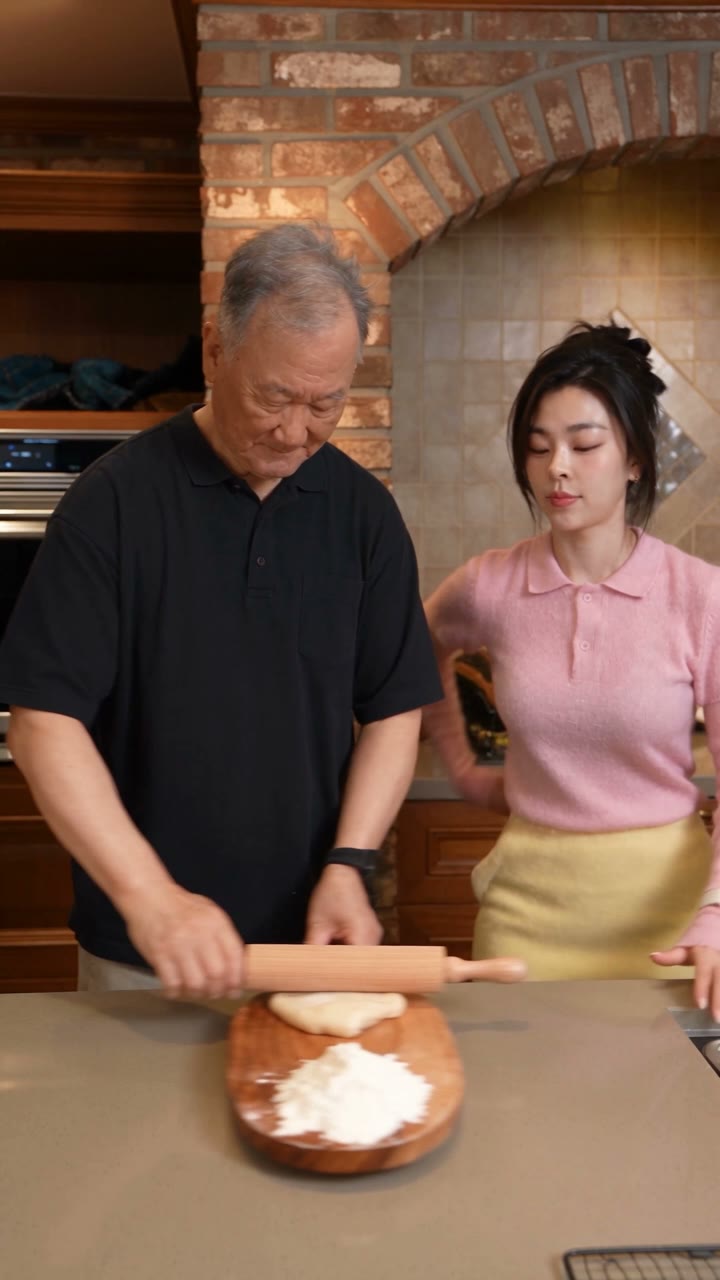
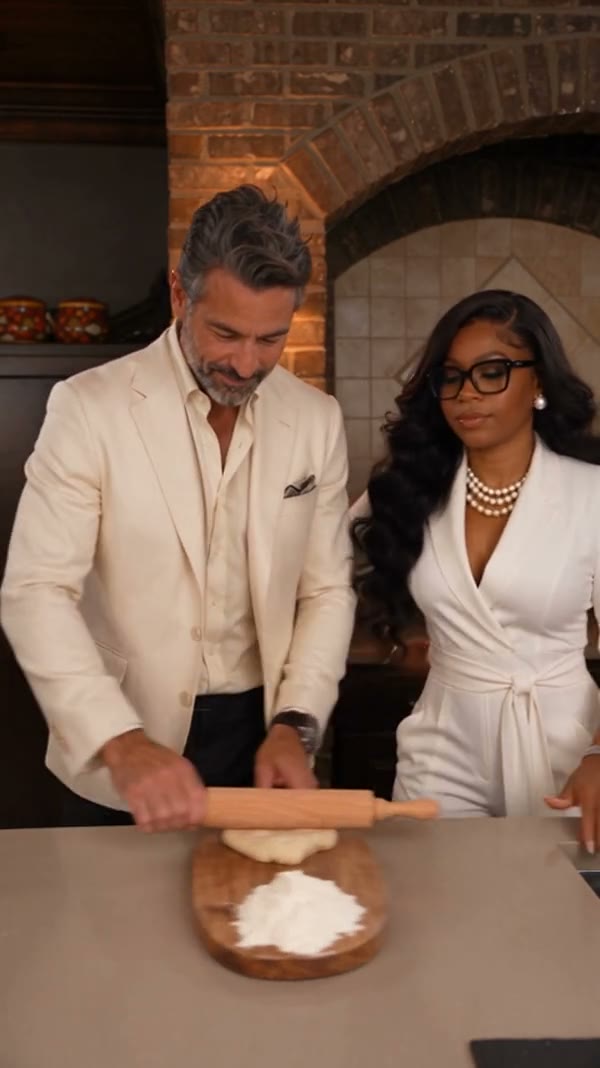
Flour Prank AI is a fixed-reference kitchen scene for two people. One person begins at a counter with dough and a rolling pin; the other steps in, handles the pin and ends up beneath a cloud of flour. Both react as the flour settles. Upload one photo for the person covered in flour and another for their companion. The prepared reference supplies the kitchen, camera, props and sequence, while the photos guide the appearance of the two roles. The examples show different casts in the same kind of scene; each generated result can vary.

Two people in light outfits act out the flour prank at the counter

How to make a Flour Prank AI video

Prepare two photos, choose a mode and generate your scene.

  1. STEP 1

    Assign the two photos

    Add a clear photo for the flour-covered person, then a separate photo for the companion. Both images are required for Flour Prank AI.

  2. STEP 2

    Preview the scene and choose a mode

    Watch the reference and select Economy, Standard or Original. Original uses the full approximately 18-second video; the other modes use a prepared 14.9-second selection.

  3. STEP 3

    Generate and check the result

    Review the displayed credit estimate, generate, then check the role assignments, flour moment and audio in My creations before downloading.

Explore Flour Prank AI video ideas

See the kitchen sequence with different pairs and use it as inspiration for your own cast.

Give each person a role in the kitchen

The first Flour Prank AI photo is for the person who takes the rolling pin and gets covered in flour. The second is for the companion at the counter. Use a separate, clear image for each role so the two appearances have distinct references. A photo with an unobstructed face, visible hair and the clothing you want to guide gives the model useful details when the people turn or stand close together. Both slots are required. The photos guide the cast; the position of the counter and the order of the actions follow the fixed scene.
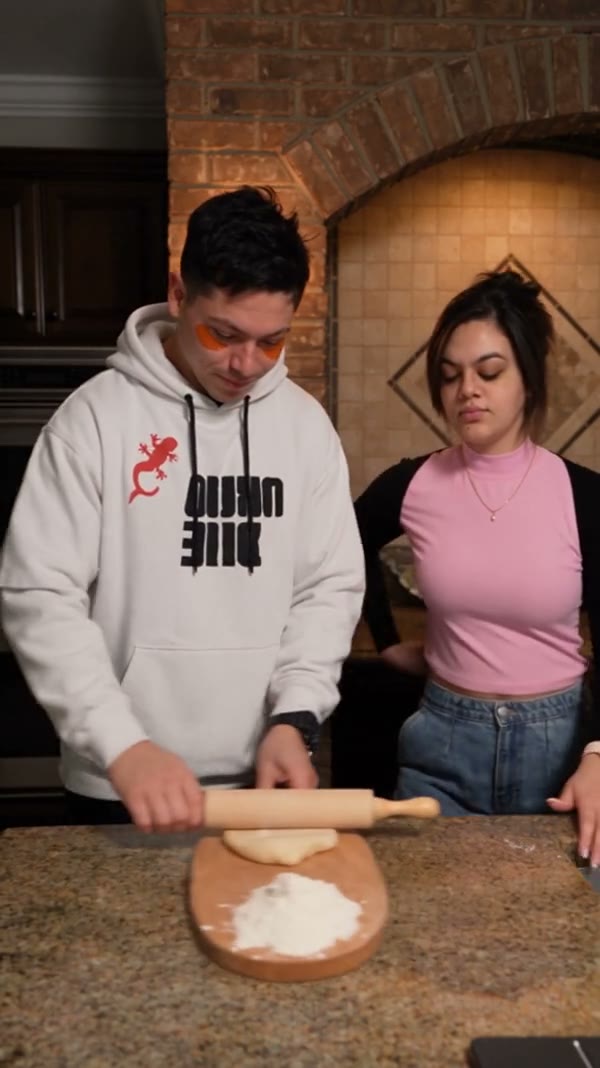
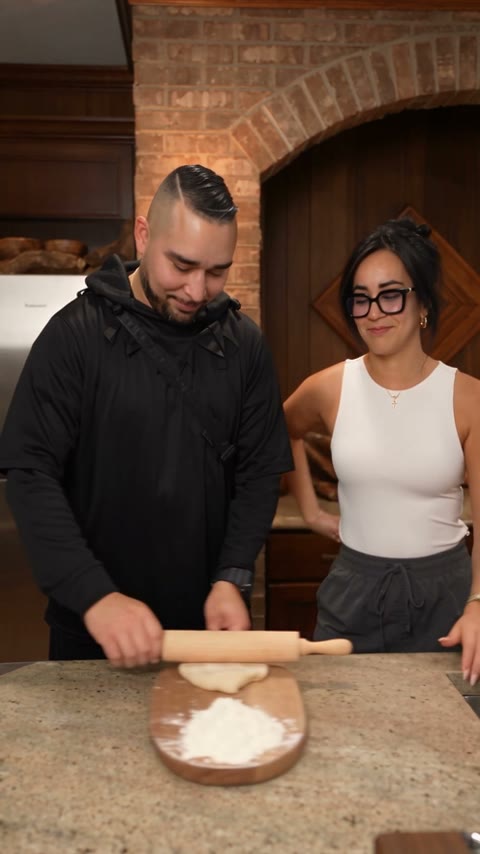
Give each person a role in the kitchen

Keep the flour cloud and the reaction together

The appeal of Flour Prank AI is the change from an ordinary baking moment to a sudden flour cloud and the pair’s response. The reference includes the rolling pin, dough and counter, so you can make a short comedy clip without filming that setup. Original follows the full scene, including the opening; the shorter modes begin after the first few seconds and keep the flour moment and the reaction. Movement, hands and falling flour are interpreted by the model, so review the result before choosing a take to share.

Keep the flour cloud and the reaction together

Ways to use Flour Prank AI

Choose two consenting subjects and adapt the fixed scene to the kind of short video you want to make.

Make a two-person comedy clip

Cast two people in Flour Prank AI and let the prepared setup lead into the shared reaction.

Try a different Flour Prank AI cast

Use separate photos for a new pair while keeping the same kitchen action and camera framing.

Add a scene to an edit

Download the finished video and combine it with other material you have permission to use.

Plan your Flour Prank AI video

A few choices help you prepare the two roles and understand the result.

Photos for both Flour Prank AI roles

Flour Prank AI has one slot for the flour-covered person and one for the companion. Use an individual photo in each slot so each appearance has a clear assignment.

A fixed kitchen sequence

The reference supplies the kitchen, rolling pin, dough, flour and action. This page does not provide separate controls to replace the props or set a new camera move.

Full or shorter reference

Original follows the approximately 18-second reference. Economy and Standard use its later 14.9-second segment, including the flour cloud and the people’s reactions.

Sound and final review

The workflow attempts to restore the reference audio after generation. Listen to the finished Flour Prank AI video and check both people where the flour briefly obscures the scene.

Flour Prank AI questions

Photos, roles, modes and the finished video.

How many photos does Flour Prank AI need?

Two individual photos are required: one for the person who is covered in flour and one for the companion. Each image guides its own role.

Who does the first Flour Prank AI photo represent?

The first photo guides the person who takes the rolling pin, lowers it over the dough and is covered by the flour cloud. The second photo guides the person beside them.

What photos work well for Flour Prank AI?

Choose clear, well-lit photos showing each person separately. A visible face, hair and outfit help the model interpret each appearance as the scene moves.

Can I change the Flour Prank AI kitchen or props?

Flour Prank AI follows its prepared kitchen, counter, rolling pin, dough and camera framing. The workspace provides two character photos and does not offer separate prop or background inputs for this scene.

How long is a Flour Prank AI video?

Original follows the full reference, about 18 seconds. Economy and Standard use a 14.9-second section from the same source, starting after the opening and retaining the flour cloud and reaction.

How do the three Flour Prank AI modes differ?

Economy, Standard and Original use different generation settings. The workspace shows the available reference length, resolution and credit estimate for your selection.

Does Flour Prank AI include sound?

The reference video has an audio track, and the workflow attempts to restore it after generation. Listen to the finished clip and check your rights before sharing it.

Can I use one photo for both roles?

The form requires an image in each role. Separate images make it easier to identify the two subjects; use people and media you have permission to include.

Will Flour Prank AI match my photos exactly?

Photos guide appearance, while the model interprets movement and views that are not visible in the images. The flour cloud can temporarily cover a face, so check identity and continuity across the whole result.

Can I use another Flour Prank AI reference video?

Flour Prank AI uses the prepared reference on this page. To work with a different motion clip, explore the general Motion Transfer workspace.

How much does Flour Prank AI cost?

Generation uses credits. Review the estimate shown in the workspace for the selected mode before submitting.

Where is my finished Flour Prank AI video?

Open My creations to follow the task. When the video is ready, you can play it and download the result there.

Create your Flour Prank AI video

Choose two photos and cast your pair in the kitchen scene.

Flour Prank AI