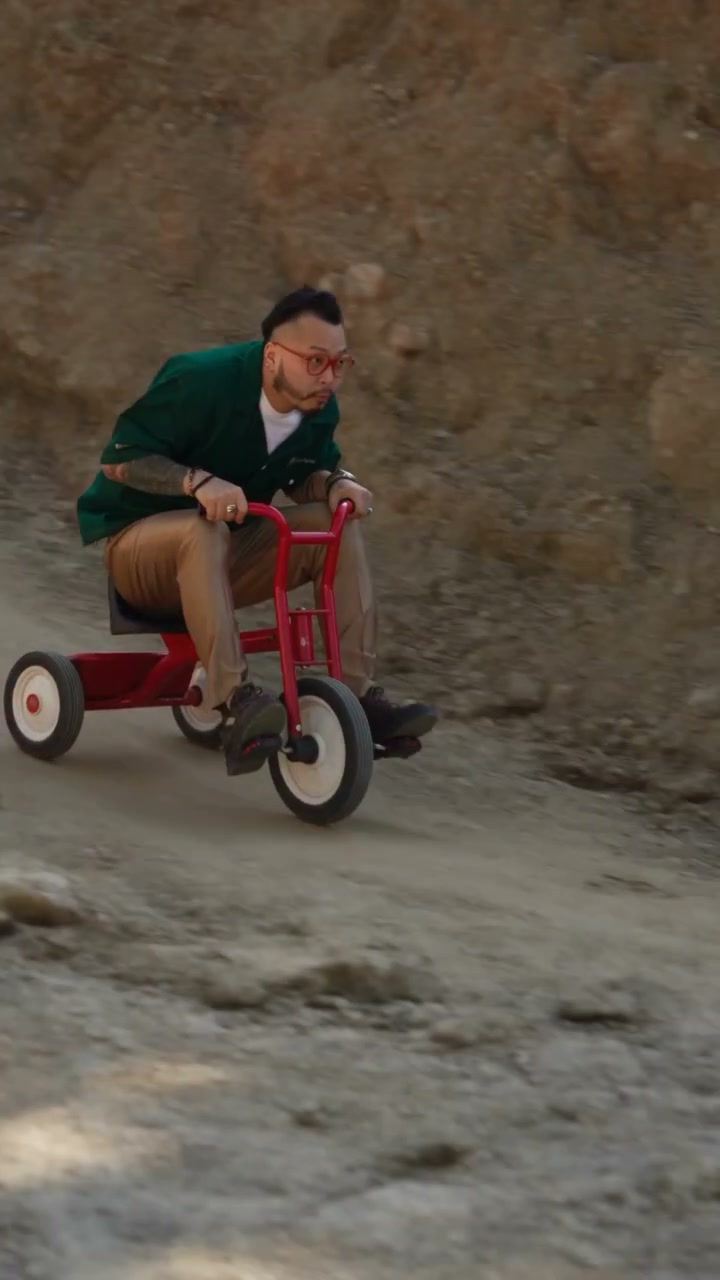
Tricycle Crash AI Video Generator
Turn one person or pet photo into a playful downhill tricycle scene with a surprise crash.
Tricycle Crash AI video ideas
Explore examples of this effect. Open a video for a closer look.
What is Tricycle Crash AI?
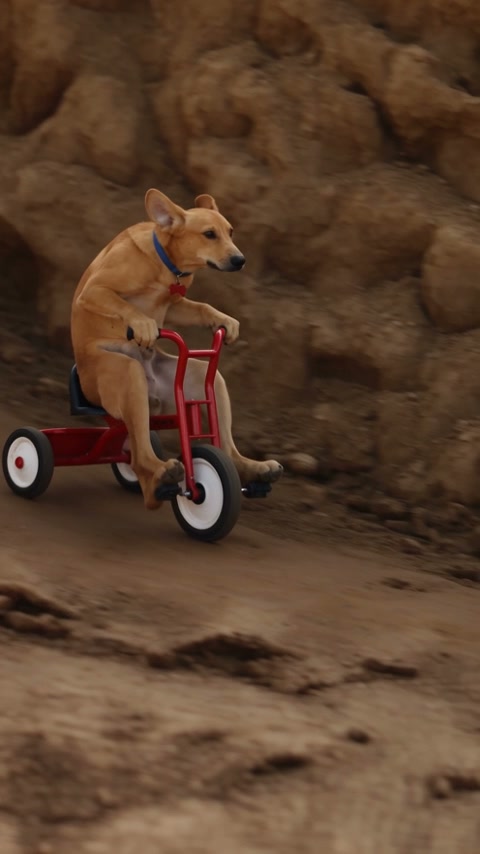
Tricycle Crash AI is a photo-to-video scene built around a tiny tricycle, a dirt slope and an unexpected finish. The rider heads downhill, jumps up and gestures, then the sequence ends with a collision near a tree and a fall. Add one photo to guide the appearance of the rider and select whether that subject is a person or a pet. The prepared video supplies the setting, the action and the camera movement. Your photo supplies the character; it does not replace the tricycle or let you rearrange the events. Results are generated and can vary between attempts.
How to make a Tricycle Crash AI video
Choose a rider, add a photo and review the scene before generating.
STEP 1
Select a person or pet
Choose the subject type that matches your photo. Tricycle Crash AI uses one rider image, so start with a clear picture of a single subject.
STEP 2
Upload a photo and choose a mode
Add the rider photo and select Economy, Standard or Original. Original uses the full reference; the other modes use a prepared 14.9-second portion.
STEP 3
Generate and review
Check the displayed credit estimate and generate. Open My creations to watch the finished Tricycle Crash AI video, then download the take you want.
Tricycle Crash AI video ideas
Explore the downhill scene with different riders and find inspiration for your own clip.
Choose the rider for your Tricycle Crash AI video
Pick a clear photo of one person, dog, cat or another pet. For a person, use a well-lit image where their face and hair are visible. For a pet, a picture with a clear face, coat and body shape gives Tricycle Crash AI details to follow as the rider moves. Choose Person or Pet in the workspace to match your photo, then upload it to the single slot. The choice also determines which Original model is used. A photo with one subject is easier to interpret than a crowded group, and the finished video may change details that are hidden or seen from another angle.
From downhill ride to comic tumble
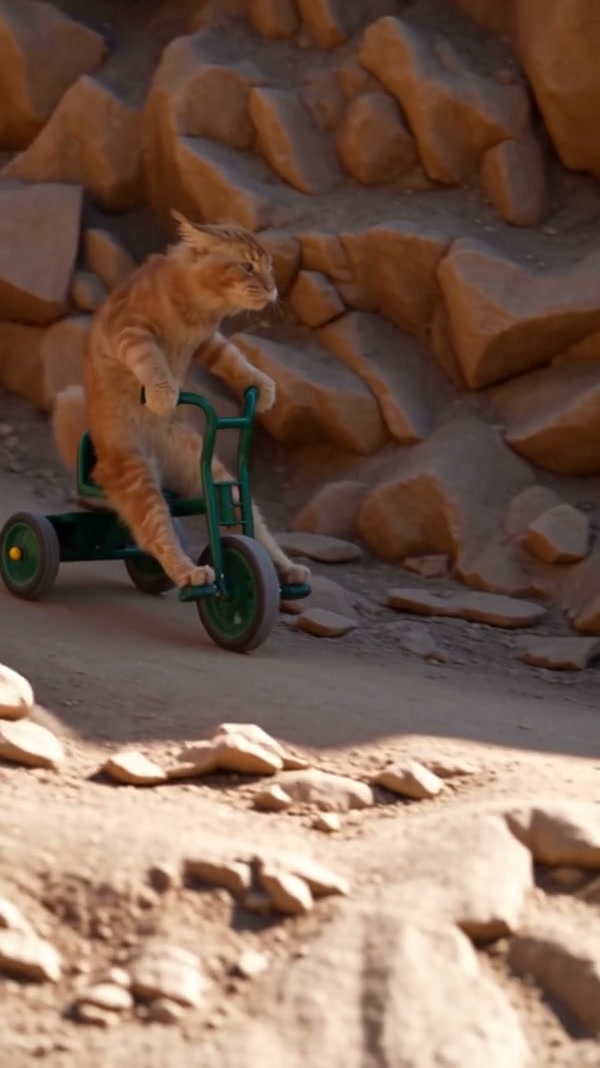
The Tricycle Crash AI sequence has a clear setup and punchline: a small ride on an uneven slope, an exaggerated gesture, and a sudden collision followed by a fall. The reference keeps those beats together so you can try different riders without staging a stunt. Watch the preview to see the framing and timing before choosing your photo. The tricycle, outdoor background and action come from the fixed clip; the model may interpret an animal’s pose or proportions differently as it fits the rider into the movement. This is a generated scene, so do not recreate the crash in real life.
Ways to use Tricycle Crash AI
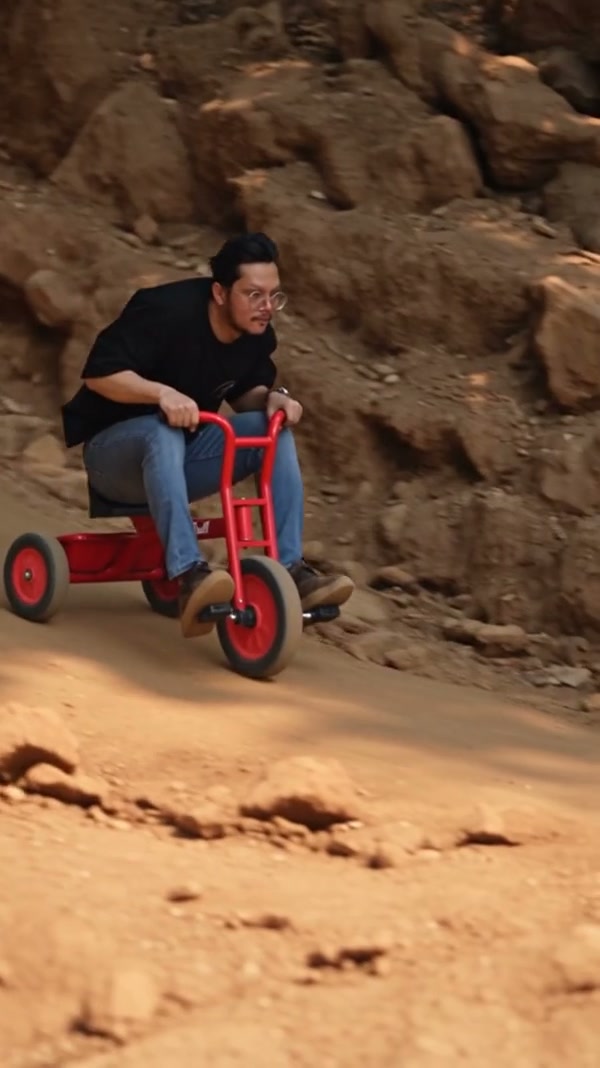
The same downhill setup can give a different feel depending on the photo you choose.
Put a person in the rider’s seat
Use a clear portrait and select Person to make a lighthearted Tricycle Crash AI reaction scene.
Make a pet the star
Choose Pet and upload a picture showing your animal clearly. Coat color and facial markings give the model details to work with.
Try another look
Create another Tricycle Crash AI take with a different photo and compare the rider’s appearance through the movement and fall.
Plan your Tricycle Crash AI clip
Know what your image controls and what the prepared scene provides.
One rider image
Tricycle Crash AI uses one photo for the rider. Choose Person or Pet to match the image; the form does not provide separate slots for multiple riders.
A ready-made outdoor scene
The dirt slope, small tricycle, tree and camera action come from the fixed reference. This page does not offer separate background or vehicle controls.
Three generation modes
Original follows the full approximately 15-second reference. Economy and Standard use the prepared 14.9-second portion. The workspace shows the selected duration and current credit estimate.
Review the final take
The workflow attempts to restore the reference audio. Check your Tricycle Crash AI result for appearance, motion and sound, particularly when the rider turns or falls.
Tricycle Crash AI questions
Photo choices, the prepared scene and your finished video.
Can I use a pet photo for Tricycle Crash AI?
Yes. Select Pet and upload one clear photo of your dog, cat or other pet. The image guides the single rider; animal poses and proportions may vary in the generated video.
Can a person be the Tricycle Crash AI rider?
Yes. Select Person and add one photo of the person you want to feature. Use an image with their face and appearance clearly visible and obtain any permission required.
How many photos does Tricycle Crash AI need?
One photo is required. It represents the single rider in the scene. A separate image of the tricycle, background or tree is not needed.
What happens in the Tricycle Crash AI scene?
The reference shows a rider on a small tricycle going downhill, jumping up and gesturing, then colliding near a tree and falling. The exact appearance and movement of a generated rider can vary.
How long is a Tricycle Crash AI video?
The full reference is about 15 seconds. Economy and Standard use a prepared 14.9-second segment, while Original uses the full reference. The workspace displays the applicable duration.
Why do I choose Person or Pet?
The choice tells the workspace which kind of rider you are using. In Original mode, it selects the model configured for that subject. Choose the option that matches your photo before generating.
Can I change the Tricycle Crash AI background?
This page follows the prepared outdoor scene and does not provide a separate background control. For a different motion reference, explore the general Motion Transfer workspace.
Will the result look exactly like my photo?
The image guides the rider’s appearance, but the model interprets poses and angles that may not appear in the photo. Review the full clip, especially around quick movement and the fall.
Does Tricycle Crash AI include sound?
The source video contains audio and the workflow attempts to restore it after generation. Listen to the finished take and confirm you have the necessary rights before sharing.
How much does Tricycle Crash AI cost?
Generation uses credits. The estimate depends on the selected mode and subject model; check the current amount displayed in the workspace before submitting.
Where can I find my Tricycle Crash AI result?
Open My creations to see the task and play or download the video when processing finishes.
Create your Tricycle Crash AI video
Choose a person or pet photo and cast your rider in the downhill scene.