
AI Walk Video Generator
Turn one photo into an AI Walk Video with a street-style walk and pose.
AI Walk Video ideas
Explore examples of this effect. Open a video for a closer look.
What is an AI Walk Video?
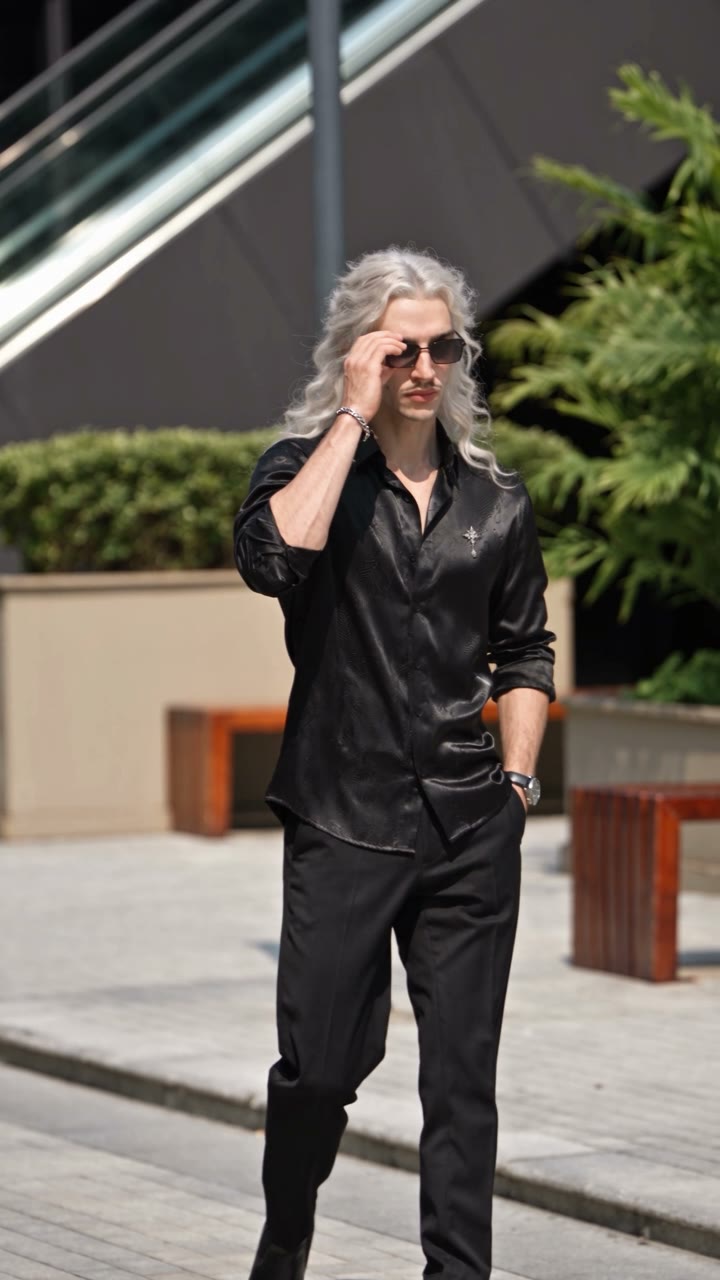
This AI Walk Video is a fixed photo-to-video scene in which one person walks outdoors, adjusts their sunglasses, changes pose and turns. Add one person photo to guide the subject’s appearance and outfit. The supplied reference controls the location, camera, movement and edit. The result is a generated interpretation of that sequence rather than a custom walking route or an animated version of the background in your photo.
How to create an AI Walk Video
Prepare one photo and follow the street-style reference.
STEP 1
Pick a person photo
Choose a clear image with the face and outfit visible.
STEP 2
Choose a mode
Preview the walk and review the current settings and credits.
STEP 3
Generate your take
Create the clip and inspect the walk, turn and outfit before using it.
Bring a still look into motion
One photo supplies the person; the reference supplies the sequence.
Put your look into an AI Walk Video
A short street-style clip can introduce an outfit, add a character beat to a video edit or turn a still portrait into a moving scene. AI Walk Video retains the reference’s walking and pose sequence while the uploaded image guides the featured person. Clothing and facial details can vary as the model interprets the subject from new angles. The glasses gesture belongs to the reference; the page does not offer an independent accessory control. For an AI outfit video, use a photo showing the look you want to guide; this scene does not provide an outfit swap or a separate garment input.
Choose the photo for your AI Walk Video
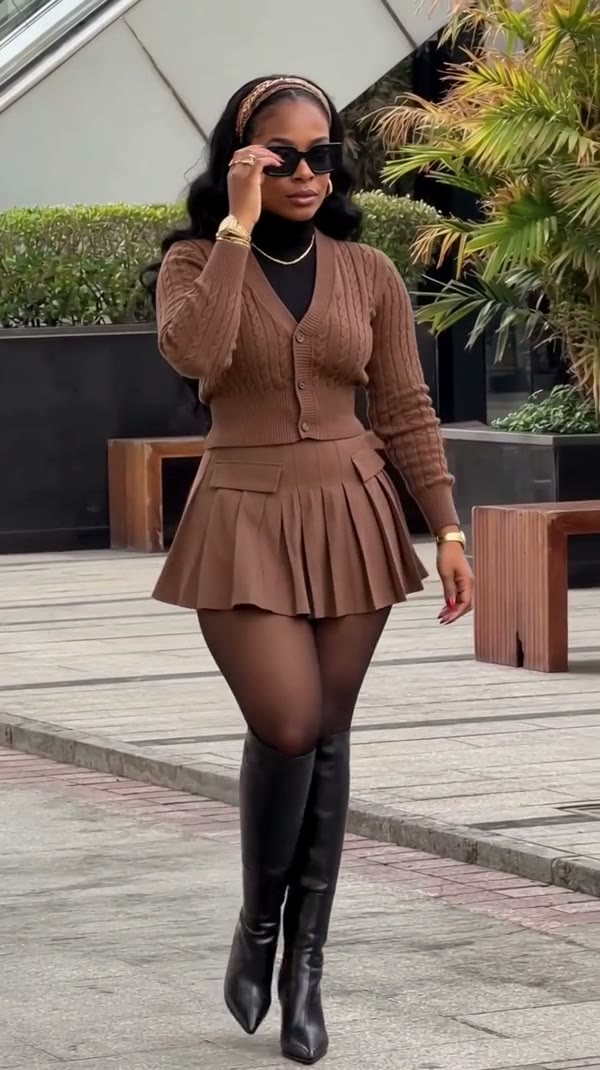
Use one clear image with one person, a visible face and as much of the intended outfit as possible. Full-body or three-quarter pictures give the model more visual information for the walk and turn than a tightly cropped selfie. Avoid images where another person obscures the subject. A clear photo helps guide the output, but AI Walk Video may still change small details when the person turns away from the camera. Before choosing your AI Walk Video photo, check that the hands and shoes are visible if those details matter to your final edit. If the look includes a long coat, a patterned top or distinctive shoes, show those pieces clearly in the same photo. Compare the image with the moving preview before generating: the subject turns through several angles, and the input can only show the details visible in your original picture.
Review the movement and final look
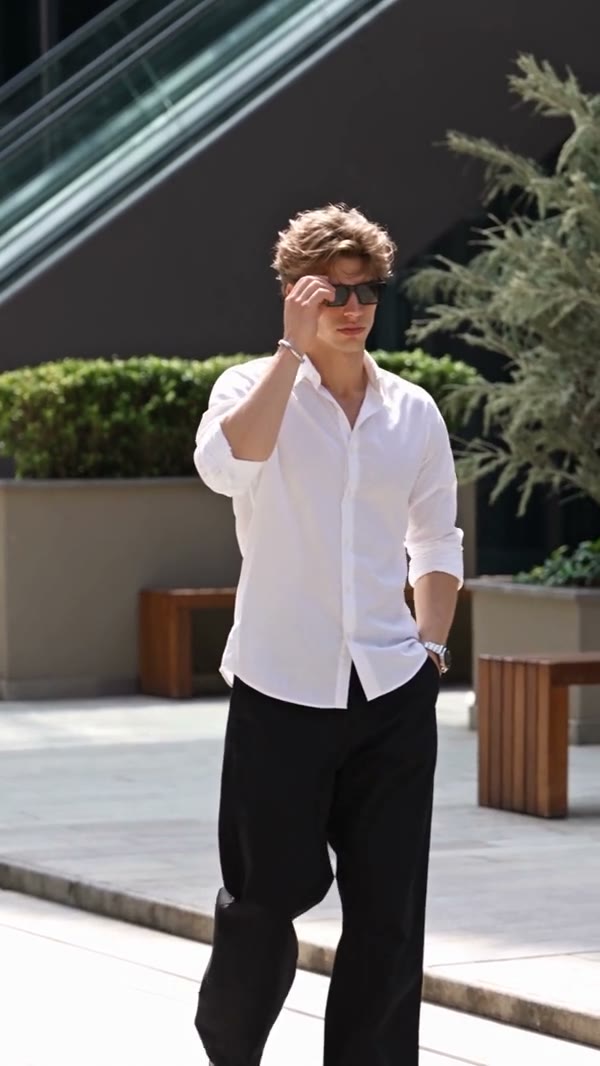
The prepared reference is about 11 seconds long. Economy, Standard and Original follow the available reference; their generation settings differ. Review the displayed estimate, then check the walk, hands, face, clothing and turn in your finished AI Walk Video. The reference environment and timing are fixed, so use the general workspace if you need to supply a different motion video instead. An AI Walk Video can show the same look in a new motion sequence, though the generated fabric and accessories may shift between cuts.
AI Walk Video questions
Learn what this fixed scene can do.
How many photos does AI Walk Video need?
One photo of the person is required. You do not need to upload another motion video for this template.
What happens in the AI Walk Video?
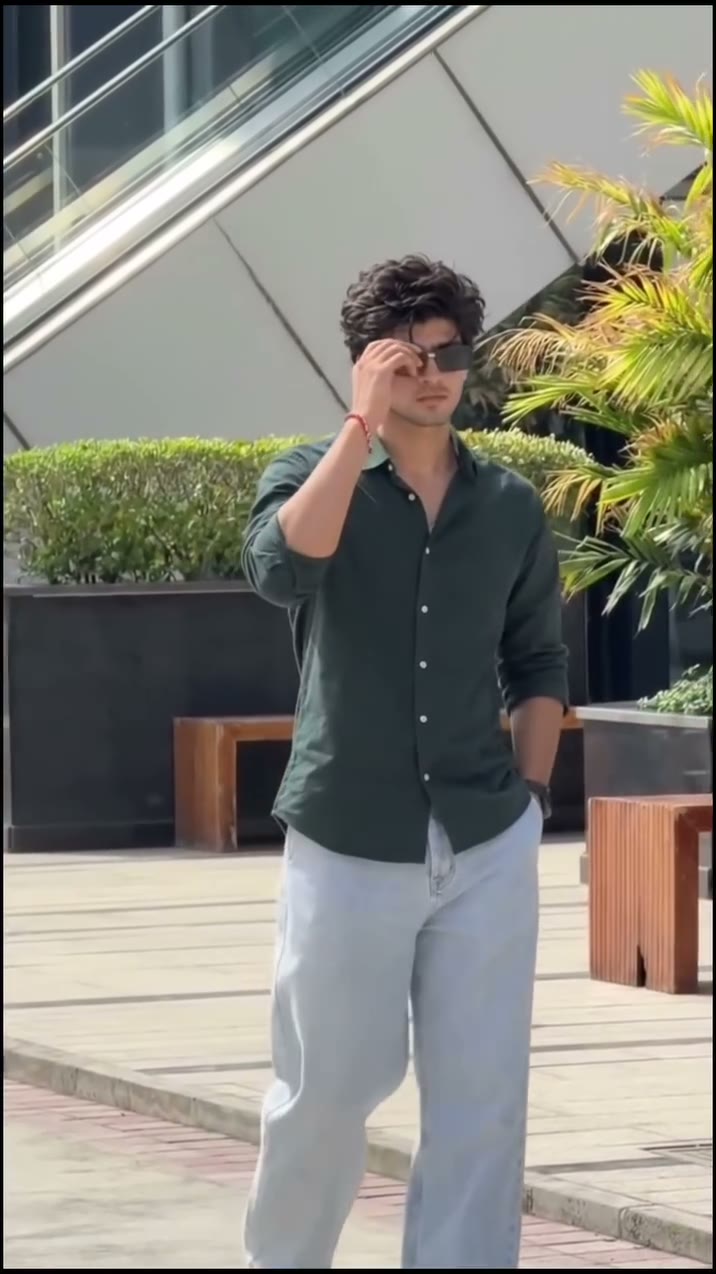
The person walks outside, adjusts their sunglasses, poses and turns across several camera cuts.
Can I make an AI outfit video from my photo?
Yes. AI Walk Video uses one photo of a person to guide the appearance in a prepared walk and pose. It does not provide virtual try-on.
What does the AI Walk Video keep from the reference?
The street setting, walk, sunglasses gesture and camera sequence follow the prepared video; your photo guides the person.
Can I change the location?
The location comes from the fixed reference. This page does not include a separate background or route selector.
Can AI Walk Video change my outfit?
The image guides the featured person’s appearance. The page does not include a separate garment upload or outfit-change control.
Do I need sunglasses in my photo?
No. The gesture is part of the reference. The generated appearance may vary, so review the finished clip.
How long is the AI Walk Video?
The reference is approximately 11 seconds. The workspace displays the duration and current settings.
Can I use a group photo?
The template has one person slot. A photo with a single, clearly visible subject makes the intended role easier to identify.
Does the clip have audio?
The workflow attempts to restore reference audio. Check the delivered video and confirm that you have the necessary sharing rights.
Where can I find the result?
Open My creations when the task is complete to play or download the video.