
Luxury CEO Entry AI Video Generator
Create a Luxury CEO Entry AI video from one photo, with a cinematic car arrival and office entrance.
Luxury CEO Entry AI video ideas
Explore examples of this effect. Open a video for a closer look.
What is Luxury CEO Entry AI?
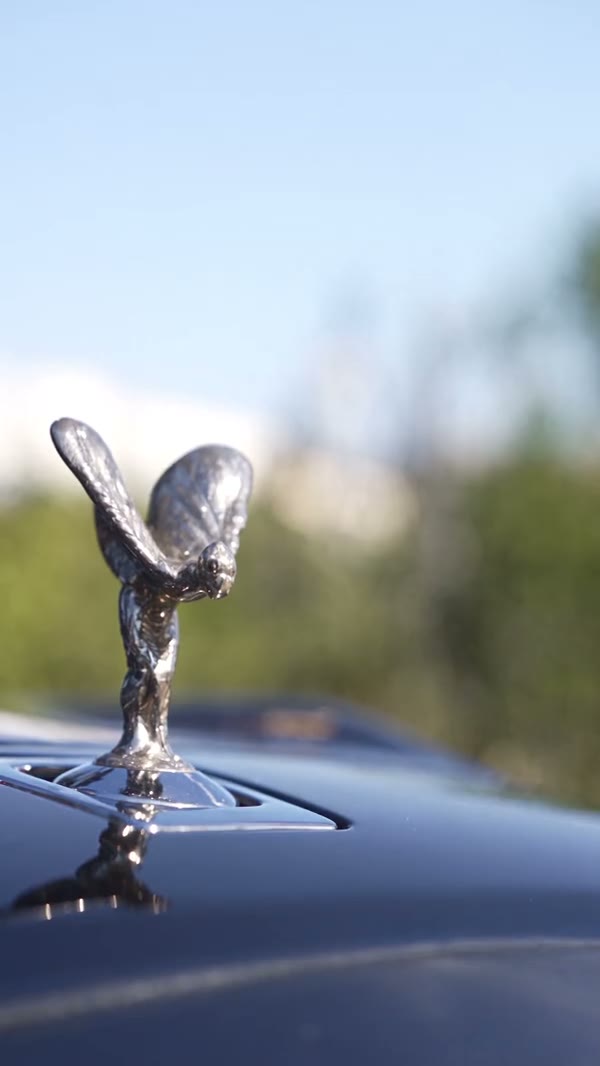
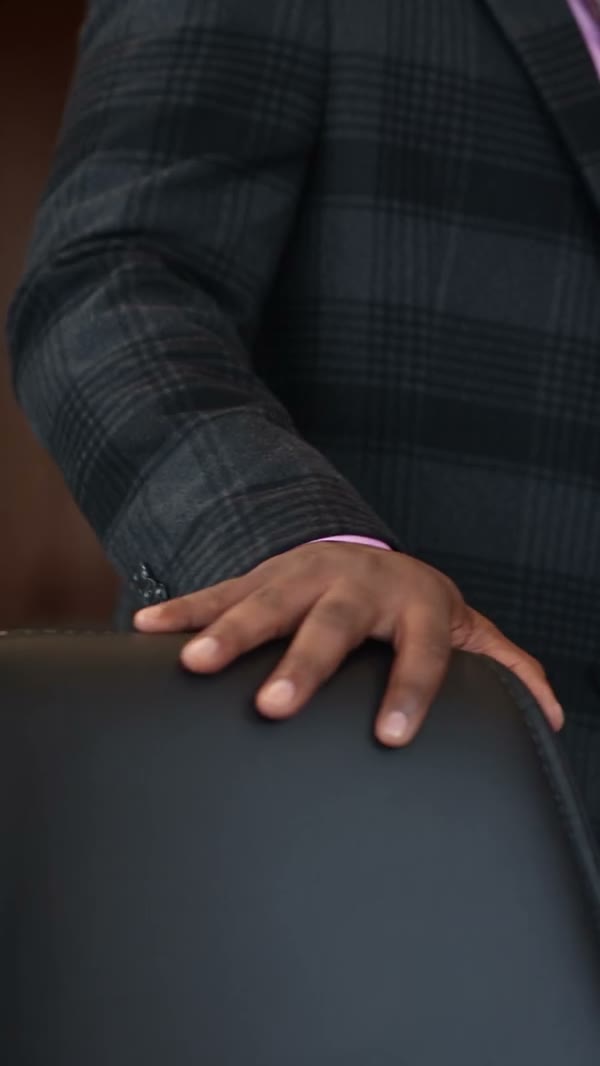
Luxury CEO Entry AI is a fixed photo-to-video scene that casts one person in an executive arrival. The reference begins beside a luxury car, follows the person through the lobby and lift, and ends at an office chair. Upload one photo to guide the lead person’s appearance. The prepared video supplies the car, building, supporting people, camera cuts and timing. The result is an AI-generated interpretation, so facial details, clothing and motion can vary between attempts.
How to make a Luxury CEO Entry AI video
Prepare a portrait, choose the version and review the result.
STEP 1
Select one person
Choose an image with a visible face and the appearance you want to use.
STEP 2
Review your Luxury CEO Entry AI reference
Pick Original for the complete scene or a shorter mode for the opening.
STEP 3
Generate and review
Check the displayed credits, generate, then watch the whole result before sharing.
A cinematic arrival from one photo
The reference provides the action while your photo guides the lead.
Make an entrance with Luxury CEO Entry AI
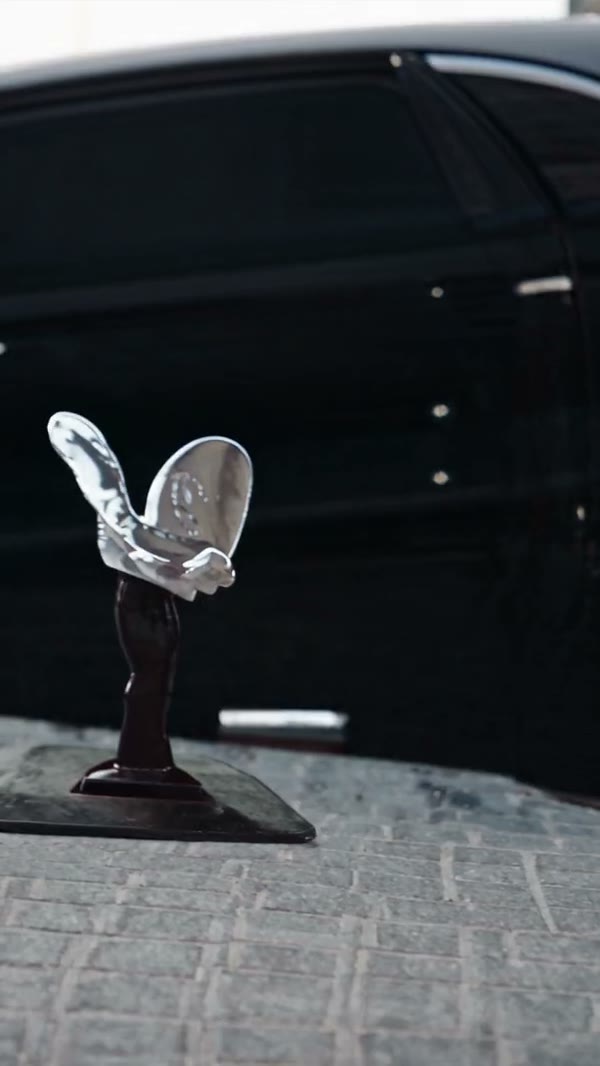
The car-door reveal and walk across the lobby form a clear opening for a character introduction, business-themed reel or playful announcement. Luxury CEO Entry AI follows the same sequence each time: you choose the person, while the reference sets the arrival and the environment. The office staff remain supporting figures. For a short character introduction, compare the opening car exit with the full Luxury CEO Entry AI office finish and decide which beat works in your edit. There is no separate control on this page for the vehicle, the building or the people in the background, so preview the scene before choosing it for your idea.
Prepare your photo for Luxury CEO Entry AI
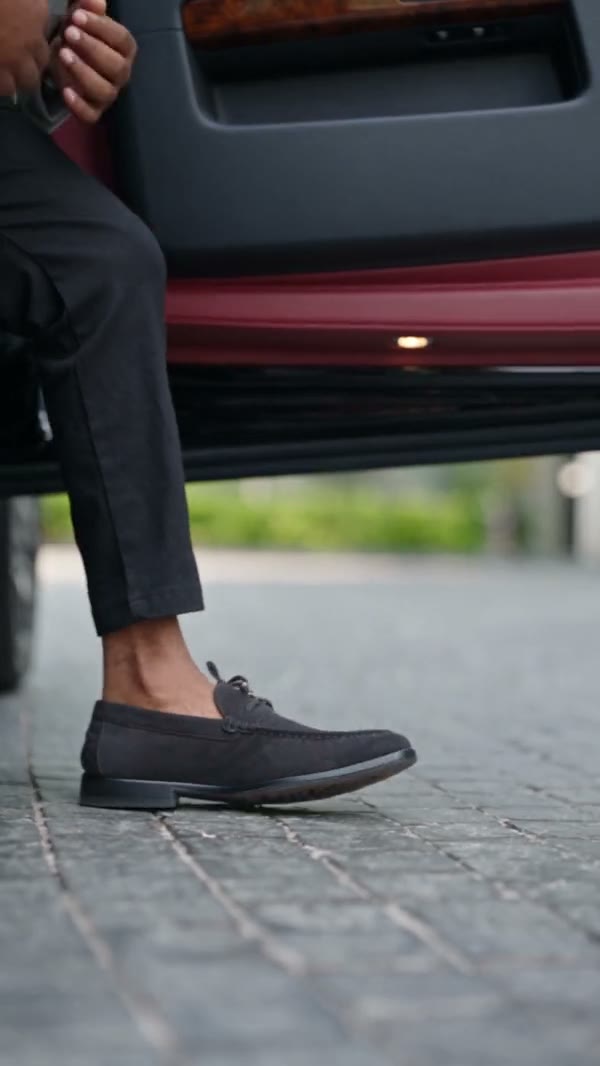
Choose one authorized photo with a clear, unobstructed face and enough of the person and outfit visible to identify them. The image guides the lead throughout the changing camera angles, including close and full-body shots. A crowded group photo or heavily cropped face gives the model less information about the subject. Luxury CEO Entry AI cannot guarantee an exact outfit, body position or facial expression; examine the generated result when the lead turns or passes behind the car door. Compare the picture with the reference before uploading. The opening moves from a close view of the car to a wider view of the person, so leave room around the head and body where possible. Bright, even lighting helps distinguish the face from the background. If a hat, bag or patterned garment matters to your idea, include it clearly in the same picture and check whether it remains recognizable across the camera cuts.
Choose the Luxury CEO Entry AI sequence
Original follows the full reference of about 21 seconds, including the later office arrival. Economy and Standard use the first approximately 14.9 seconds and end before the complete office finish; they differ in generation settings. Switch modes to see the corresponding preview and current credit estimate. Luxury CEO Entry AI uses the prepared motion for each mode, so the selection changes the length and generation settings without asking you to upload a clip. The fixed reference does not become an editable timeline, and changing the mode does not provide a new location or a second character slot.
Luxury CEO Entry AI questions
Understand the input and the prepared scene.
How many photos does Luxury CEO Entry AI need?
One person photo is required. The reference already supplies the car, building and other people.
Does Luxury CEO Entry AI include the office ending?
Original follows the full reference. Economy and Standard use a shorter opening selection, so the later office ending is not included.
Can I replace the driver or the office staff?
This template casts the principal person only. Supporting people remain part of the reference scene.
Can I choose a different car or office?
Those elements come from the fixed reference; this page has no separate controls to replace them.
What kind of photo works for Luxury CEO Entry AI?
Choose one clear person photo showing the face, hair and intended appearance. Avoid crowded pictures or a face hidden by a hand.
Will the clothes match my image exactly?
The image guides the outfit and identity, but details can change across camera angles and generated frames.
Does Luxury CEO Entry AI include sound?
The workflow attempts to restore the reference audio. Listen to the finished video and make sure you have the necessary rights before sharing.
Do I need a car entry AI video prompt?
The Luxury CEO Entry AI template already supplies its prepared scene and instructions. Add your person photo and choose a mode; this fixed page has no prompt editor.
Which Luxury CEO Entry AI mode should I choose?
Choose Original to include the office finish. Economy and Standard use the opening selection and may suit a shorter edit.
How is the cost shown?
The current estimate appears in the workspace and depends on the selected generation settings.
Where is my finished video?
Once the task completes, open My creations to play or download the result.