
Cast yourself in the dance
One clear photo provides the lead dancer’s face and hairstyle. This variation keeps the prepared black skeleton-print costume instead of copying the outfit from your photo.
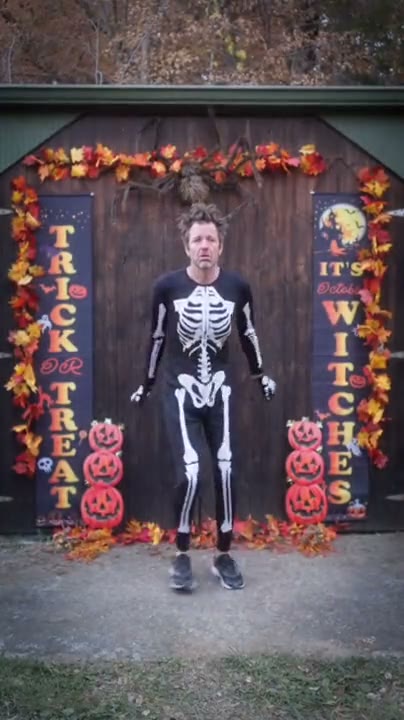
Star in a Halloween skeleton dance from one photo. The prepared scene supplies the skeleton-print costume and decorated backdrop.
Spooky Scary Skeletons Dance AI puts one person from a photo into a Halloween dance in front of a decorated doorway. The photo guides the dancer’s appearance; the prepared clip supplies the skeleton-print costume, movement, setting and reference sound.
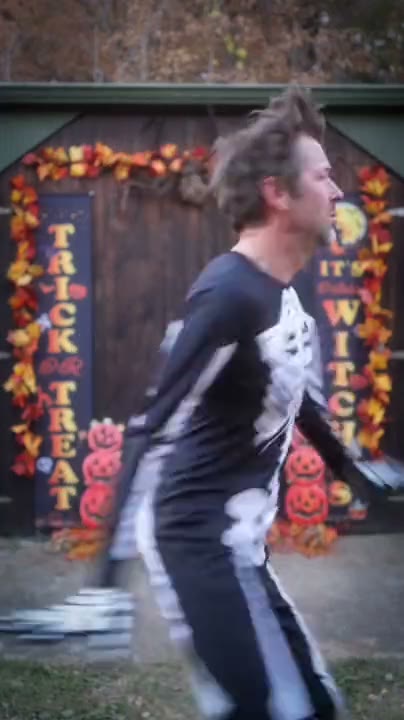
Add one photo, review the prepared scene and generate.
STEP 1
A clear photo of one person with their face and hairstyle visible.
STEP 2
The preview shows the fixed action and setting. Choose an available mode and review the displayed credit estimate.
STEP 3
Start the generation, then open My creations to watch and download the result.
Explore a third-party example of this scene. Your result can look different.
One clear photo provides the lead dancer’s face and hairstyle. This variation keeps the prepared black skeleton-print costume instead of copying the outfit from your photo.
The dancer starts close to the camera, turns and steps back into a sequence of quick footwork and arm movements. The reference provides the action and timing, while generated expressions and motion can vary.
Autumn decorations and a pumpkin-lined doorway set the scene around the dancer. The location and props are built into the prepared reference, so there is no separate background selector.
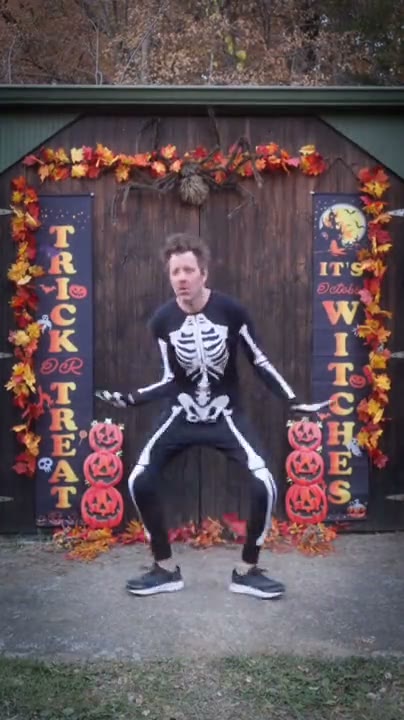
Your photo guides the assigned role; the prepared video supplies the rest of the scene.
A clear photo of one person with their face and hairstyle visible.
The photo guides the dancer’s appearance; the prepared clip supplies the skeleton-print costume, movement, setting and reference sound.
Available modes and the estimated credit cost appear in the workspace before generation.
Photo requirements, sound, settings and what to expect.
This version keeps the skeleton-print costume from the prepared scene. Your photo provides the dancer’s face and hairstyle.
The video includes the reference audio, but we have not confirmed that it is this song. You can add a track separately after downloading.
One photo is required for the dancer.
A clear photo of one person with their face and hairstyle visible.
This is a fixed scene. The uploaded photo guides the specified role while the reference supplies the action and setting.
The template uses the prepared reference audio when that mode supports restoring it. Check the available settings before generating.
The model uses the photo as an appearance reference. Facial details, clothing and movement can vary between generated results.
The workspace shows the estimated credits for the selected mode and settings before you generate.
Add your photo, review the settings and start creating.