
How to Make a Jisoo Addicted AI Dance
This tutorial follows the fifteen-second hallway sequence shown below: two solo introductions, a shared dance and a final shoulder pose. Assign each photo by the order the dancers appear, then keep that identity through every shot.
Open Jisoo Addicted AI Dance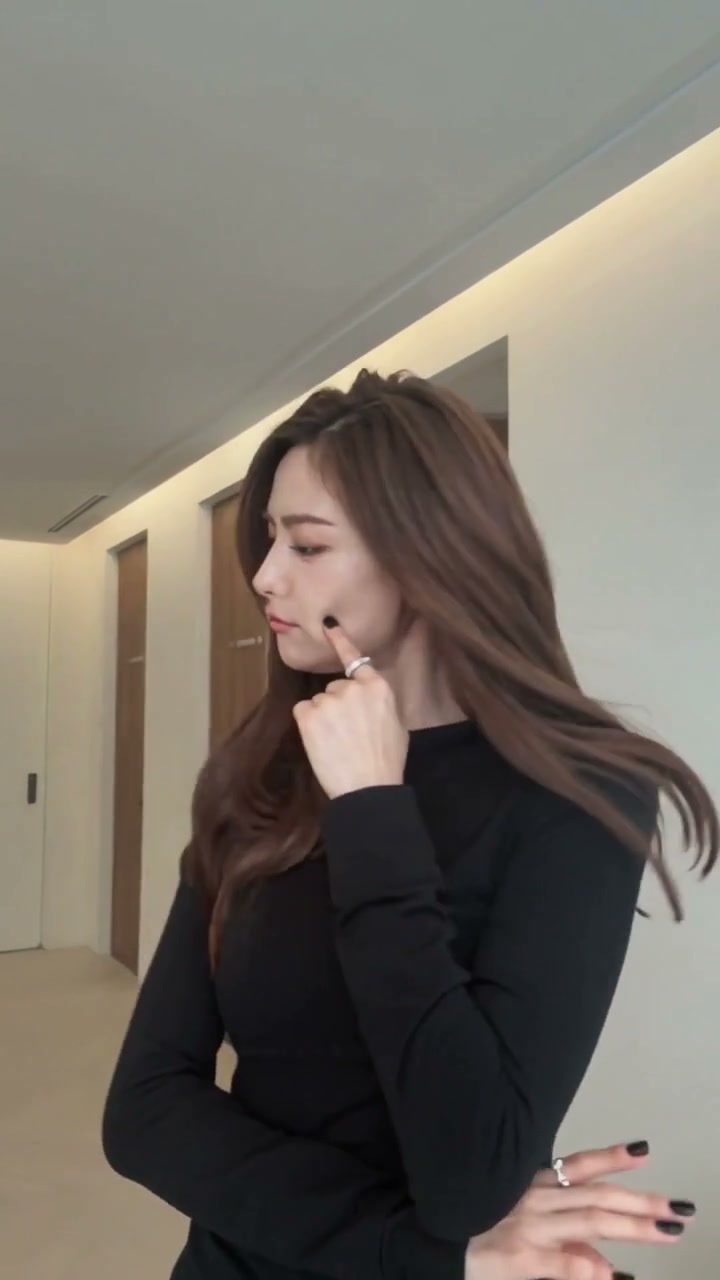
1. Prepare the reference video
Download the hallway example. It runs about 15 seconds at 720 by 1280 and includes audio. One dancer opens alone; the second appears around four seconds. They then share the hallway, turn and exchange positions before the first dancer rests her hands on the second dancer’s shoulders. Keep the full vertical frame and shot sequence.
This is the same example shown on the template page and in Newest. The instructions below describe its cast and movements. The prepared template uses the corresponding 14.8-second reference performance with its own two role assignments.
2. Prepare 2 separate character photos
Image 1 replaces the first solo dancer, shown in black in this download. Image 2 replaces the second solo dancer, shown in denim. These outfits identify the example’s people; your photos can wear anything. Each photo controls its person’s face, hair, body, clothes and shoes across the full sequence.
| Upload | Role in this example | What the photo should show |
|---|---|---|
| Image 1 | Opening solo dancer | The first person shown alone; finishes behind the partner with hands on their shoulders. |
| Image 2 | Second solo dancer | The next solo, around four seconds in; finishes in front during the shoulder pose. |
Use separate photos with clear faces and visible outfits. Full-body references also supply information for the wider dance shots. A group photo leaves the two roles ambiguous, especially when one person passes behind the other.
3. Choose a video generation model
This clip combines two solo shots, changing outfits in the example and two people passing each other. It needs stable identity tracking across those changes. Use a video-edit mode that accepts the clip plus two images. Kling 4.0 reference editing and Seedance 2.5 video editing both publish support for video-plus-image reference and for audio. Kling 2.6 and Kling 3 Motion Control are aimed at one continuous subject, so they are a poor fit for this duo.
Match the mode to the inputs you actually have, then compare the current quote. Read our video model guide by scene and budget.
4. Prepare the prompt
Upload this hallway file as the video and the two photos in the order above. The prompt uses Kling-style @Video1 and @Image1 tags. Replace the tags with the labels your editor shows.
Edit @Video1. Replace the opening solo dancer, shown in black, with the person in @Image1. Replace the second solo dancer, shown in denim, with the person in @Image2. Use each photo’s complete face, hair, body, clothes and shoes. Keep those assignments through every shot, turn and crossing, even when a source outfit changes. Follow the solo hand gestures, shared dance and final pose with the first dancer behind the second, hands resting on their shoulders. Keep natural contact. Preserve the hallway, doors, lighting, framing, shot order and timing. No extra people, captions or new text.
5. Generate the video and choose its sound
Use 9:16 and a 15-second setting. If the editor follows the reference duration automatically, keep it. Preserve the shot changes and final shoulder pose without slowing the dance to fill time. The download already includes an audio track.
To keep that track, mute generated sound and lay the downloaded audio under the new picture, or use the editor’s original-audio control if it has one. Align the shot changes and final shoulder pose as well as the opening. If the action changes speed, aligning only the start will leave later gestures out of sync.
For a different ambience, turn on audio generation in a model that offers it, such as Kling 4.0 or Seedance 2.5, and add a line like the one below. New audio is not a copy of the song in the reference, and it does not clone a voice from either photo.
Audio: light footsteps on a hard hallway floor and a little room tone. No sung lyrics, no cloned voices and no extra dialogue.
Use the prepared Jisoo Addicted AI Dance template
The Jisoo Addicted AI Dance template already attaches the corresponding reference, two role slots and reference-audio restore. Photo 1 takes the opening solo and Photo 2 takes the next solo. Upload two photos, pick Economy, Standard or Original, and read the quote. All three modes use the complete 14.8-second reference with a 15-second generation setting. There is no reference upload or prompt box to fill in.
Make my videoBefore you start
Which file should I download?
Download the hallway example linked here. The prompt follows its first and second solo dancers, shared dance and final shoulder pose.
Who is Image 1?
The person in the opening solo, shown in black in this download. Image 2 is the next solo dancer, shown in denim. Follow the person when their position or source outfit changes.
Can one motion-control model cover both dancers?
Not the single-subject motion modes. Use an edit that accepts the video and both photos.
Or use the prepared template
Two photos are enough on the template. The reference performance and the soundtrack are already attached.
Open Jisoo Addicted AI Dance