
Step into the pickup-window scene
The reference is filmed from outside a white pickup, with the driver speaking and gesturing through the open window. Your photo guides the person in that role while the fixed clip guides the camera and gestures.
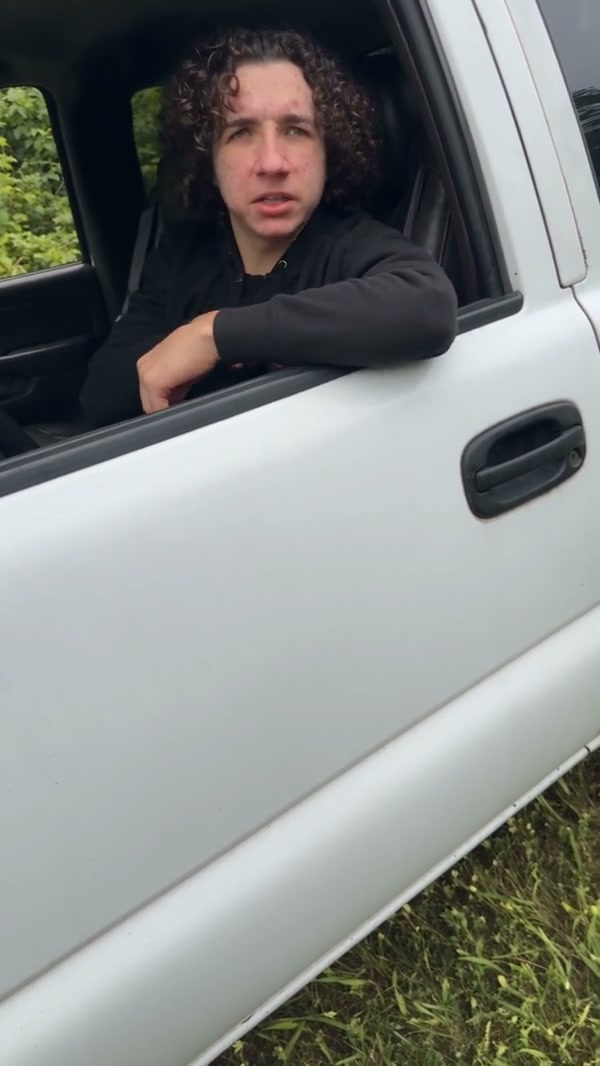
Put one person in a pickup-window scene with a photo. The community example shows the full clip; Economy and Standard use the opening 15 seconds.
Hit the Road Dude AI follows a person leaning out of a white pickup window and gesturing toward someone outside. Add one photo to choose the person at the window. The prepared reference supplies the truck, camera view and performance.
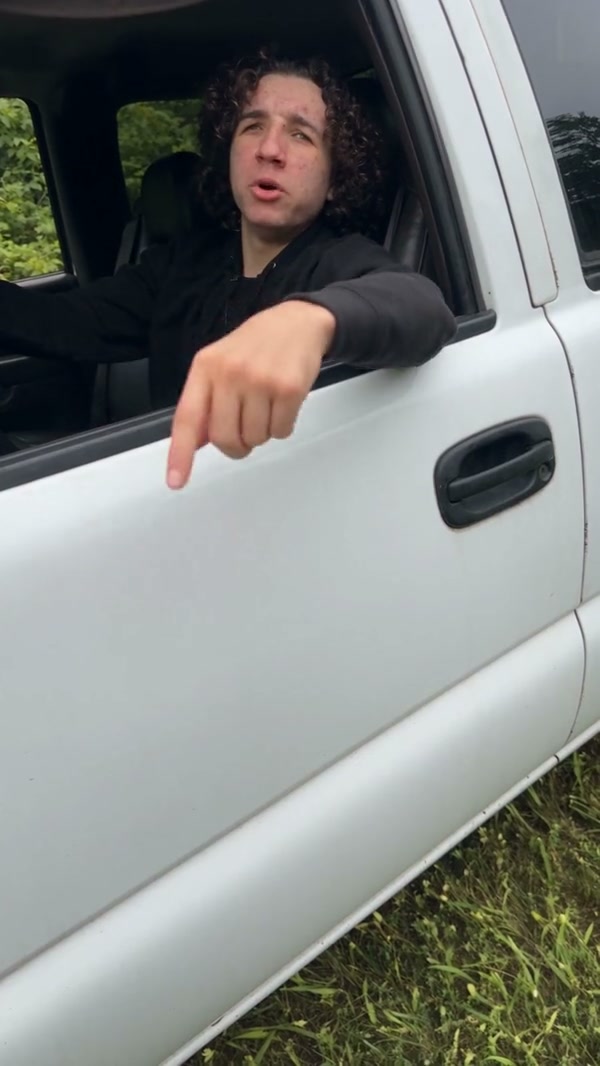
Start with one person photo and the prepared reference.
STEP 1
Choose a clear face and upper-body photo for the person in the pickup.
STEP 2
Review the duration and credit estimate for the selected mode.
STEP 3
Start the generation and open My creations to view the result.
Explore community examples of this scene.
The reference is filmed from outside a white pickup, with the driver speaking and gesturing through the open window. Your photo guides the person in that role while the fixed clip guides the camera and gestures.
Choose a photo with the face and upper body visible. The image identifies the person at the window; you do not need to be photographed in a vehicle. The model can reinterpret clothing, expression and background details.
The full reference runs about 30 seconds. Economy and Standard use a prepared opening of about 15 seconds; Original uses the longer reference. The shorter selection retains the pickup-window gesture, while the displayed duration and cost depend on the selected mode.
Your photo guides the person; the reference guides a white pickup-window scene.
The uploaded photo guides the person at the pickup window.
The reference supplies the truck, the open window and the hand gestures.
Shorter modes use the prepared opening; Original uses the full reference.
Photos, reference and generation settings.
One photo of the person who should appear at the window.
No. The white pickup is part of the prepared reference.
The full reference is about 30 seconds. Economy and Standard use a prepared opening of about 15 seconds.
The reference has audio, and the template is configured to restore it. Listen to the generated result before sharing.
This template has one person slot for the driver at the window.
The example illustrates the scene. Your person, facial details and generated frames can vary.
Add one person photo, choose your settings and create your scene.