
Create a video

Required photos1
Settings
Mode
Video length9s
Resolution

ATM Glitch AI Video Generator

Add one person’s photo to a fictional security-camera scene where an ATM spills cash. The preview is a third-party community example; your result will vary.

0:00 / —:—

What is ATM Glitch AI?

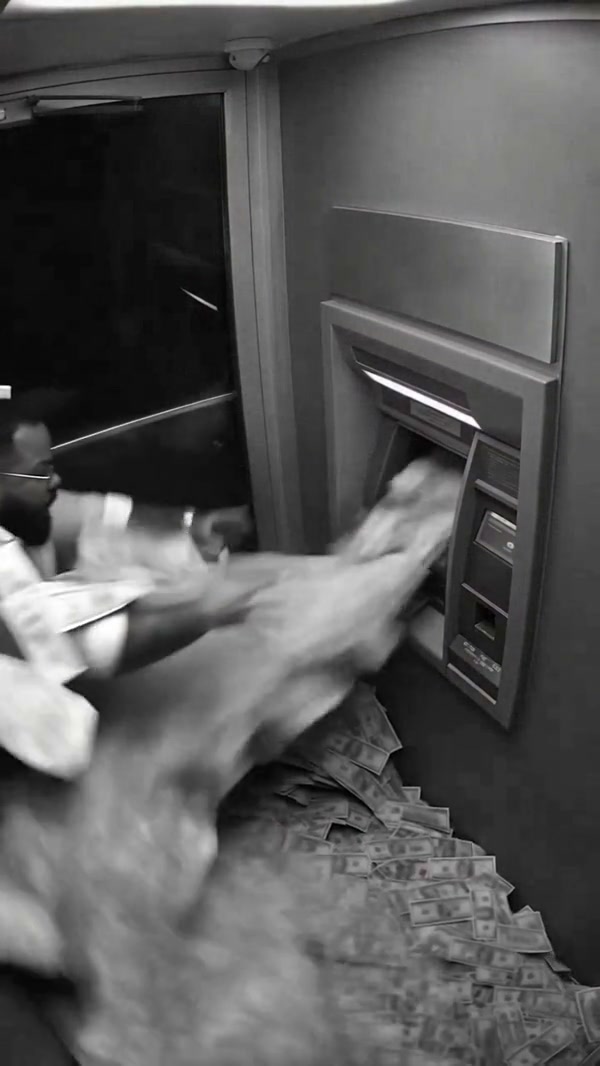
ATM Glitch AI recreates a short fictional scene inside an ATM booth. A person is knocked back as bills pour from the machine, then sits among the scattered cash. Upload one photo to choose the person; the reference supplies the booth, camera angle and action.

ATM Glitch AI

How to make a ATM Glitch AI video

Start with one person photo and the prepared reference.

  1. STEP 1

    Add a person photo

    Choose a clear photo of the person you want in the ATM scene.

  2. STEP 2

    Choose your settings

    Review the mode, duration and credit estimate in the generator.

  3. STEP 3

    Generate the scene

    Create your video and find it in My creations when it is ready.

ATM Glitch AI ideas

Explore community examples of this scene.

A cash burst from a security-camera view

The overhead, monochrome view gives this scene its security-camera look. The cash moves across the booth while the person reacts. The fixed reference gives the model both the action and the setting, so your photo can focus on the person.
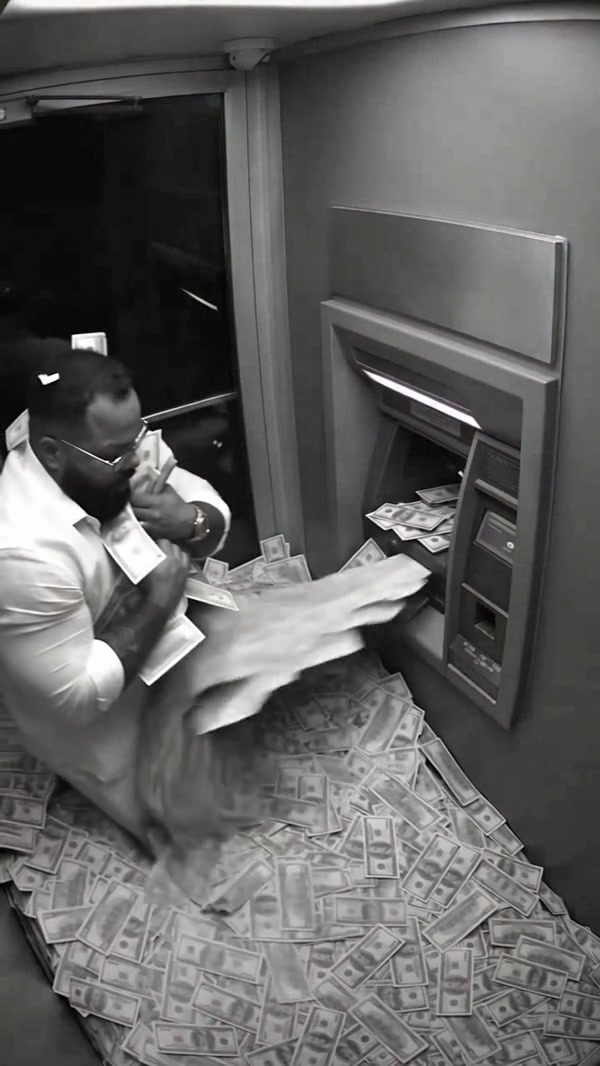
The person sits in a booth while cash spills from the machine

Make yourself the person in the booth

Choose a sharp photo with your face and upper body visible. The template assigns it to the person near the ATM. There is no need to photograph a machine or money; those elements come from the reference. Small details and the exact amount of cash can change.

Person reacting to the cash in a community example

A short scene with a clear reaction

The reference is about nine seconds long, with a close sequence of the person reacting to the cash. It works for a fictional money-surprise clip or a humorous reveal. The generated face, hands and moving bills may differ between attempts.

A short scene with a clear reaction

What you choose for ATM Glitch AI

Your photo guides the person; the reference guides a black-and-white cash-machine scene.

One photo

The photo selects the person by the ATM; the template supplies the cash and booth.

Fixed camera view

The reference guides a black-and-white overhead perspective and the cash-burst action.

Fictional scene

The video is a creative effect. The appearance of the person and individual bills can vary.

ATM Glitch AI questions

Photos, reference and generation settings.

How many photos do I need?

One photo of the person you want in the scene.

Does the photo need to show an ATM?

No. A clear picture of the person is enough; the ATM and cash come from the reference.

Is the ATM scene real?

The template creates a fictional scene inspired by a video effect.

How long is the reference?

The prepared reference is about nine seconds. Check the selected mode and duration in the generator.

Does the video include sound?

The source clip has audio, which the template is configured to restore. Listen to your result before sharing.

How is this different from ATM Heist AI?

ATM Glitch AI uses an indoor cash-burst scene. ATM Heist AI uses a different outdoor action reference.

Create your ATM Glitch AI video

Add one person photo, choose your settings and create your scene.

ATM Glitch AI