
Make your character the speaker
One photo chooses the person holding the phone. A clear upper-body picture gives the model useful detail for the face, hair and clothing as the camera moves around the speaker.
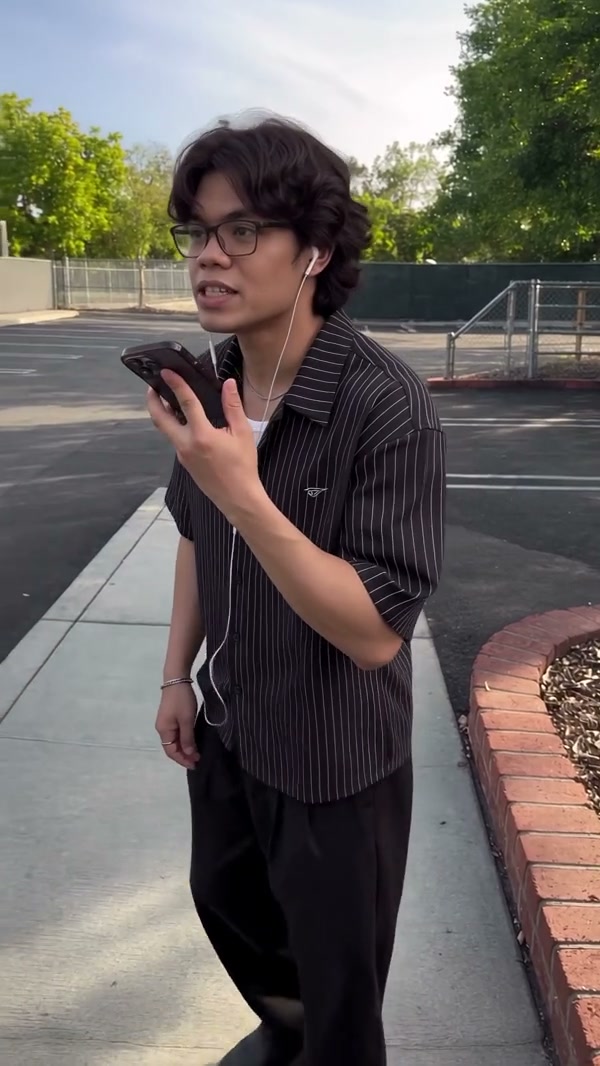
Put your character into the outdoor phone-call reaction scene with one photo.
ChatGPT Millionaire AI is inspired by the meme about asking ChatGPT how to become a millionaire. In the short phone-call scene, a person stands outside, speaks into a phone and reacts. Add one photo to take the on-screen role while the prepared clip guides the performance.
Choose your photos, review the settings and create the prepared scene.
STEP 1
Use a clear photo of one person with face, hair and upper-body clothing visible. The phone and the outdoor scene come from the prepared performance.
STEP 2
Review the available mode, duration and credit estimate in the workspace.
STEP 3
Create the video, then open My creations to play and download it.
Put your character into the outdoor phone-call reaction scene with one photo.
One photo chooses the person holding the phone. A clear upper-body picture gives the model useful detail for the face, hair and clothing as the camera moves around the speaker.
The speaker alternates between talking and looking at the phone in an outdoor parking-lot setting. The gestures and pauses give the scene its rhythm without requiring you to record the performance yourself.
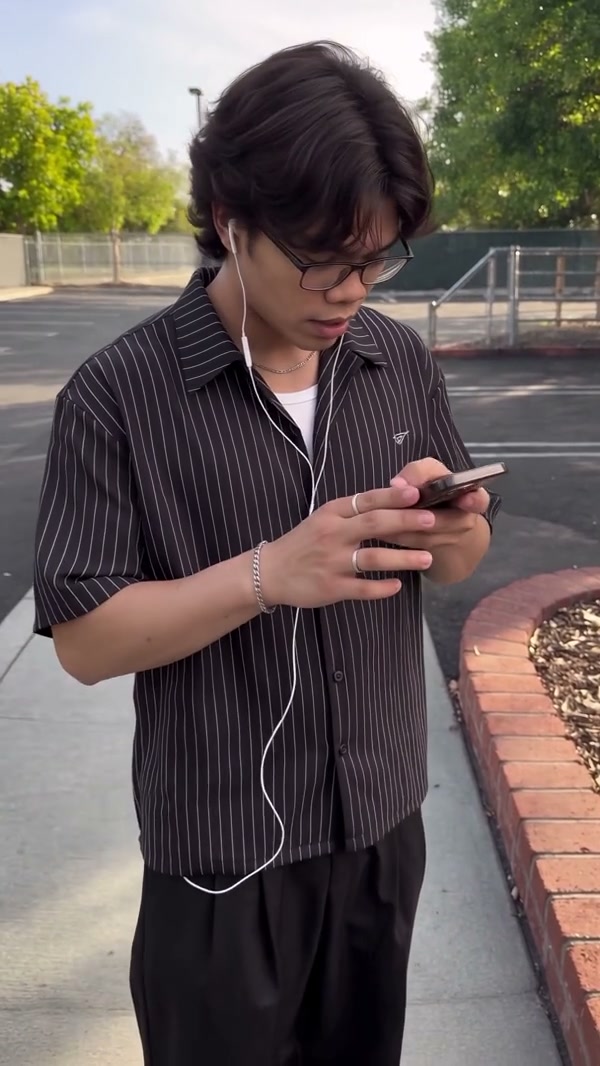
Your photo chooses the on-screen speaker; the scene supplies the phone and the performance.
The required photo supplies the appearance of the person holding the phone. No second person is needed.
The prepared scene includes speaking gestures, glances down at the phone and pauses outdoors.
The reference uses portrait framing and lasts about 12 seconds. The available generation setting and credit estimate are shown in the workspace.
Photos, timing and the prepared performance.
One photo supplies the person in the phone-call scene.
A clear face, hair and upper-body clothing give the model useful detail. Choose one person rather than a group photo.
No. The prepared performance supplies the phone and outdoor setting.
The photo guides appearance. It does not record or create a personalized voice; the reference supplies the scene’s audio.
The source reference is about 12 seconds in portrait format. Review the available setting before generating.
The reference guides gestures and timing, and your photo guides appearance. AI results may differ in facial detail, outfit or movement.
The workspace displays a credit estimate for the selected settings before generation.
Put your character into the outdoor phone-call reaction scene with one photo.