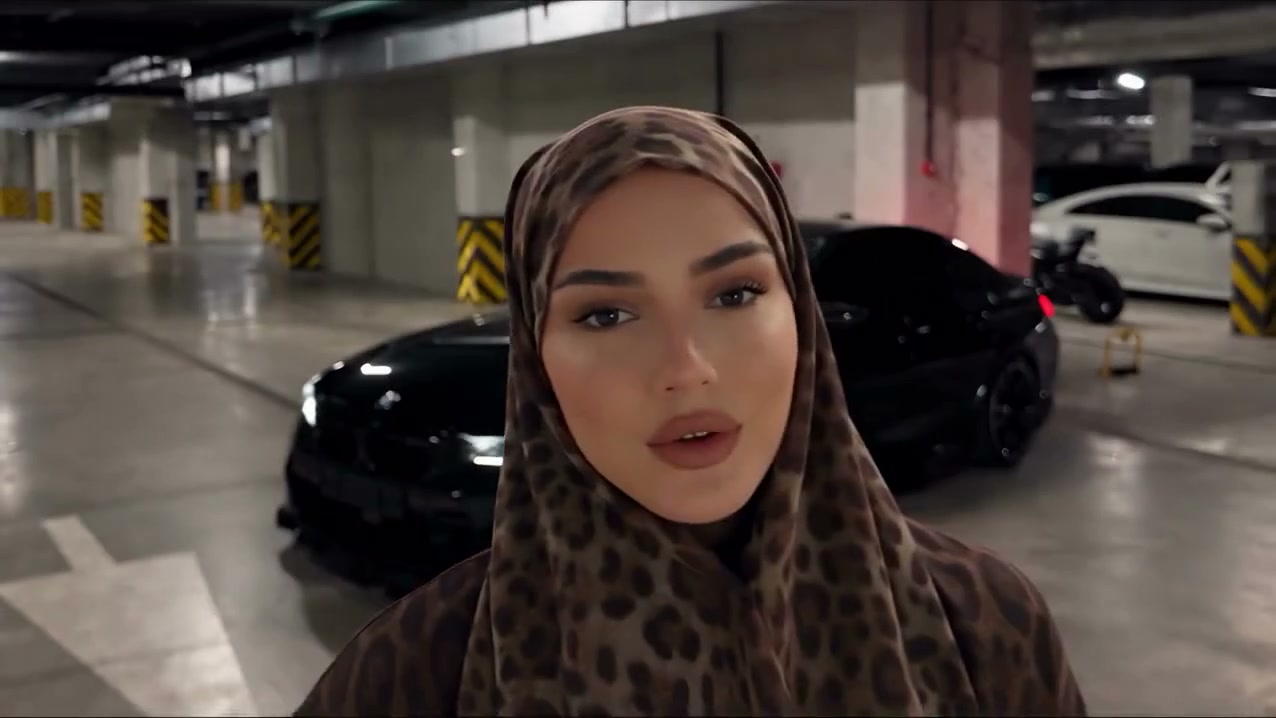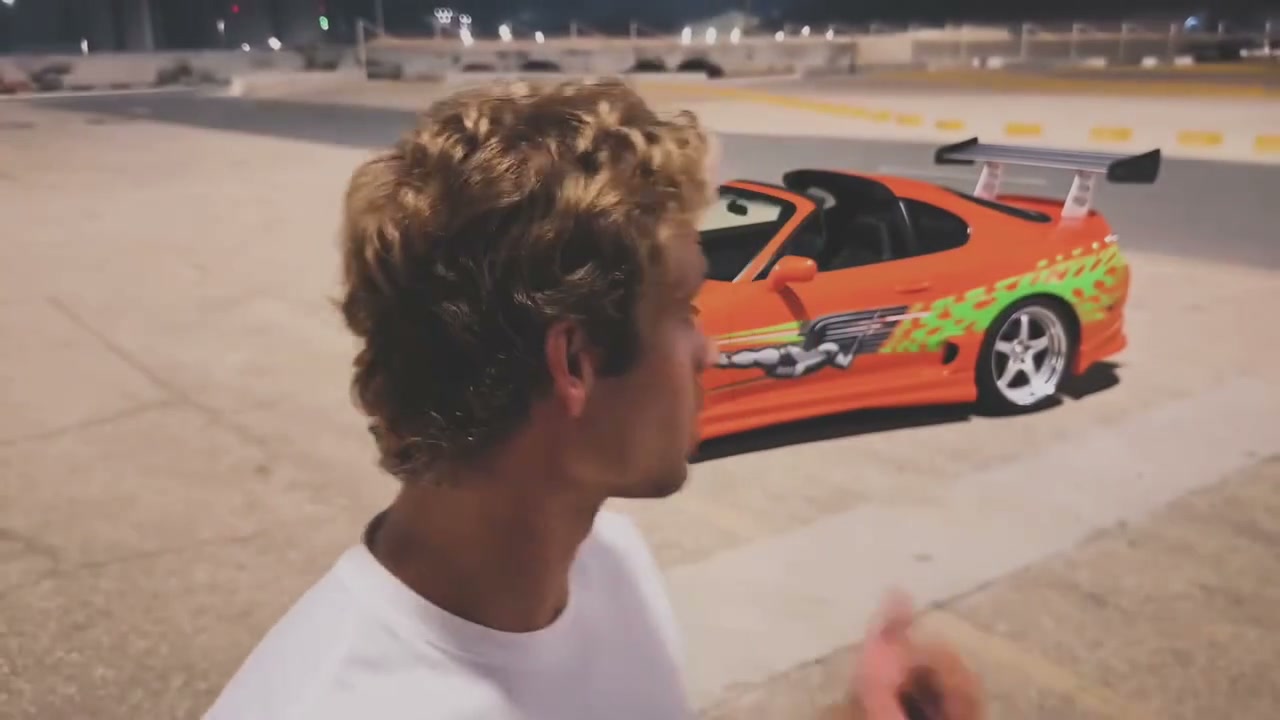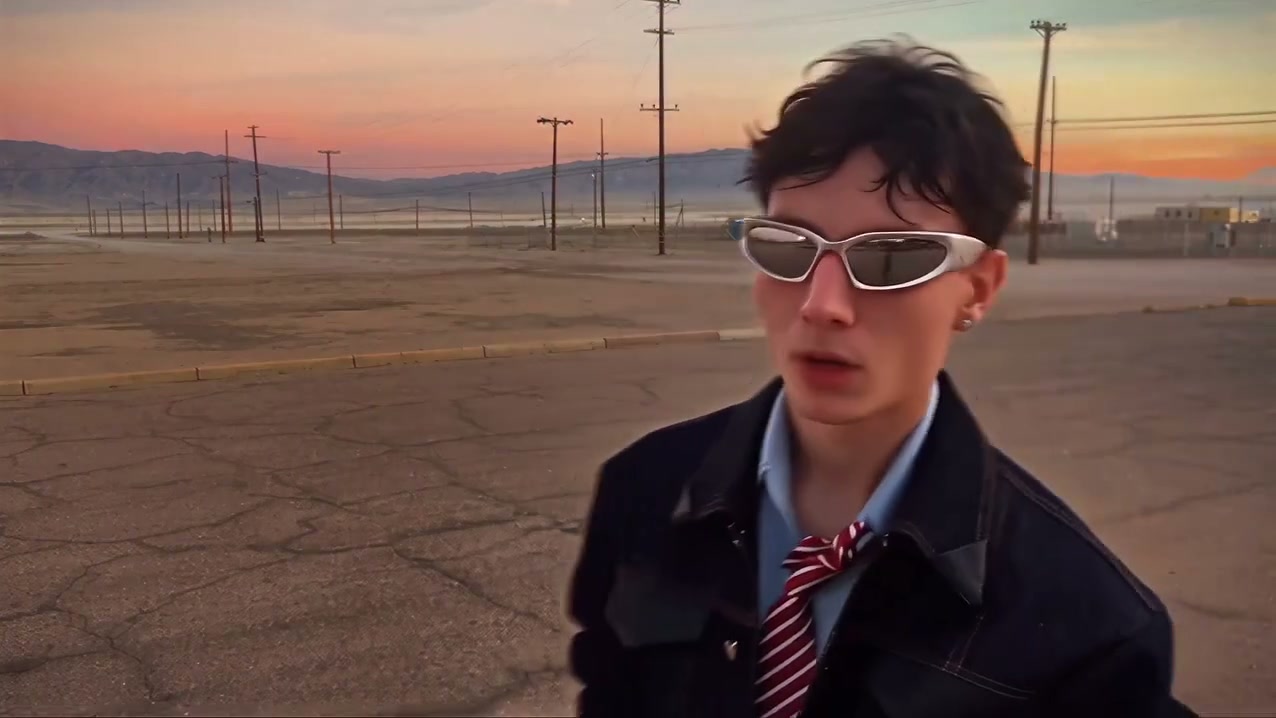
Create a video

Person · required
Car · required
Background · optional
Original 2 card · optional
Original 4 card · optional

Unforgettable Car AI Video Generator

Create the 2-and-4 reveal with Unforgettable Car AI and your own character and car. Upload two photos: one person and one vehicle. You can also add a background and either card design, or leave those slots empty to keep the originals. The performance and soundtrack are included.

0:00 / —:—

Unforgettable Car AI video ideas

Explore community remixes of this performance. Open a video for a closer look.

What is Unforgettable Car AI?

Unforgettable Car AI creates the UNO-style car reveal, also called the 2-and-4 or 24 card trend. A character swipes cards to reveal a parked vehicle. Your person and car photos define the two main subjects; optional images can change the background and either card design. The reference supplies the gestures, reveal timing, camera movement and original sound.

A performer in a black shirt reveals a red sports car on a colorful residential street

Make an Unforgettable Car AI video in three steps

Add your two main photos, choose any optional changes, then generate and download.

  1. STEP 1

    Upload your person and car

    Add one clear person photo and one car photo in their labeled slots. Show the intended hairstyle and clothing, and use a picture of a single vehicle. The source performance is already loaded in Unforgettable Car AI.

  2. STEP 2

    Choose any optional changes

    Personalize Unforgettable Car AI with a background, a replacement for the 2 card, a replacement for the 4 card, or any combination. Leave a slot empty to keep that source detail. Use Replace to swap a selected photo without changing its role.

  3. STEP 3

    Generate, preview and download

    Sign in and select Generate when your photos are ready. Open My creations to watch your Unforgettable Car AI video with sound, then download it. Uploading photos or selecting a setting alone does not start a generation.

Plan your Unforgettable Car AI reveal

Choose the person and vehicle, then decide whether to customize the location or cards.

Choose your Unforgettable Car AI cast and vehicle

Unforgettable Car AI lets you choose the card holder and the vehicle behind the reveal. The portrait supplies the person’s complete appearance and outfit, while the car image supplies the vehicle’s design. You can create a personal car reveal without filming yourself holding cards or editing the swipe.
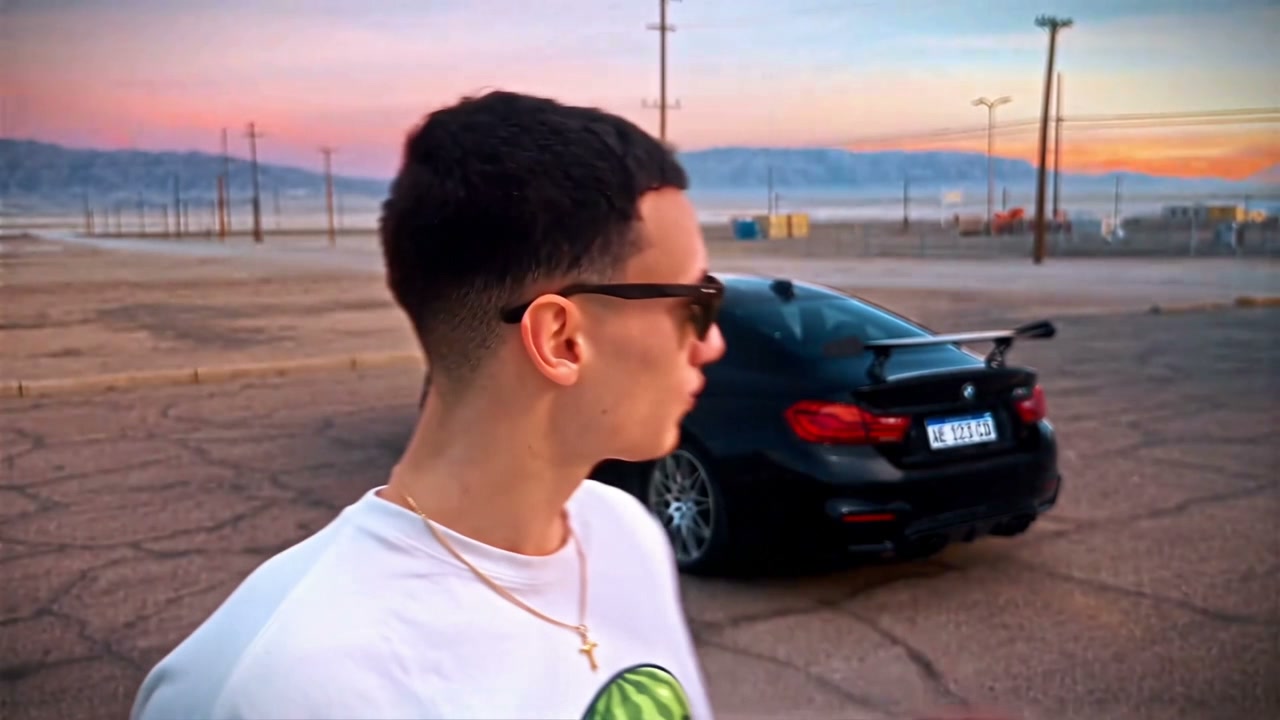

Choose your Unforgettable Car AI cast and vehicle

Change the scene and card designs independently

Keep the sunset setting or upload another location for Unforgettable Car AI. The optional slots control the background, original 2 card and original 4 card independently. Change either card, both cards or just the scene. Empty slots retain the source detail. The tool maps each upload to its labeled role, so skipping a background does not turn your card image into a scenery reference.

Change the scene and card designs independently

Set the reveal in a place that fits your idea

Use the optional Unforgettable Car AI background image for a different setting, such as a garage, while keeping the same card-swipe performance. Your person’s outfit still comes from the portrait. Leave the background empty when you want the original location.

Set the reveal in a place that fits your idea

Give a distinctive vehicle its own reveal moment

Make your vehicle the payoff: its shape, paint, wheels and visible details come from the car photo. The reference keeps it hidden until the swipe and then parked in the scene. Download the reveal with the original soundtrack for a personal car post; inspect small graphics and vehicle details in the result.

Give a distinctive vehicle its own reveal moment

Which Unforgettable Car AI photos are optional?

Two photos are enough to start. Add an optional image only for a part you want to change.

A personal car reveal

Use a person photo and a car photo to keep the source background and cards. Your portrait provides the complete look; you don’t need a photo of yourself standing beside the vehicle.

A new location

Add a background photo when you want a different location. An open street or forecourt gives the parked vehicle more room than a cluttered scene or tight interior.

Your own card artwork

Add either card image to its labeled slot. Use a clear view of the intended card face and edges. Leave the other slot empty to keep that card. Fine lettering and logos can vary during the swipe.

What Unforgettable Car AI keeps from the reference

A fixed short performance, with your chosen visual replacements and the original audio workflow.

The card-swipe reveal

The prepared instruction follows the original hand movements and card occlusions. It asks the vehicle to appear only after the swipe. Unforgettable Car AI has no separate reveal-time slider; that moment follows the loaded clip. Exact frame timing and clean hand details can vary in generated results.

A parked car, not a driving scene

The source reveals a stationary vehicle behind the performer. Unforgettable Car AI preserves that position and orientation rather than creating a new driving sequence. Choose a car photo that makes the body style and visible rear or side details easy to recognize.

About 11 seconds in landscape

The Unforgettable Car AI reference runs for about 11 seconds in a wide frame. The output follows the source’s composition and duration. Showcase clips may run longer; choosing your photos does not replace the loaded reference with a showcase video.

The reference soundtrack

Your Unforgettable Car AI video includes the original reference soundtrack. Changing photos does not select another song or add dialogue. Preview examples may be community variations; listen to the completed result in My creations to check the final audio.

Unforgettable Car AI credits and plans

Generation requires signing in with enough credits. Check Generate for the cost at your selected resolution. Each new generation is a separate attempt; selecting or replacing photos does not spend generation credits.

Starter

For your first ideas.

$8.3/month

$100.0 charged yearly

2,400 credits/year

Up to 400 images

GPT Image 2Nano Banana Pro

Up to 133 videos

Seedance 2.5Kling 3.0 Motion Control
  • Up to 4K images and HD videos, depending on the model
  • Image editing, video creation & motion transfer
  • Watermark-free image & video downloads
  • Generation history in your account
Popular40% OFFSave $238.8

Pro

For a steady creative flow.

$30.0/month$49.9/month

$360.0 charged yearly

21,600 credits/year

Up to 3,600 images

GPT Image 2Nano Banana Pro

Up to 1,200 videos

Seedance 2.5Kling 3.0 Motion Control
  • Up to 4K images and HD videos, depending on the model
  • Image editing, video creation & motion transfer
  • Watermark-free image & video downloads
  • Generation history in your account
  • Use credits across image and video models
Best Value50% OFFSave $599.8

Business

For more creations, more often.

$49.9/month$99.9/month

$599.0 charged yearly

48,000 credits/year

Up to 8,000 images

GPT Image 2Nano Banana Pro

Up to 2,666 videos

Seedance 2.5Kling 3.0 Motion Control
  • Up to 4K images and HD videos, depending on the model
  • Image editing, video creation & motion transfer
  • Watermark-free image & video downloads
  • Generation history in your account
  • Use credits across image and video models

Basic

$0

Try before you subscribe

  • 18 one-time signup credits
  • Generation history included
  • Watermarked previews & downloads
  • Up to 3 images or 1 video
  • Watermark-free downloads require payment

Prices in USD; taxes and total shown at checkout. Subscriptions renew automatically; cancel in Billing settings. Subscription credits expire each period; one-time credits never expire.

Refunds: request within 72 hours. Used purchased credits and applicable non-refundable processing costs (up to 6%) are deducted. Terms · Refund Policy

Unforgettable Car AI questions

Required photos, optional roles, the card transition and your finished video.

How many photos does Unforgettable Car AI need?

Two are required: one person and one car. Add up to three optional images: a background, the original 2 card’s replacement and the original 4 card’s replacement. Each slot takes one image. The performance video is already loaded.

Can Unforgettable Car AI change only the cards?

Yes. All three optional slots work independently in Unforgettable Car AI. Add either card, both cards, only a background, or all three. Leaving the background empty keeps the original setting while the card references apply to their labeled cards.

What portrait works for Unforgettable Car AI?

Use one sharp photo showing the face, hairstyle and intended clothes. A clearly visible upper body is helpful because the source includes shoulders, arms and expressive hand movements. Avoid group shots and collages that make the subject unclear. The person does not need to hold cards or stand beside the vehicle in the uploaded photo.

What car photo angle suits Unforgettable Car AI?

An angle showing the rear and side gives Unforgettable Car AI more useful information for this particular reveal. A single clear vehicle is easier to identify than a crowded parking lot. The model must infer any parts missing from your photo; badges, plates, wheel patterns and reflections can change. Review those details if the exact model matters.

Can Unforgettable Car AI use other card numbers?

The slot labels identify the two cards in the source video. Your uploaded reference can provide different artwork or numbers; the instruction asks to preserve what it shows. Upload a clear image of the intended card face. Unforgettable Car AI cannot guarantee perfectly readable lettering, exact logos or unchanged small symbols through motion blur.

Can Unforgettable Car AI keep the source scene and cards?

Yes. Leave all three optional slots empty for the simplest Unforgettable Car AI setup. More references do not automatically improve the result: each optional upload asks the model to change another part of the scene.

Does Unforgettable Car AI need a prompt or transition editing?

No prompt writing or manual timeline edit is required. Unforgettable Car AI prepares the instruction for your selected photo roles and uses the loaded performance for timing and camera work. There are no separate controls for card speed, camera path or the car’s parking direction. Choose your photos, select the available output settings and generate.

Will my Unforgettable Car AI video include sound?

The workflow restores the original reference audio after the model generates the picture without new sound. Listen to the complete result in My creations before downloading. Body examples play muted. Uploading different card or background images does not choose another song or add new dialogue.

What should I check in my Unforgettable Car AI result?

Open the completed video in My creations or your video history. Watch from the card cover through the ending: check that the car appears after the swipe, stays parked, and keeps a coherent shape. Check hands, card edges, clothing and lettering too. Listen to the finished soundtrack, then use Download. If processing is still underway, follow the task status rather than submitting another generation.

Can I post my Unforgettable Car AI reveal?

Use photos, designs and audio you have permission to use, and present the result as AI-created. Generating a clip does not give you additional rights to someone’s likeness, car branding, card artwork or soundtrack. UNO is mentioned to identify the familiar card format; this tool is independently operated and does not imply endorsement by its rights holders.

Create your Unforgettable Car AI reveal

Bring your person and car photos. Keep the classic setting or make the scene and cards your own.

Unforgettable Car AI reference showing a performer with green 2 and 4 cards before a parked-car reveal