
Day by Day Dance AI Trend: Choose Your Three-Character Cast
One performer starts the Day by Day Dance AI routine, then two more arrive to complete the trio. Your three photos choose the cast. The important detail is Photo 1: it controls both the opening solo and the dancer on the left. Open the Day by Day Dance AI tool, or use this guide to plan the roles and check the whole performance.
Make a Day by Day Dance AI video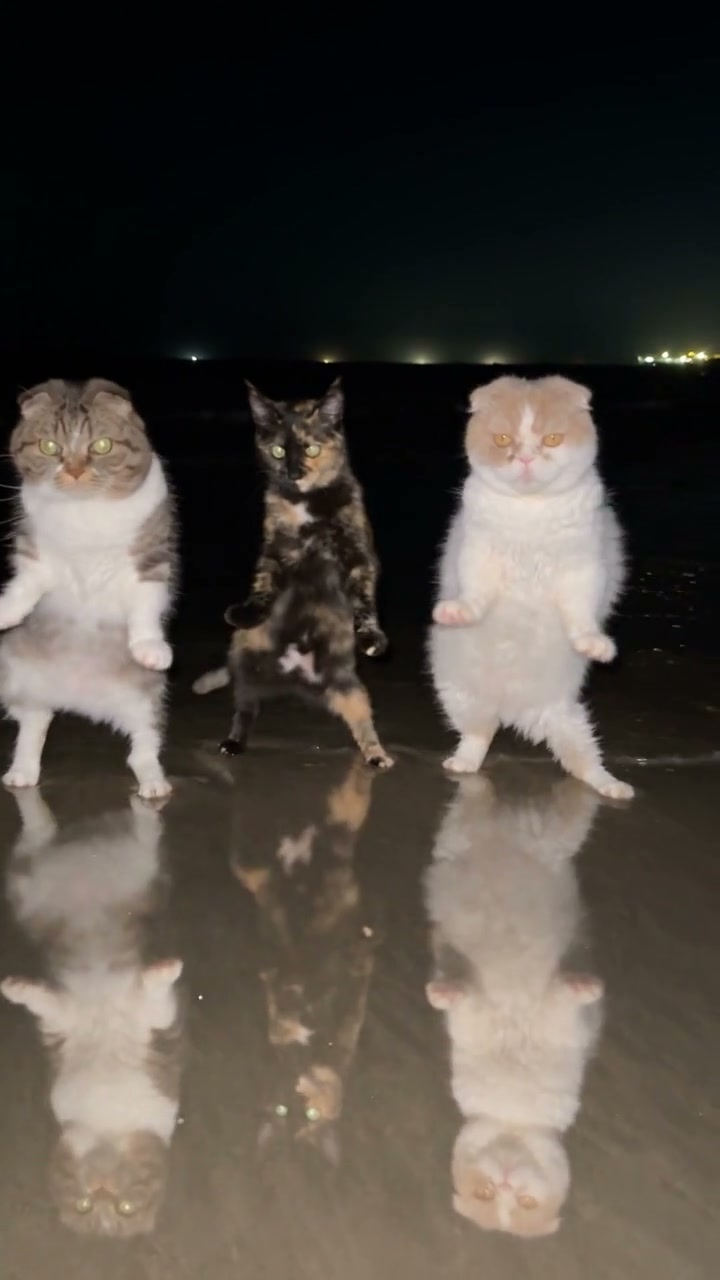
From one dancer to a complete trio
The reference is an approximately 12-second portrait clip of three upright poodles beside the water at night. It begins with a single performer, introduces the others, and settles into a side-by-side routine. Raised paws, small steps, and coordinated body movements play out above a reflective surface. The arrivals are part of the joke, not just a way to arrange three portraits.
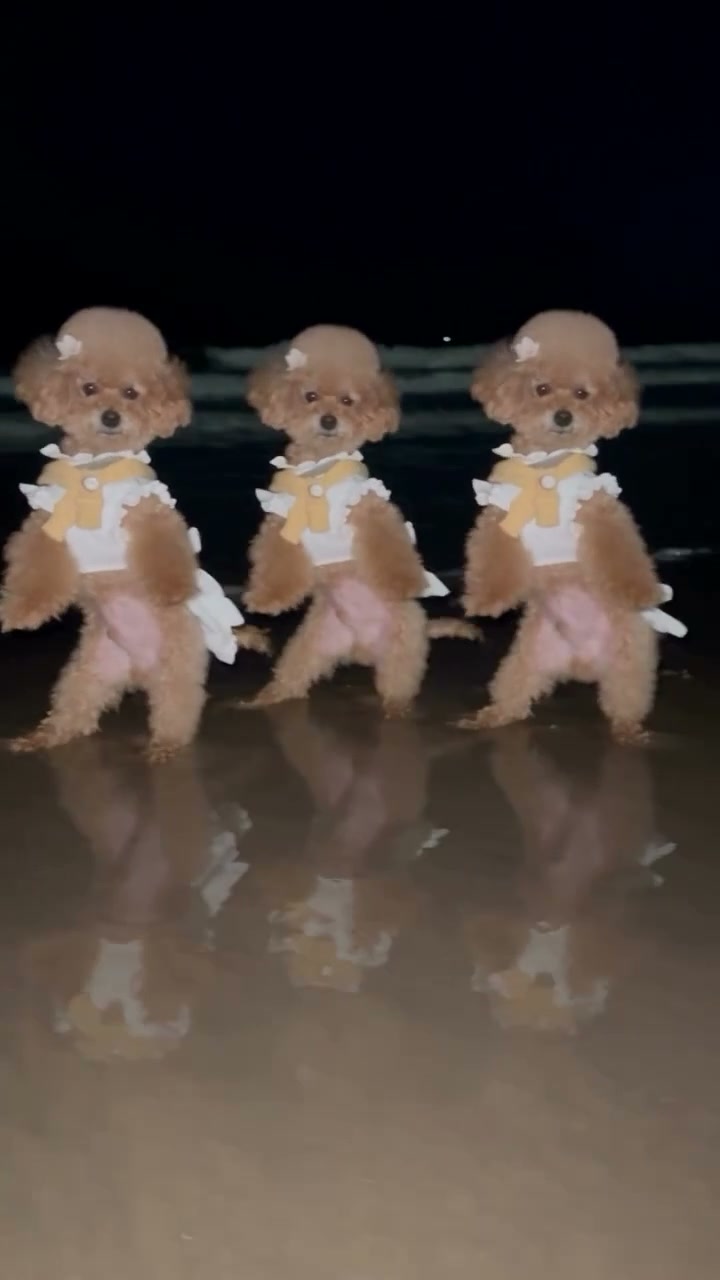
The Day by Day Dance AI template uses your images for each character’s complete appearance: face, hair or fur, body proportions, clothing, and accessories. It asks to follow the original entrances, timing, formation, camera work, and background. You choose who performs; you do not need to film three separate dances or assemble them on a timeline.
Assign all three photos before you generate
Left and right mean the sides you see while watching the video. Use the final side-by-side formation to identify the roles, not the position of the first performer in the opening frame. The solo and the left role belong to the same character.
Photo 1: left and opening solo
Choose the character you want the audience to meet first. Add it to Left / opening solo · Photo 1. It begins alone, then becomes the left dancer when the trio forms. A character that looks distinctive both alone and next to the other two works well here.
Photo 2: center
Add the middle character to Center · Photo 2. This reference takes the center position once everyone has arrived. Do not put the opening solo here just because that performer appears near the middle of the frame at the start.
Photo 3: right
Add the remaining character to Right · Photo 3. This is the viewer’s right, not the dancer’s own right. Check all three thumbnails together before submission so each intended role has its own reference.
All three slots are required. A group photo does not assign three identities to the slots, and there is no fourth upload for the solo. If you want the same pet in all three positions, fill each slot with that pet; for a distinct cast, use three different single-subject references.
Choose photos that can support the full-body dance
Each performer appears from head to feet or paws. A clear full-body view gives more useful information than a tight selfie: the model needs to interpret the torso, outfit, limbs, and silhouette as well as the face. The images can come from different places because the reference supplies the shared nighttime setting.
For three pets
Show one animal in each photo, with its face, ears, chest, and legs visible. Natural sitting or standing poses are fine; there is no reason to make pets imitate the upright routine. Different coats or ear shapes make the cast easier to follow when the dancers overlap.
For people or original characters
Use authorized images showing the intended body and clothes. Keep faces readable and leave space around hands and shoes. Matching outfits should already be present in the photos; this page has no separate clothing upload or wardrobe control.
For a mixed cast
A dog, a person, and an original character can occupy the same three roles. Large differences in height or anatomy make spacing and limb movement more demanding. Choose references with clear silhouettes, then check the complete group rather than assuming three good portraits will produce a clean dance.
Avoid collages, overlapping subjects, blurred faces, and props that hide most of the body. For dark fur or clothing, enough light to distinguish the limbs from the background helps. Select images you have permission to transform, and make clear that a shared result is AI-created when it could be mistaken for a real performance.
How to make a Day by Day Dance AI video
1Open the loaded performance
Go to the Day by Day Dance AI generator and watch the reference through both arrivals. The model, video, and role instructions are already prepared; no prompt or dance footage needs to be copied into the page.
2Fill the three role slots
Upload Photo 1 for the solo and left dancer, Photo 2 for the center, and Photo 3 for the right. Check each thumbnail. Use Replace in the relevant slot to change a reference while keeping the other assignments in place.
3Generate the trio
Choose 480p, 720p, or 1080p in Settings. Click Generate once all three photos are ready, and sign in if prompted. The current credit cost is shown before submission. Uploading the images alone does not start the job.
4Preview and download
Open the finished result in My creations. Watch from the opening solo to the last group movement with sound on. Download the clip you want to keep after checking the cast, entrances, and limb motion.
The template is configured to include the soundtrack from its loaded reference. You do not need to enable new audio generation or upload a music file. Article examples play muted; listen through the reference player or your completed video to check the sound.
What the video variations help you judge
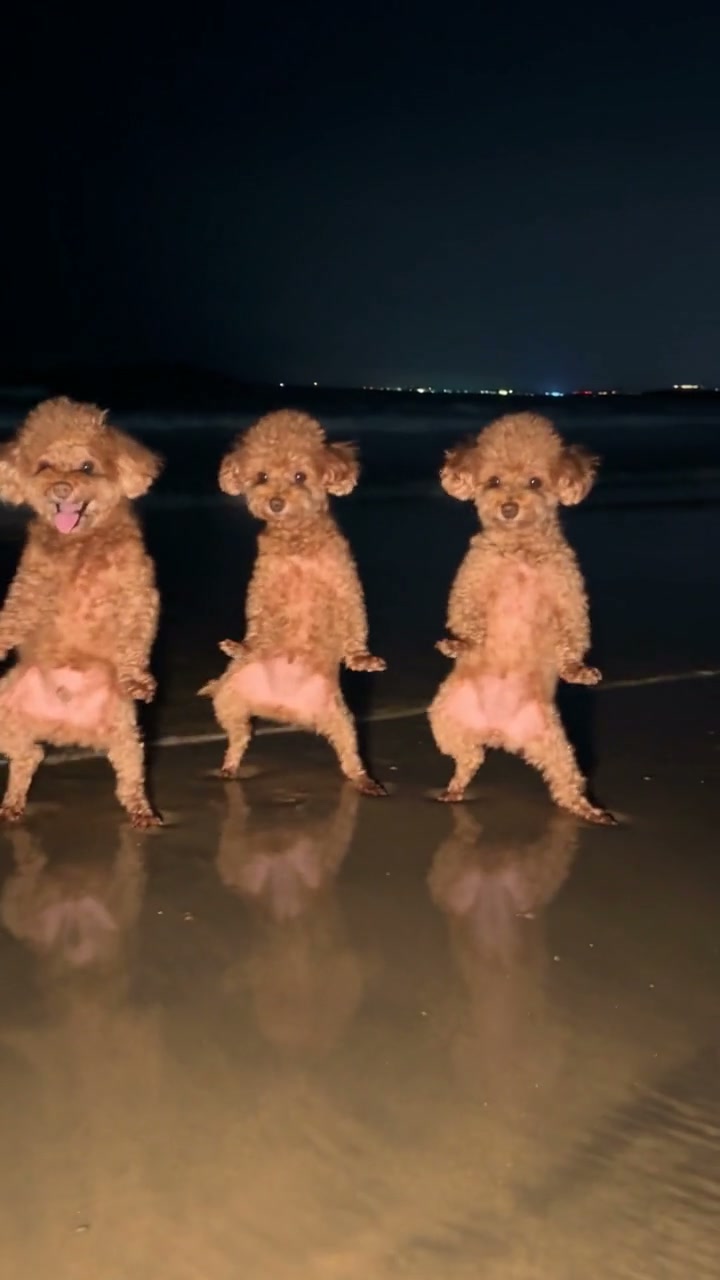
The poodle and cat examples offer two ways to think about cast recognition. Similar coats create a coordinated group, while the cats’ contrasting markings make each role easier to track. Decide whether you want a matching ensemble or three immediately distinguishable personalities before choosing the photos.
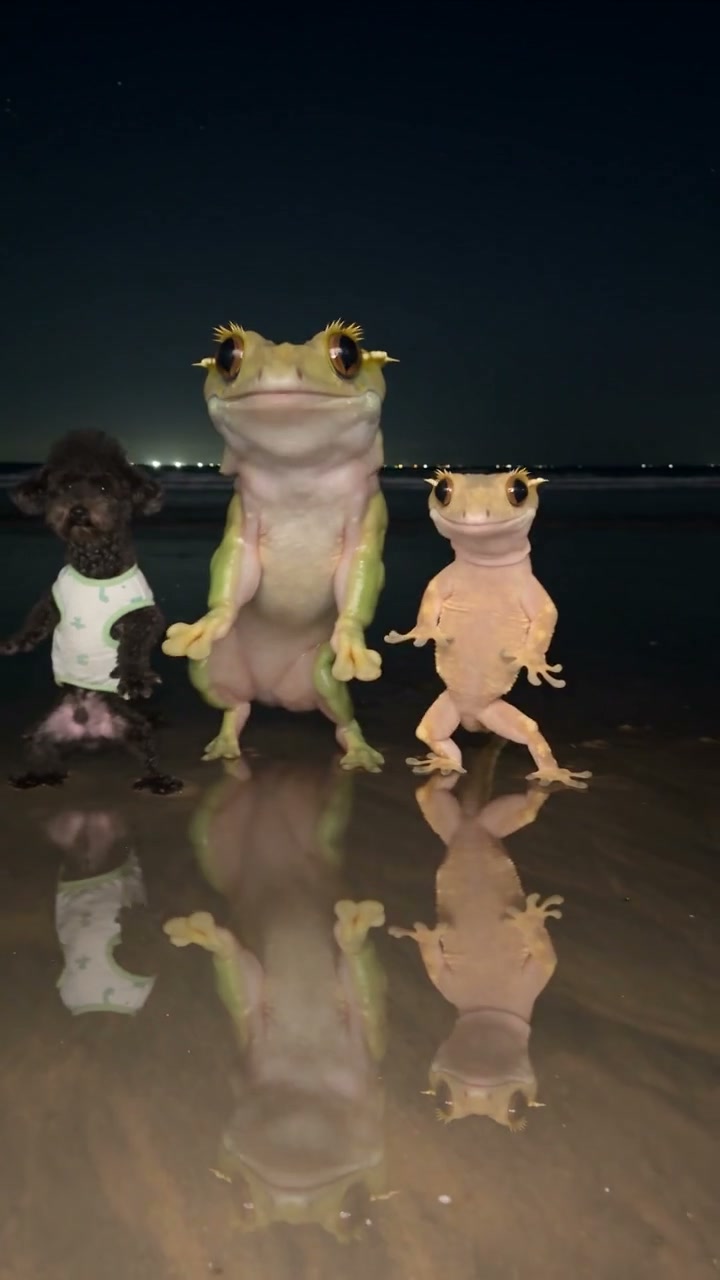
The dog-and-frogs variation changes the proportions dramatically. Notice how much more space the center frog occupies than the smaller dancer on the right. Also look at the opening: part of a frog is already visible behind the dog. The example shows a mixed cast, but it does not demonstrate a perfectly clean solo entrance.
Use those differences as review criteria for your own Day by Day Dance AI result. A funny or appealing trio can still contain early appearances, uneven proportions, or awkward contact. The prepared instructions aim to preserve the routine, but they cannot guarantee an exact identity or natural anatomy in every frame.
Review the arrivals, identities, and reflections
Follow Photo 1 from solo to left
Compare the opening face, fur, and outfit with the left dancer after the others arrive. If the look moves to another role, first check the uploaded thumbnails and their labels. If the inputs are correct, an identity swap is a result defect, not a reason to relabel the characters midway through the video.
Watch both entrances
Look behind and beside the first dancer before the formation is complete. Check for a character appearing too early, an extra body, or two references merging during an overlap. Pause before and after an arrival; a clean final trio alone cannot show whether the buildup worked.
Check limbs and the reflective ground
Follow hands or paws during the raised gestures and look at where the feet meet the surface. Watch for sliding, disappearing legs, or a reflection moving independently of its character. Compare adjacent frames so a moment of motion blur is not mistaken for a persistent shape problem.
Keep the final group distinct
At the end, compare all three performers with the original photos. Tiny accessories, patterned clothes, and coat markings can drift during movement. If a reference is unclear, improve that image before considering another attempt. Each new generation uses credits and may produce different defects; repeated attempts are not a guaranteed fix.
Choose a different number of characters or a new routine
For two characters, the Smalltown Boy AI guide explains separate foreground and background roles. For one pet, the Otsukare Summer Dog AI guide covers a short solo with close-ups and full-body views. Choose the performance that fits your cast rather than leaving required slots empty here.
To use a different location, camera sequence, or motion clip, open the general motion workspace and supply a suitable reference you have permission to use. The dedicated Day by Day tool keeps its prepared routine and waterfront scene.
Day by Day Dance AI questions
Does Day by Day Dance AI need two or three photos?
Exactly three photos are required, one for each role. Photo 1 also controls the opening solo, so you do not need a fourth image. Each photo should show one clearly visible subject.
Why does Photo 1 start alone but finish on the left?
Those moments belong to the same performer in the source routine. The template tracks Photo 1 through the solo and into the trio. Left and right are named from the camera’s view.
Can I use the same pet in all three positions?
Yes. Fill all three required slots with that pet if you want a matching trio. For three distinct characters, choose separate references with recognizable differences in coat, face, or outfit.
Can I replace the poodles with people or other animals?
The template accepts character and pet references for all three roles. Use images you have permission to transform. Different proportions can change how the upright steps look, so review hands, paws, balance, and spacing in the completed video.
Do I need to write a Day by Day Dance AI prompt?
No. The dedicated tool already has instructions for all three photos and the opening solo. Upload the references into their labeled slots, then generate.
Where can I hear the original soundtrack?
Use the loaded reference player or open the finished video in My creations. The article examples play muted. The template restores the reference audio to the generated video without a separate music upload.
Cast your Day by Day Dance AI trio
Prepare three clear photos, assign the solo and group roles, and make the routine your own.
Make a Day by Day Dance AI video