Create a video

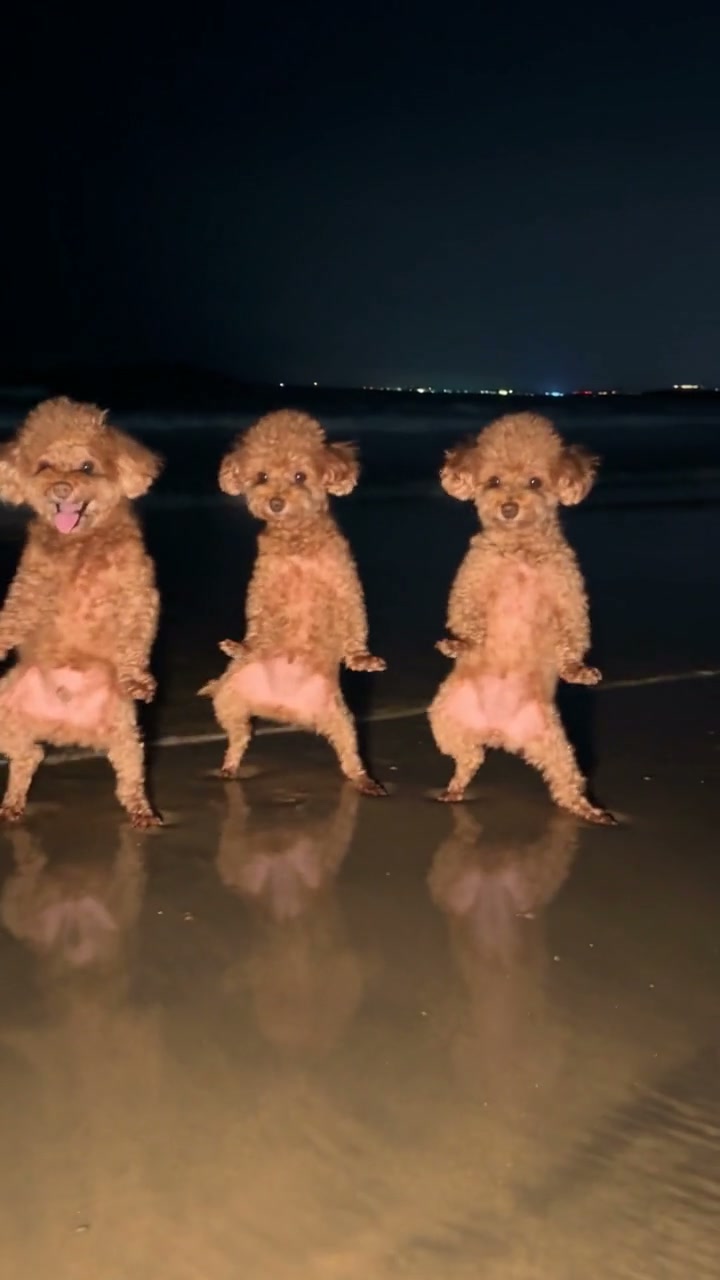
Left / opening solo · Photo 1
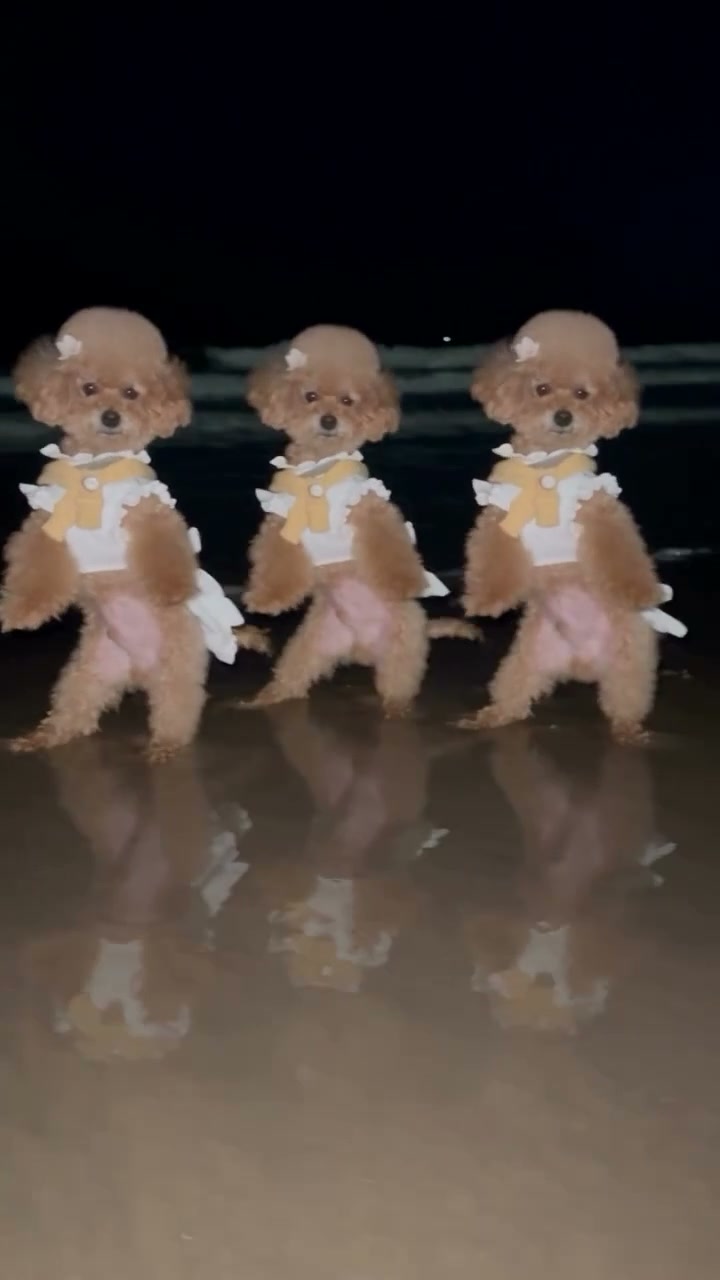
Center · Photo 2
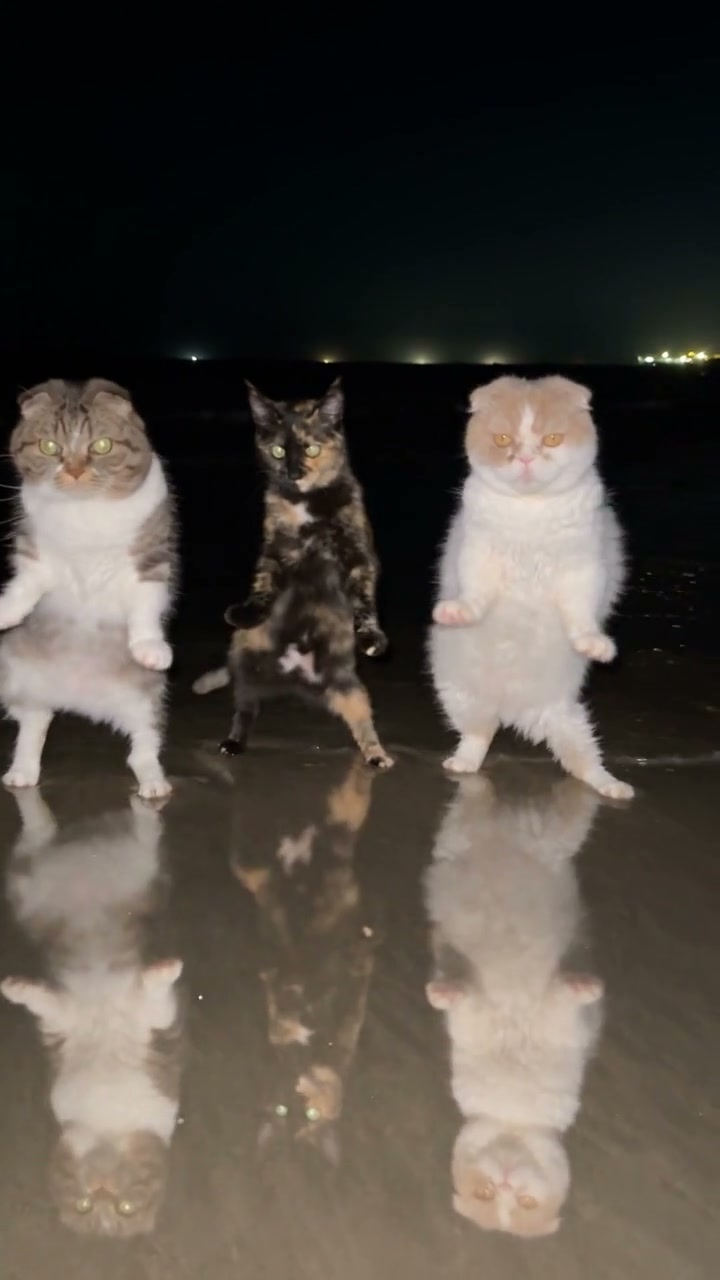
Right · Photo 3

Day by Day Dance AI Video Generator

Turn three character or pet photos into the Day by Day Dance AI trio. Photo 1 starts the solo and becomes the left dancer; Photos 2 and 3 take the center and right. The dance and original soundtrack are already loaded.

What is Day by Day Dance AI?

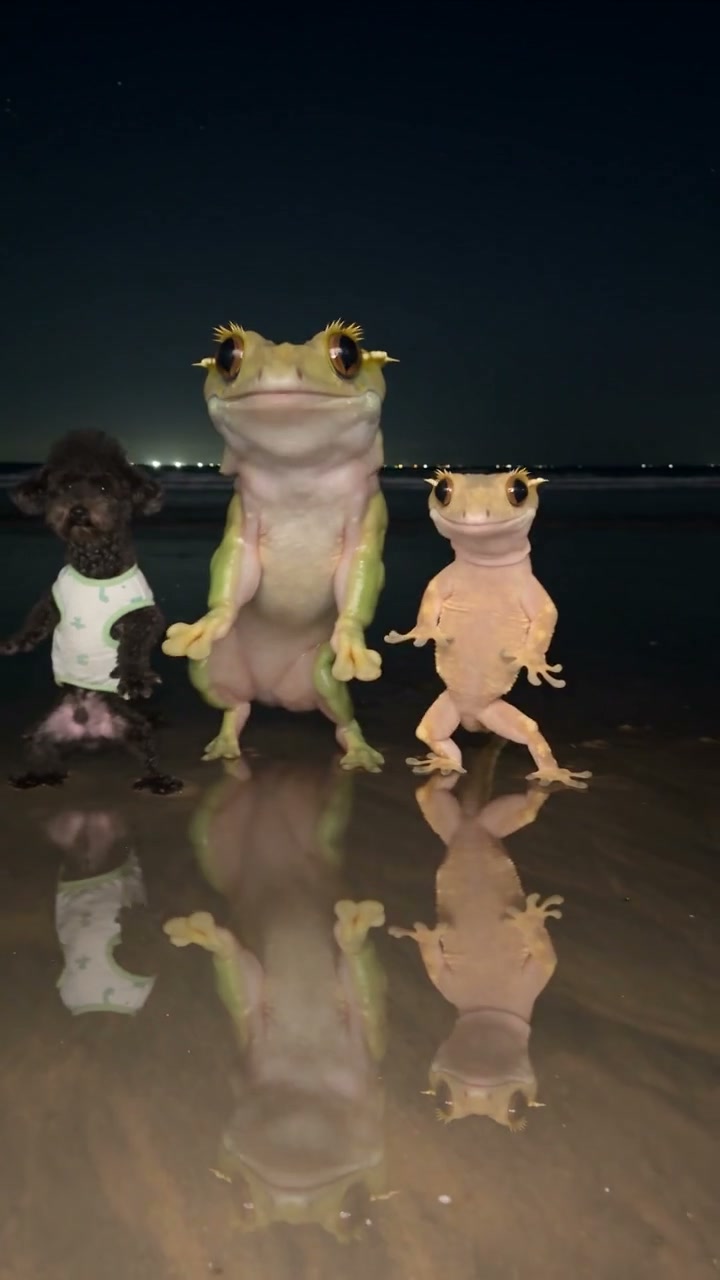
Day by Day Dance AI puts your chosen cast into a short, coordinated dance. The reference begins with one upright poodle, then two more dancers enter and join a three-character formation. Your three photos provide the cast’s appearance while the loaded clip supplies the entrances, steps, rhythm, and waterfront setting. Make a pet trio, a character ensemble, or a playful group of people without filming each performer separately. The tool follows this specific performance from opening solo to final group pose.

Three cats enter and dance together beside the water at night

Make a Day by Day Dance AI video in three steps

Choose your cast, generate the dance, then preview and download your video.

  1. STEP 1

    Upload three character photos

    Add one photo to each role: left and opening solo, center, then right. Use separate pictures with one clearly visible character or pet in each. Show the face, body, and any outfit you want carried into the dance.

  2. STEP 2

    Generate your trio

    The Day by Day Dance AI reference and instructions are ready. Sign in and select Generate after all three slots are filled. The button shows the credit cost; adding photos alone does not start a job.

  3. STEP 3

    Preview and download

    Open My creations and play the complete video with sound. Check the solo, both entrances, and the group dance, then download the result you want to keep or share.

Build your Day by Day Dance AI trio

Three photos choose the cast. One reference brings their entrances and dance together.

One opening solo, three clearly assigned roles

Choose Photo 1 for the character you want the audience to see first. That performer opens alone, then occupies the left side when the trio forms. Photo 2 goes in the center and Photo 3 goes on the right, all viewed from the camera. Day by Day Dance AI keeps those assignments with each character as they move. You do not need a fourth photo for the opening or a group picture showing everyone together.
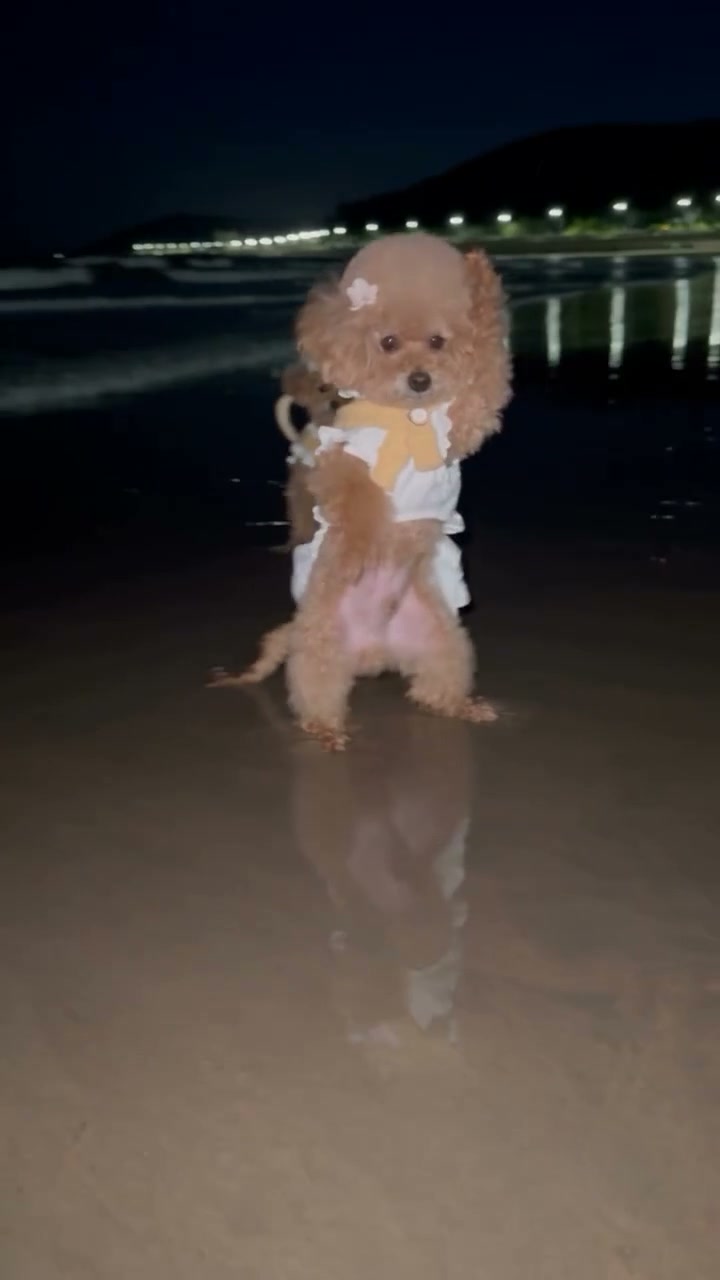
The opening solo poodle before the other two dancers enter; this role uses Photo 1

Give the whole trio a new look

Day by Day Dance AI uses each photo for a complete character: face, hair or fur, body proportions, clothing, and accessories. Choose three pets with different coats, three characters in coordinated outfits, or a mixed cast with distinct silhouettes. The reference already supplies the night scene, so your photos can come from different places. Full-body pictures make the intended look clearer during the upright steps and paw or arm movements. Fine details can vary as the dancers move.

Give the whole trio a new look

Keep the entrances and group dance together

The appeal of Day by Day Dance AI is the buildup from one performer to a full trio. The prepared instruction follows the original entrances, dance moves, spacing, timing, camera work, and background. There is no need to align three separate video clips on a timeline. Watch beyond the opening portrait: the arrivals and side-by-side movements show whether all three chosen characters remain distinct throughout the routine.

Keep the entrances and group dance together

Choose the cast for your Day by Day dance

The same routine can take on a different character with each set of three photos. Start with the look you want viewers to recognize.

A three-pet dance

Use one pet per photo, with the face, ears, coat, and paws visible. Different coat colors or shapes help separate the trio visually. Your pets do not need to stand upright or know the dance in their reference pictures.

A coordinated character group

Choose authorized character images with complete outfits and a consistent visual style. Clothing comes from each upload, so matching colors should already be present in the pictures. The page does not have a separate wardrobe slot.

A playful mixed cast

Try people and pets in the same Day by Day Dance AI routine. Differences in height and anatomy can change how movements look. Review feet, paws, hands, and spacing before sharing; the source choreography cannot guarantee identical anatomy across every kind of character.

What your Day by Day Dance AI video includes

A fixed dance template with three photo roles and the original sound.

Three complete appearances

Each photo supplies one performer’s identity and visible look. The instruction keeps the roles consistent, including Photo 1’s solo. You can replace a selected photo before generating without rewriting the dance instructions.

A short portrait video

The Day by Day Dance AI reference runs for about 12 seconds in a 9:16 vertical frame. Output follows its duration and composition. This page does not offer a different scene length or a landscape crop.

The reference soundtrack

Seedance 2.5 Edit generates video with new audio disabled. The original reference soundtrack is added afterward. Page examples play muted; listen through the reference player or your completed video in My creations.

Results you can revisit

Play and download available results from My creations or video history. Watching a saved result does not submit another generation. Keep a downloaded copy of clips you want to retain.

Day by Day Dance AI credits and plans

Generation uses credits based on the reference duration and selected resolution. The cost appears on Generate. Plan examples may use other models and lengths; use the workspace price for this particular trio.

Starter

For your first ideas.

$8.3/month

$100.0 charged yearly

2,400 credits/year

Up to 400 images

GPT Image 2Nano Banana Pro

Up to 133 videos

Seedance 2.5Kling 3.0 Motion Control
  • Up to 4K images and HD videos, depending on the model
  • Image editing, video creation & motion transfer
  • Watermark-free image & video downloads
  • Generation history in your account
Popular40% OFFSave $238.8

Pro

For a steady creative flow.

$30.0/month$49.9/month

$360.0 charged yearly

21,600 credits/year

Up to 3,600 images

GPT Image 2Nano Banana Pro

Up to 1,200 videos

Seedance 2.5Kling 3.0 Motion Control
  • Up to 4K images and HD videos, depending on the model
  • Image editing, video creation & motion transfer
  • Watermark-free image & video downloads
  • Generation history in your account
  • Use credits across image and video models
Best Value50% OFFSave $599.8

Business

For more creations, more often.

$49.9/month$99.9/month

$599.0 charged yearly

48,000 credits/year

Up to 8,000 images

GPT Image 2Nano Banana Pro

Up to 2,666 videos

Seedance 2.5Kling 3.0 Motion Control
  • Up to 4K images and HD videos, depending on the model
  • Image editing, video creation & motion transfer
  • Watermark-free image & video downloads
  • Generation history in your account
  • Use credits across image and video models

Basic

$0

Try before you subscribe

  • 18 one-time signup credits
  • Generation history included
  • Watermarked previews & downloads
  • Up to 3 images or 1 video
  • Watermark-free downloads require payment

Prices in USD; taxes and total shown at checkout. Subscriptions renew automatically; cancel in Billing settings. Subscription credits expire each period; one-time credits never expire.

Refunds: request within 72 hours. Used purchased credits and applicable non-refundable processing costs (up to 6%) are deducted. Terms · Refund Policy

Day by Day Dance AI questions

Photo order, pets, the opening solo, and your finished dance video.

How many photos does Day by Day Dance AI need?

Exactly three separate photos, one per role. All three slots are required. The reference video is already loaded, so you do not need to upload dance footage, background scenery, or a fourth image for the solo.

Which photo controls the opening solo?

Photo 1 controls the opening solo performer and the left dancer once all three have arrived. Photo 2 controls the center performer, and Photo 3 controls the right. Left and right are viewed from the camera, rather than from the dancers’ perspective.

Can I use pets other than poodles?

You can upload other pets or authorized characters for Day by Day Dance AI. Show one clear subject per image with its face, coat, and body visible. The original upright dance is a stylized performance; paws, balance, and proportions may vary when adapted to a different animal.

Can Day by Day Dance AI use human photos?

Yes, character or human photos can fill the same three roles. Use photos you have permission to use and make clear that the result is AI-created. Choose a view that includes the intended clothes and body, since the instruction replaces the full appearance rather than only a face.

Do I need three full-body pictures?

Full-body pictures are preferable because the Day by Day dance shows the performers from head to feet or paws. A tight selfie leaves the rest of the appearance unspecified. Avoid collages, overlapping subjects, heavy blur, and accessories that hide the face.

Can I put the same pet in all three positions?

You can fill each slot with the same pet if you want a matching trio. For three distinct characters, use different references. Keep every slot to one subject so the role assignment stays clear; one group photo does not tell the tool which subject belongs in each position.

Does Day by Day Dance AI include the original music?

The finished video uses the audio from the loaded reference. Model-generated audio stays off, and no music upload is required. Body examples are muted. Use the reference player to listen, then check the soundtrack in My creations before downloading. Your intended publication still needs permission to use the audio.

Can I change the dance, background, or camera?

This Day by Day Dance AI page follows the fixed routine and nighttime waterfront setting. It has no choreography or background selector. For a new scene or your own motion clip, use the general video or motion-transfer workspace instead.

Do I need to write a Day by Day Dance AI prompt?

No. The prepared instruction already maps all three photos, identifies the solo performer, and follows the reference timing and formation. The model and original-audio workflow are configured for this template, so you can focus on choosing your cast.

What should I check before sharing the result?

Play the whole clip, including both entrances. Check whether the solo character stays on the left, whether the center and right roles remain distinct, and whether clothing or fur changes during movement. Look at overlapping limbs, feet touching the ground, and the final trio. An attractive first frame alone does not show the full result.

Is Day by Day Dance AI free to generate?

You can explore the page and watch the reference before generating. Creating a video requires an account and sufficient credits for the cost shown on Generate. Each new attempt is a separate generation; previewing or downloading an existing available result does not start another job.

How do I improve a character that changes during the dance?

Replace an unclear photo with a sharper single-subject view that includes the face, hair or fur, body, and clothes. Keep the three role assignments in order. Better references may improve the result, though precise likeness, limb motion, and small accessories are not guaranteed throughout every frame.

Create your Day by Day Dance AI trio

Choose your opening star, add the center and right performers, and bring all three into the same dance.

Day by Day Dance AI reference with three poodles dancing beside the water at night